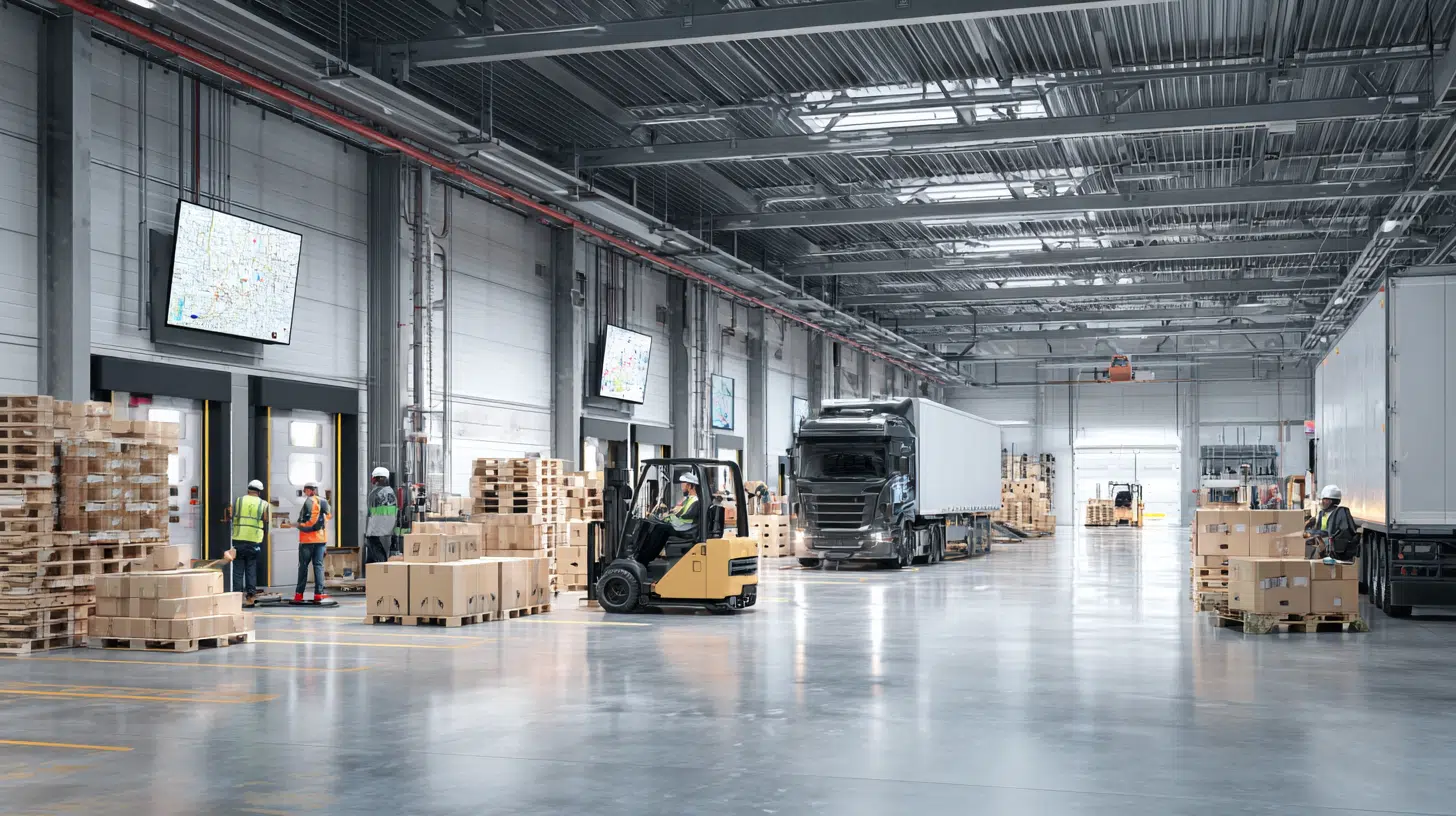
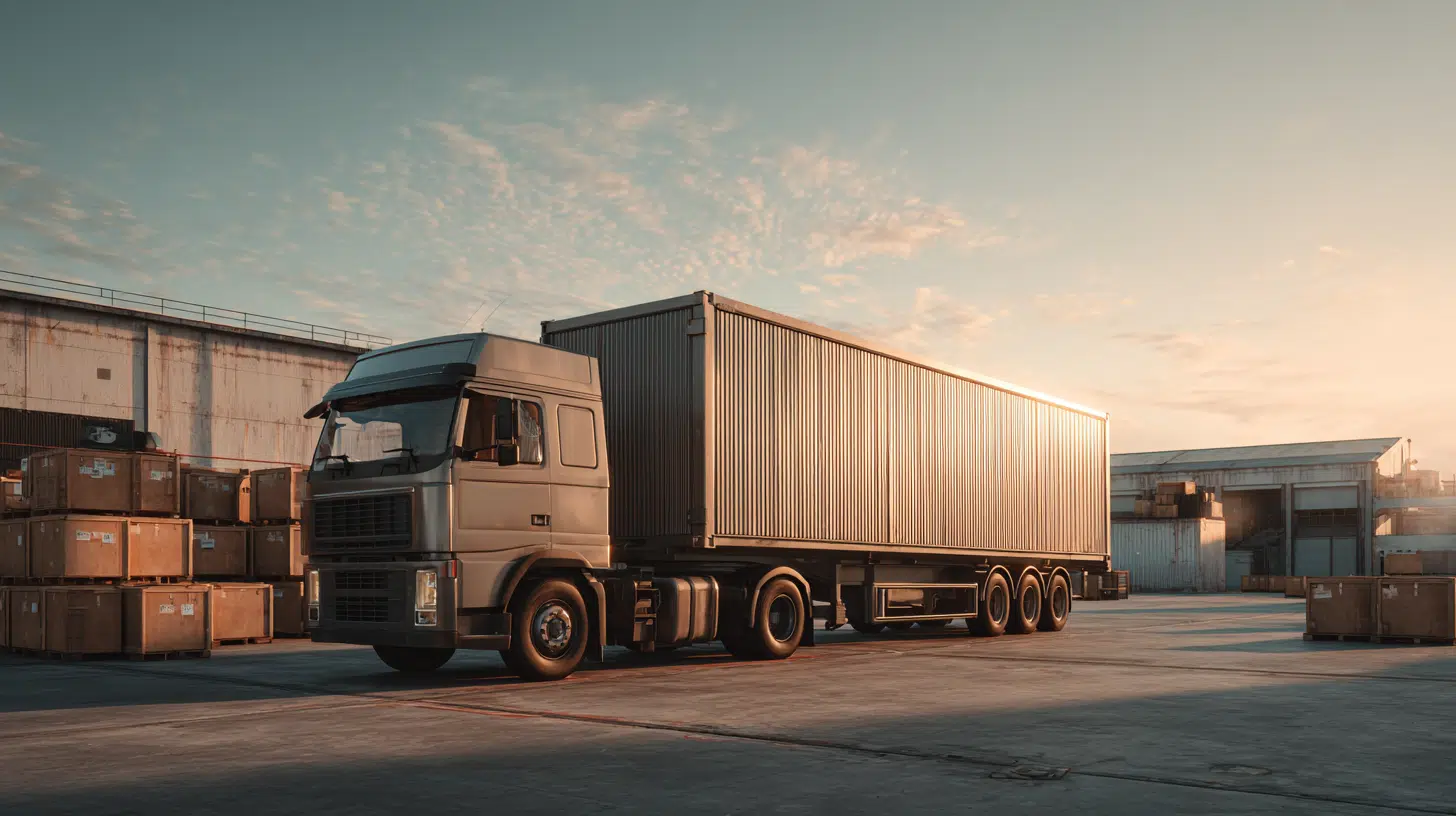
A busy yard can look under control until one late trailer, blocked dock, or missed update slows everything down.
If you work around daily yard operations, you know how quickly small delays can affect drivers, docks, and the rest of the team. That is where a yard management system starts to make sense.
When information is easier to see and share, daily work feels more organized, responsive, and manageable.
What Is a Yard Management System?
A yard management system is software that helps companies track trailers, manage yard movements, schedule docks, and improve visibility from the gate to the warehouse.
It creates a digital view of daily yard activity so teams can decide faster.
A yard management system manages the movement of trailers, containers, drivers, and yard equipment within a facility.
It helps teams know where assets are located, what is waiting, and what needs attention. The yard is often a visibility gap because many activities happen outside the warehouse.
Manual tracking through calls, spreadsheets, or paper records can create delays. A digital system connects gate activity, trailer locations, dock schedules, and yard operations in one place.
Core Capabilities of a Yard Management System

A yard management system helps logistics teams control daily yard activities by improving visibility, organizing movements, and reducing delays. These capabilities support smoother operations across gates, docks, and storage areas.
1. Trailer Tracking
Trailer tracking helps teams monitor trailer locations, status, and movement throughout the yard. Instead of relying on manual updates, employees can quickly identify available, loaded, or waiting trailers.
- Location Updates: Provides accurate information about where each trailer is parked or positioned.
- Faster Searches: Reduces time spent locating trailers across large yard areas.
- Status Monitoring: Shows whether trailers are empty, loaded, waiting, or ready for movement.
- Better Coordination: Helps yard teams plan moves based on current trailer information.
- Reduced Errors: Limits confusion caused by manual tracking methods.
- Improved Productivity: Helps employees complete yard tasks with fewer delays.
2. Dock Scheduling
Dock scheduling helps businesses manage incoming and outgoing shipments by organizing dock appointments and available doors. It improves coordination between carriers, warehouse teams, and drivers.
- Appointment Planning: Organizes delivery and pickup schedules before trucks arrive.
- Dock Availability: Shows open and occupied dock spaces in real time.
- Less Waiting: Helps reduce truck queues and unnecessary delays.
- Better Workflows: Matches dock assignments with operational priorities.
- Carrier Coordination: Keeps drivers and carriers informed about scheduled activities.
- Higher Efficiency: Improves dock usage and daily warehouse flow.
3. Asset Visibility
Asset visibility gives teams a clear view of trailers, containers, equipment, and other yard resources. It helps companies understand what assets they have and where they are located.
- Real-Time Tracking: Displays current asset locations across the facility.
- Inventory Awareness: Helps teams know available equipment and trailer conditions.
- Improved Planning: Supports better decisions using accurate yard information.
- Reduced Asset Loss: Makes it easier to identify misplaced equipment.
- Connected Operations: Links yard data with other logistics systems.
- Better Control: Provides clearer oversight of daily yard activities.
4. Reducing Detention and Congestion
A yard management system helps reduce detention costs and congestion by improving movement planning, communication, and operational visibility. Teams can identify bottlenecks and take action before delays increase.
- Faster Check-In: Speeds up gate processes for arriving drivers.
- Lower Waiting Times: Helps reduce delays caused by poor coordination.
- Traffic Management: Organizes vehicle movement to prevent yard congestion.
- Dwell Tracking: Monitors how long trailers remain in specific areas.
- Process Improvements: Identifies repeated delays and operational issues.
- Cost Reduction: Helps lower expenses linked to detention and inefficiencies.
How Does a Yard Management System Work?
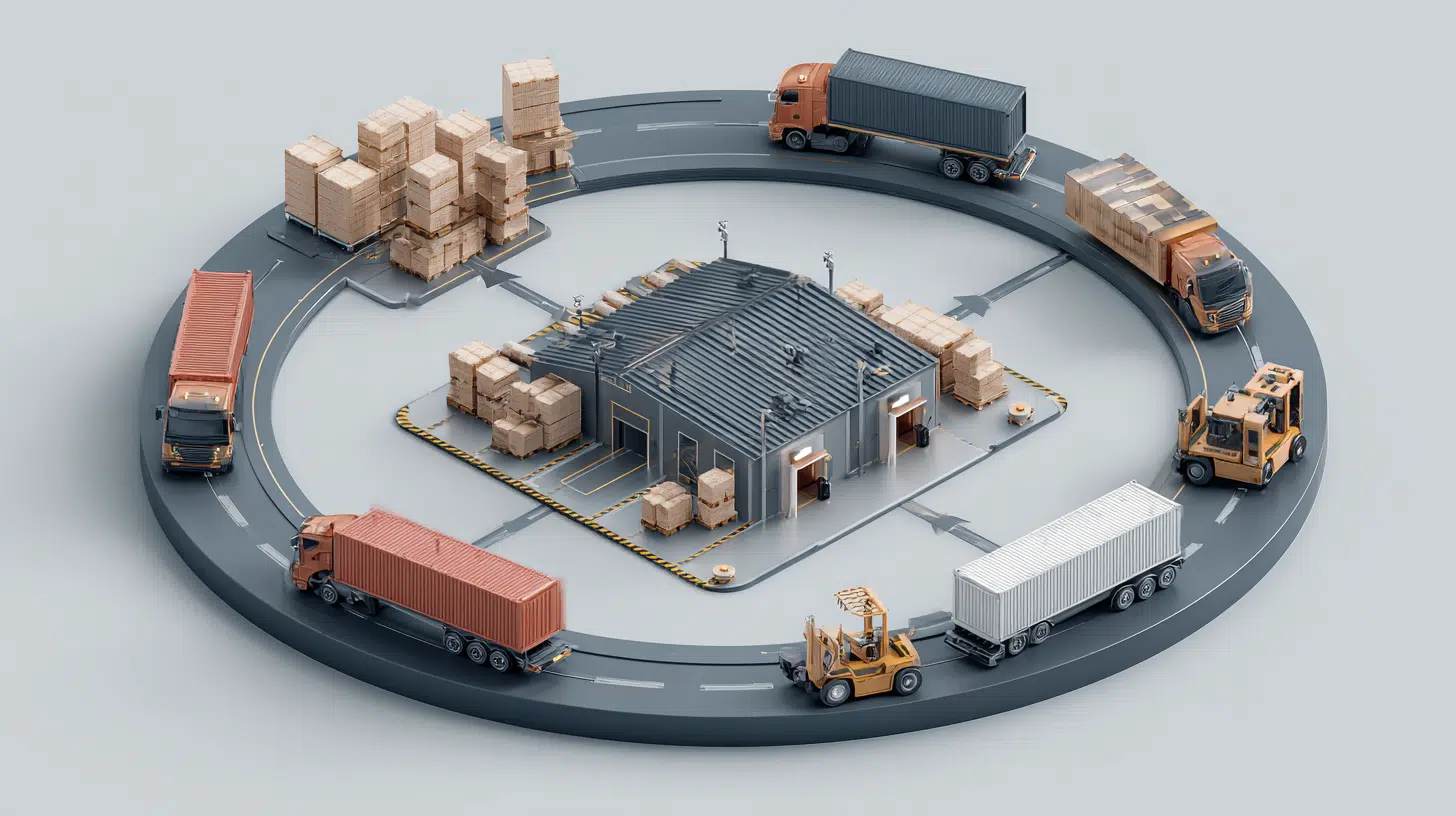
A yard management system tracks and coordinates trailer activity from the moment a truck enters the facility until it leaves. It connects gate, yard, and dock operations in one digital workflow.
At check-in, the system records driver and trailer details, confirms appointments, and creates an arrival record. The system then assigns the trailer to an available parking area based on yard capacity and operational needs.
Next, yard teams receive movement tasks and instructions for transferring trailers between parking areas and dock doors. Dock scheduling helps match trailers with available doors for loading or unloading.
Once the work is complete, the system records the trailer departure. It can also track dwell time, turnaround time, and yard performance for future planning.
Biggest Problems a Yard Management System Solves
A yard management system helps address these challenges by organizing yard activity through real-time information, better coordination, and digital tracking. It gives teams a clearer picture of what is happening across the facility.
Common Yard Problem | Operational Impact | How YMS Helps |
|---|---|---|
Lost trailers | Wasted search time | Shows real-time trailer locations |
Long wait times | Delayed loading and unloading | Improves dock planning |
Manual paperwork | Slower processes and errors | Creates digital records |
Yard congestion | Poor trailer movement flow | Organizes yard activities |
High detention fees | Increased transportation costs | Tracks dwell time |
Missed schedules | Carrier and shipment delays | Improves coordination |
Poor visibility | Limited operational control | Provides real-time updates |
Common Yard Management System Types and Software Options
Yard management systems are available in different formats based on how a company operates, where the software is hosted, and how closely it needs to connect with other logistics tools.
- Standalone YMS: Works as an independent platform focused mainly on yard operations.
- Cloud-based YMS: Runs online and can be accessed through connected devices.
- On-premises YMS: Installed and managed within a company’s own IT environment.
- Integrated YMS: Connects with WMS, TMS, ERP, and other business systems.
- Automated YMS: Uses technologies such as IoT devices, sensors, cameras, and automated gates.
- Multi-site YMS: Supports yard operations across several facilities within one system.
Real software platforms include Kaleris YMS, which provides yard, gate, dock, asset, and automation capabilities. Another example is Manhattan Yard Management, which connects yard activity with broader warehouse and transportation operations.
Who Needs a Yard Management System?
A yard management system is most useful for businesses that handle frequent trailer movements, busy dock schedules, and large volumes of incoming or outgoing freight.
Distribution centers often need one because they manage high trailer volume and multiple dock doors at the same time. Better visibility helps teams keep arrivals, loading, and departures organized.
Manufacturing facilities can use a yard management system to coordinate raw material deliveries with production schedules. This helps prevent delays that could affect plant operations.
Third-party logistics providers also benefit because they manage several customers, carriers, and shipment types in one yard.
Retail and e-commerce warehouses may need a YMS during periods of fast inventory movement. It can be especially helpful during peak seasons when trailer traffic and dock demand increase.
Yard Management System vs. WMS vs. TMS
A yard management system, warehouse management system, and transportation management system support different parts of logistics operations. The main difference is where each system works and what it controls.
Comparison | YMS | WMS | TMS |
|---|---|---|---|
Main Purpose | Manages yard operations | Manages warehouse operations | Manages transportation operations |
Main Area | Yard and gate areas | Inside the warehouse | Freight movement between locations |
Controls | Trailers, gates, docks | Inventory and fulfillment | Routes, carriers, shipments |
Key Focus | Yard visibility and movement | Inventory accuracy and order flow | Transportation planning and delivery |
Common Use | Trailer tracking and dock scheduling | Picking, packing, and storage | Carrier selection and route planning |
When these systems connect, data moves more smoothly between teams. This can reduce manual updates, improve scheduling, and give managers a clearer view of the full logistics process.
How to Choose the Right Yard Management System
Choosing the right yard management system means looking beyond basic features. Focus on how well the platform fits your current operations, technology, facility size, and future growth plans.
- Check Integration Options: Make sure the system can connect with your WMS, TMS, ERP, and other logistics tools without creating extra manual work.
- Evaluate Tracking Capabilities: Look for real-time trailer visibility, accurate location updates, and clear status tracking across different areas of the yard.
- Review Automation Features: Check for gate automation, alerts, task assignments, and digital workflows that can reduce repetitive manual processes.
- Consider Scalability: Choose a system that can support additional facilities, higher trailer volumes, and more complex operations as your business grows.
Conclusion
Keeping yard operations organized does not have to feel complicated. The right approach can give you more clarity, better control, and a stronger sense of what needs attention each day.
A yard management system can support that shift by making daily work feel more connected and manageable.
I think the key is choosing a setup that matches the way your team already works.
Yard management software should feel practical, easy to use, and useful. If your current process feels scattered or harder to manage than it should, take a closer look at what you can improve.
Start with your main needs, compare your options carefully, and choose a solution that fits your operation.
Frequently Asked Questions
Does a Yard Management System Require Special Hardware?
Not always. Some platforms work with existing computers and mobile devices, while others may require scanners, sensors, kiosks, cameras, or other hardware based on the setup.
Who Usually Manages a Yard Management System?
Responsibility often falls to yard managers, logistics supervisors, warehouse leaders, or operations teams, depending on how the company divides daily responsibilities.
Can Employees Access a YMS From Mobile Devices?
Some platforms offer mobile access through smartphones, tablets, or dedicated apps, allowing authorized employees to use certain functions.
What Happens to Historical Data In a YMS?
Many platforms retain historical records according to their storage policies, allowing businesses to keep past operational information available.