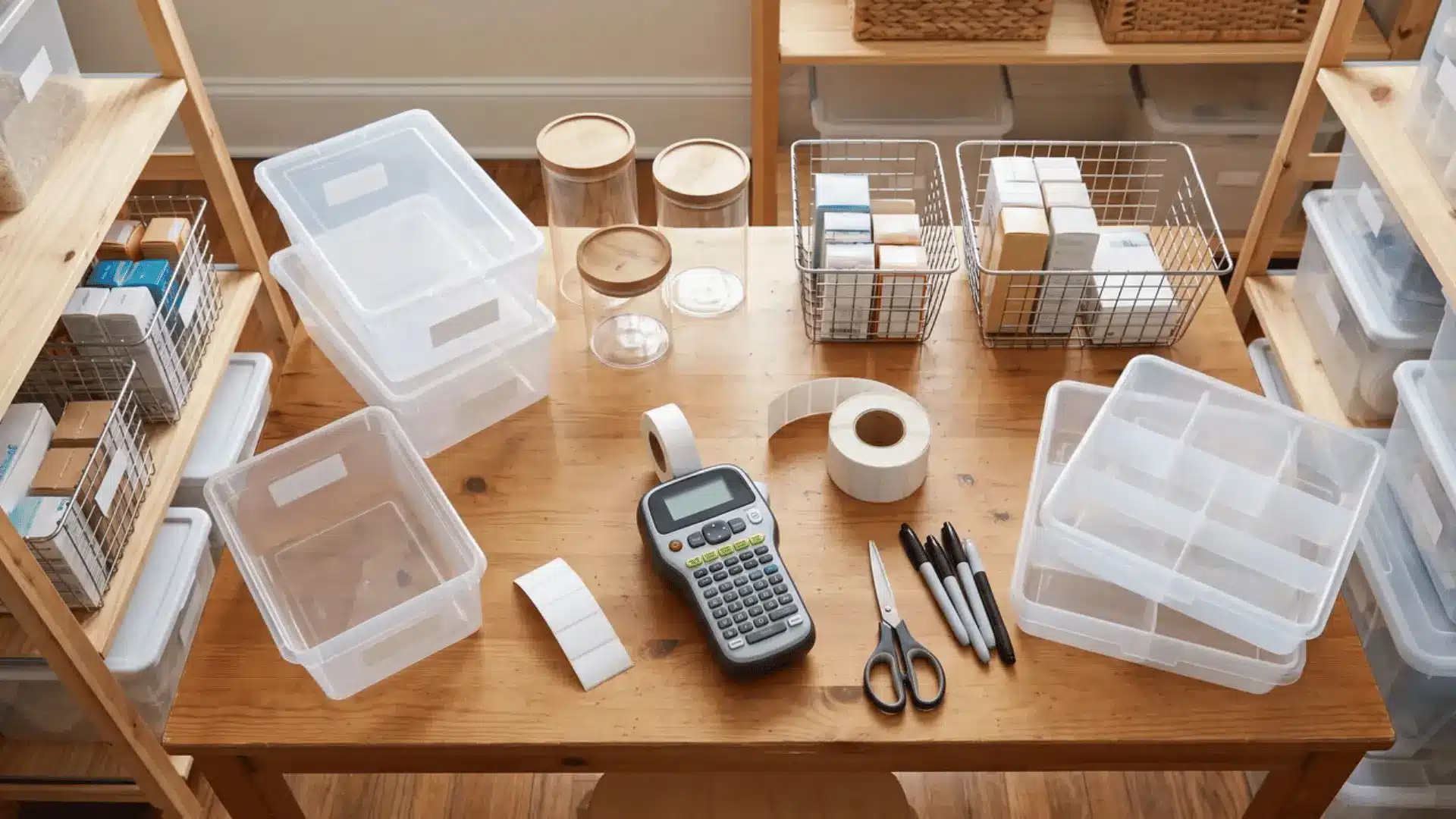
A label maker can seem like a simple buy until the labels look wrong, peel off, or feel awkward to create.
Finding the best label maker for home organization means matching the machine to your space, label style, and printing habits.
Pantry jars, garage shelves, and bathroom drawers need different label sizes, materials, and levels of durability to stay useful over time.
Here, I will explain how the main types compare, where they work best, and which limits matter before you choose one.
Note: Prices below reflect manufacturer list pricing at time of writing and can shift with retailer sales. Please check at various stores before choosing the best label maker.
Which Type of Label Maker Actually Fits How You Organize?
Label makers for home organization fall into three categories. Each one solves a different problem, not a different budget.
The real question is what you’re labeling, not what you want to spend. That single shift changes everything.
Standalone and Bluetooth devices print on laminated tape that sticks to bins, folders, and shelves for years. Thermal printers use heat to print on small sticker rolls, perfect for jars and pantry containers.
Laminated tape is dishwasher-safe and freezer-safe. Thermal sticker paper is not. Put a thermal label on a freezer bin, and it fades within weeks.
If you’re labeling permanent storage, go laminated. If you’re tagging spice jars or items you’ll reorganize eventually, thermal is the smarter pick.
In my experience walking new homeowners through move-in day, the label almost never fails because of the machine.
It fails because someone used tape meant for a closet shelf on a container that goes in and out of a dishwasher every week.
Standalone Keyboard Label Makers
These three best label maker for home organization all print on laminated TZe or LetraTag tape. No phone, no app, no setup. You type, you print, you stick the label on, and move on.
1. Brother PT-D410
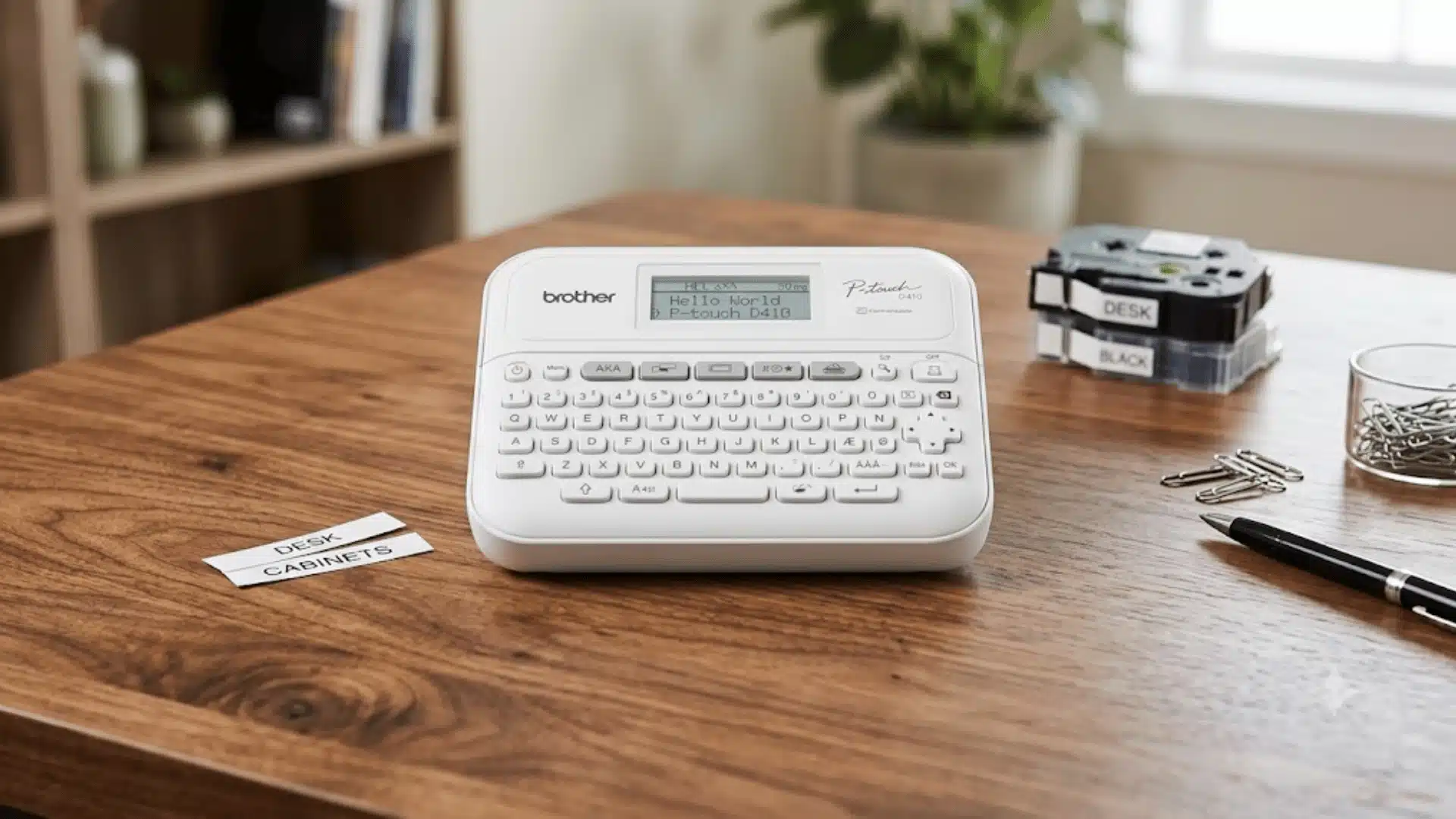
Price: $69.99
Brother launched its P-touch line in Japan in 1988 and brought it to the US in 1989. The PT-D410 is one of the most capable standalone models in the home range.
It connects to a PC or Mac via USB, unlocking the free P-touch Editor software. That’s useful when labeling an entire pantry, and you want consistency across every bin.
The tape goes up to 3/4 inch wide, readable on large bins from across a room. Fair warning: the screen is tiny. Designing on the device itself is slow work.
Key features:
- Prints on TZe laminated tape up to 3/4″ (18mm) wide in five widths
- 15 fonts, 13 font styles, 120 frames, and 700+ built-in symbols
- USB connectivity with free P-touch Editor software for PC and Mac
- 30 preset templates and 30MB memory storing up to 50 saved labels
2. Brother PT-H110
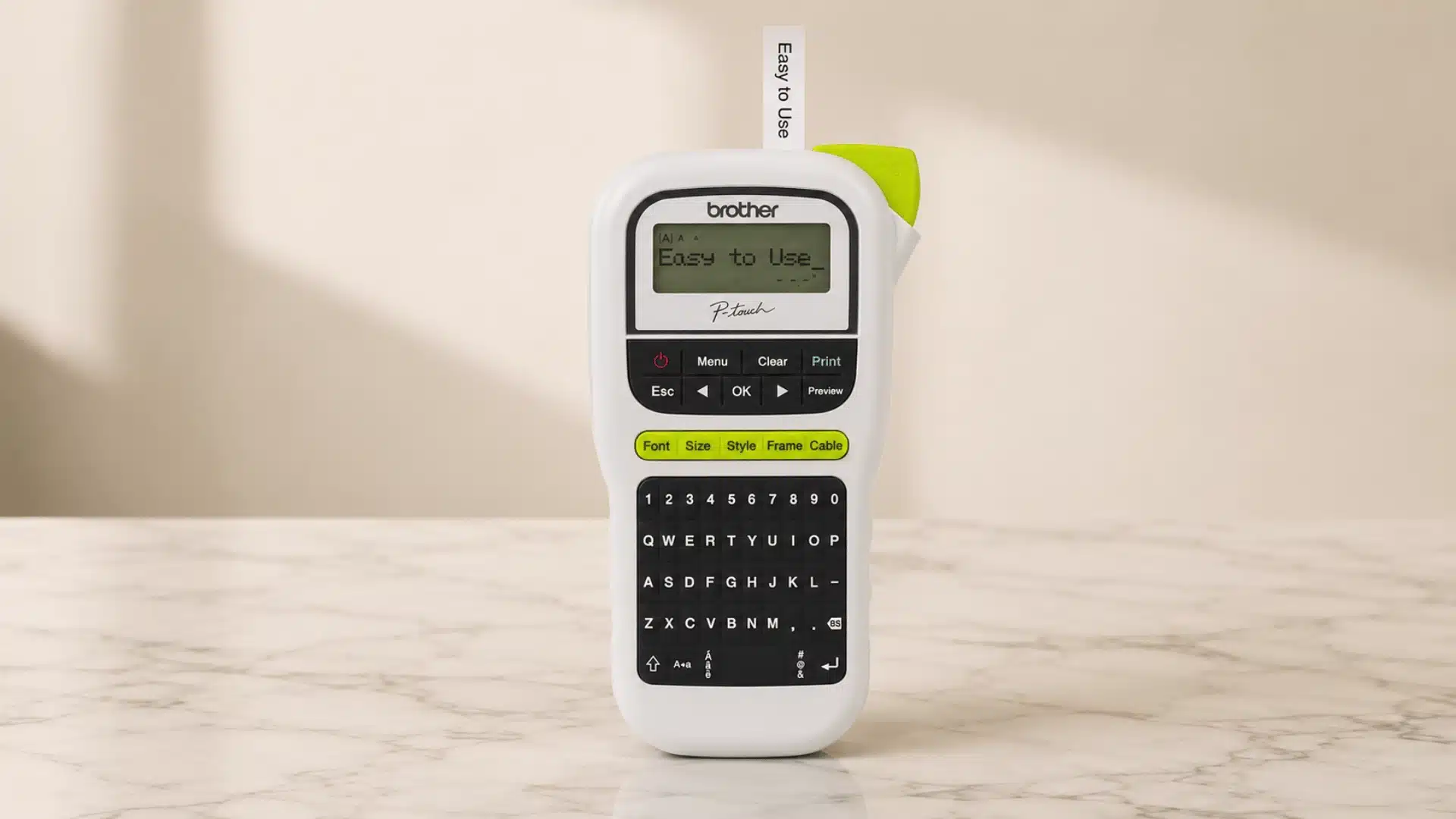
Price: $34.99
Brother designed the PT-H110 as a portable, battery-powered everyday label maker. It runs on six AAA batteries, has no USB port, and weighs under a pound.
If you want to walk through your house, labeling shelves, boxes, and cables without a desk, this is the one. The tape maxes out at 1/2 inch, which works for most home uses.
There’s no PC connection. What you see on the one-line 15-character display is what you get. For anyone who just wants to type and print, that’s actually a feature.
Key features:
- Prints on TZe laminated tape up to 1/2″ (12mm) wide
- 3 fonts, 14 frames, and 250+ symbols with 10 font styles
- Battery-powered with no AC adapter or USB required
- Stores up to 15 labels in memory for quick reprinting
3. Dymo LetraTag LT-100H
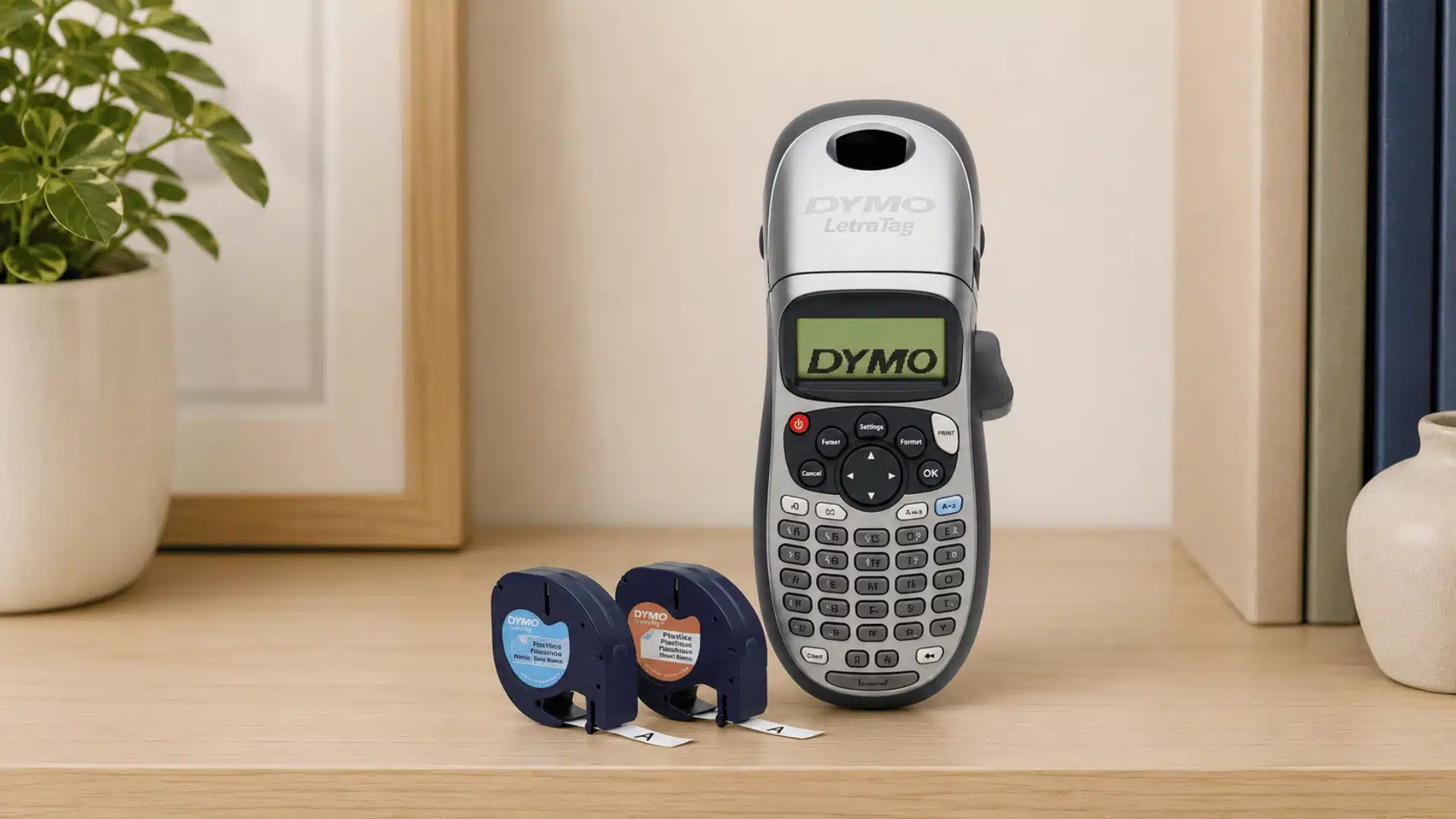
Price: $24.97
DYMO was founded in 1958 in Berkeley, California, by Rudolph Hurwich as DYMO Industries. It was the first company to bring a personal handheld label maker to market.
The LT-100H is their home-focused handheld, built around 1/2-inch LetraTag tape. LetraTag cassettes are sold at most major retailers but offer a narrower variety than Brother’s TZe range.
If you’re already in the Dymo ecosystem, this is a solid pick. Starting fresh? Brother gives you more tape options and greater flexibility long-term.
Key features:
- Prints on 1/2″ (12mm) LetraTag tapes in paper, clear, plastic, and textile finishes
- 5 font sizes, 7 print styles, and 8 box styles
- Graphical display to preview label design before printing
- Auto-off power saving and two-line printing capability
Bluetooth App-Connected Label Makers
These three printers have no built-in keyboard. You design labels from your phone or PC and send them wirelessly to print.
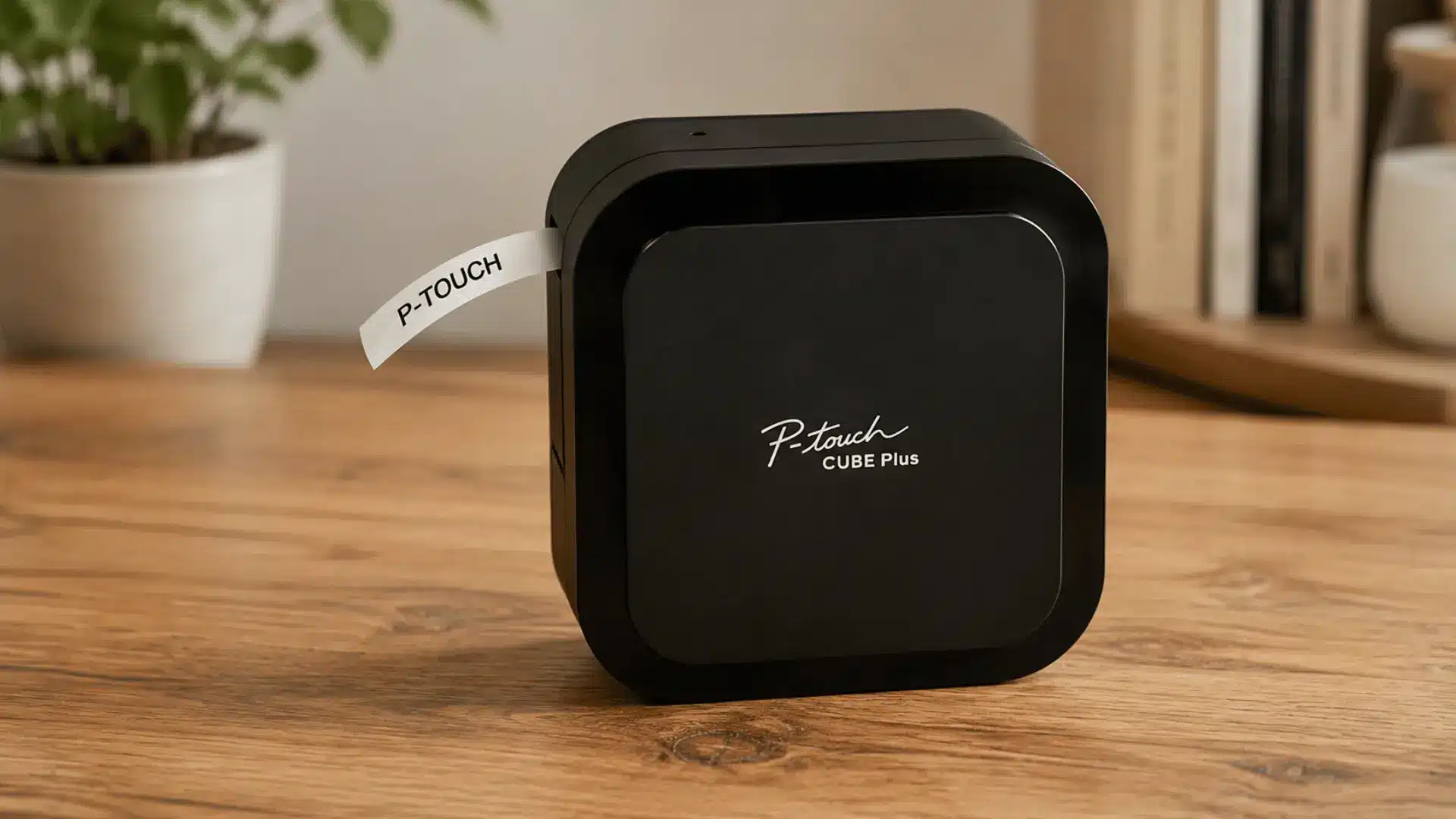
4. Brother P-Touch Cube Plus (PT-P710BT)
Price: $114.99
Brother introduced the P-touch line in 1988 and refined it for decades. The Cube Plus is built for home organizers who want labels that look designed.
There’s no keyboard on the device itself. You design from your phone using the free Design & Print 2 app or P-touch Editor on PC.
That app access opens up Google and Apple font libraries. It’s what separates this from every standalone keyboard device in the previous category.
Key features:
- Prints on TZe laminated tape up to 1″ (24mm) wide
- Compatible with Design&Print 2 app, iPrint&Label, and P-touch Editor software
- Bluetooth wireless plus USB cable for PC connectivity
- 1,900+ symbols and 220+ templates via PC; built-in Li-ion battery
5. Dymo LabelManager 280
Price: $89.99
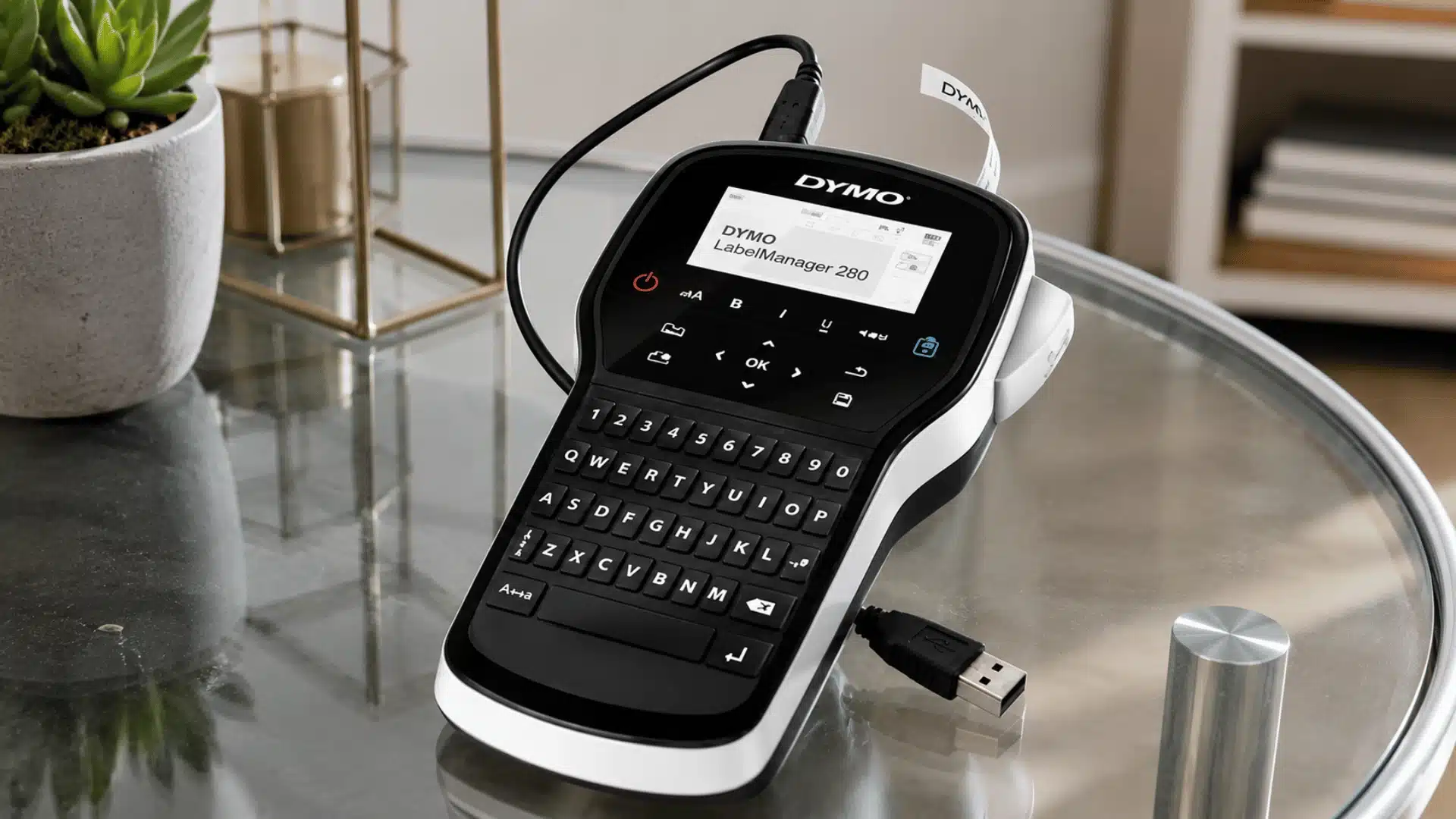
DYMO was founded in 1958 in Berkeley, California by Rudolph Hurwich. The LabelManager 280 has a full QWERTY keyboard and connects to a PC via USB.
It does not have Bluetooth. You can customize labels from your computer, but you need the cable to do it.
On the device itself, the keyboard and large graphical display make standalone labeling fast. It’s DYMO’s strongest handheld if you’re already in their ecosystem.
Key features:
- Prints on D1 laminated tape up to 3/4″ (19mm) wide in 40+ color combinations
- Full QWERTY keyboard with large graphical display and label preview
- PC and Mac USB connectivity with rechargeable lithium-ion battery
- 7 text styles, two-line printing, and barcode printing capability
6. Brady BMP21-Plus
Price: $99.00
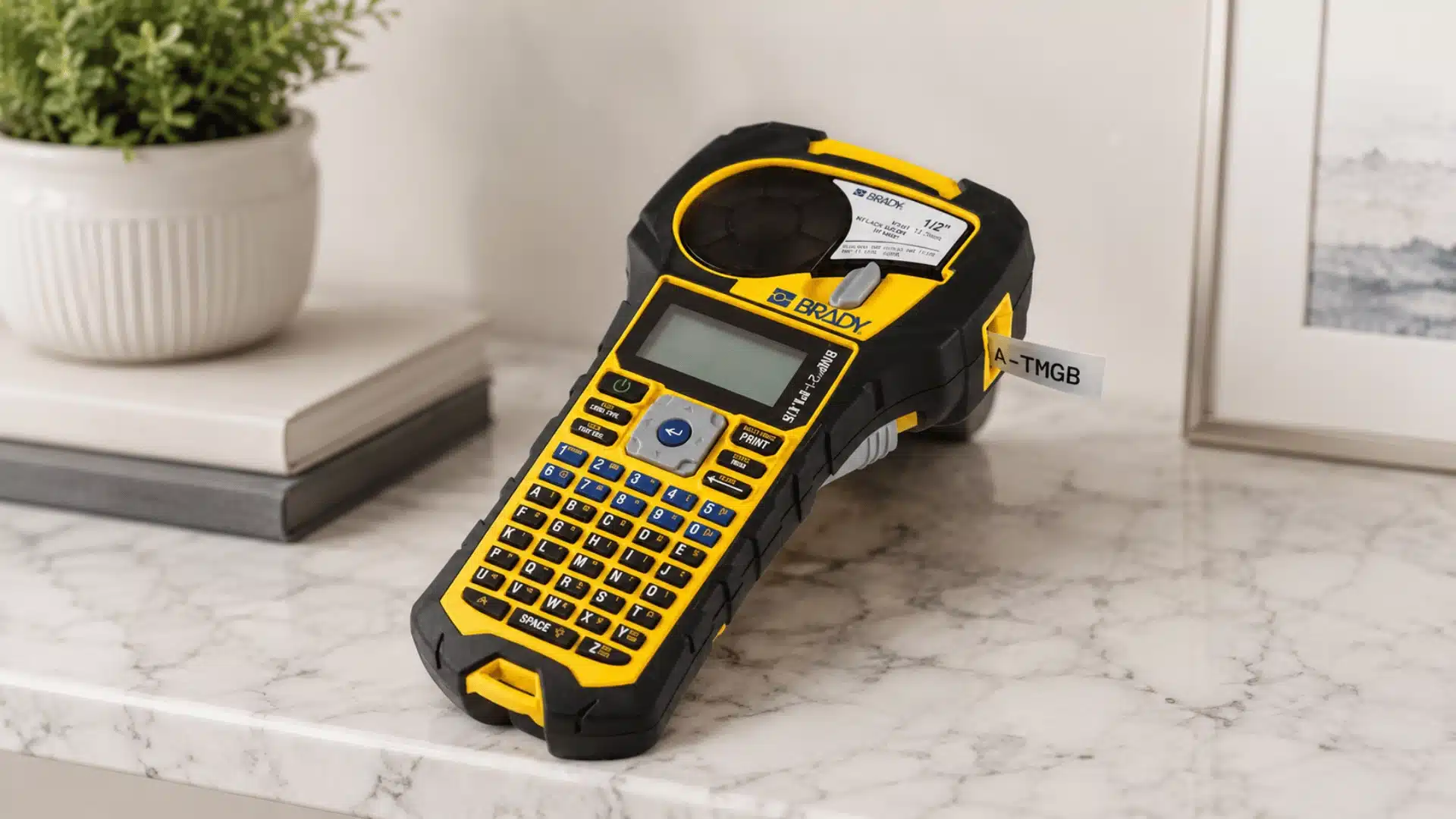
Brady Corporation was founded in 1914 in Milwaukee, Wisconsin, by William H. Brady. It became one of the most trusted names in industrial identification over the next century.
Note: Brady has discontinued the BMP21-Plus and replaced it with the M210. Any BMP21-Plus still available is clearance stock.
It earns its place here because no home-focused printer matches it for utility work. Garages, workshops, electrical panels, and cable runs are where it belongs.
Key features:
- Prints on Brady BMP21 series continuous tape cartridges up to 3/4″ wide
- Backlit LCD display with on-board QWERTY keyboard
- Drop-tested with rubber impact bumpers for demanding environments
- 6 text sizes, 100+ symbols including electrical and safety, plus 2D barcode printing
Compact Thermal Sticker Printers
These three printers use heat to print directly onto sticker rolls. No ink, no toner, no laminated tape.
7. Niimbot B21
Price: $59.39
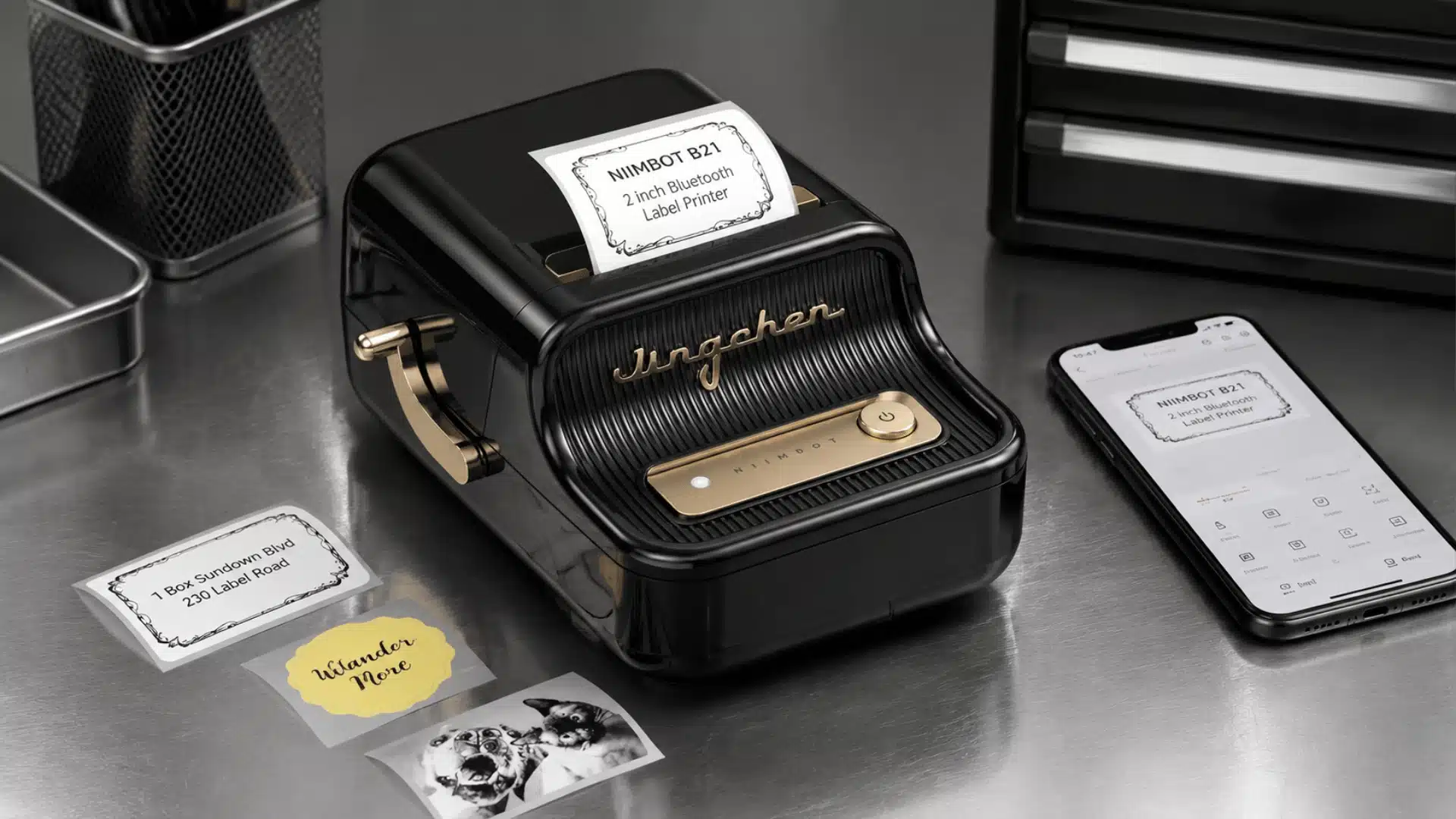
NIIMBOT was founded in 2012 in Wuhan, China. They launched the B21 in 2020 after a brand refresh and global expansion push.
It prints labels up to 2 inches wide, covering spice jars to medium canisters. The app includes 20+ fonts, 1,000+ icons, and batch printing.
Label rolls are only available online. You won’t find them at Target or Walmart, so plan ahead.
Key features:
- Prints thermal sticker labels up to 2″ (50mm) wide in multiple sizes
- Bluetooth connection to iOS and Android via the free NIIMBOT app
- Built-in rechargeable battery; 4 hours continuous use per charge
- Auto-identifies label paper width; supports barcodes and QR codes
8. Phomemo M110
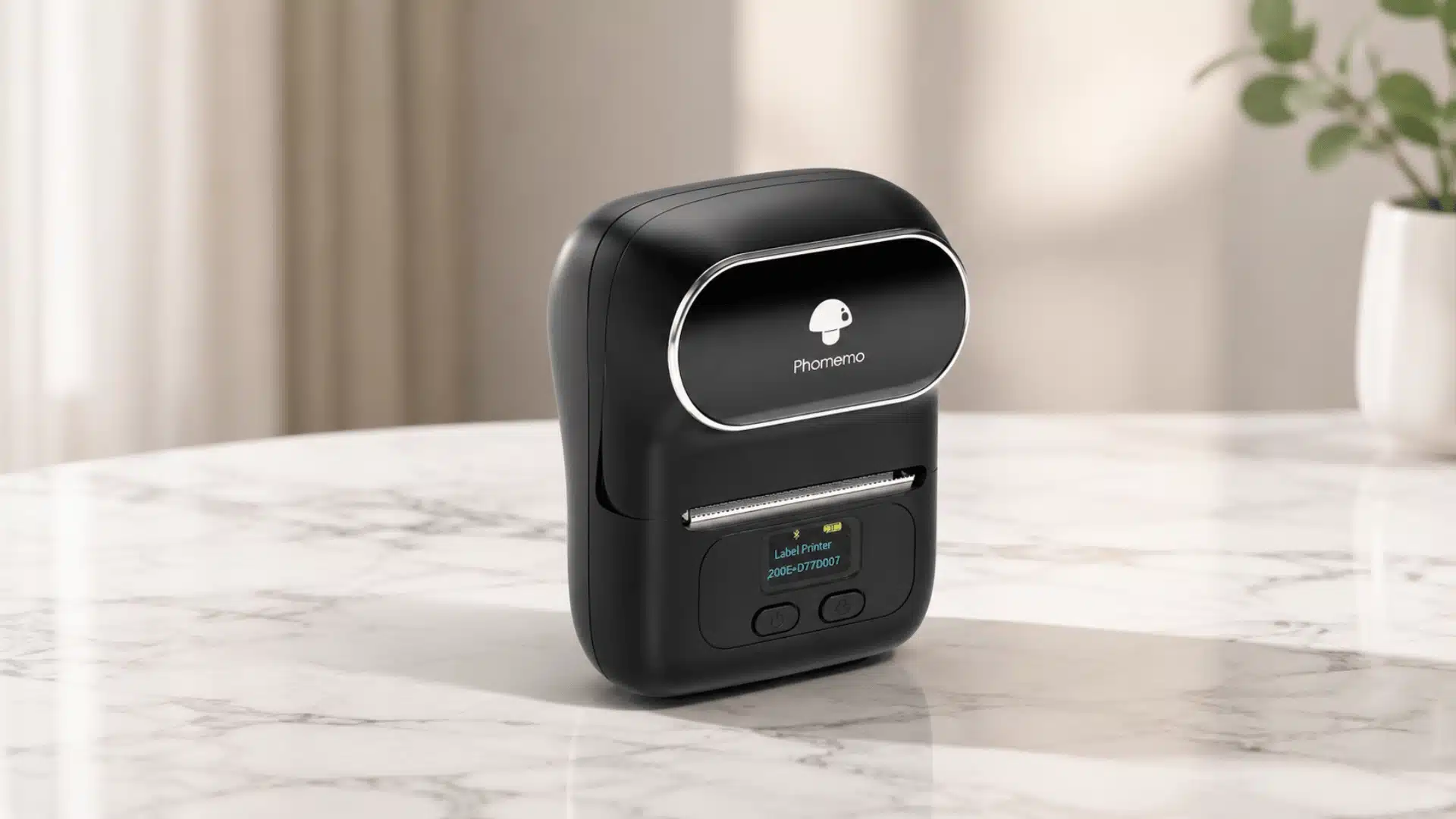
Price: $51.99
Phomemo is a Shenzhen-based company that gained traction in international markets from around 2018. No official founding date has been published.
Its advantage over the B21 is the label size range. It supports widths from 20mm to 50mm, including continuous rolls for taller containers.
Print speed is slower at 18mm per second. For occasional labeling across mixed container sizes, that trade-off is worth it.
Key features:
- Prints thermal labels from 20mm to 50mm wide, including continuous rolls
- Bluetooth connection via the Print Master app for iOS, Android, and Windows
- 203 DPI print resolution; inkless thermal with no cartridge required
- 330+ built-in templates across 15 categories in the companion app
9. Niimbot D11
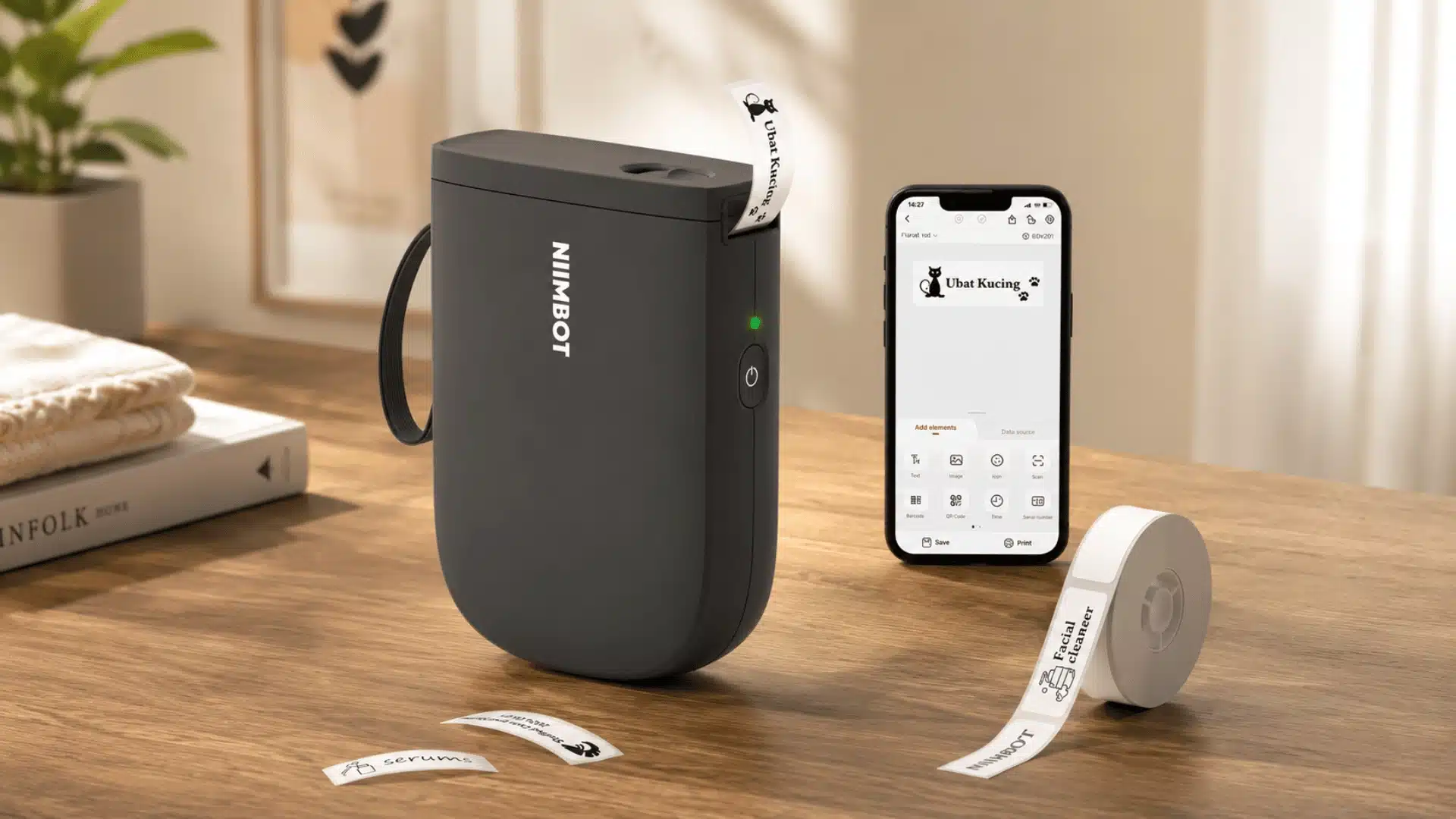
Price: $27.99
NIIMBOT released the D11 in 2019 as their first half-inch label printer. It became their bestselling product immediately on launch.
It only prints on half-inch (12mm) wide labels. That’s the narrowest option in this entire list.
It’s a spice jar and a small container printer. Use it for that, and it earns its price. Expect more, and it will disappoint.
Key features:
- Prints thermal sticker labels at 0.47″ (12mm) wide only
- Bluetooth connection to iOS and Android via the NIIMBOT app; no PC compatibility
- 300 DPI print resolution; battery lasts up to 2 months per charge
- Supports text, symbols, barcodes, QR codes, and date/time stamping
Tape and Label Supply Costs: The Decision Most Buyers Overlook
The printer price is only the starting point. Supply costs decide what you spend over time. Tape type, refill availability, and cost per label can make a cheaper device more expensive to use.
| Factor | Laminated Tape Printers | Compact Thermal Printers |
|---|---|---|
| Supply type | Brand-specific tape cartridges | Label rolls |
| Brand lock-in | Often, high cartridges may not work across brands | Low; many rolls are cross-compatible |
| Third-party options | Limited and may vary by model | Widely available |
| Refill cost | Usually higher per label | Usually lower per label |
| Long-term cost | Can add up with frequent labeling | More affordable for regular use |
| Best check before buying | Cartridge price and label yield | Roll price and labels per roll |
The number that matters most is cost per label, not the machine price. A cheaper printer with expensive refills can cost more over time than a slightly higher-priced model with affordable rolls.
Matching Label Maker Type to The Room You’re Organizing
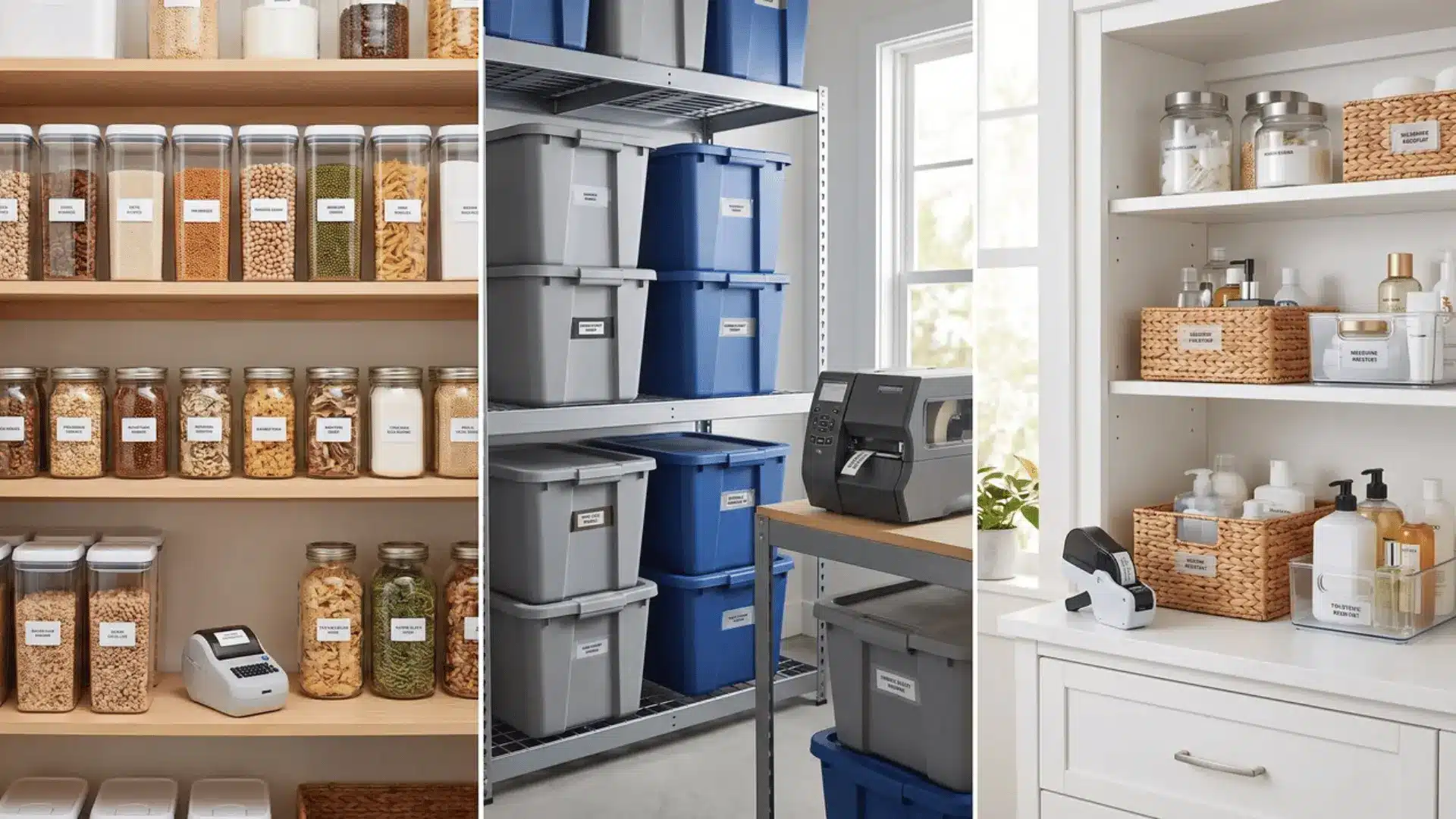
The right label maker isn’t about which room you’re in. It’s about what the surface is, if it gets wet or hot, and if the label needs to look good or just be readable.
Those three questions will narrow it down faster than any product comparison.
1. Kitchen and Pantry
These are where several people start, and where thermal sticker printers earn their place. Spice jars, canister lids, and pantry bins are dry, indoor, and rarely moved near heat sources.
Round and square thermal labels fit those surfaces better than tape does. For labeled drawer organizers or bin stacks that get handled often, a Bluetooth tape printer holds up better.
If you’re tackling the whole kitchen at once, our guide to organizing a small kitchen step-by-step pairs well with a labeling plan.
2. Garages, Utility Rooms, and File Storage
They favor standalone keyboard devices. Nobody organizing a garage shelf needs a curated font. They need a label made quickly, stuck firmly, and readable from two feet away.
The standalone machine does that faster than anything else in this category.
For bin systems and shelving layouts to label once you’re set up, see our storage ideas for small spaces.
3. Bathrooms and Laundry Rooms
These sit in the middle. Surfaces here deal with steam and moisture. Thermal labels fade in those conditions.
Laminated tape from either a standalone or a Bluetooth printer holds up significantly better near sinks and washing machines.
The mistake several people make is buying one machine and expecting it to work everywhere. Some homes genuinely need two.
If you’re also labeling shelving in an adjacent closet, our small closet layout guide covers the same zoning approach.
A thermal printer for the pantry and a keyboard device for the garage cover most use cases without overspending on either. Match the machine to the surface. Everything else follows from there.
Conclusion
The best label maker for home organization is the one that fits your rooms, surfaces, and habits.
A keyboard model is great for garage bins and file folders, while a thermal printer works well for pantry jars and small containers.
Bluetooth models make sense when you want cleaner designs and more control from your phone. I would also check refill cost before buying, because supplies can matter more than the machine price over time.
Start with the spaces you label most, then choose the tool that matches those needs.
Which room would you label first in your home? Tell us; share with us in the comments below.
Frequently Asked Questions
What Is the Best Label Maker for Home Use Overall?
There isn’t a single best option, because the right choice depends on how you organize, not just where. Bluetooth app-connected printers are the most versatile for whole-home, consistent clean looks. Compact thermal printers are better for pantry and jar labeling. Standalone keyboard devices suit garage and utility spaces where speed matters more than design.
What Is the Difference Between a Label Printer and A Label Maker?
The terms are used interchangeably in most home contexts. Traditionally, a label maker refers to a handheld device that prints onto tape cartridges. A label printer can include larger desktop machines designed for sheets or rolls. For home organization, the more useful distinction is the category, keyboard, Bluetooth, or thermal sticker, not the name.
Are thermal label makers waterproof?
Standard thermal labels are not waterproof. Heat, moisture, and direct sunlight cause them to fade over time. Laminated tape from standalone or Bluetooth printers holds up significantly better near sinks, dishwashers, or steam. Some thermal manufacturers offer coated rolls with improved water resistance, but these are not standard; check before you buy.
Can I use third-party tape in a Brother or Dymo label maker?
Third-party compatible tapes exist for most popular devices and cost less than OEM cartridges. Compatibility varies by model; many machines include chip-reading that rejects non-OEM rolls. Before buying third-party tape, check community reviews for your specific device and the tape brand you’re considering. That combination matters more than either one alone.