I’ve seen how quickly a small gap between warehouse and transportation teams can create bigger problems.
A shipment update gets missed, inventory details fall behind, and suddenly people are spending more time chasing information than moving goods. That usually happens when each team works from a different system.
The right logistics management software can help bring those moving parts together, but choosing the right approach depends on how your operation handles shipments, inventory, and deliveries.
Let’s look at how these systems close those gaps and what they can change in daily logistics workflows.
What is Logistics Management Software?
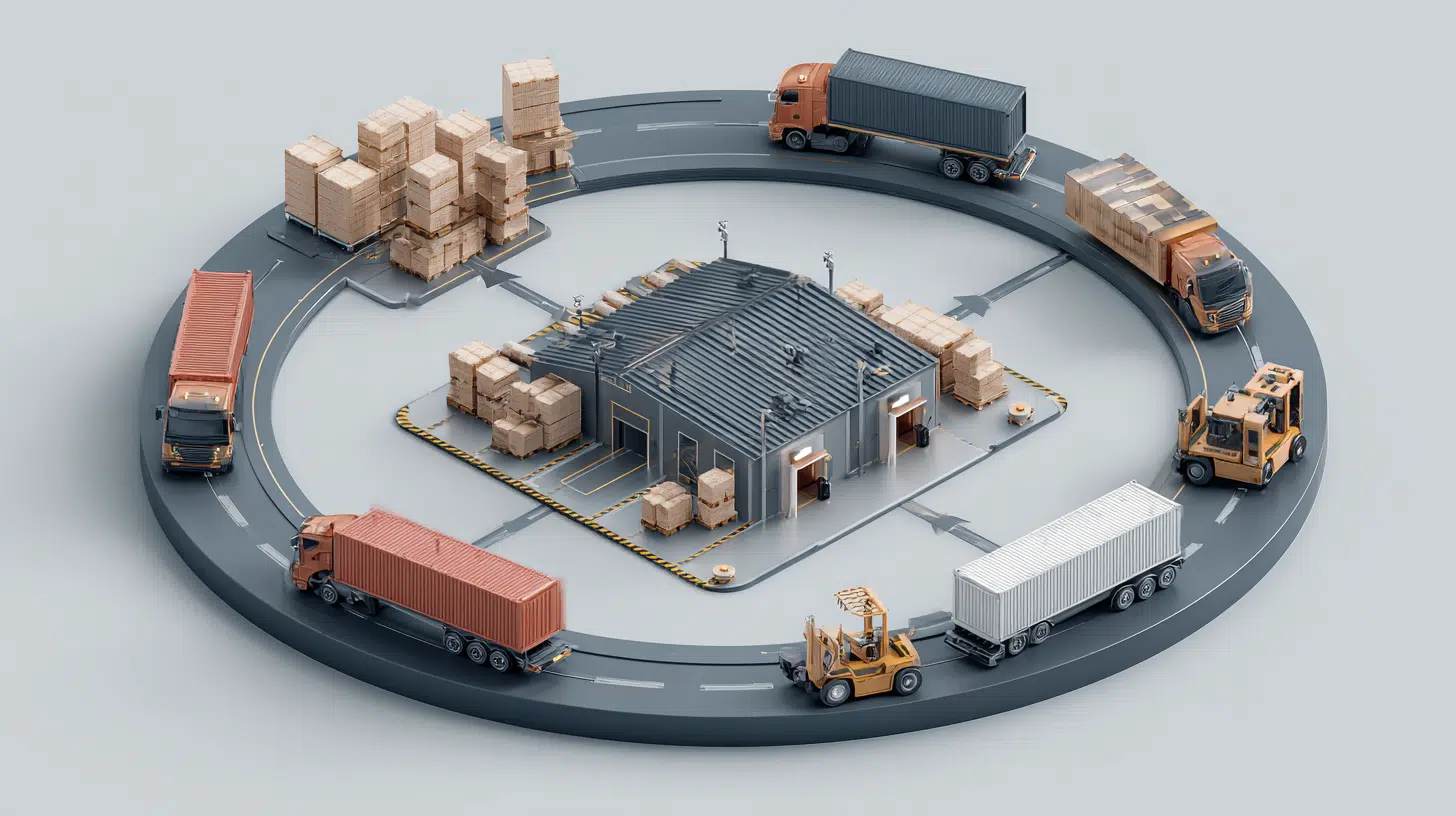
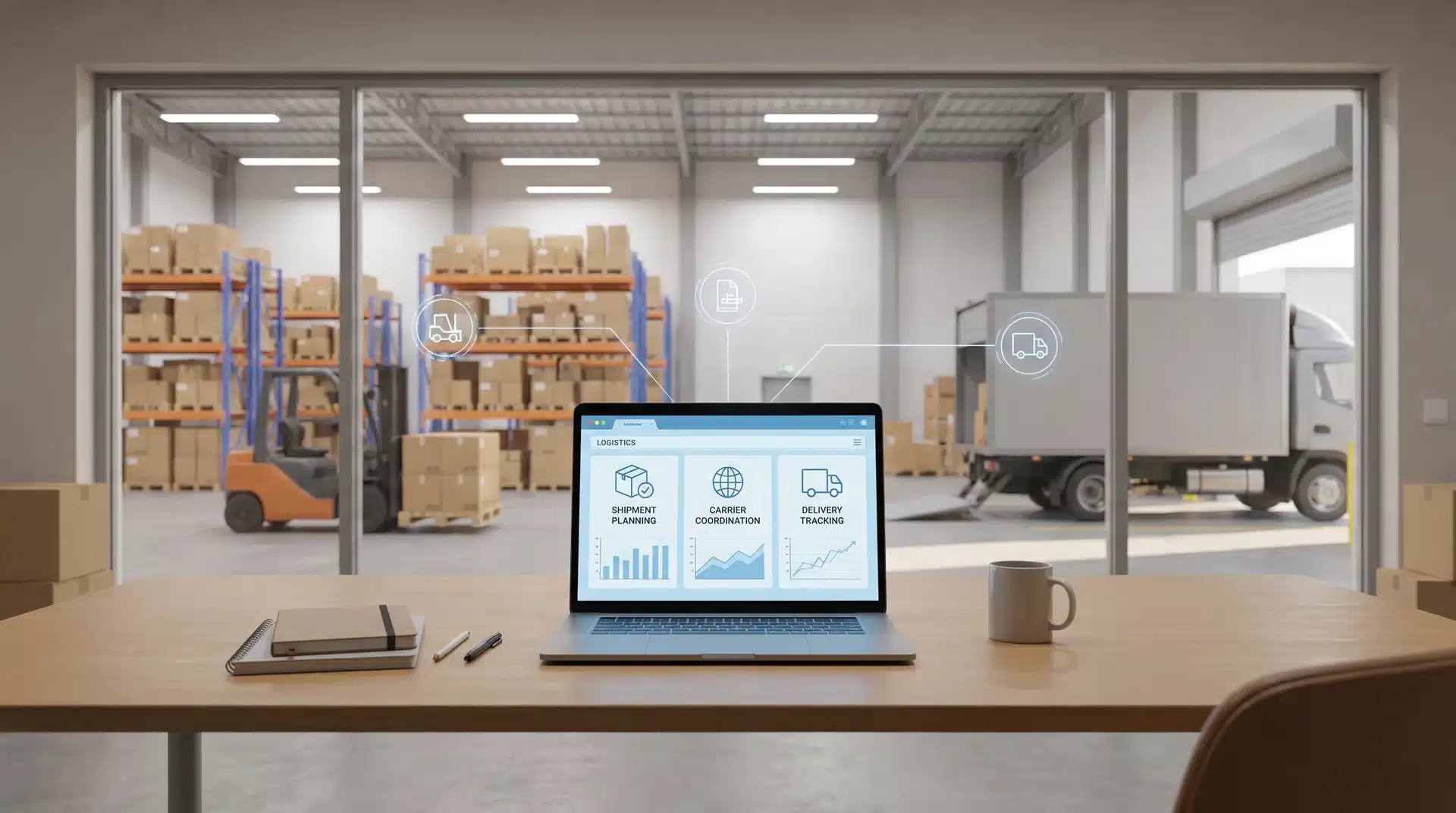
LMS brings transportation and warehouse operations into one system. It connects a TMS (Transportation Management System) with a WMS (Warehouse Management System)
- A TMS handles how goods move. It supports carrier selection, route planning, freight costs, and shipment tracking.
- A WMS handles what happens inside the warehouse. It tracks inventory locations, picking, putaway, and stock accuracy.
Both systems can work well alone, but that creates a gap. The warehouse team may know when an order leaves, while the transport team knows where it is going. Neither side always sees the full journey.
A strong logistics management platform closes that gap. Inventory stays visible after it leaves the warehouse, so your team can see where the shipment is, when it should arrive, and what happens next.
I have seen setups called logistics management software that are really just separate systems joined by a basic integration. That connection may look fine on paper, but delays, missing updates, and data errors often appear when operations get busy.
The software only works as one operational layer when the TMS and WMS share accurate data in real time.
How Logistics Management Software Works Behind the Scenes
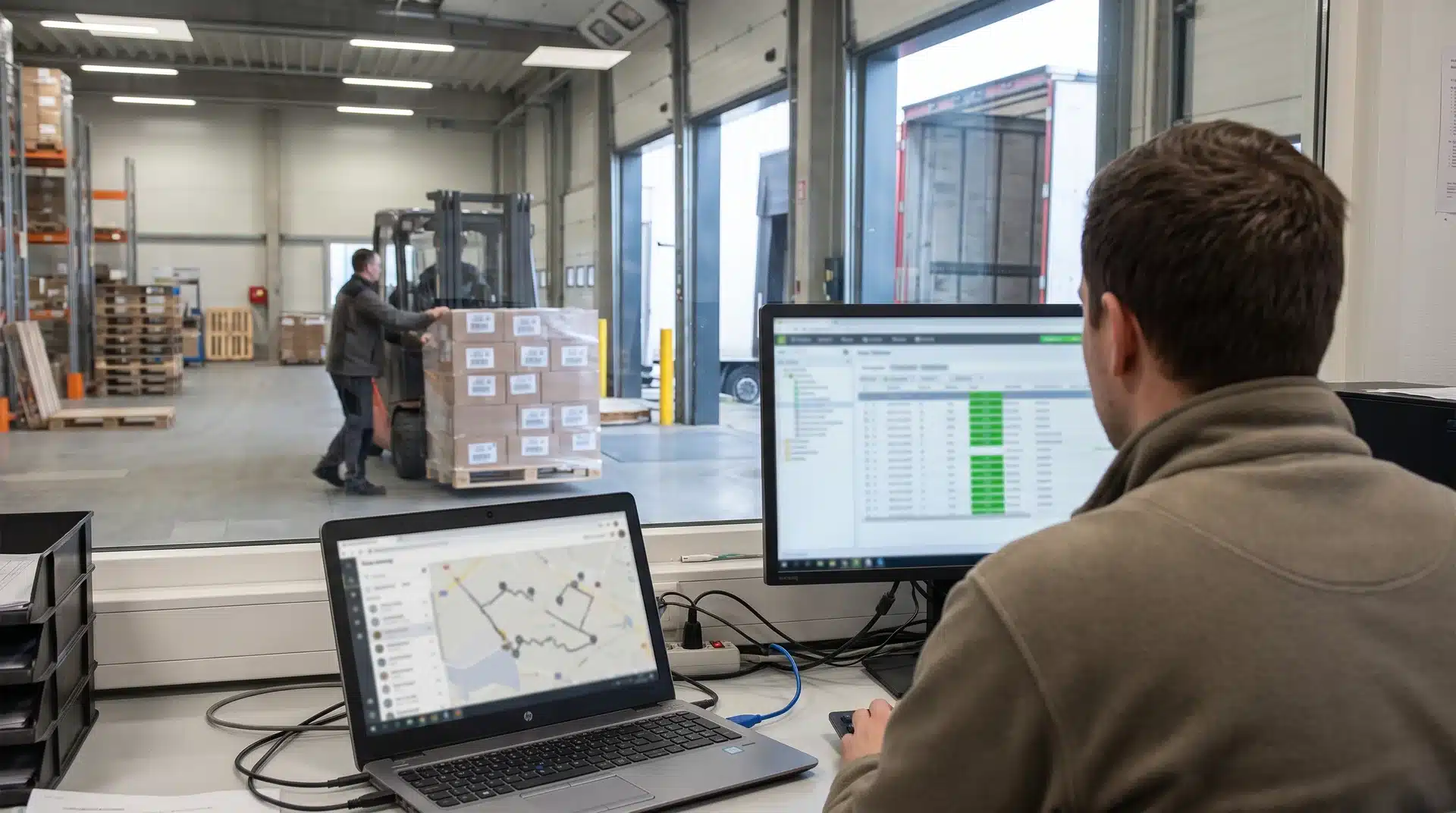
When a shipment is confirmed in the Transportation Management System, the update should flow into the warehouse system. How well that happens decides if both tools act as one platform.
How Shipment Data Moves Between TMS and WMS
Once a carrier is assigned, the Transportation Management System sends shipment details to the Warehouse Management System, giving the warehouse time to prepare before the goods arrive.
The TMS tracks the route, transit time, and load details, while the WMS updates inventory from available to allocated. It assigns pick locations, plans outbound tasks, and reserves space for incoming goods.
The WMS also updates expected stock levels before the shipment reaches the warehouse. Since both systems work from the same live shipment record, changes are shared instantly instead of being updated separately.
This connection helps the warehouse know what is arriving and what needs to happen next without relying on manual checks, emails, or phone calls.
Where Their Synchronization Fails
Problems often start when the TMS and WMS use different data structures. When that happens, middleware has to translate updates between the two systems, which can create delays as shipment volumes increase.
These delays are not always obvious during normal operations. But when order volumes rise during peak sales or freight surges, small connection issues can become bigger problems.
The WMS may show stock that the TMS has already allocated, while delivery updates may appear before warehouse processing is finished.
This is why a platform can look unified on the surface but still behave like two separate systems underneath. A truly connected setup should allow updates to move between systems without translation gaps.
Teams need to look at the actual system architecture instead of relying only on a unified label. The way data moves behind the scenes matters more than how the software is marketed.
LMS vs. TMS vs. WMS: Understanding the Differences
These three systems often get grouped together in buying decisions, but they don’t do the same job. The easiest way to see the difference is to look at what each system is responsible for and what it never touches.
| System | Transportation Management System | Warehouse Management System | Logistics Management System |
|---|---|---|---|
| Primary focus | Movement of goods | Storage inside the warehouse | End-to-end coordination |
| What it manages | Carrier selection, route planning, freight costs, shipment tracking | Inventory location, picking, putaway, outbound staging | Connects TMS and WMS data into one shared view of inventory and movement |
| What it does not manage | Warehouse inventory or storage locations | Transportation or in-transit shipments | Does not replace core TMS or WMS functions |
| Simple reality | Knows what is shipping and where it is going, not what is stored | Knows what is in the building, not what happens after dispatch | Keeps inventory visibility consistent from shelf to truck |
Separate TMS and WMS tools need manual updates when plans change. An LMS updates both at once, making it the better choice for businesses managing warehouse and transportation operations together.
How to Choose Logistics Software for Your Business
The right platform isn’t determined by company size. It’s determined by what your operation actually does, how much you move, whether you hold your own inventory, and whether you ship across borders or stay domestic.
Those three factors push buyers into different tiers, and the structural reasons behind that matter more than any vendor comparison.
Logistics Software for Enterprise and Global Operations
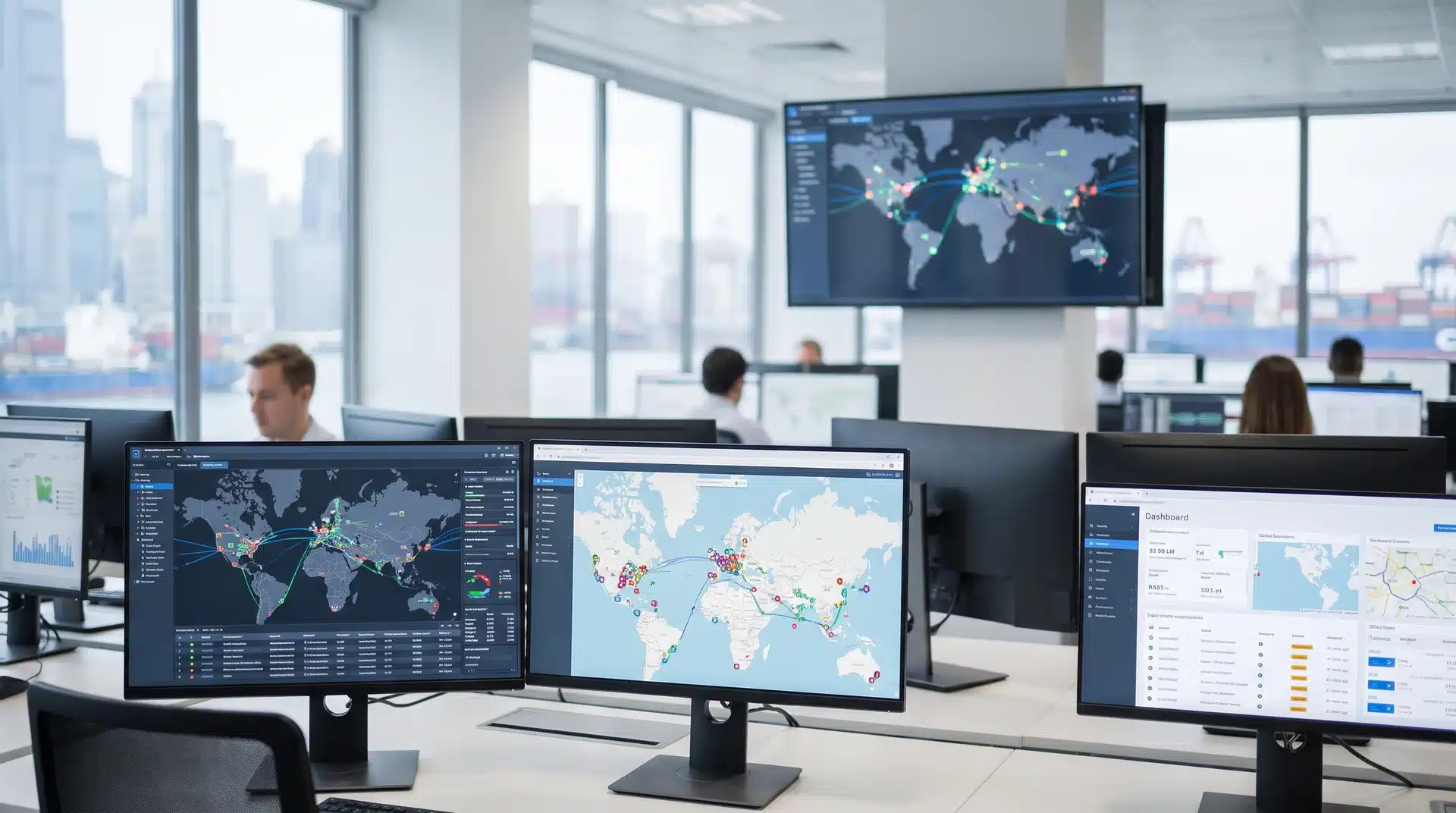
Enterprise platforms suit businesses managing large freight volumes across several carriers, transport modes, warehouses, or countries.
From my experience, companies usually move to this level when spreadsheets and smaller tools start creating gaps between teams. A shipment issue may get solved by logistics, but finance, procurement, and planning still lack the same view.
You may need this level when your operation requires:
- Customs and cross-border compliance
- Multiple carriers and transport modes
- Direct ERP integration
- Shared data across finance, procurement, and planning
- Real-time reporting across several locations
Platforms such as Oracle Transportation Management and SAP Supply Chain Logistics are built for this setup. They connect logistics with wider ERP operations, giving larger teams a shared view of their supply chain.
That level of control can be useful, but I’ve also seen businesses take on enterprise systems before they are ready. The cost, setup time, and training can become a burden if your operation does not need that much complexity. You may end up paying for features your team rarely uses.
Freight Management Software for Mid-Sized Operations
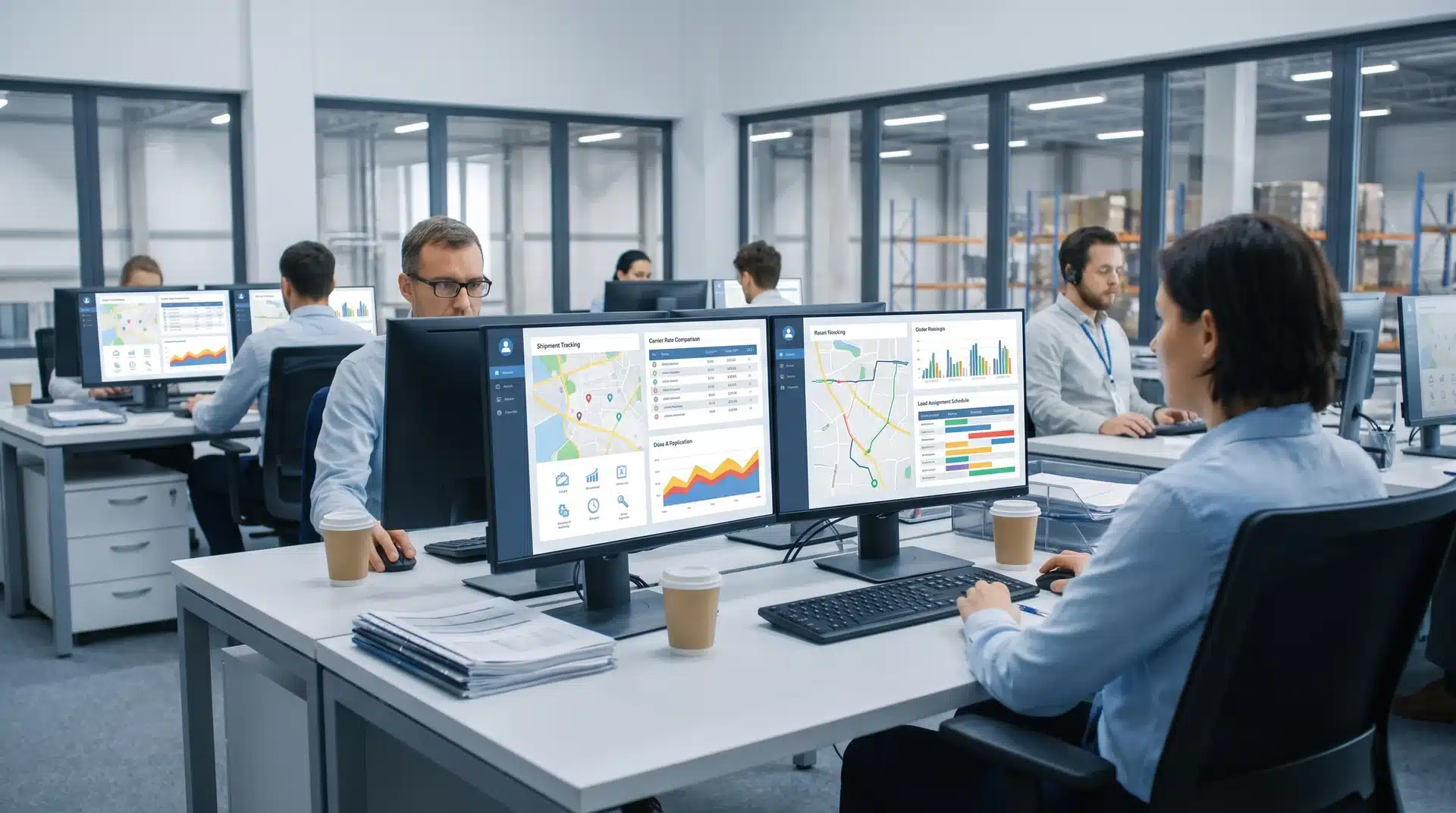
Mid-market platforms focus more on handling everyday freight decisions rather than managing company-wide data and operations.
I’ve found this tier works well for businesses that have outgrown spreadsheets but don’t need a full enterprise system. The main challenge is keeping up with daily changes like carrier availability, rate updates, and shifting delivery needs.
At this level, the software helps your team handle tasks such as:
- Compare carrier rates
- Assign and reassign loads
- Plan complex routes
- Manage changing delivery conditions
- Track freight across several carriers
Platforms such as FreightPop and Locus are designed around freight execution. They help cut down manual work when rates change, routes need adjusting, or shipment conditions suddenly shift.
This tier works well when transportation is a major part of your operation, but you do not need a full ERP-based system. It gives you more control without forcing you into a setup built for much larger organizations.
Delivery Management Software for Small Operations
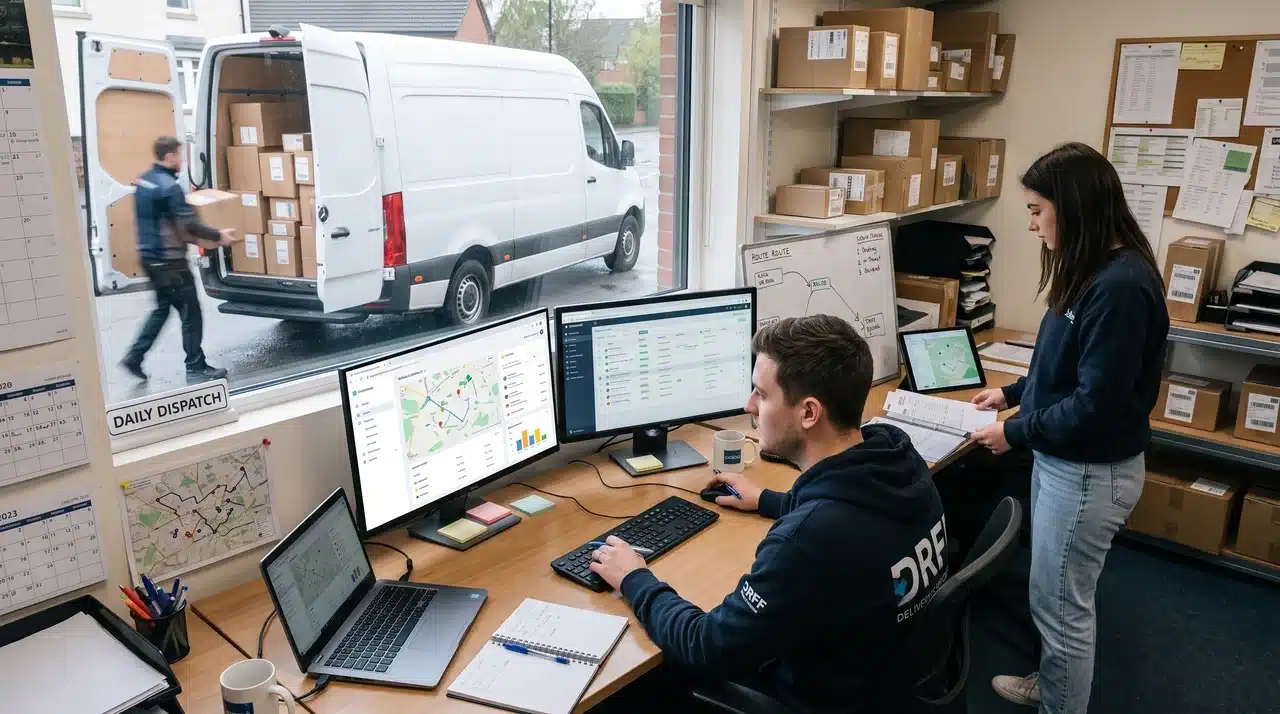
Smaller teams usually need software that fits their budget, works around their existing process, and can be set up without a long implementation process.
Small teams often use these tools for tasks like:
- Real-time delivery tracking
- Driver dispatch
- Customer notifications
- Basic route planning
- Delivery automation
Tools such as Zoho Creator may also help you build workflows around the way your team already works. Platforms like Shipday and LogiNext Mile are built for smaller delivery operations that need simple dispatch, tracking, and customer communication tools without a lengthy setup.
The challenge comes when your operation starts growing. Lightweight platforms can work well at first, but they may become limiting as shipment volume, locations, or carrier needs increase.
Before choosing a system, think about where your operation could be in the next two years. Moving to a larger platform later can take more time and money than starting with a system that can grow with you.
Final Take
After comparing the options, it becomes easier to see how TMS, WMS, and LMS tools serve different needs, where data gaps happen, and which software tier fits your operation.
I’ve found that the best choice comes down to real-time data sharing, current workload, and where your business is heading next. The right logistics management software should support your workflow, not force you to change it.
Compare your options carefully, identify your biggest workflow gap, and start with the platform that solves it best.
Frequently Asked Questions
Which software is commonly used for logistics management?
Commonly used platforms include Oracle Transportation Management and SAP for enterprise operations, Magaya for mid-market 3PLs, and lightweight tools like Shipday for small teams handling local delivery and dispatch.
How much does TMS software cost?
Transportation management system costs vary widely by tier; enterprise platforms involve custom licensing and integration fees, while SMB-focused tools often use monthly subscription pricing based on shipment volume or user count.
What is SAP in logistics?
SAP’s logistics software is an enterprise supply chain platform that uses AI-driven insights to coordinate transportation, warehousing, and distribution, typically integrated directly with a company’s existing ERP system.
What is the best CRM for logistics?
There isn’t one universal answer; logistics-focused CRM needs typically get folded into the transportation management platform itself, since shipment tracking and customer communication work best when tied to the same operational data.