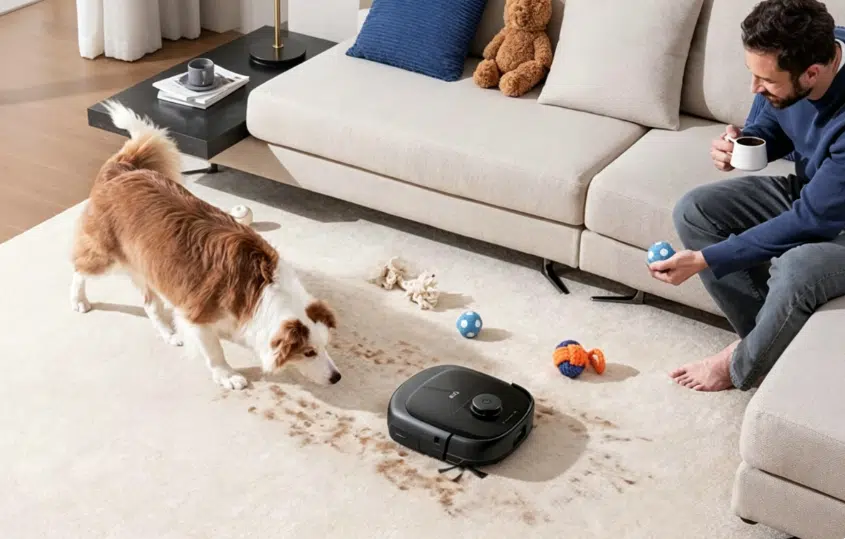
A robotic vacuum saves time only while filters, rollers, and sensors stay clear enough to work. When suction fades, crumbs get missed, or docking takes several tries, packed dust, wrapped hair, or grimy sensors are usually to blame, not a failing motor.
Break upkeep into post-run habits, weekly filter care, monthly sensor and dock wipes, and quarterly map and wheel checks. Miss several cycles, and the robot starts acting older than it is.
A predictable schedule keeps suction steady, docking reliable, and maps accurate without turning a free afternoon into a full teardown.
This article walks through each interval and how self-empty stations reduce the upkeep that owners most often skip, so maintenance stays small instead of becoming a second chore.
Table of Contents
- After Every Run, Keep Hair and Debris From Locking Up the Brushes
- Weekly Filter Cleaning Helps Preserve Suction and Airflow
- Monthly Sensor and Charging Contact Cleaning Prevents Navigation Problems
- Quarterly Map Refreshes and Wheel Checks Help the Robot Move Normally Again
- Self-Empty Stations Reduce the Maintenance Most Owners Ignore
- Conclusion
After Every Run, Keep Hair and Debris From Locking Up the Brushes
The easiest maintenance happens right after a cleaning run, before dust compresses in the bin and hair tightens around the roller. Start with the dustbin.
It may not look full, but fine dust can pack against the mesh or filter area and choke airflow. Less airflow means weaker pickup on the next pass.
Homes with pets or long hair need one extra glance underneath. Hair often slides to the roller ends where the bearings sit.
A thin wrap today may become a tight band after three more runs. Once that happens, the robot can still move, but the brush may drag instead of turning freely.
Keep the daily version short. Empty the bin if it is full, pull obvious hair from the roller ends, and check that nothing wet or sticky has entered the brush bay.
Look for socks, cable ends, or small toys that slid under furniture and got pulled into the intake. If the robot mopped, remove or rinse pads according to the manual.
A damp pad left overnight is where odor problems usually start. A quick dry wipe on the underside charging contacts takes seconds and can prevent the first failed dock of the week.
Weekly Filter Cleaning Helps Preserve Suction and Airflow
Weekly robot vacuum maintenance is mostly about airflow. The filter catches the dust you do not see on the floor, which is why suction can drop even when the bin looks empty.
Tap the filter inside a trash can until the gray silt stops falling. If the manual says the filter is washable, rinse it only as directed and give it at least 24 hours to dry before reinstalling.
Even slightly damp material can turn dust into paste, mildew inside the bin, and leave a musty smell on the next run.
Side brushes are easy to ignore because they are small. They sweep debris from corners and baseboards into the main intake, but threads and hair can twist around their base.
The brush may still look attached while barely spinning, which is why corners often look dusty first.
Use this quick weekly checklist as a baseline.
Task | Short action | What to watch for |
Filter | Tap out dust | Weak suction even when the bin looks empty |
Main roller | Cut hair wraps | Brush drags or leaves a clean stripe |
Side brush | Clear threads | Corners dusty while open floor looks fine |
Caster wheel | Check for grit | Robot pulls to one side or stutters |
Chassis | Wipe surface dust | Dust on cliff sensors or charging contacts |
Pet homes may need this twice a week. That sounds fussy until hair works into a bearing or dust blocks the filter before Friday.
Monthly Sensor and Charging Contact Cleaning Prevents Navigation Problems
When a robot starts acting lost, dirty sensors are a common suspect. Cliff sensors on the underside watch for stairs and drops.
If they are coated in dust, the robot may stop at dark rugs, back away from safe thresholds, or move with a hesitant stutter that looks like a software glitch.
Use a dry microfiber cloth on cliff sensors, front infrared windows, wall sensors, and any exposed laser cover your manual identifies. Front-facing laser or camera windows deserve the same gentle pass.
Smudges and fingerprints can blur edge detection, especially in rooms with glossy furniture or bright windows behind the robot. Avoid harsh chemicals and rough paper towels. Scratched plastic can create a problem that wiping cannot fix.
The dock needs attention, too. Charging contacts on the robot and base can collect dust or a thin crust from repeated docking.
If the robot reaches the dock but fails to charge, or backs in and out several times before settling, wipe the metal contacts. A small amount of rubbing alcohol on a cloth can help with stubborn buildup. Let the contacts dry before the robot returns.
Use the same monthly pass to look around the dock. A shifted rug, toy basket, or low cable can make docking harder, even when the robot itself is clean.
Quarterly Map Refreshes and Wheel Checks Help the Robot Move Normally Again
Every few months, look beyond the obvious dust paths. The front caster wheel is small, but it can change how the whole machine tracks. Hair and grit hide around the axle and inside the wheel housing.
If your manual allows the caster to be removed, pop it out gently and clear the axle before snapping it back in.
Saved maps can get stale, too. Furniture moves, holiday decorations appear, and a robot may slowly build routes around objects that are no longer there.
If paths start looking strange or room boundaries stop making sense, clear the floor in daylight and run a fresh map cycle so the layout matches the room again.
That rebuild is what lets mapping robots store updated room layouts and resume cleaning with fewer random paths on later runs. If you are comparing models built for that workflow, see the eufy robot vacuum with mapping collection.
Quarterly checks are also a good time to look at replacement parts. Filters lose structure. Side brushes bend. Roller bristles wear down. That is not failure. It is normal wear showing up on parts that were never meant to last forever.
If the robot still feels weak after a good clean, those parts may be due for a swap. Wear often creeps in over a few weeks, so a quick quarterly glance is usually enough.
Self-Empty Stations Reduce the Maintenance Most Owners Ignore
Maintenance gets easier when the robot reduces the jobs people most often postpone. That difference shows up in homes with pets, kids, or mixed floors. Hair, dust, and damp mop pads all create recurring tasks.
Automation helps most when it targets those points instead of adding features that do not change the weekly routine.
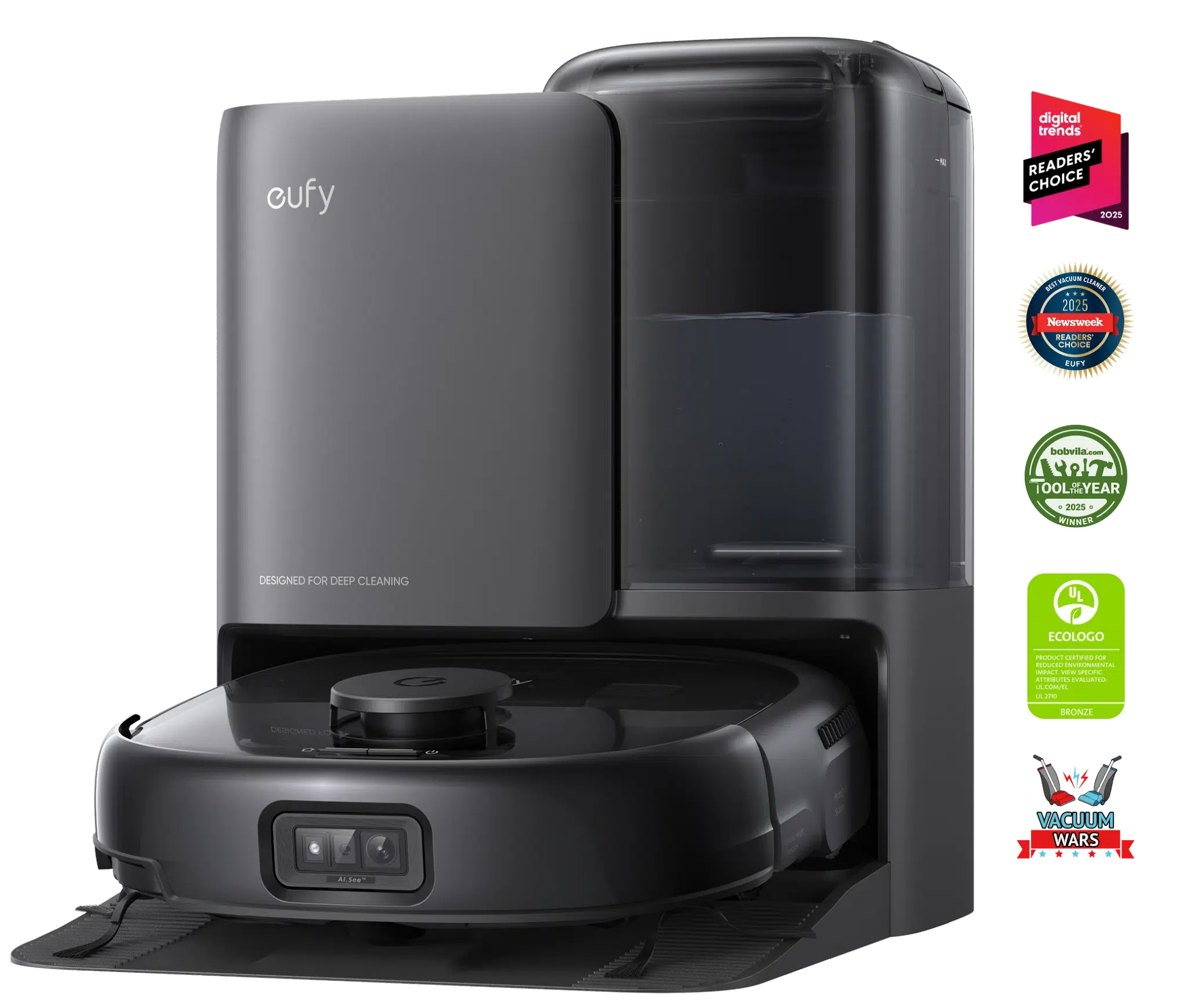
On a busy floor, that trade usually shows up in robots paired with a self-emptying dock that also washes and dries the mop. The eufy Robot Vacuum Omni E25 is not maintenance-free, and that distinction matters.
DuoSpiral detangle brushes help reduce roller hair wrap, while the all-in-one station handles self-emptying, mop washing, and hot air drying through the HydroJet system.
The 20,000 Pa suction and LiDAR navigation sit inside that upkeep system, so the robot can run on a schedule without asking for bin emptying or mop care after every pass.
That does not remove weekly inspection. Filters, brushes, water tanks, and dock areas still need checks. Station water tanks and wastewater trays still deserve a monthly rinse even with auto-washing.
Algae and soap film build quietly, and that shows up as mop odor long before suction fails. It does lower the odds that every pet-heavy run ends with scissors in hand, or that a wet mop pad sits forgotten in the base.
Conclusion
Robotic vacuum maintenance works best when it is predictable, not perfect. Empty the bin after heavy runs, clear hair from rollers, tap the filter weekly, wipe sensors and charging contacts monthly, and check wheels, maps, and replacement parts every few months.
A quiet apartment with hardwood may stay on the lighter end. A shedding pet home with rugs will need more roller and filter care.
Keep airflow, sensors, brushes, and dock contacts reliable so the robot stays useful instead of frustrating. To compare self-emptying, self-cleaning, and vacuum-only models, you can browse the eufy robot vacuum collection.