Ever get tired of paying a monthly fee just to check what’s happening around your home? I understand why many homeowners look for a security camera that protects their property without adding another bill to manage.
Subscription-free cameras can save money, but I’ve found they come with different storage options, setup needs, and limitations compared with paid plans.
Choosing the right one depends on where you install it, how you want to store footage, and how much maintenance you are comfortable handling.
In this post, I’ll cover the best home security camera without subscription, including top picks, local storage options, and the things I would check before buying.
How Does the Best Home Security Camera Without Subscription Actually Work?
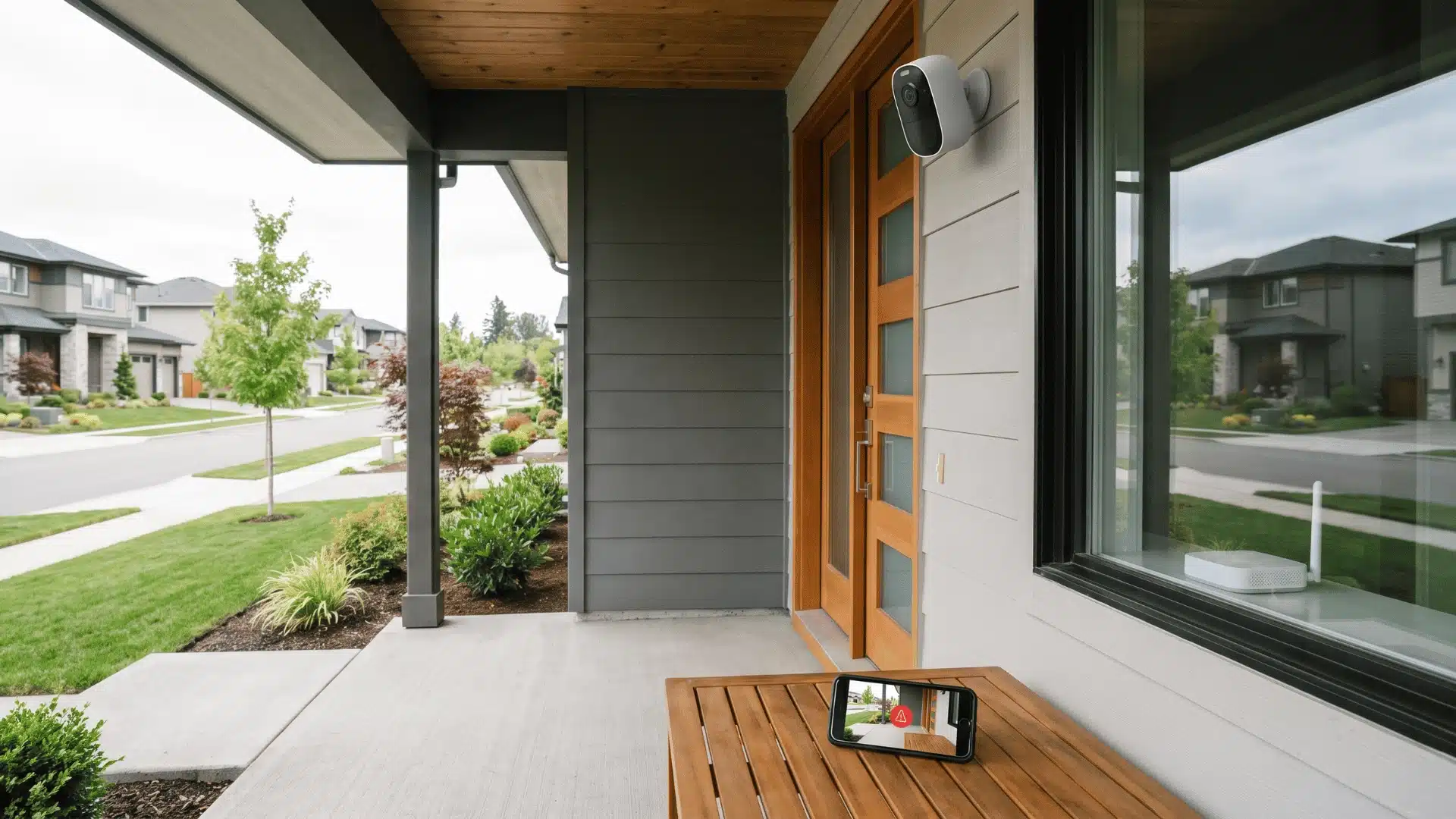
A subscription-free security camera stores footage locally and sends alerts straight to your phone. You save on monthly fees, but you also take responsibility for checking alerts, managing recordings, and deciding what to do when something happens.
Paid plans usually include extras like 24/7 professional monitoring, cloud storage, and a longer video history. Without a subscription, you will usually lose those features.
I’ve found this is where the real difference shows up. When an alert comes in at 2 am, a monitoring team can review it, contact emergency services if needed, and keep your recordings safely stored in the cloud.
With a subscription-free setup, that job falls to you. You have to notice the alert, check the footage, and decide how to respond.
Another thing people often miss is cellular backup. Many subscription-free cameras don’t have it. If your internet goes down during a break-in, the camera may stop sending alerts or let you view footage remotely.
These cameras still work well for a lot of homes, but they do ask you to take a more active role in managing your home security.
How Does Local Storage Actually Work, and Where Can It Fail?
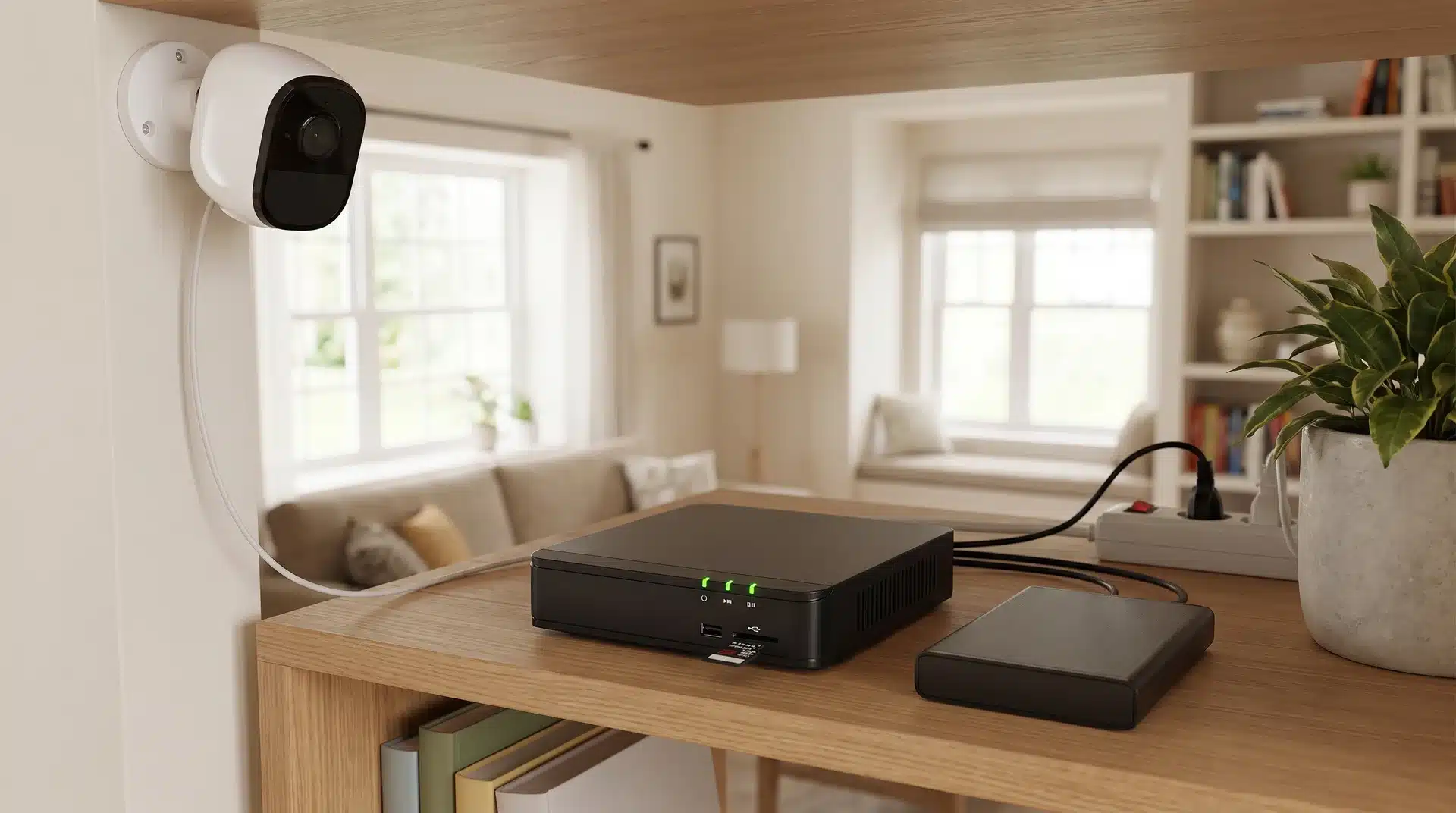
Most subscription-free cameras give you two ways to store footage locally. They look similar on a spec sheet, but they behave very differently when something actually goes wrong.
MicroSD Onboard Storage
Onboard storage is simple and affordable, but its security depends heavily on where the camera is installed.
- Stores footage on the camera: Recordings are saved directly to a MicroSD card inside the device.
- Offers flexible capacity: Some models support up to 512GB, enough for days or weeks of motion-triggered footage.
- Creates a theft risk: If someone removes the camera, they may also take the stored recordings.
- Works better in high locations: Mounting the camera out of easy reach helps reduce the chance of theft.
Onboard storage suits protected or elevated areas, while front doors and other reachable spots may need a safer storage option.
Base-Station Local Storage
Storing footage on a separate base station adds an extra layer of protection against camera theft and tampering. Here’s why these systems are worth considering:
- Separate indoor storage: Systems like Eufy HomeBase and Reolink NVR store recordings on an indoor base station instead of the camera.
- Protects footage from theft: If someone steals the outdoor camera, your recorded video stays safe on the indoor device.
- Worth the extra cost: The higher upfront price can be worthwhile for cameras covering front doors, driveways, and other easy-to-reach areas.
For high-risk outdoor locations, a base-station system offers added peace of mind by keeping your recordings secure even if the camera is damaged or stolen.
Best Wire-Free Security Cameras Without Subscription Fees
A wire-free camera works well if you want easy installation, local storage, and no monthly fees. Solar charging can also reduce how often you need to recharge or remove the camera.
1. Eufy SoloCam S340
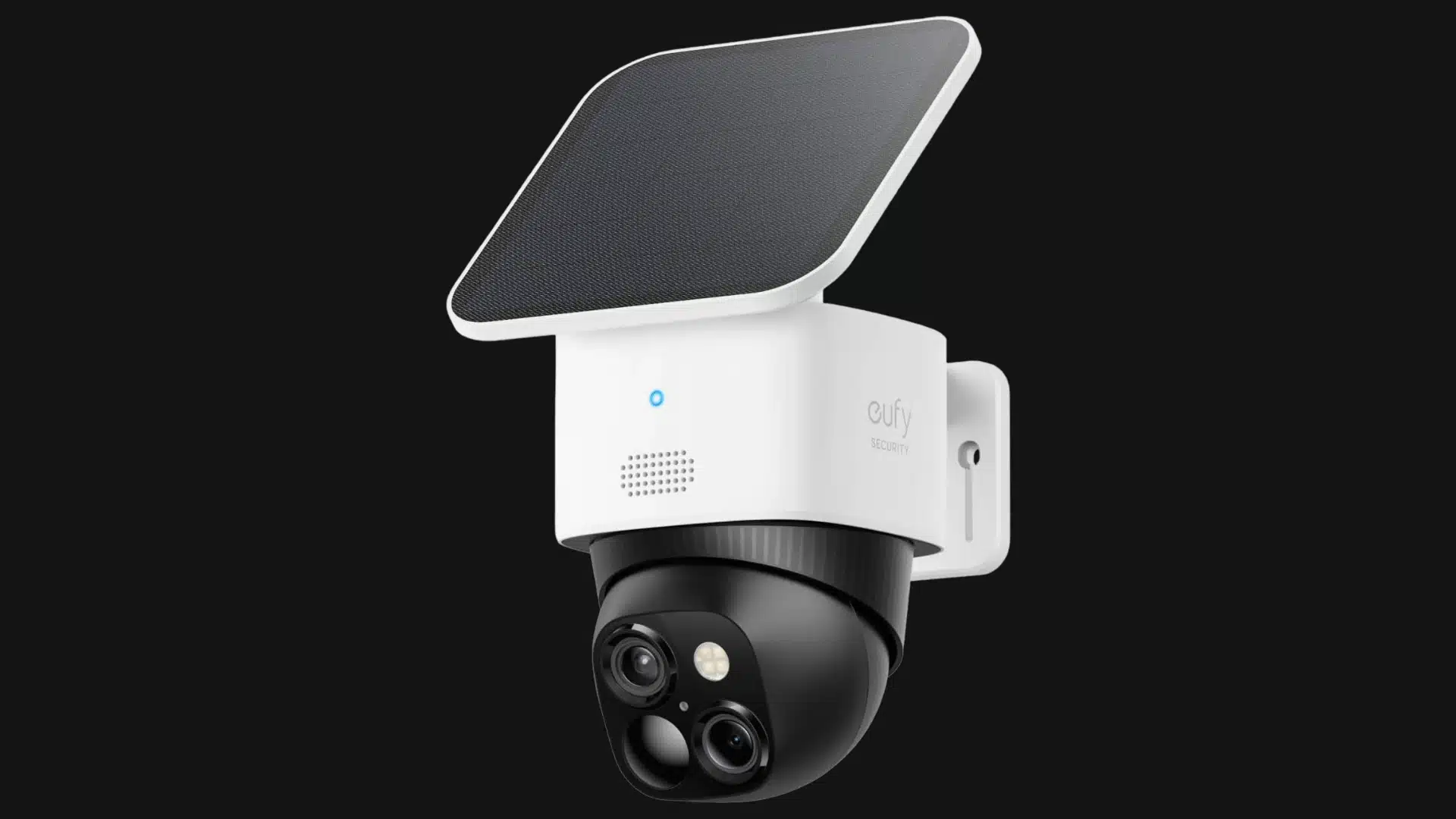
The Eufy SoloCam S340, priced at around $200, is the strongest all-around option for a fully wire-free outdoor setup.
It uses two lenses, records at 3K resolution, and offers 360-degree pan-tilt coverage. That wider view helps reduce blind spots around driveways, yards, and entry points.
A built-in solar panel keeps the battery charged when the camera receives enough sunlight. Once mounted in a suitable spot, it usually needs very little day-to-day attention.
Local storage means you can use the main camera features without paying an ongoing subscription fee. However, the higher upfront price may be harder to justify if you only need basic monitoring.
2. TP-Link Tapo C425 MagCam
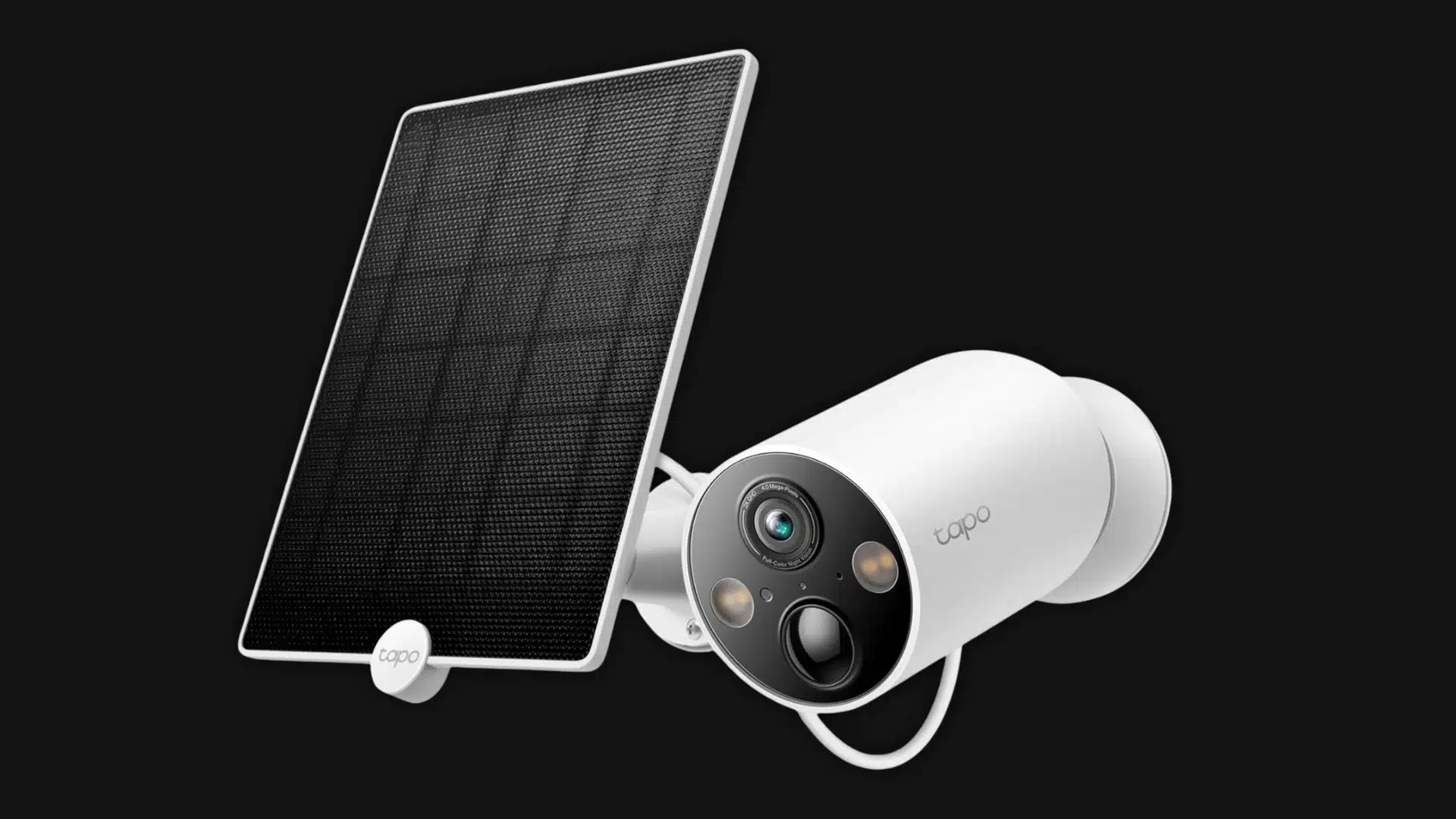
The TP-Link Tapo C425 MagCam, priced between $70 and $115, is a good pick if you want a wire-free camera without spending much.
It records at 2K resolution and supports MicroSD cards up to 512GB so that you can save footage locally without a cloud subscription.
The magnetic base makes installation and repositioning simple. You can adjust the angle or remove the camera for charging without dealing with screws.
The main drawback is charging. It may need manual recharging unless paired with a compatible solar panel. Keep placement in mind, as shaded areas, covered porches, or north-facing walls may not receive enough sunlight.
Best Cameras for Continuous Recording and Multi-Camera Setups
Motion-triggered clips work well for basic home monitoring, but they can miss activity between events. Continuous recording is better when you want a complete timeline or plan to install several cameras.
3. Reolink Atlas and TrackMix Series
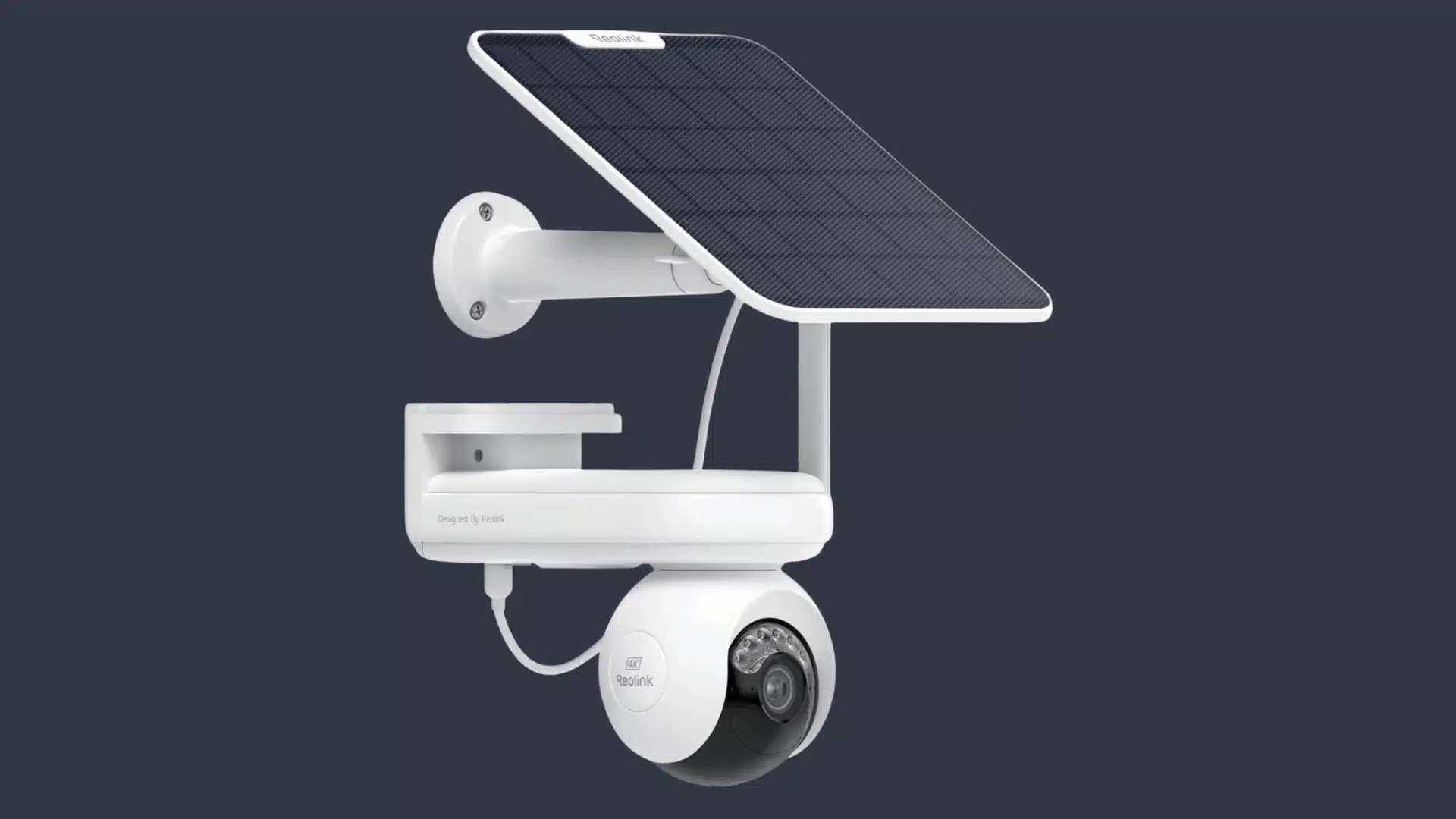
The Reolink Atlas and TrackMix series, priced around $100 to $150, are a good fit if you need continuous outdoor recording rather than only motion clips.
These cameras support MicroSD storage and NVR setups, giving you flexible storage options for longer recordings. The TrackMix models use dual lenses that combine a wide view with close-up tracking, helping monitor driveways, yards, or larger areas.
Reolink cameras deliver clear daytime footage and solid night performance. For multiple cameras or 24/7 recording, an NVR is usually the better choice since high-resolution footage can quickly fill memory cards. You also avoid paying separate subscription fees for each camera.
4. Security Cameras Inc SC5BL 5MP PoE Bullet
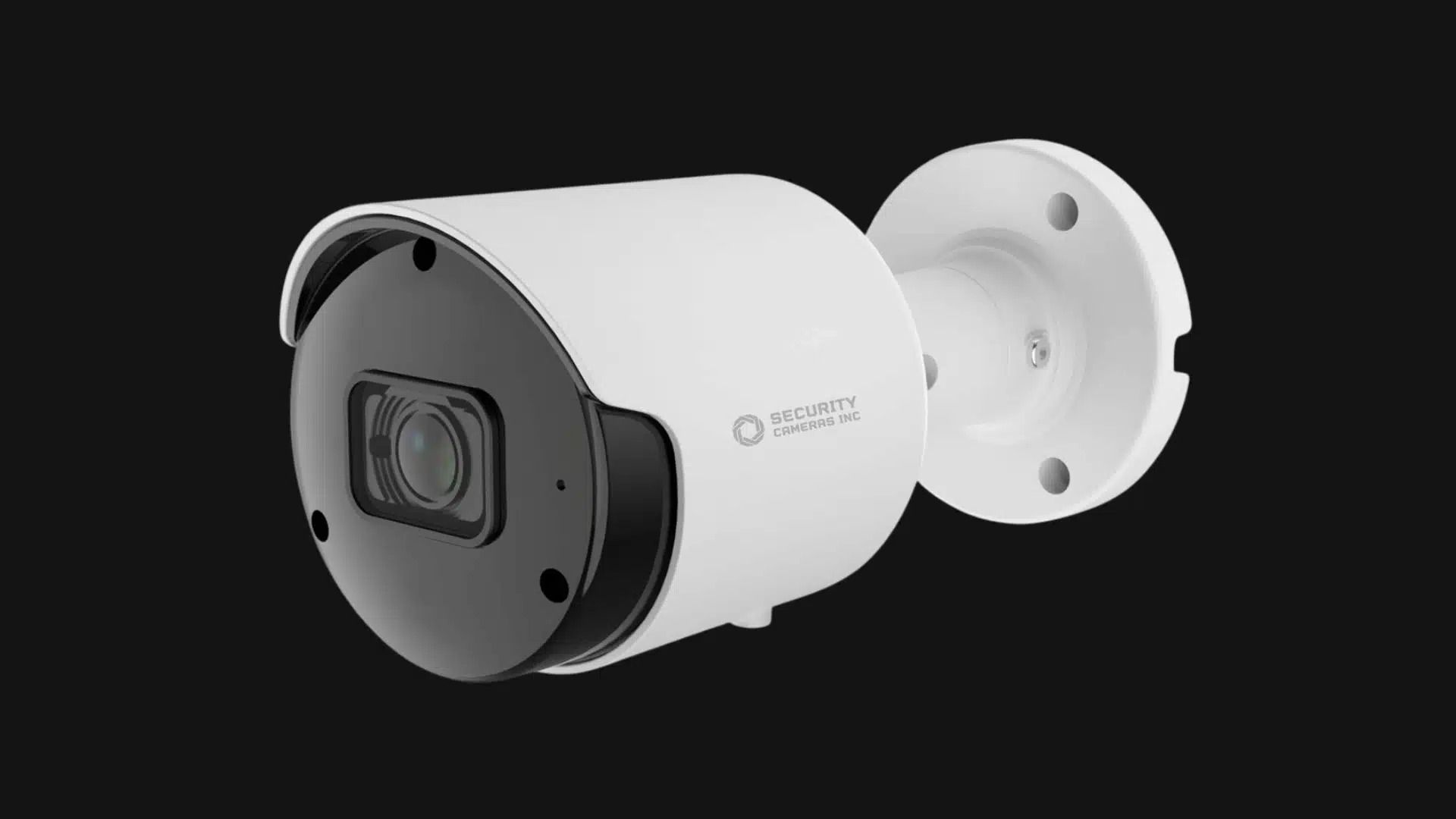
The Security Cameras Inc SC5BL 5MP PoE Bullet, priced at around $75, is a solid wired option when reliable recording matters more than easy installation.
It uses Power over Ethernet (PoE), so a single Ethernet cable carries both power and video. The camera records to an NVR, giving you more storage and making it easier to manage multiple cameras without subscription fees.
Setup takes more work because you need to run cables, but the system avoids battery issues and Wi-Fi limits. It is a good fit for driveways, workshops, and larger properties where consistent recording is the priority. Just choose an NVR with enough channels for future camera additions.
Best Budget Pick Under $40
Cameras under $40 usually come with simpler hardware and fewer free smart features. They can still provide useful footage for indoor rooms, garages, porches, and other sheltered areas.
5. Wyze Cam v4
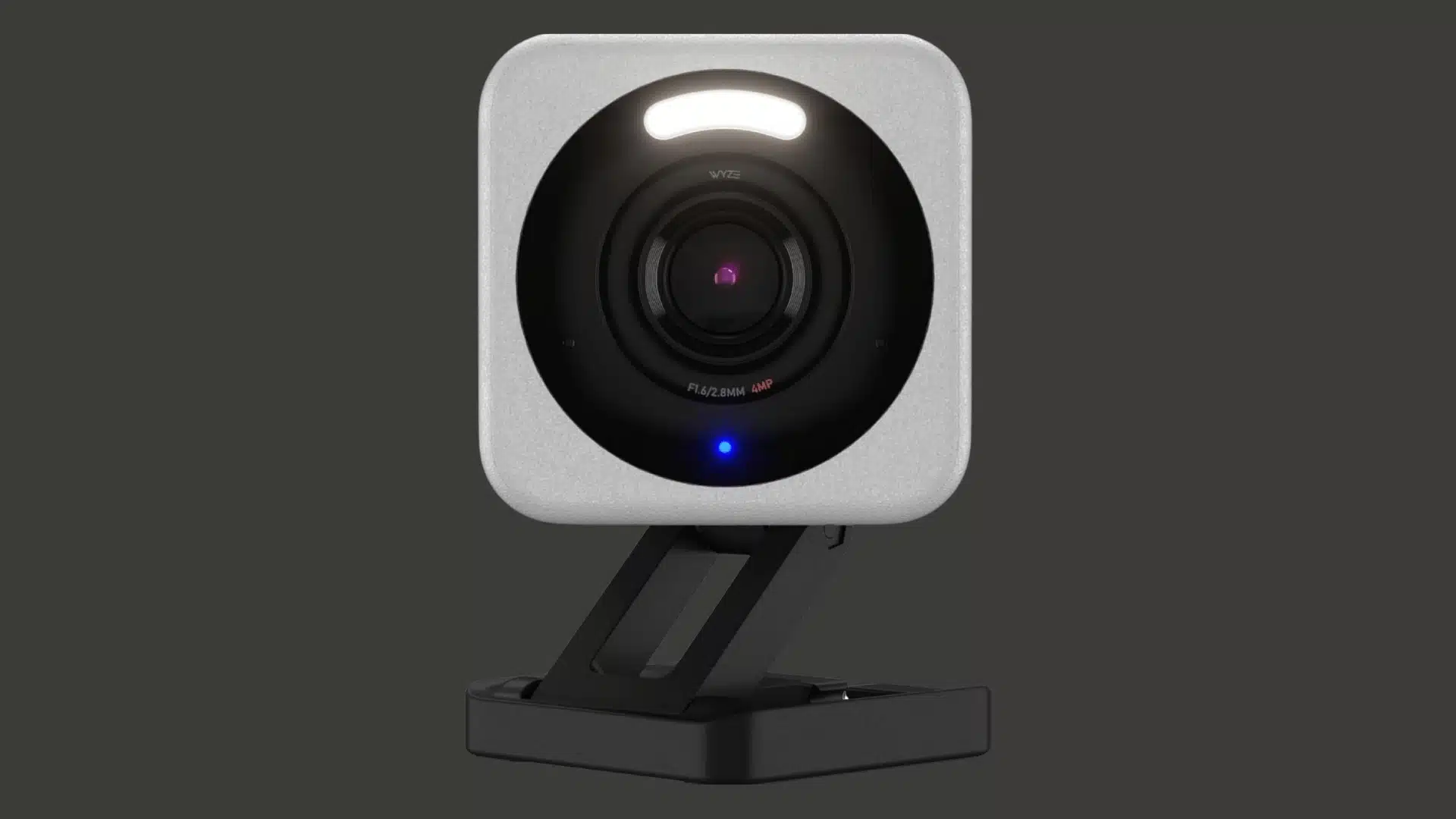
The Wyze Cam v4, priced at around $36, is one of the most capable cameras in this price range.
It records clear footage and can save video locally to a MicroSD card. Local recording allows basic use without paying for cloud storage.
The camera also supports motion alerts and night recording. Some smart detection features may require a paid Wyze plan, so the free version is more limited than the subscription version.
The Wyze Cam v4 can work outdoors, but placement still matters. A sheltered porch or covered entry is safer than a fully exposed wall in areas with severe rain, snow, or extreme heat.
6. Wyze Cam OG
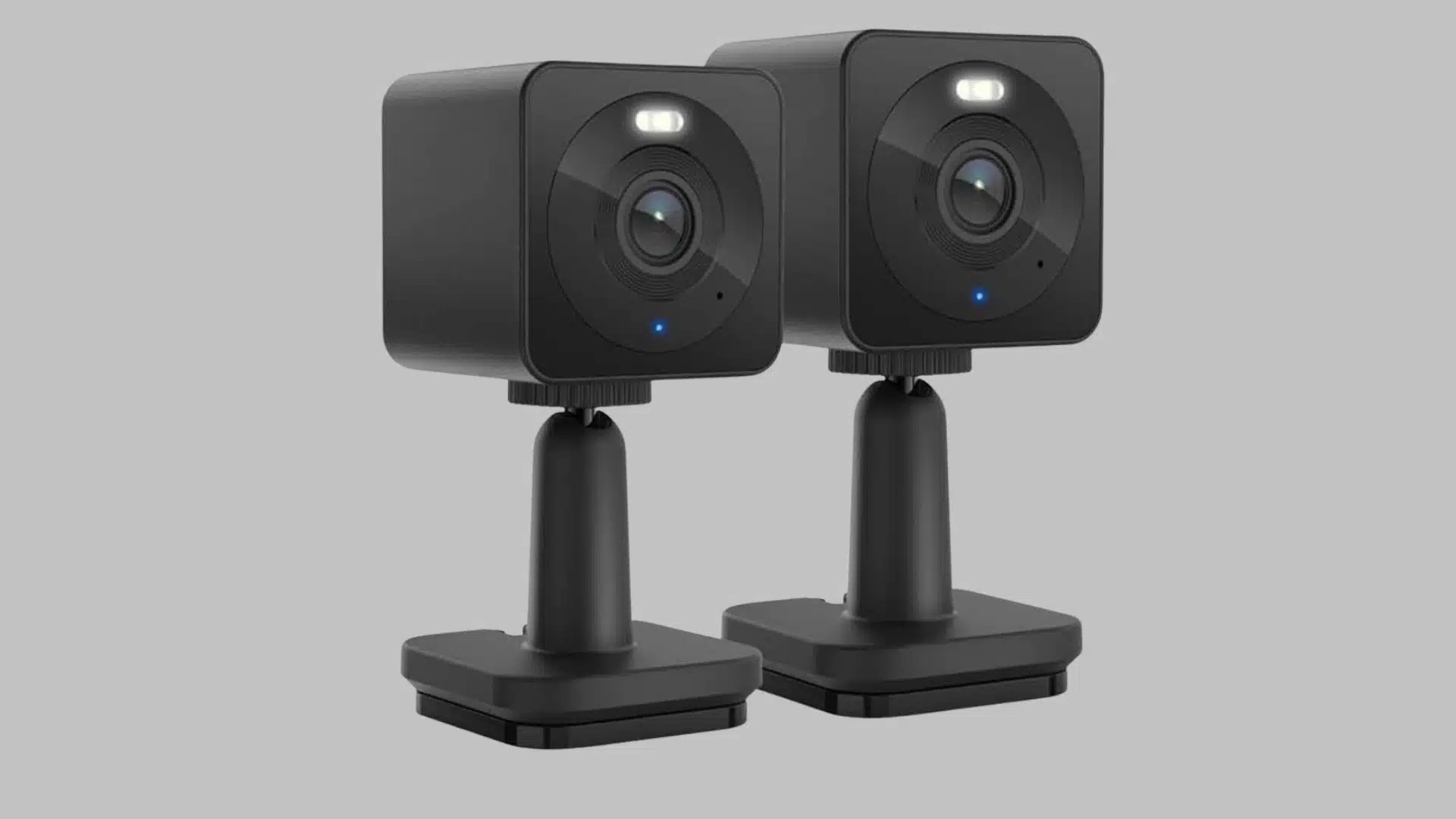
The Wyze Cam OG, priced at around $30, is the cheaper and simpler option. It records in at least 1080p and supports local storage through a MicroSD card. It works well for checking a room, a garage, a pet area, or a covered doorway.
The camera is designed around basic monitoring rather than advanced image quality or wide-area coverage. It is a practical choice when you need several low-cost cameras for simple locations.
Wyze offers optional paid plans, and some alerts or detection tools may sit behind the subscription. The free version still works, but you should check the current feature list before buying.
Both Wyze cameras are best used indoors or in sheltered outdoor spots. They are not the strongest choice for areas exposed to heavy rain, direct weather, or large temperature swings.
7. Lorex 2K QHD Wire-Free
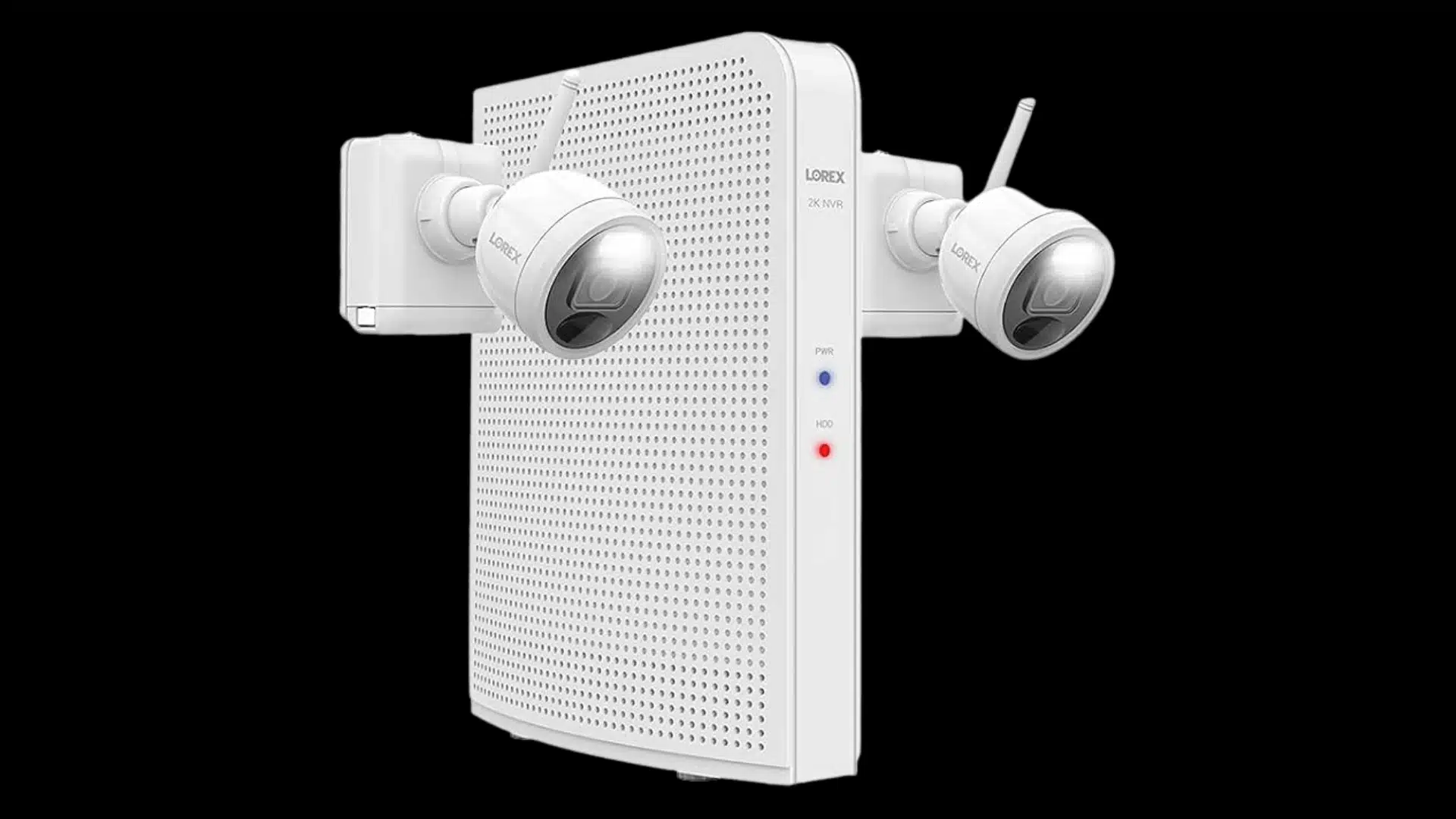
The Lorex 2K QHD Wire-Free Security Camera, priced around $100 to $150, is a good option if you want local storage, clear video, and no monthly subscription.
It records in 2K resolution and saves footage through a MicroSD card or compatible Lorex recorder. This keeps your recordings under your control without relying on cloud storage.
The rechargeable battery makes installation easier in areas without nearby power outlets. Motion detection and night vision help monitor driveways, yards, and entry points after dark.
The main drawback is battery maintenance. Frequent activity may require more charging, and a weak Wi-Fi signal can affect performance in some locations.
What to Check Before You Buy?
The camera is only part of the decision. A few practical conditions determine whether any subscription-free setup actually works in your home, and most buying guides skip straight past them.
Wi-Fi Range and Band Compatibility
Mounting conditions affect how well a subscription-free camera performs after installation.
- Mostly uses 2.4 GHz Wi-Fi: Consumer-grade, subscription-free cameras usually connect through 2.4 GHz networks.
- May require band separation: Routers using 5 GHz by default or combined bands may need manual Wi-Fi band splitting.
- Check signal before mounting: Test Wi-Fi strength at the exact installation spot before placing the camera.
- Watch for common weak areas: Entry points, front doors, side gates, and detached garages often have weaker signals.
Mounting Surface
- Needs different hardware by surface: Brick, stucco, and soffit require different mounting materials than timber or drywall.
- May require extra tools for masonry: Brick installations often need a drill, masonry bits, and wall plugs.
- Requires proper solar placement: Solar cameras need unobstructed southern exposure for reliable charging.
- Performs poorly in shade: Shaded walls or north-facing corners can reduce solar charging, regardless of battery capacity.
A proper mounting location helps prevent installation problems and keeps the camera powered and secure.
Ongoing Access and Maintenance
Camera placement affects not just installation but also the effort required for regular maintenance.
- High mounts need extra planning: Cameras placed above 10 feet can make battery charging or MicroSD card replacement difficult.
- May require frequent ladder use: Hard-to-reach cameras add extra work for routine maintenance tasks.
- Works better with wired options: Wired cameras remove the need for regular battery changes in high locations.
- Solar panels can reduce upkeep: Dedicated solar panels help keep battery-powered cameras charged without frequent access.
Conclusion
The best home security camera without subscription depends on what you need most. From my experience, a wire-free model works well for simple setups, while NVR systems are a better fit when you need continuous recording or coverage across a larger property.
Local storage can help you avoid monthly fees, but I’ve found it also means taking more responsibility for managing footage and checking alerts yourself.
Before buying, I’d look beyond the camera specs and think about placement, Wi-Fi strength, storage, and long-term maintenance. A camera that fits your home setup will always perform better than one that only looks impressive on paper.
Take your time comparing options, and choose a system that gives you reliable protection without unnecessary ongoing costs.
Frequently Asked Questions
Which CCTV camera is best for a home without a subscription?
The Eufy SoloCam S340 is the strongest all-around pick for most homes. It’s wire-free, solar-powered, stores footage onboard, and includes AI detection at no extra cost. For wired setups, the Reolink NVR systems offer continuous recording without monthly fees.
Are there any security cameras you don’t have to pay a subscription for?
Yes, plenty. Eufy, Reolink, TP-Link Tapo, and Wyze all make cameras that work fully without a subscription. You store footage locally on a MicroSD card or a base station, and alerts go straight to your phone. You won’t get professional monitoring, but the core security function works fine.
Which security cameras don’t need a subscription?
Eufy, Reolink, TP-Link Tapo, Lorex, and Wyze are the most widely available options. Each handles local storage differently; some use an onboard MicroSD card, others use a separate hub. The storage method matters more than the brand name when you’re comparing options.