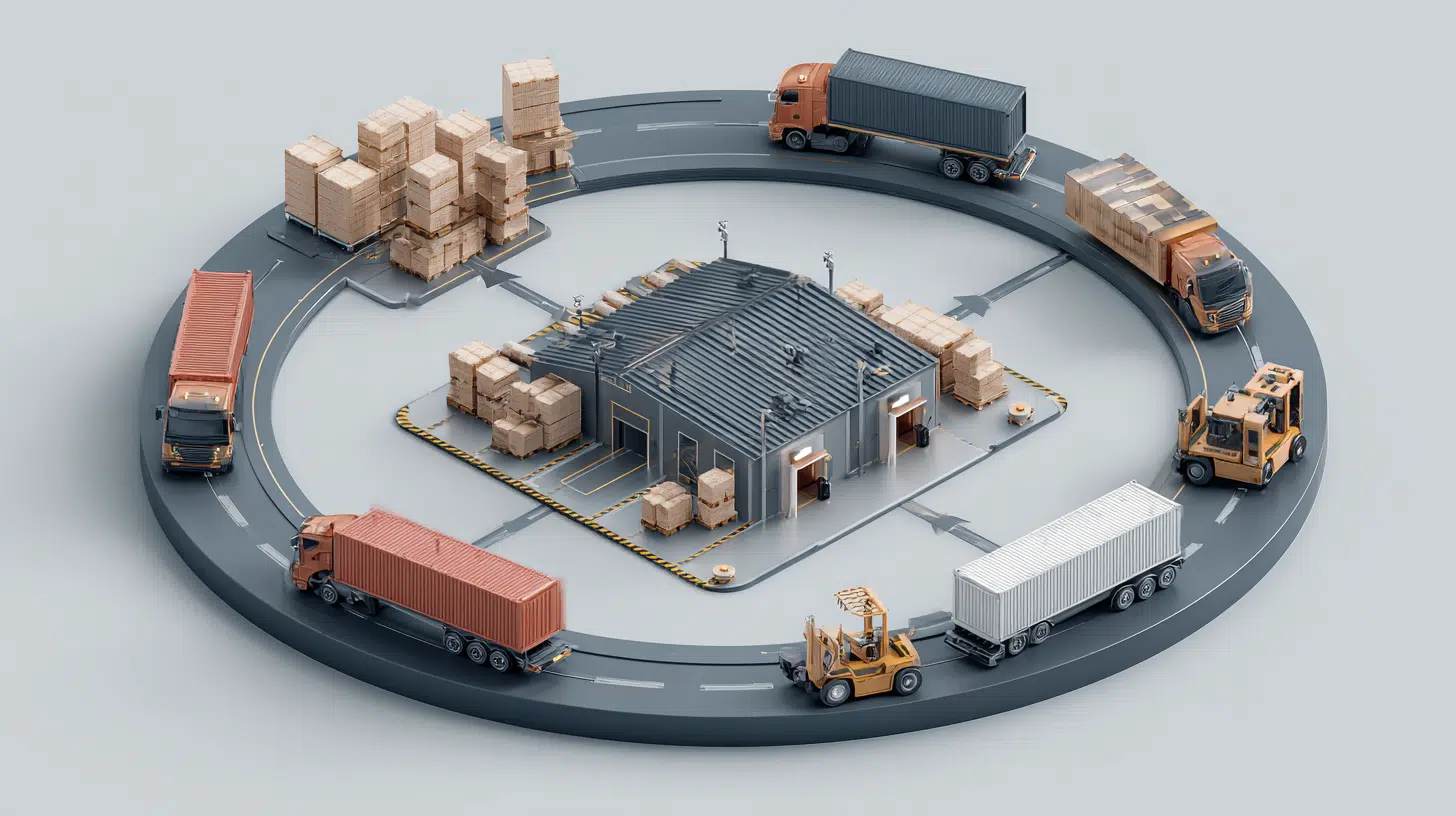
Business operations often depend on fast access to forms, manuals, booking pages, internal documents, and customer support channels. When teams use a free QR code generator inside a clear workflow, they can turn printed or digital materials into direct mobile access points. The right tool should support accuracy, simple updates, and reliable use across departments.
What to Check Before Choosing a Tool
Before comparing platforms, it helps to look at practical business needs. A QR code generator should match the way a company shares information, not only create a scannable image.
| Feature | Why it matters for operations |
|---|---|
| Dynamic links | Update instructions, forms, or pages without reprinting |
| Scan analytics | See which materials are actually used |
| Bulk creation | Prepare many codes for teams, assets, or locations |
| Branding | Keep codes consistent with company materials |
| API options | Connect code creation with internal systems |
This table gives a general comparison framework. It also helps separate simple tools from platforms designed for recurring operational use.
ME-QR
ME-QR is useful for teams that need to manage a QR code across different business processes, such as onboarding, service instructions, customer forms, inventory materials, event access, and internal documentation. It is especially practical when a printed code may need to lead to updated content later.
ME-QR is an international platform for generating, managing, and analyzing QR codes, with users worldwide, an interface in 28 languages, and more than 20 million generated QR codes, over 300 million scans, and more than 500,000 users. The platform supports dynamic codes, scan analytics by location, time, and device, bulk creation, API integrations, branding with logos, colors, and custom domains, plus a simple dashboard for managing several operational links.
Advantages:
- supports dynamic destinations for changing documents and forms;
- includes analytics for tracking scan activity;
- allows bulk creation for teams and locations;
- offers branding with logos, colors, and custom domains;
- provides API options for structured business workflows.
Limitations:
- may include more features than needed for one static link;
- analytics tools may require some time to explore.
ME-QR fits best when QR codes are part of ongoing business communication, not just a one-time task.
Kaywa
Kaywa is a straightforward option for companies that need to connect printed materials with stable online pages. It can support business cards, office notices, basic customer information sheets, and event materials.
Advantages:
- suitable for simple business links;
- easy to use for quick tasks;
- works well for static printed materials;
- useful when destinations rarely change.
Limitations:
- fewer advanced workflow options;
- less suitable for complex internal operations.
Kaywa can work well for small tasks where simplicity matters more than detailed management.
Orca Scan
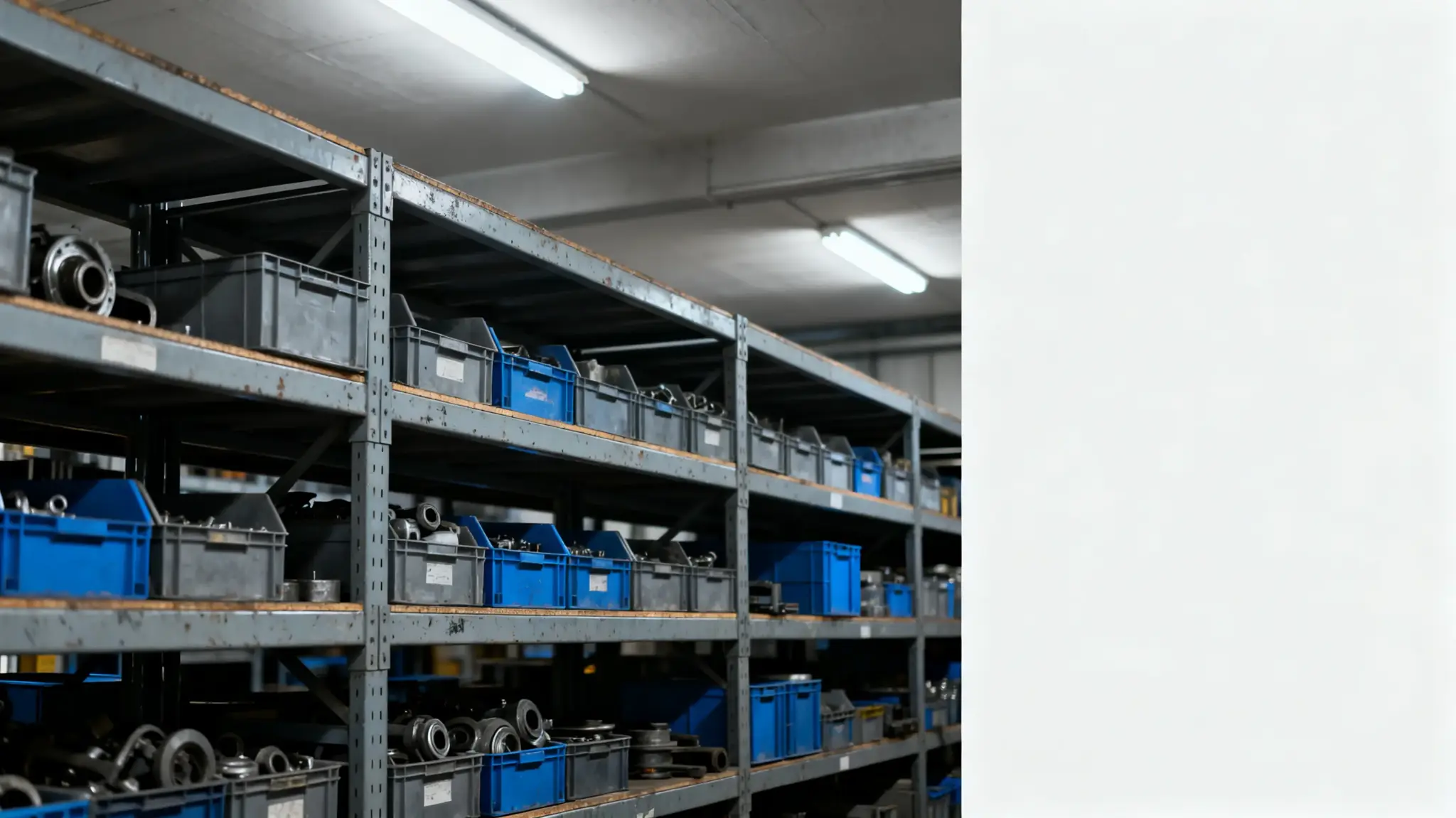
Orca Scan is more focused on tracking, inventory, and structured data collection. It can support operational environments where teams need to connect physical items, assets, or records with digital information.
Advantages:
- useful for inventory and asset tracking;
- supports structured data workflows;
- practical for operational teams;
- suitable for item-based processes.
Limitations:
- less focused on marketing-style design;
- may feel technical for simple communication tasks.
Orca Scan is strongest when QR use is tied to internal control, logistics, or asset management.
TEC-IT
TEC-IT offers tools for creating barcodes and QR-based materials for technical and business use. It can suit teams that need a QR generator for labels, internal systems, product identification, or structured documentation.
Advantages:
- suitable for technical code generation;
- useful for labels and operational documents;
- supports several code types;
- practical for structured business environments.
Limitations:
- interface may feel less modern for casual users;
- branding and campaign features are not the main focus.
TEC-IT is a practical choice when technical reliability matters more than visual campaign design.
GoQR
GoQR is a simple tool for creating scannable codes for links, text, contact details, and other basic destinations. It can help small businesses or individuals who need a quick QR code maker without a complex setup.
Advantages:
- simple and fast to use;
- suitable for basic link sharing;
- works for small printed materials;
- useful for quick one-off tasks.
Limitations:
- limited for larger operational campaigns;
- fewer options for analytics and long-term management.
GoQR is best for simple cases where the destination is clear and unlikely to change.
Choosing the Right Generator for Operations
A company that needs to generate QR code assets for manuals, forms, service pages, and onboarding materials should think beyond quick creation. The code should lead to one clear destination, open well on mobile, and remain easy to manage after publication.
For basic needs, a QR code generator online may be enough. For recurring business workflows, dynamic editing, analytics, and organized management become more valuable.
FAQs
Why Do Businesses Use QR Codes in Operations?
They help teams share forms, manuals, instructions, support pages, asset records, and internal documents quickly.
When Are Dynamic QR Codes Useful?
They are useful when the linked document, form, or instruction may change after the code has already been printed or shared.
What Should Be Checked Before Using a QR Code?
The destination, mobile view, scan quality, access permissions, and short explanation near the code should all be checked.