A doorbell camera can look great on paper and still be a poor fit for your front door.
If you’re comparing models, the real challenge is sorting through wiring needs, storage fees, package coverage, and smart-home support without getting buried in specs.
I focused this comparison on what changes day-to-day, so you can find the best doorbell camera system for your setup.
You can see how top models differ in power, subscriptions, local storage, video quality, delivery tracking, and compatibility with systems such as Google Home.
I also cover common buying mistakes and real owner feedback, helping you narrow the options with more confidence before you spend.
What Makes a Good Doorbell Camera?
A good doorbell camera should do more than show who is standing at the front door. Clear video, a wide field of view, quick motion alerts, and dependable night vision all affect daily use.
Storage also matters because some models save recordings locally, while others rely on paid cloud plans. The Eufy E340, for example, supports local storage without a mandatory monthly fee.
Power type is another key factor. Wired models provide steady power, while battery models can be easier to install in different locations.
Smart-home support can also influence the choice, especially if you’re already working through a smart home setup built around Google Home or Alexa. The best option should match the entryway, storage preference, budget, and security needs without adding unnecessary ongoing costs.
Top Doorbell Cameras Worth Considering
These models lead the current rankings for different reasons. Each one handles a specific need well.
1. Google Nest Doorbell (Wired, 3rd Gen)
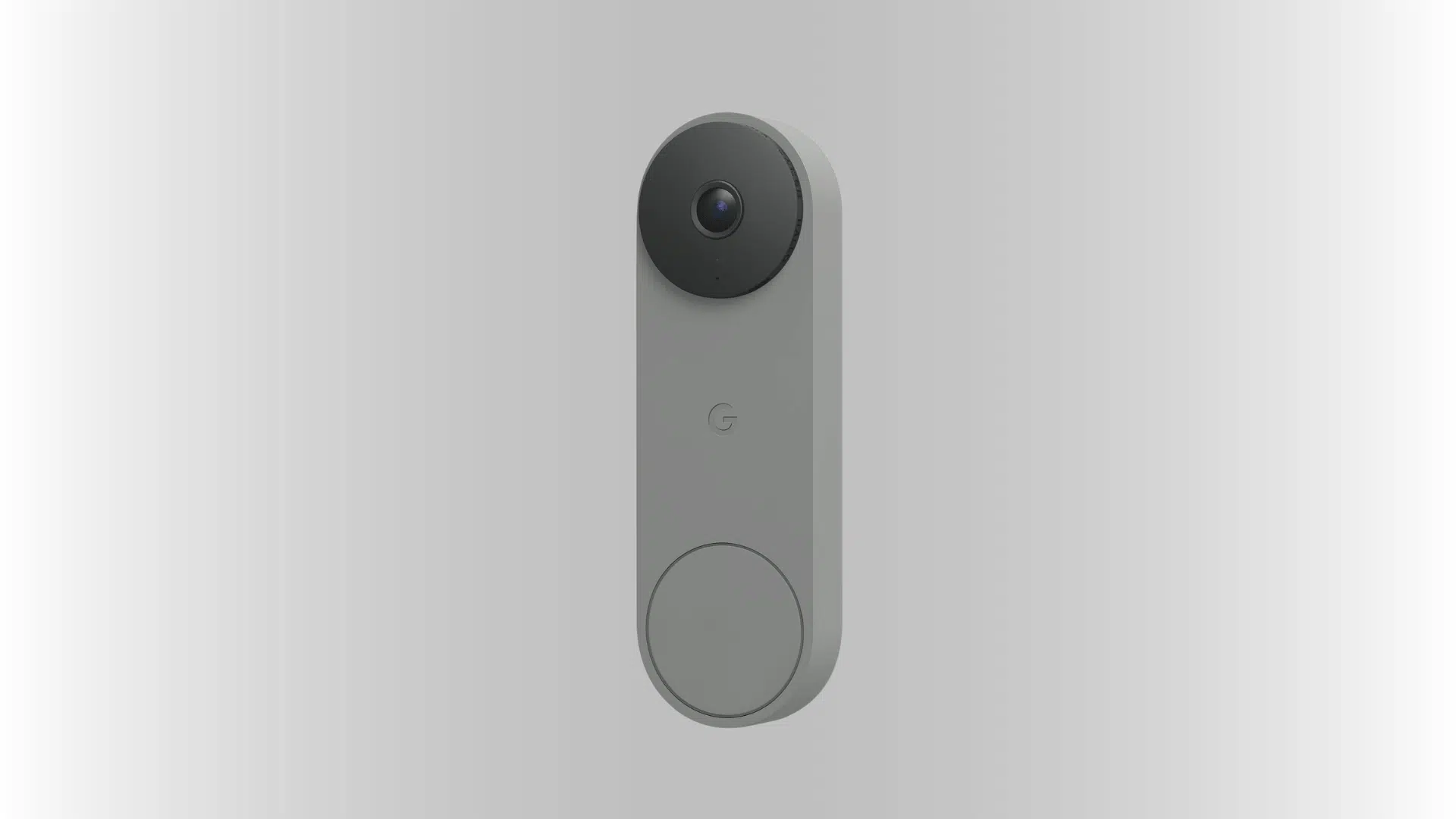
Google Nest Doorbell is the most well-rounded option, especially if you already use Google Home. It detects motion quickly and sends alerts almost instantly.
Reviewers often cite its fast response and clear 2K video as its main strengths, though the full video history requires an ongoing subscription plan. If you’re mapping out a wider connected household, a few home automation devices beforehand can help you settle on one ecosystem before you commit.
- Near-instant motion alerts
- Sharp 2K video quality
- Works smoothly with Google Home
- Full history needs a subscription
- $179.99
2. Eufy Video Doorbell E340
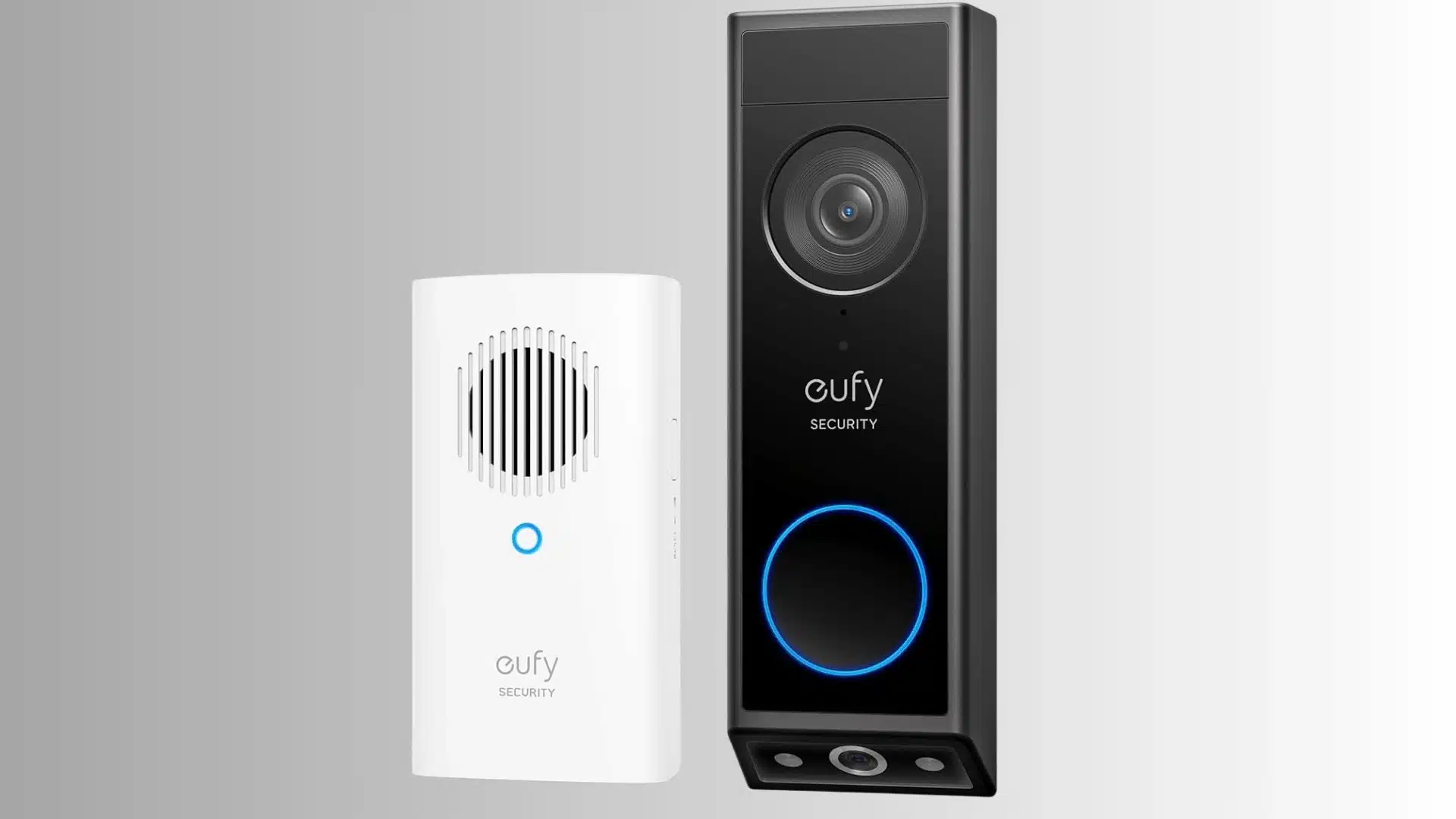
particularly useful for package monitoring. Its second, downward-angled camera focuses specifically on deliveries left near the door.
Buyers with frequent deliveries often value this feature, especially since there’s no monthly fee. Footage stays locally on the home base rather than in the cloud.
- Dual cameras for visitors and packages
- Downward angle built for delivery tracking
- Local storage on the home base
- No mandatory subscription fee
- Good fit for frequent online shoppers
- $119–$149
3. Ring Battery Doorbell Plus
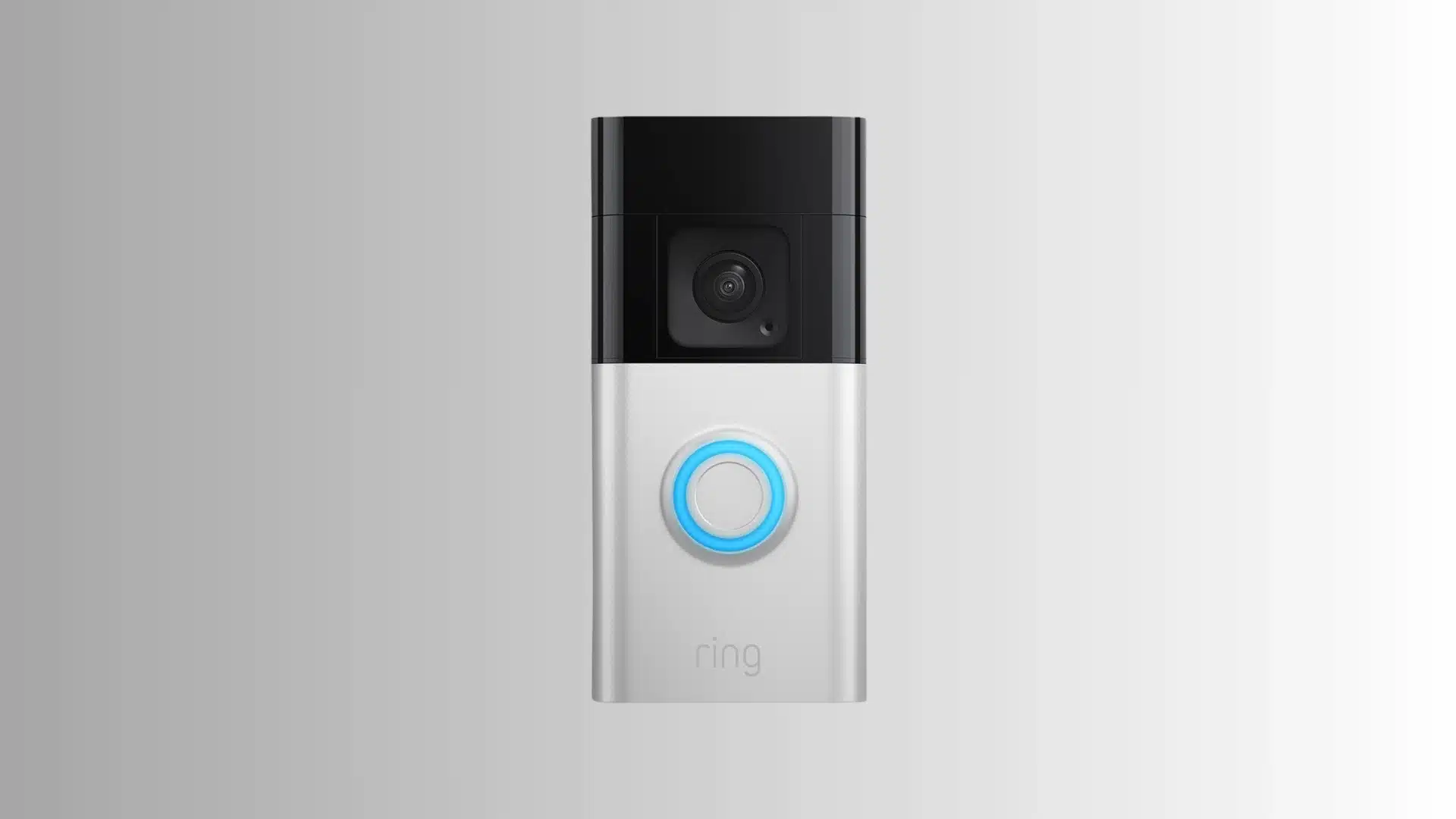
Ring Battery Doorbell Plus suits homes that cannot run new wiring because it supports either battery or wired power. That flexibility can help renters especially.
Its 1:1 view makes packages easier to see than earlier 16:9 Ring models, and the removable battery also simplifies charging between uses.
- Works on battery or wired power
- 1:1 view improves package visibility
- Removable battery for easy charging
- Renter-friendly setup
- Full history requires a Ring subscription
- $129.99 – $179.99
4. Lorex 4K Video Doorbell
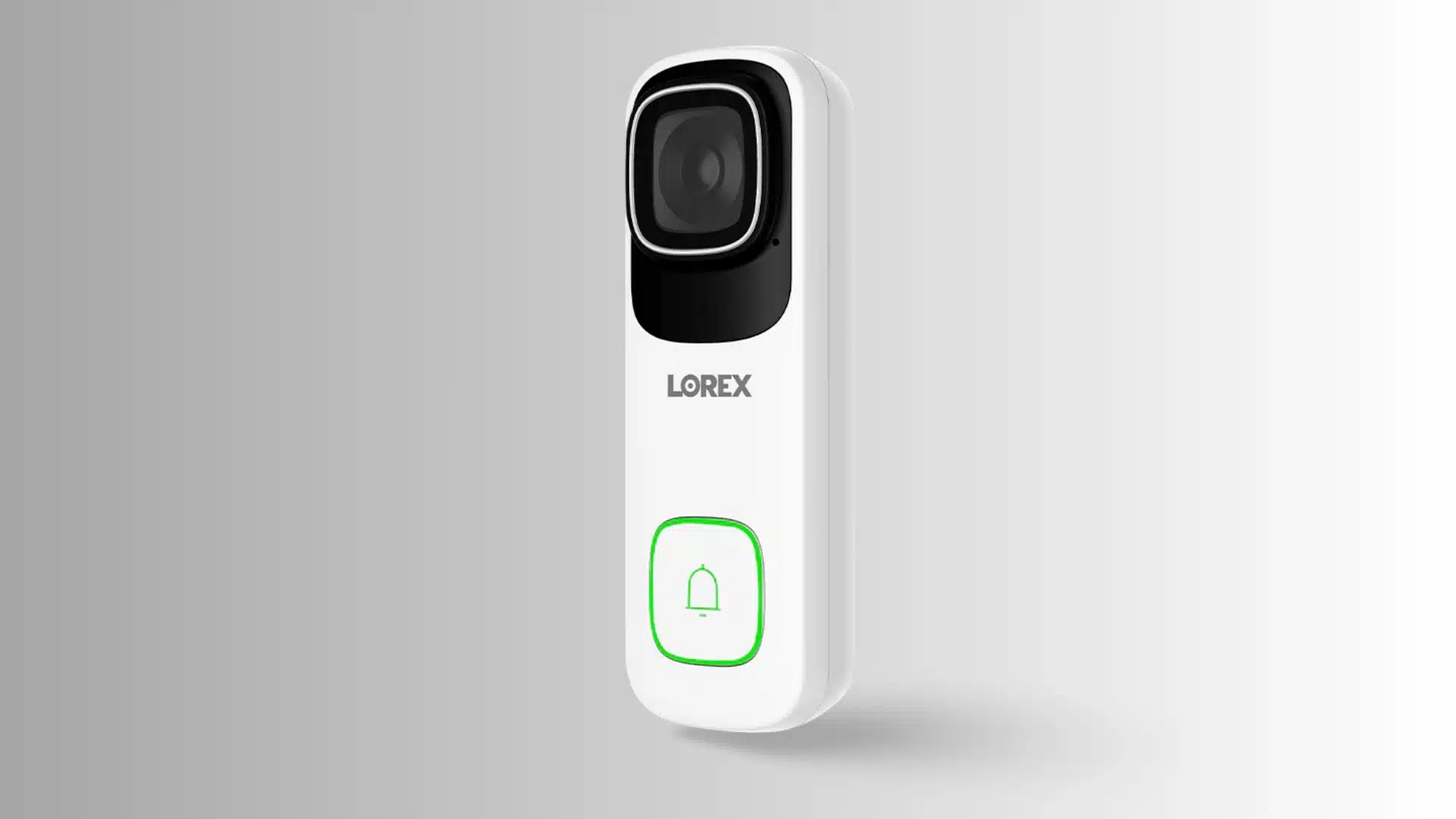
Lorex 4K Video Doorbell leads in image clarity, offering detailed 4K footage without any recurring fee attached. Recordings stay locally on a microSD card.
It requires wired installation, so it won’t suit every home. It remains a solid option for buyers who prioritize image quality above all else.
- True 4K resolution
- Local microSD card storage
- No subscription needed
- Wired installation only
- Best suited to image-quality-first buyers
- $154 – $220
5. SimpliSafe Doorbell
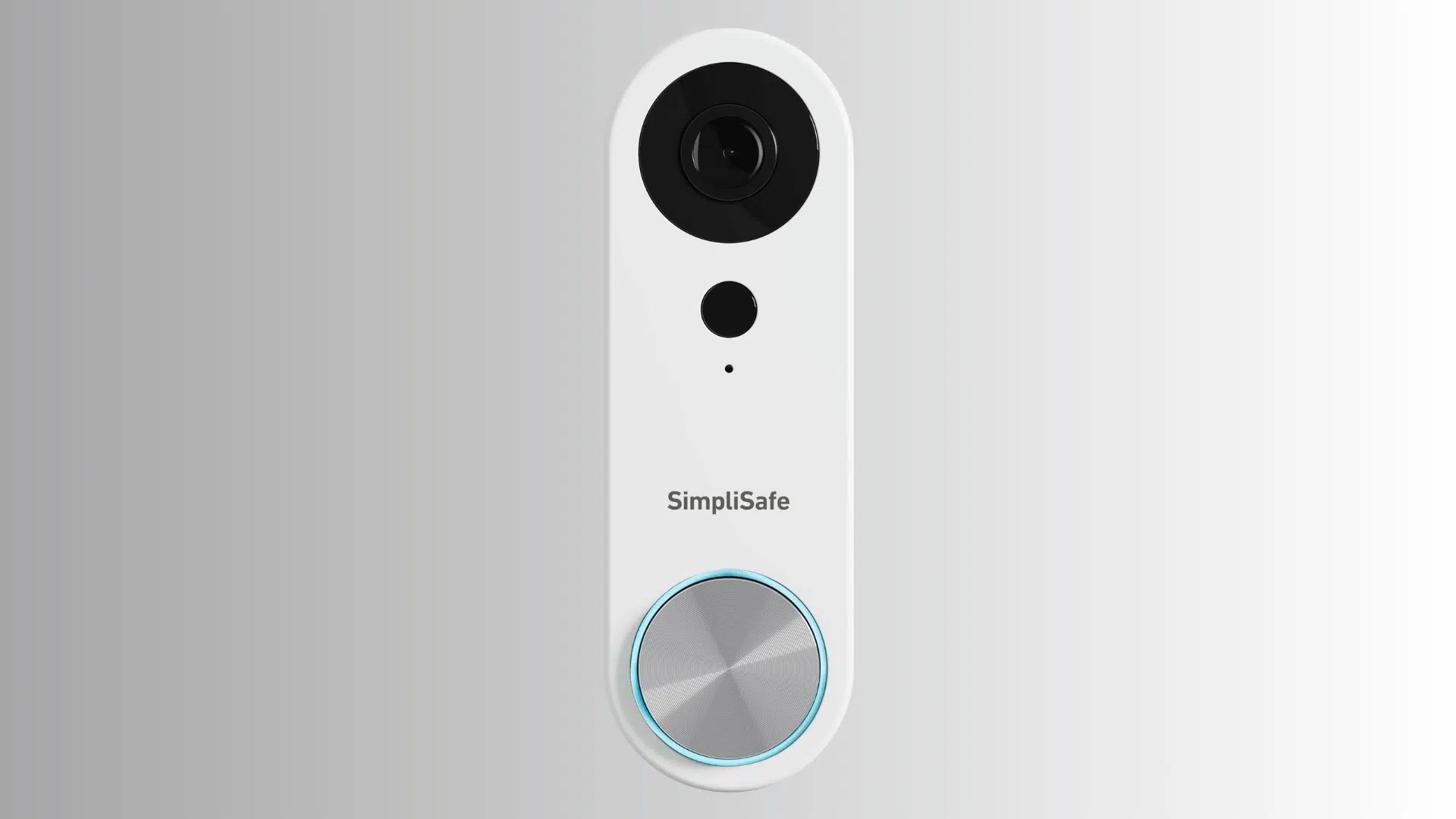
SimpliSafe Doorbell pairs well with SimpliSafe’s broader security system, making it a strong pick for intruder prevention specifically. It’s built to work as one piece of a larger setup.
Standalone buyers get less value here than existing SimpliSafe customers do, since the real strength shows up once it’s part of a full system.
- Designed for intruder deterrence
- Works best inside a SimpliSafe system
- Less value as a standalone unit
- Suited to existing SimpliSafe households
- Part of a broader security ecosystem
- $169.9
6. Vivint Doorbell
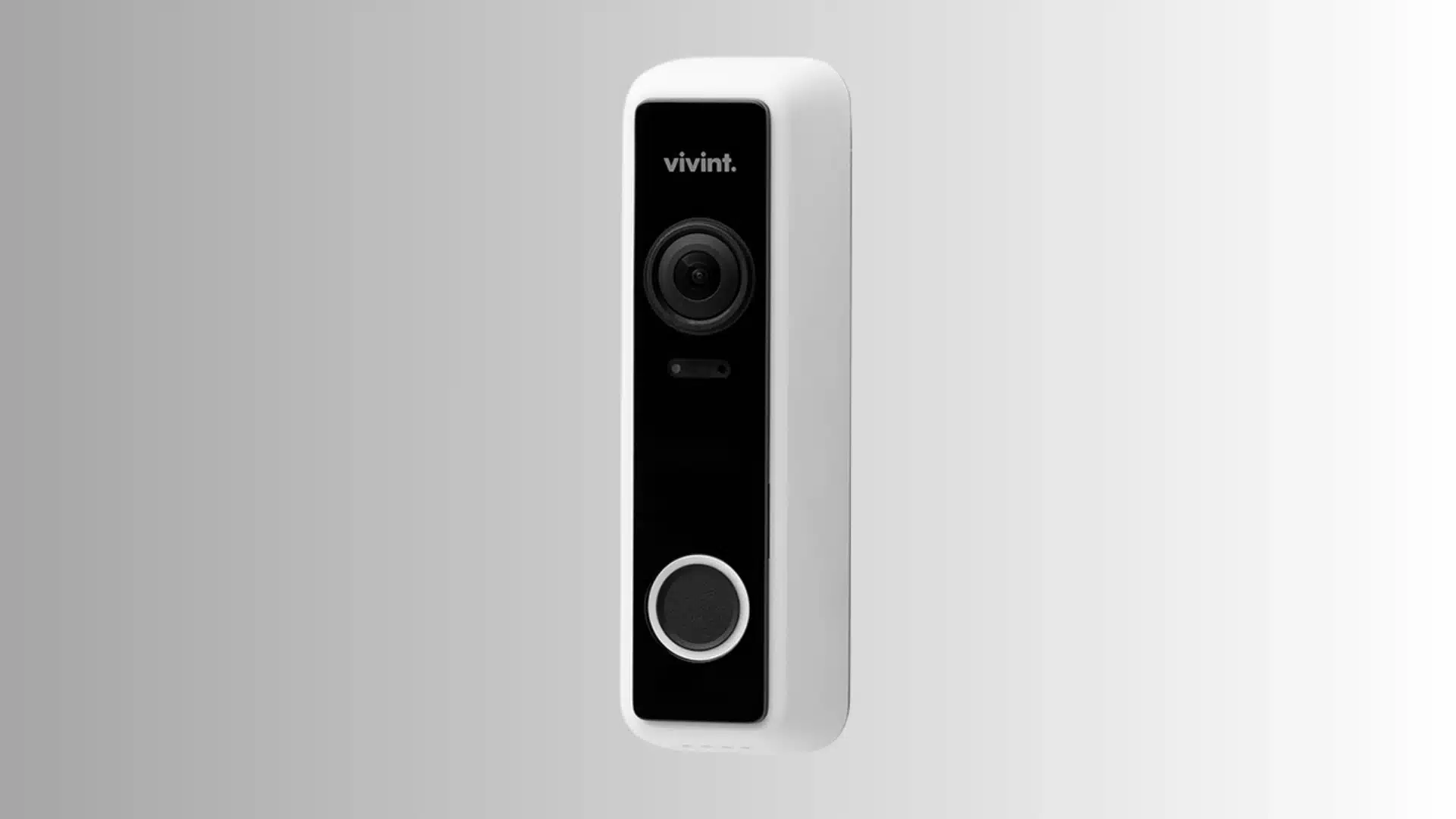
This pick leans hardest into smart home integration, syncing tightly with other Vivint devices around the house.It’s built for buyers already invested in a connected setup.
Pricing tends to be higher than that of standalone competitors, since Vivint bundles professional installation and ongoing monitoring directly into the package.
- Tight integration with Vivint devices
- Professional installation included
- Monitoring bundled into pricing
- Higher cost than standalone doorbells
- Best for existing Vivint households
- $249.99
What Trade-offs Separate These Doorbell Cameras?
Your power source affects installation, recording behavior, storage choices, and subscription options. It should be one of your first checks.
1. Power Source (Wired vs. Battery)
A wired doorbell camera receives constant power, so it does not need to conserve energy. It can respond to motion almost instantly.
Battery models work differently. They limit how often the camera checks for motion to extend battery life. That small delay is the main cost of avoiding new wiring.
2. Subscription vs. Local Storage
Cloud subscriptions and local storage differ in both cost and recording behavior.
Subscription plans from Ring and Google keep a rolling video history. You can review footage from previous days or weeks without relying only on saved clips.
SimpliSafe and Vivint follow a different subscription model. Their monitoring fees connect to the full security system, not just the doorbell camera alone.
Local storage uses a card or home base. It saves motion-triggered clips and overwrites older footage when space runs out.
A subscription-free doorbell can still miss an event. Closely timed activity or limited storage may leave you without the clip you need.
3. Field of View and Package Monitoring
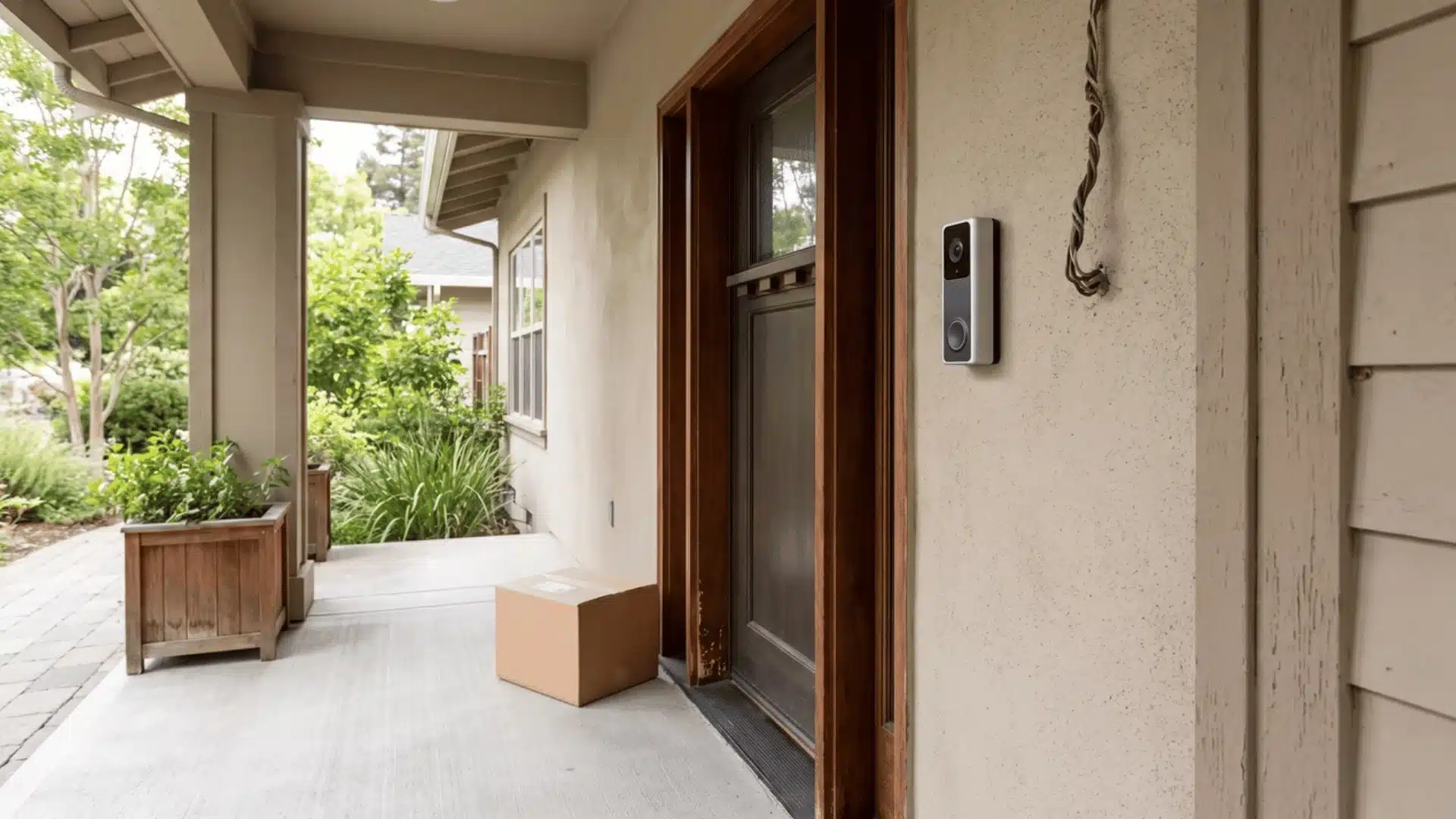
Standard doorbell cameras point straight ahead. That works for faces, but packages near the ground may remain outside the frame.
Dual-lens models add a second camera aimed toward the porch. Higher resolution cannot fix this blind spot because the problem is camera angle.
Quick reference:
| Factor | Wired / Cloud | Battery / Local |
|---|---|---|
| Power | Continuous, instant response | Throttled detection to save battery |
| Storage | Rolling history through a subscription | Event-triggered clips, overwritten when full |
| Best for | Fast alerts, full history | No monthly fees, lower-cost setups |
| Field of view | Depends on the lens, not power type | Dual lenses can improve package visibility |
Which Conditions Should Change Your Choice?
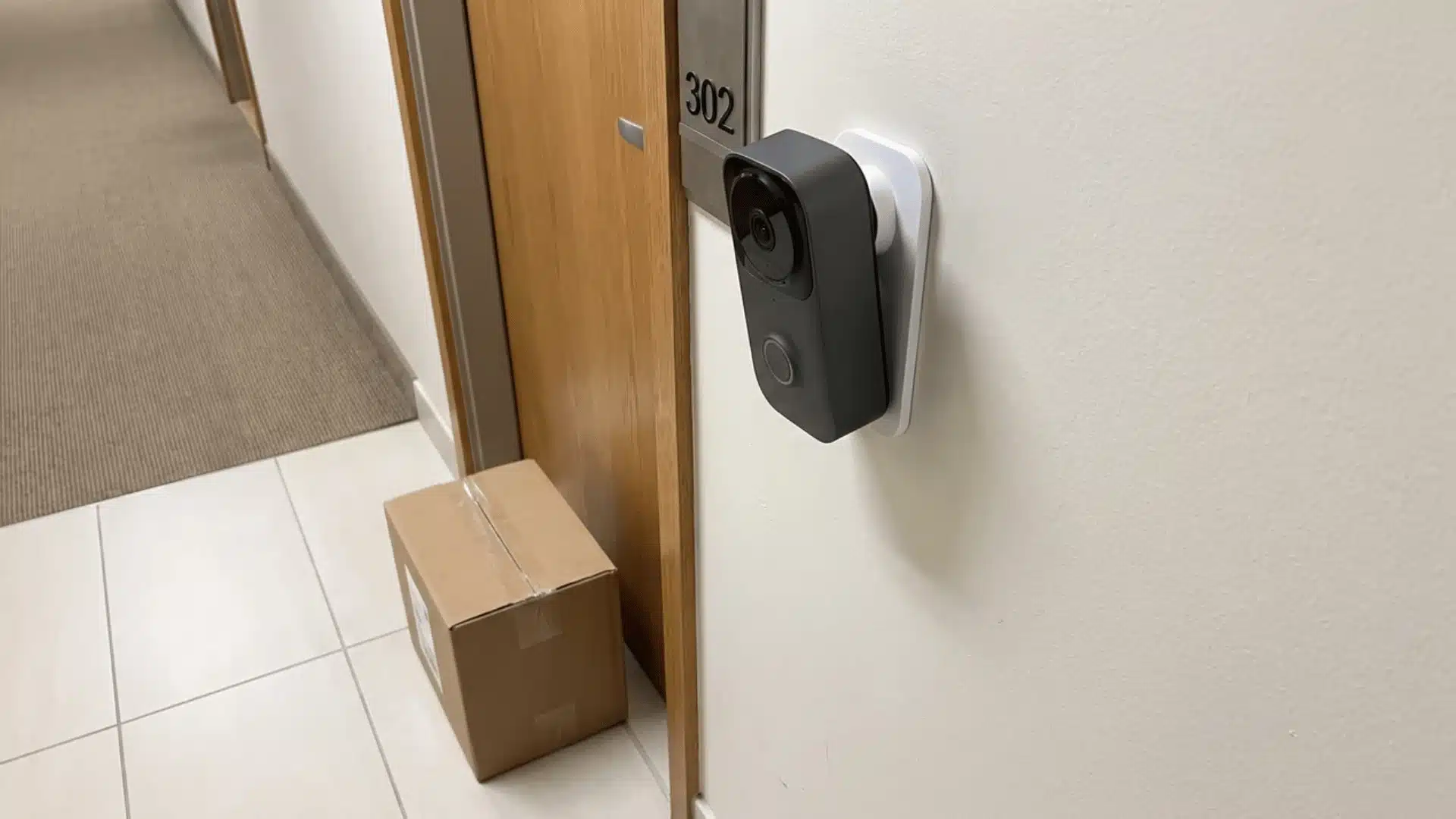
The best doorbell camera changes with your home, delivery frequency, and existing smart home system.
Each situation points toward a different option:
- Renters and apartment dwellers: Landlords may not allow wired installation. A battery-powered, no-drill model can mount with adhesive and move with you.
- Frequent delivery households: A forward-facing camera may miss packages on the ground. A downward-angled second camera can capture both visitors and boxes.
- Smart home ecosystem lock-in: A Google Home camera may not connect smoothly with Alexa or Apple Home. Check compatibility before buying.
Match the camera to your living situation before making a final choice. Strong specifications cannot fix a poor fit with your home.
How to Check Compatibility Before You Buy
A camera can receive good reviews and still be unsuitable for your home. Compatibility is often the reason.
Confirm these points before buying:
- Your smart home hub: Check whether the camera supports Google Home, Alexa, or Apple Home. SimpliSafe and Vivint do not connect to third-party hubs. Both operate within their own closed security system.
- Your existing doorbell wiring: Some wired cameras require a specific voltage range that older homes may not provide.
- Your chime setup: Some brands require a separate chime box. Ring Video Doorbell Wired, for example, does not use existing chime hardware.
- Your Wi-Fi signal strength at the door: A weak signal at the door can delay alerts and clip uploads.
- Your phone’s app ecosystem: Advanced features, including facial recognition, may work differently on iPhone and Android.
A compatible camera should record properly and communicate with the rest of your smart home equipment.
Common Mistakes Buyers Make
Most doorbell camera regrets come from a mismatch between the product and the home.
| Common Mistake | Why It’s a Problem |
|---|---|
| Choosing battery power with weak Wi-Fi | Battery models need a reliable signal to upload clips quickly. Poor connectivity can delay alerts. |
| Skipping the wiring check | A wired model may need an added transformer if the existing doorbell wiring cannot support it. |
| Picking based on resolution alone | A detailed 4K image cannot correct a poor angle. Field of view matters more for package monitoring. |
| Ignoring storage limits | Local storage models overwrite older footage when full. An important clip may disappear before you review it. |
| Assuming every camera fits every chime | Some models need a separate chime box. The Chime Pro can also work as a Wi-Fi extender for Ring doorbells and cameras while providing indoor alerts. |
Checking these issues before buying can prevent a return, reinstall, or poorly functioning camera.
What Do Real Users Say About These Doorbell Cameras?
A Reddit user asked for an affordable doorbell camera with live viewing, night vision, wired power, 24/7 recording, and ideally no Wi-Fi dependence.
Several commenters recommended Eufy for its local storage and lack of subscription fees, while others preferred Reolink, especially PoE models, for continuous recording and Home Assistant support.
Ubiquiti also received praise for reliable wired setups, strong video quality, and local recording, though users noted the higher cost. Some commenters warned about Ring, Nest, Wyze, and Blink due to subscription fees, connectivity issues, battery drain, or reliability problems.
Overall, Reolink appears to best fit the original requirements. I’d lean toward a PoE Reolink model because wired networking and local recording better meet the needs of dependable 24/7 security.
Conclusion
Choosing a doorbell camera comes down to how well it fits your home, not how impressive the spec sheet looks.
The power source affects installation and response time, while storage determines how footage is stored and what you may pay each month.
Package coverage, smart-home compatibility, Wi-Fi strength, and chime support can matter just as much as resolution. I’d choose the best doorbell camera only after checking those practical details against your daily needs.
I also think real owner experiences are useful because they show where missed alerts or setup problems can appear.
Before buying, compare your shortlist with your wiring, preferred storage method, and existing devices. Then share which model works best for your home.
Frequently Asked Questions
Which Brand of Doorbell Camera Is Best?
No single brand wins outright. Google Nest suits smart home integration, Eufy offers subscription-free package tracking, and Ring supports flexible installation. SimpliSafe and Vivint work best for buyers already using their full security systems.
Which Doorbell Camera Is Best Without a Subscription?
Eufy Video Doorbell E340 and Lorex 4K Video Doorbell lead the subscription-free options. Both store event footage locally without a monthly fee.
How Long Does a Doorbell Camera Battery Last?
Most battery models last two to six months per charge. Heavy foot traffic and frequent alerts can drain the battery faster.
Do Doorbell Cameras Work During Power Outages?
Battery-powered models continue working until their charge runs out. Wired models stop recording because they depend on the home’s electrical supply.