Good lighting does more for a movie or game night than a bigger screen. Too bright, and the picture looks washed out. Too dark, and your eyes ache after an hour. Smart lights fix both with one tap, and you don’t need a whole-home system to get started.
Pick a System That Fits the Room
Evenings on the sofa rarely stay the same, either. One night it’s a film, the next it’s a console session, and sometimes it’s a quiet hour on a laptop with a round on Parimatch crypto casino. Each of those wants slightly different light. Scenes let you switch between them without getting up.
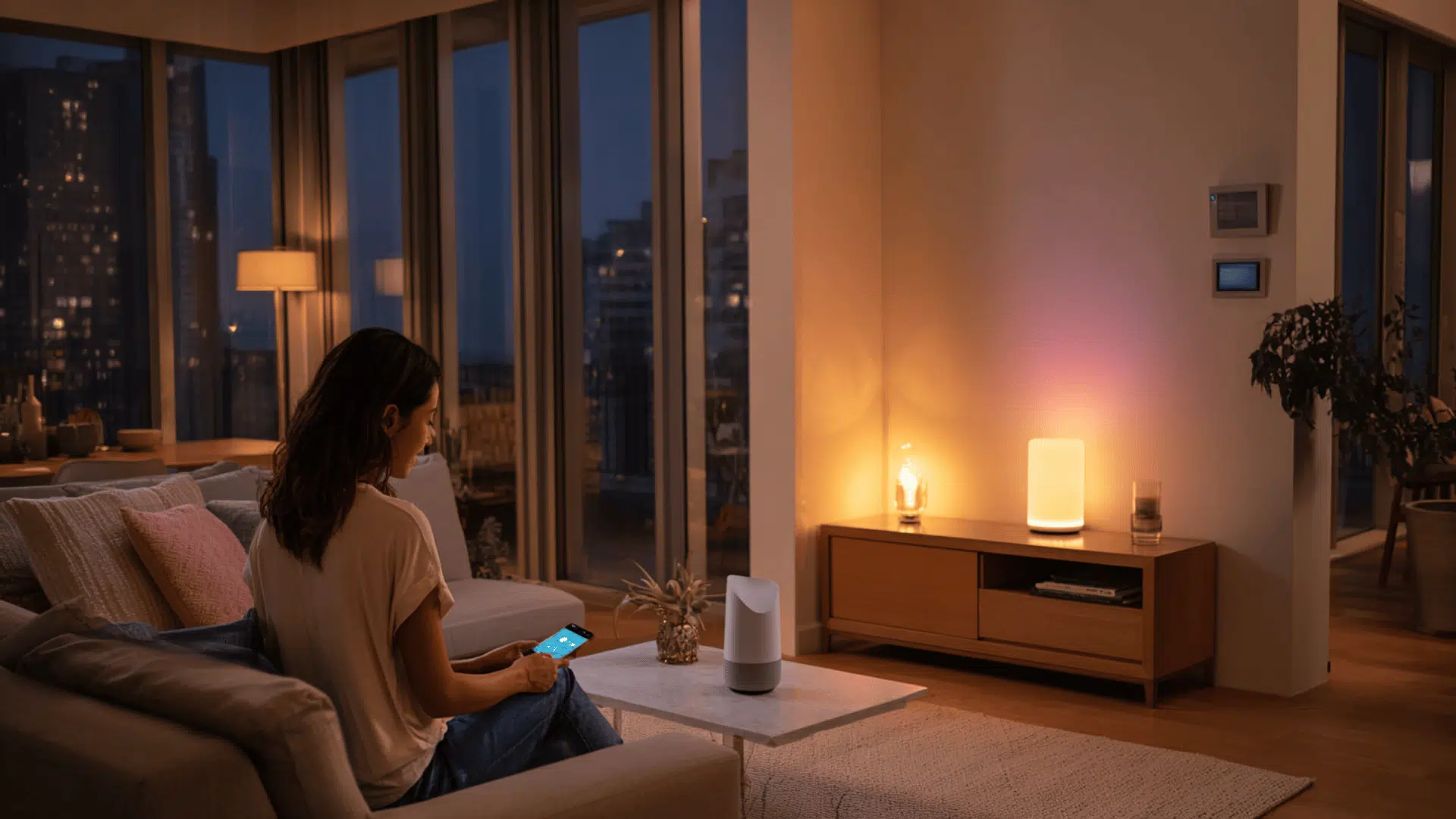
Three kinds of smart lighting do most of the work: bulbs, LED strips and light bars. Bulbs swap into lamps you already own. Strips go behind furniture or screens. Light bars sit on a shelf or desk and wash a wall with color.
Check how the lights connect before you buy. Wi-Fi bulbs need no hub, but a dozen of them can crowd a basic router. Zigbee and Thread lights usually need a bridge or a compatible speaker, and they stay steadier in bigger setups. Most major brands now support Matter, a shared standard that lets devices work with Apple Home, Google Home and Alexa. If you already use one of those apps, buy lights that talk to it.
One gotcha: a smart bulb is only smart while the wall switch is on. Leave the switch up and control everything from the app or a remote. A cheap switch cover stops guests from flipping it off.
Build Three Scenes, Not Thirty
It’s tempting to save every color in the app. Don’t. Three scenes cover almost every evening, and plain names help everyone in the house find them.
Color temperature is measured in kelvins. Lower numbers look warmer, higher ones look whiter. Here is a starting point for each scene:
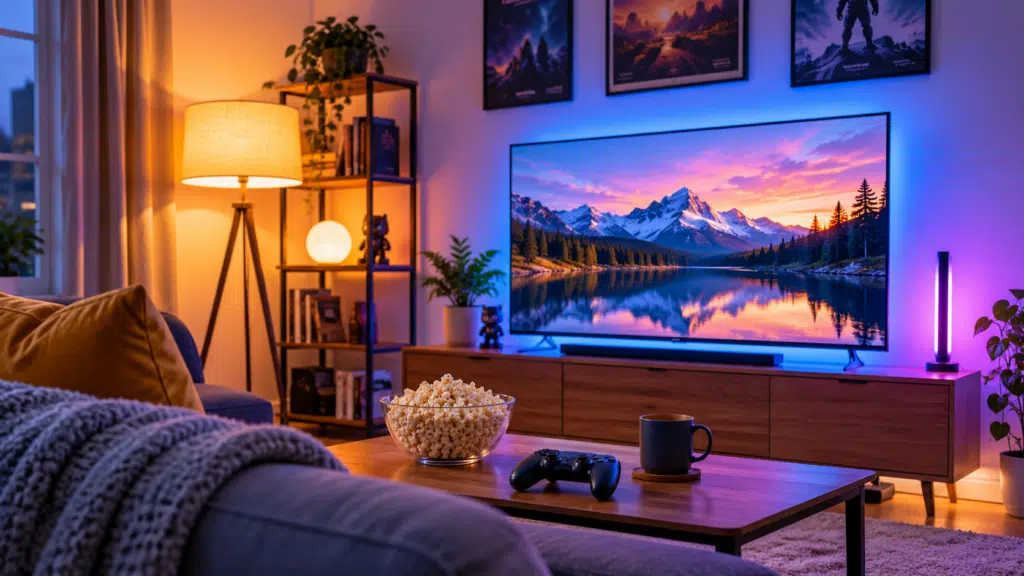
- Movie: warm white around 2200–2700K, brightness at 10–20%, only lamps behind or beside the seating
- Game: neutral white at medium brightness, plus a dim light behind the screen
- Easy evening: warm white at about half brightness, good for scrolling, snacks and low-key streaming
Tweak each scene once, then leave it alone. If you keep adjusting one, it’s the wrong scene.
Add a Glow Around the Screen
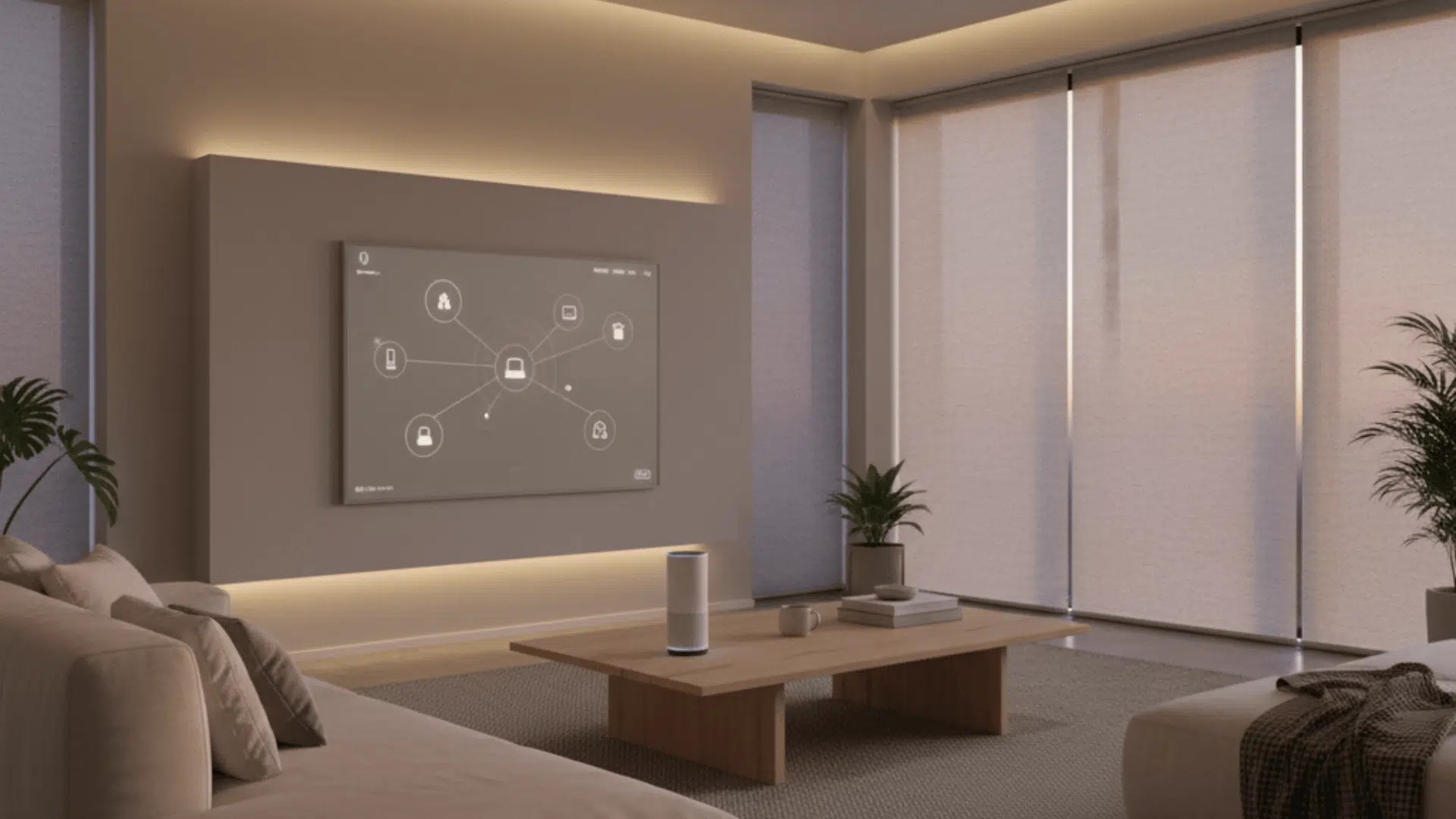
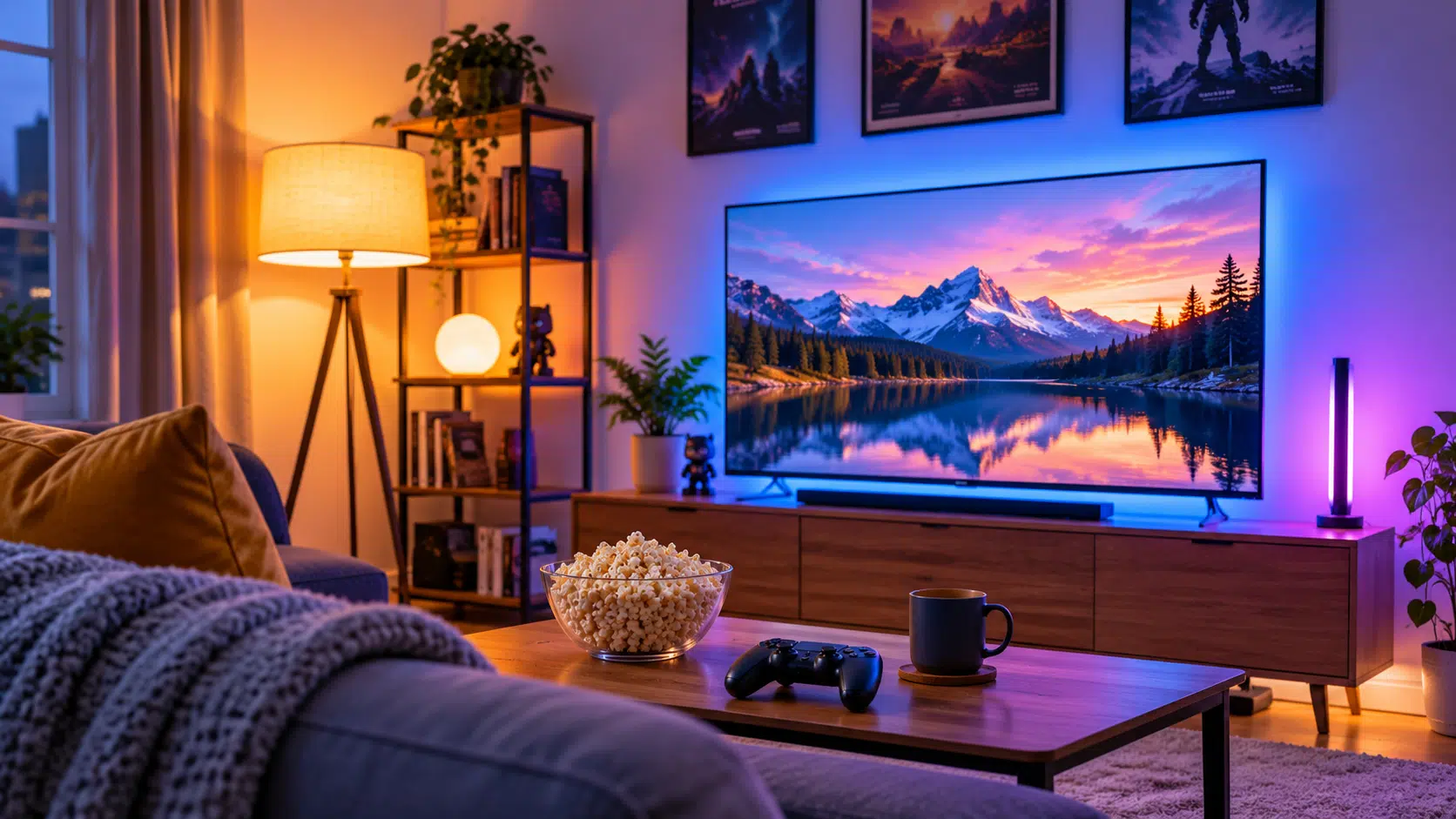
The best single upgrade costs very little: an LED strip taped to the back of the TV or monitor. Home theater people call this bias lighting. Your eyes tire fast when a glowing picture floats in a pitch-black room, because they keep readjusting between the two. A faint halo around the frame narrows that gap, so the picture stays easy to watch for longer.
Pick neutral white around 6500K, since that matches how most screens are calibrated. Colored glow looks fun, but it shifts how the picture reads, so save it for casual play.
Keep it dim. If you notice the strip while the picture is on, turn it down. Mount it on the back edge of the frame rather than the wall, so it moves with the screen. Wipe the surface first, or the adhesive will let go within a week.
Cut Glare Before You Buy More Lights
Glare ruins more evenings than dim lights do. Sit in your usual spot, pause on a dark scene and look at the screen. Any lamp you can see reflected is a problem. Move it, turn the shade or swap the bulb for a lower one.
Lights behind or beside the seating work best. A bare bulb in front of a glossy screen never does. Matte curtains help too, since they soak up light instead of bouncing it back at the screen.
Add Triggers so You Never Open the App
Scenes are good. Scenes you can start without pulling out your phone are better. Link the movie scene to a voice command or a wireless button on the arm of the sofa. Some setups can also fire a scene when the TV or console powers on. Others can’t, so test that before you count on it.
A simple schedule helps as well. Have the living room lights shift to warm white at a set hour each evening. After a week you stop noticing it, which is the point.
Small Extras That Earn Their Spot
A few cheap add-ons make the setup feel finished:
- A smart plug turns an ordinary floor lamp into a smart one. Check the plug’s rating first and keep heavy appliances off it
- A diffuser or a bit of frosted film hides the bright dots on a strip
- Cable clips keep the wiring straight along the edge instead of drooping behind the stand
- A second light bar on the opposite wall balances color if one side looks too strong
Start With One Room and One Strip
You don’t need a dozen devices. Begin with a strip behind the screen and two bulbs in nearby lamps. Save three scenes, add a button, and live with it for a week. If something bugs you, change that one thing.
Smart lighting won’t make a bad film good. It does make a long evening easier on the eyes, and that’s worth the small cost.