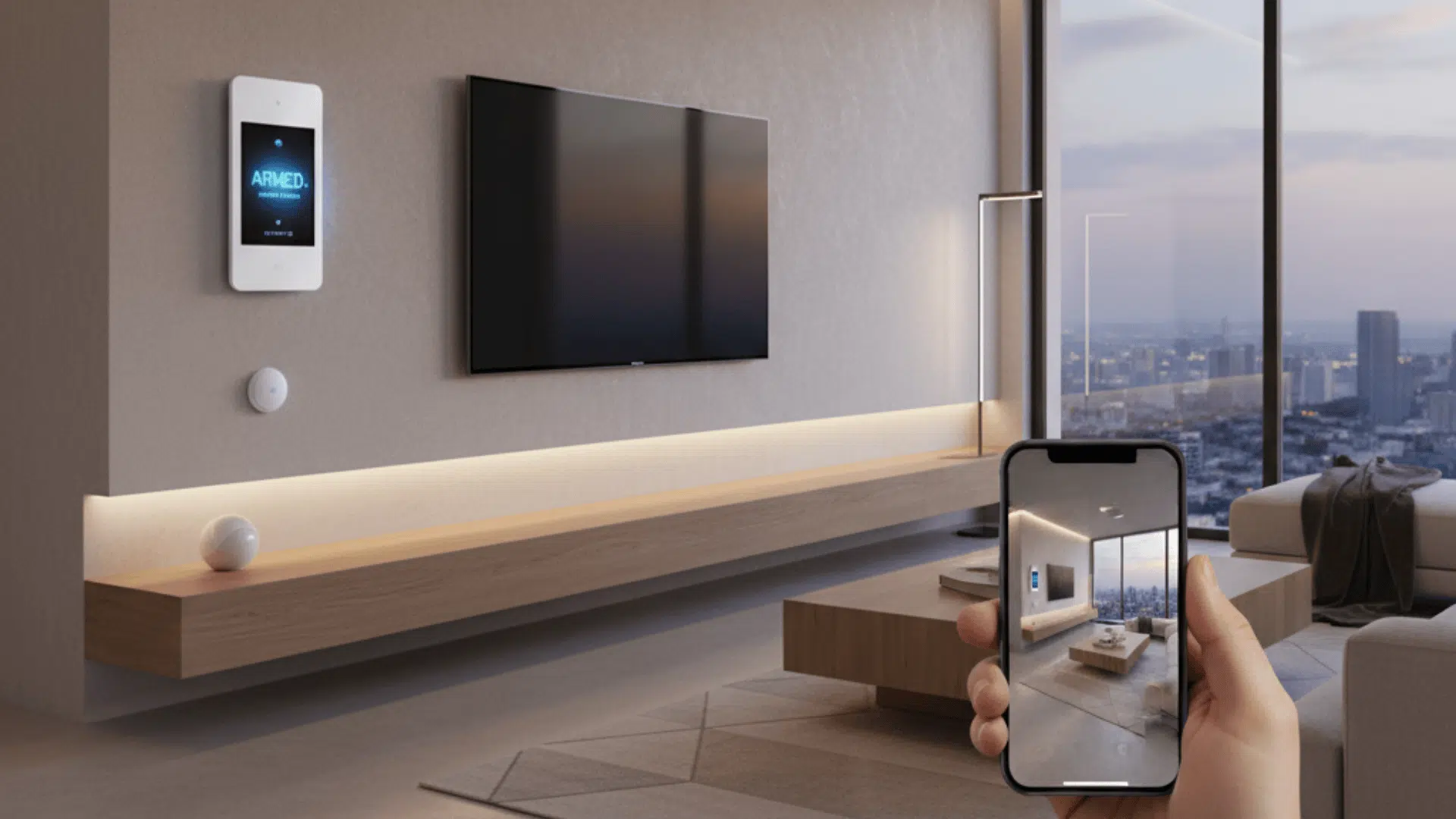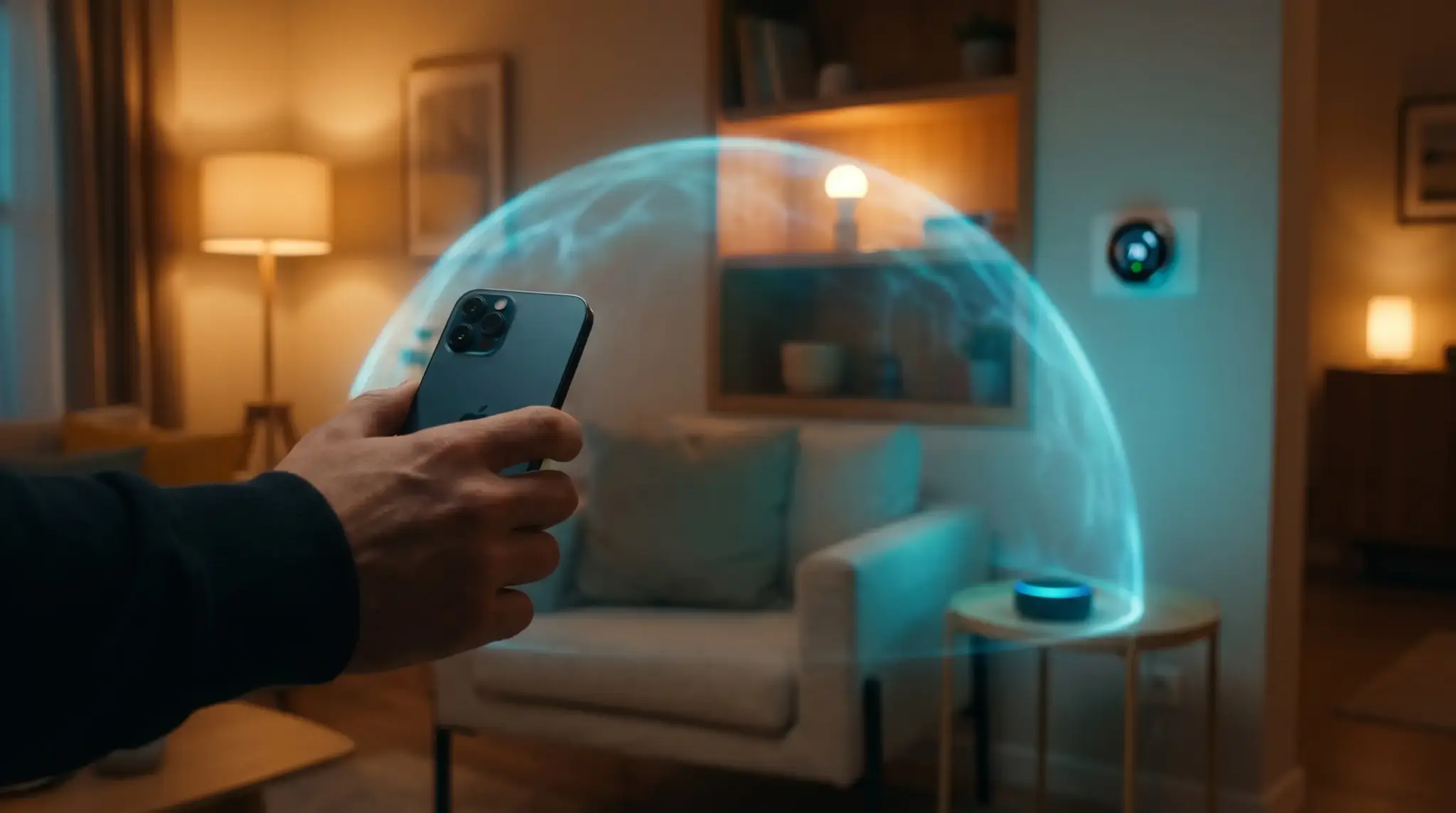
A smart home should make life simpler, not create fresh privacy worries every time a camera pings, a lock connects or a light switches on from miles away. The good news is that an iPhone can be a very secure way to manage connected devices, provided the setup is handled properly.
Apple’s Home app gives users a central place to organize accessories, automate routines and control devices remotely, but smart home security still depends on the basics as much as the software: updated devices, a protected network and sensible habits when logging in from outside the house.
Setting Up Secure Smart Home Control on iPhone
The Home app is the natural starting point because it brings compatible accessories into one place and lets users manage them through Apple’s wider security model. Apple says remote control requires a home hub, typically an Apple TV 4K or HomePod, signed in to the same Apple Account as the iPhone. That matters because it enables encrypted remote access and more reliable automation when the user is away from home.
Note, however, that support for the previous version of Home ended in February 2026, so keeping the system updated is part of staying secure as well as keeping things running smoothly.
Protecting Your Smart Home Devices From Cyber Threats
Once the devices are connected, the real work is ongoing. Smart speakers, cameras, plugs, thermostats and locks all add convenience, but each connected device can also widen the attack surface if it is neglected.
Canada’s Cyber Centre warns that voice-activated assistants and other smart devices form part of the wider Internet of Things, which means they should be treated as networked technology rather than harmless household gadgets. In practice, that means changing default passwords, applying firmware updates promptly, disabling features that are not needed and checking what permissions apps have on the iPhone itself.
Securing Your Home Network
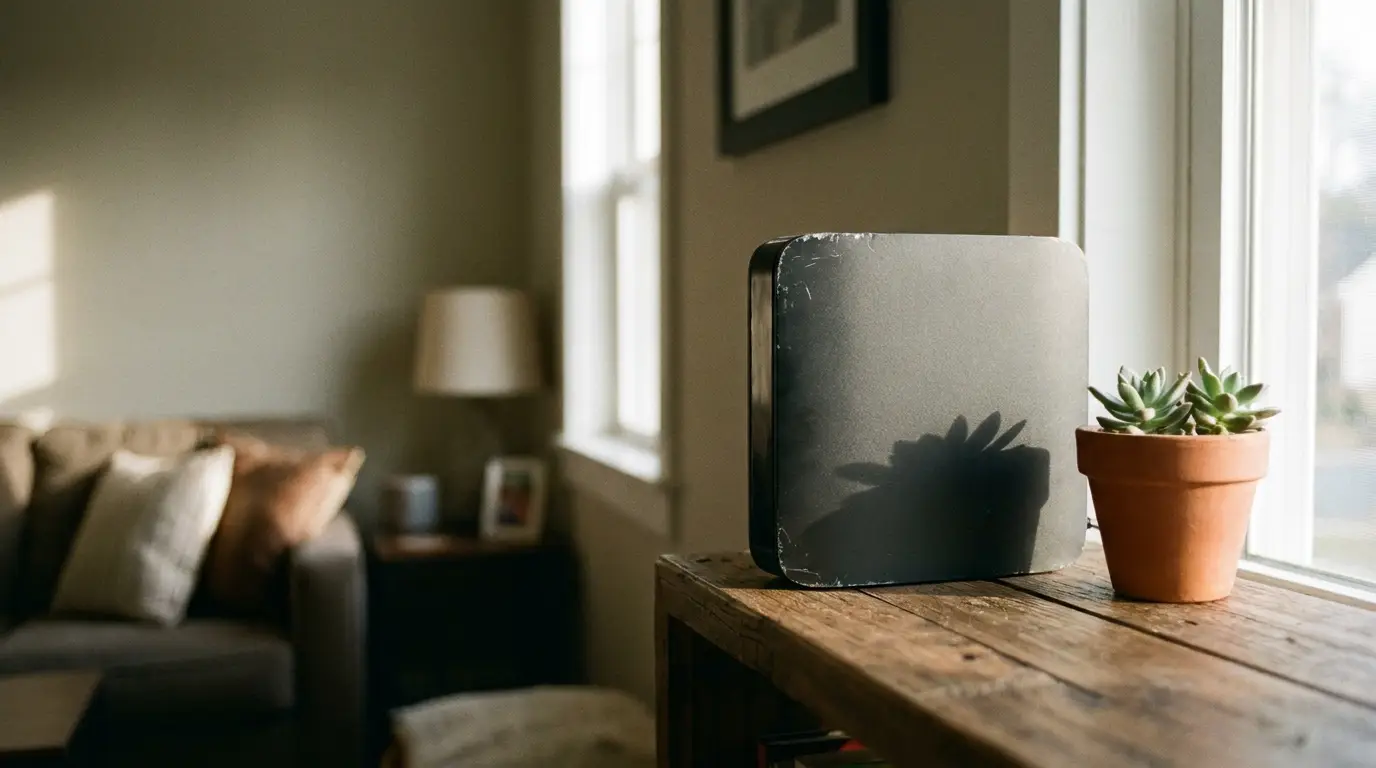
A smart home is only as secure as the network it sits on. The home router is doing a lot of heavy lifting here, so it deserves more attention than it usually gets. Strong Wi-Fi passwords, modern encryption such as WPA3 where available, routine router updates and a separate guest or IoT network can all help contain the damage if one device is compromised.
Alongside strong Wi-Fi encryption, tools like a vpn for iphone can add an extra layer of privacy when managing connected devices from your network, particularly if remote control happens across less trusted connections.
Safely Managing Your Smart Home While Away
Controlling the home remotely is convenient, but it is also the moment when good habits matter most. When travelling, it makes sense to avoid logging into smart home controls over unknown networks unless the connection is trusted, to turn on multi-factor authentication for the Apple Account and any relevant companion services, and to review activity or access settings regularly.
Apple’s sharing controls also make it possible to decide who can access the home remotely, which is useful for limiting permissions rather than handing out blanket control. In other words, secure smart home control is not about one magic setting. It’s about stacking a few sensible protections together so convenience does not come at the expense of privacy.