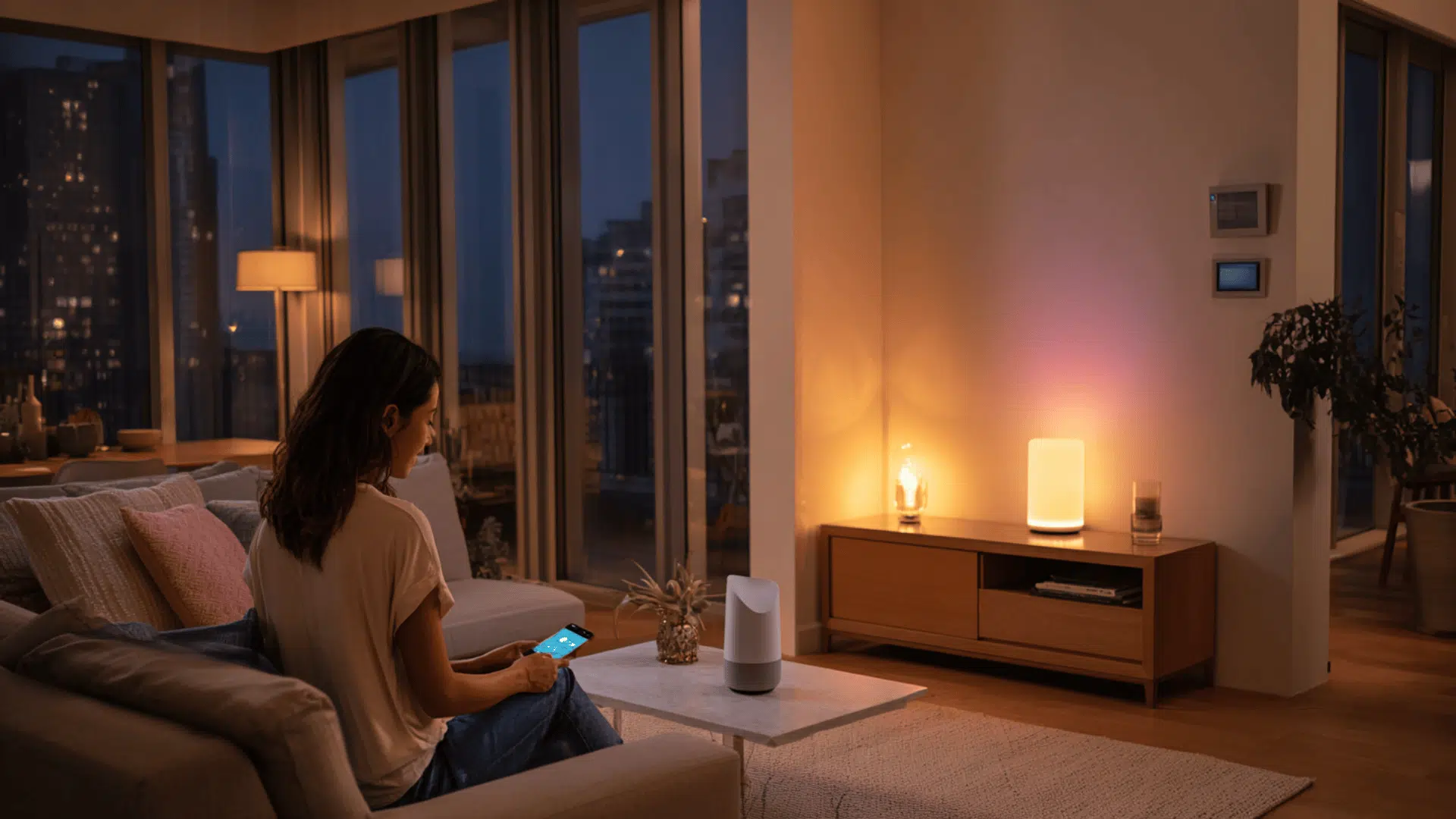
Nothing makes a smart home feel less smart than opening several apps for one simple task.
I prefer technology that works quietly in the background instead of devices that need constant switching and troubleshooting.
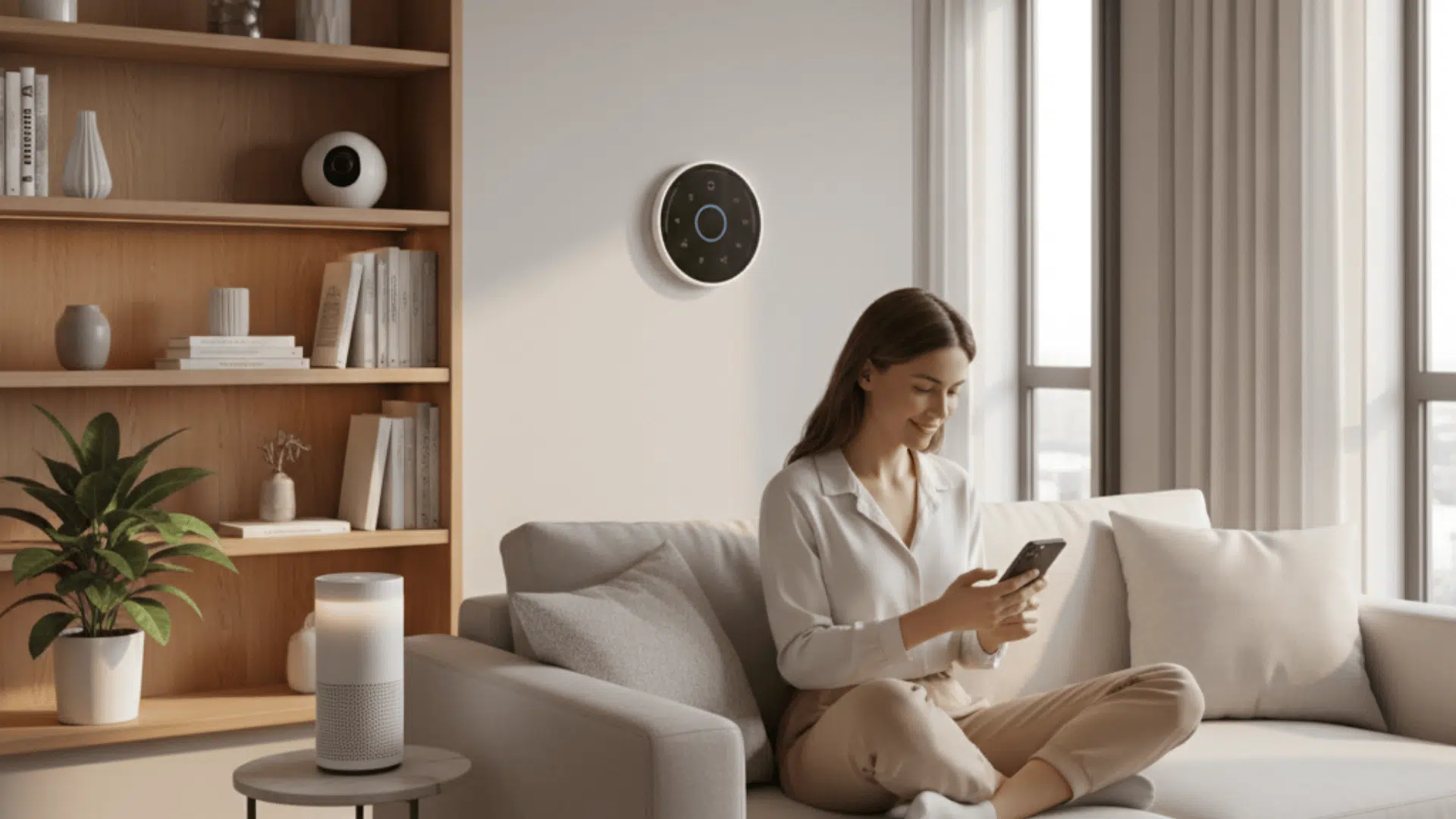
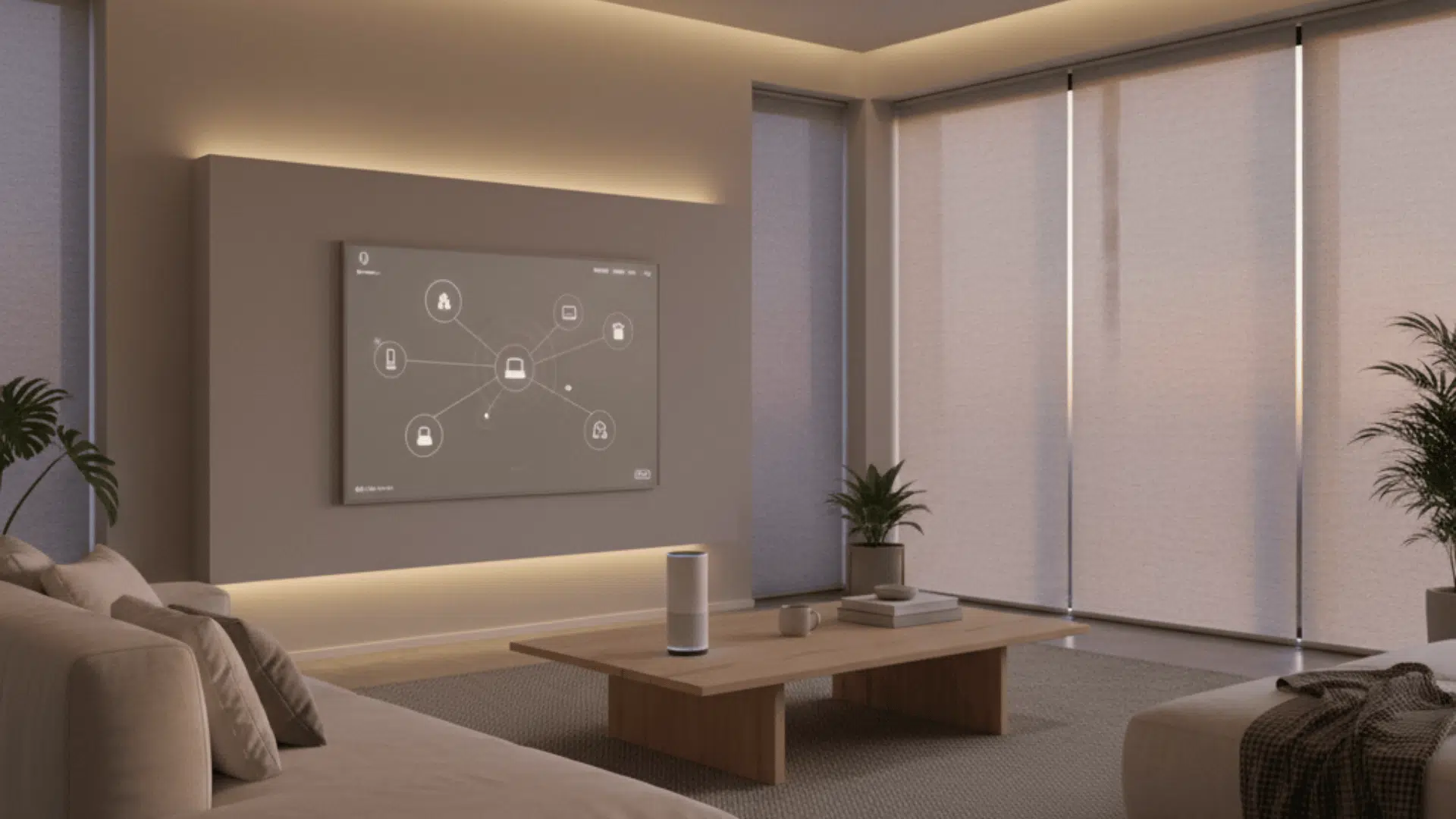
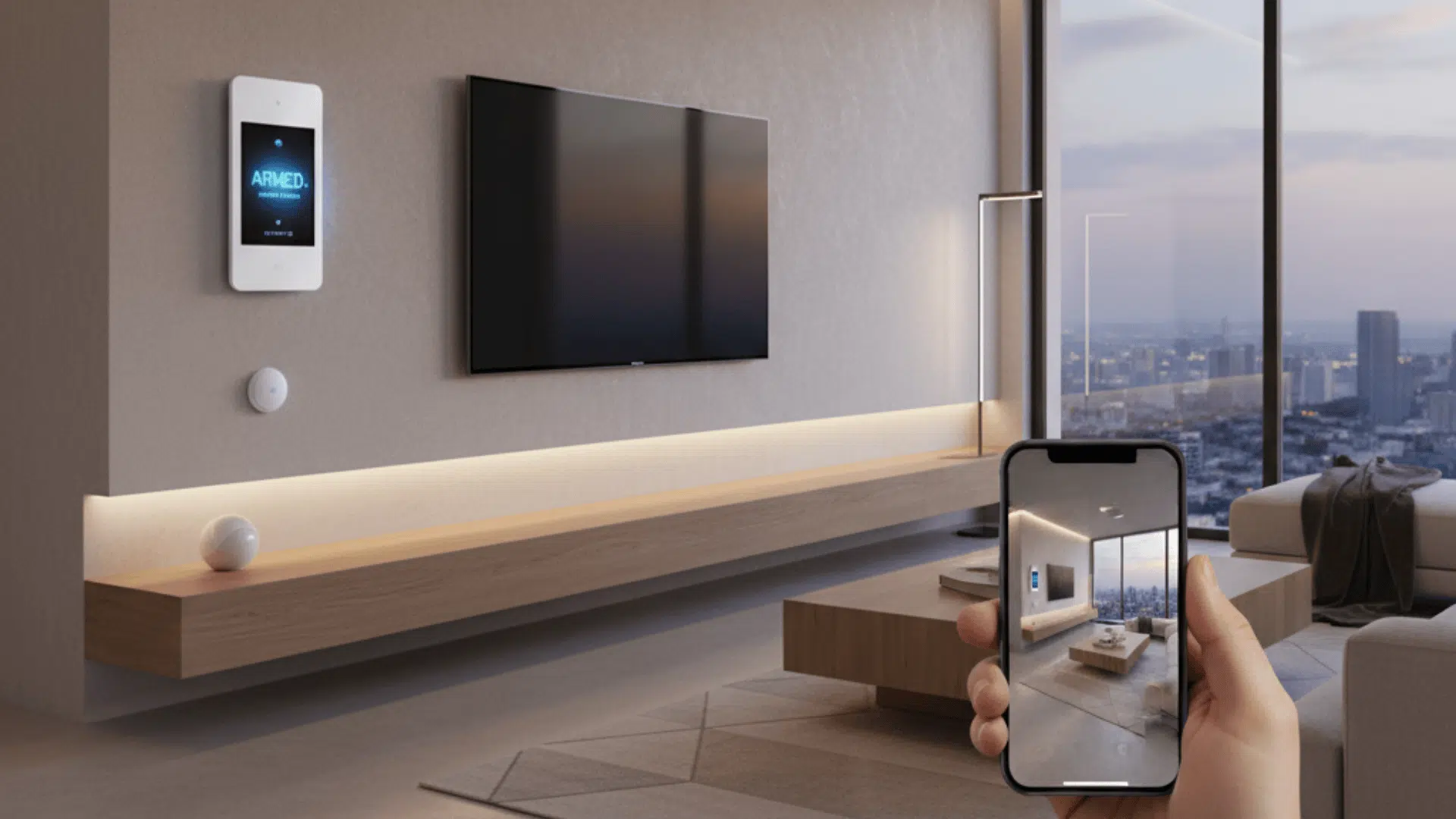
A home automation hub helps solve that problem by bringing lights, locks, sensors, cameras, and thermostats into one connected system.
Instead of managing every device separately, you can create routines that handle multiple actions together.
I’ll explain how hubs work, when they are useful, what types are available, and how to choose one that fits your setup.
What Is a Home Automation Hub?
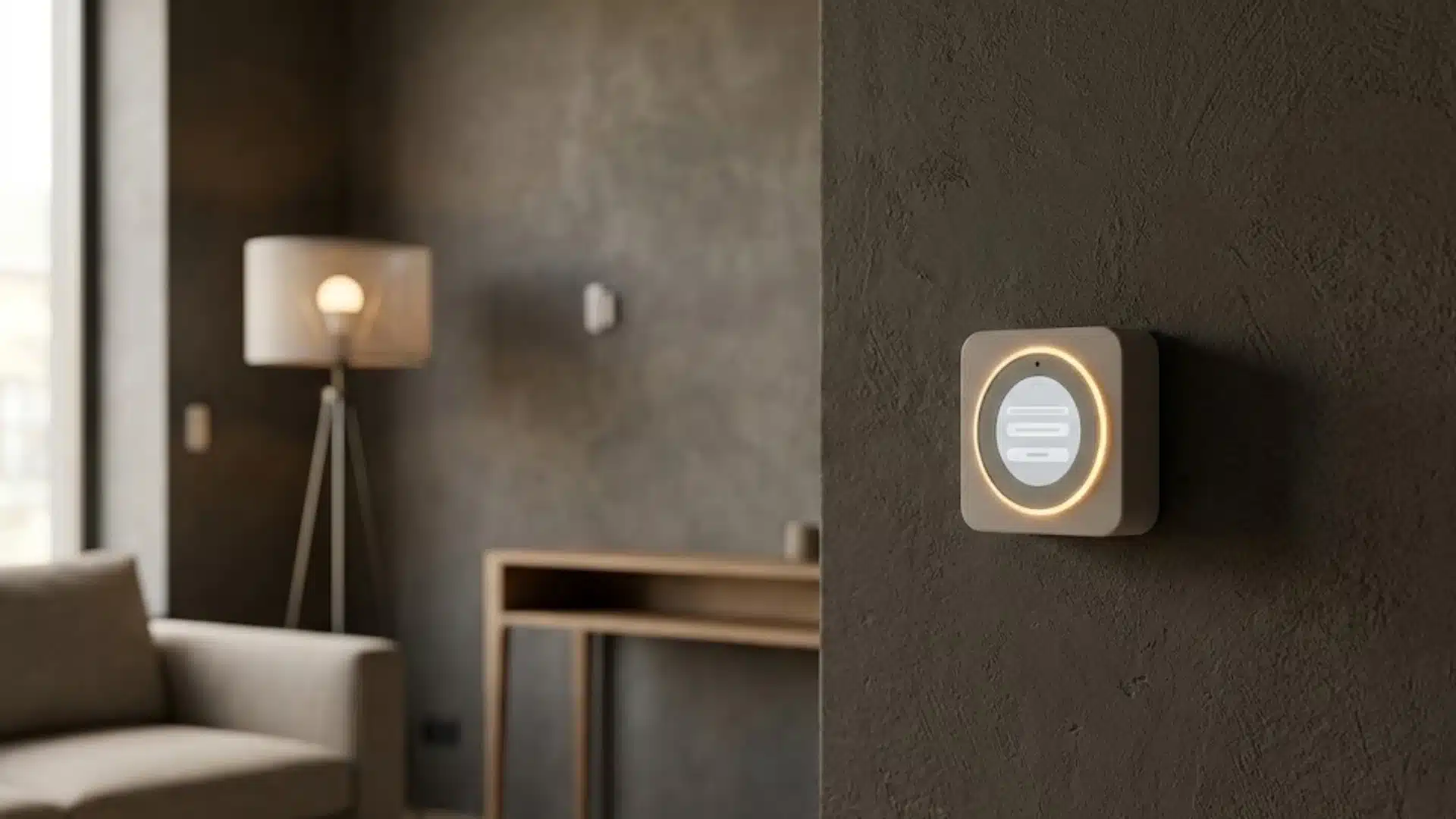
A home automation hub is a central device or software platform that connects smart products from different brands and lets you control them as one system.
Instead of opening separate apps for your lights, locks, sensors, and thermostat, you can manage everything through a single dashboard or routine.
Most hubs support several communication standards, including Zigbee, Z-Wave, Thread, and Matter. These standards act like different languages that smart devices use to exchange commands and information.
The hub translates between them, allowing a Z-Wave lock to work alongside a Zigbee sensor. However, not every product called a hub offers full compatibility.
Some basic smart speakers only manage devices within their own ecosystem and cannot connect products that rely on unsupported wireless protocols.
Do You Need a Home Automation Hub?
Whether you need a hub depends on how many brands, wireless protocols, and smart home apps you currently use.
Ecosystem-Locked Hubs
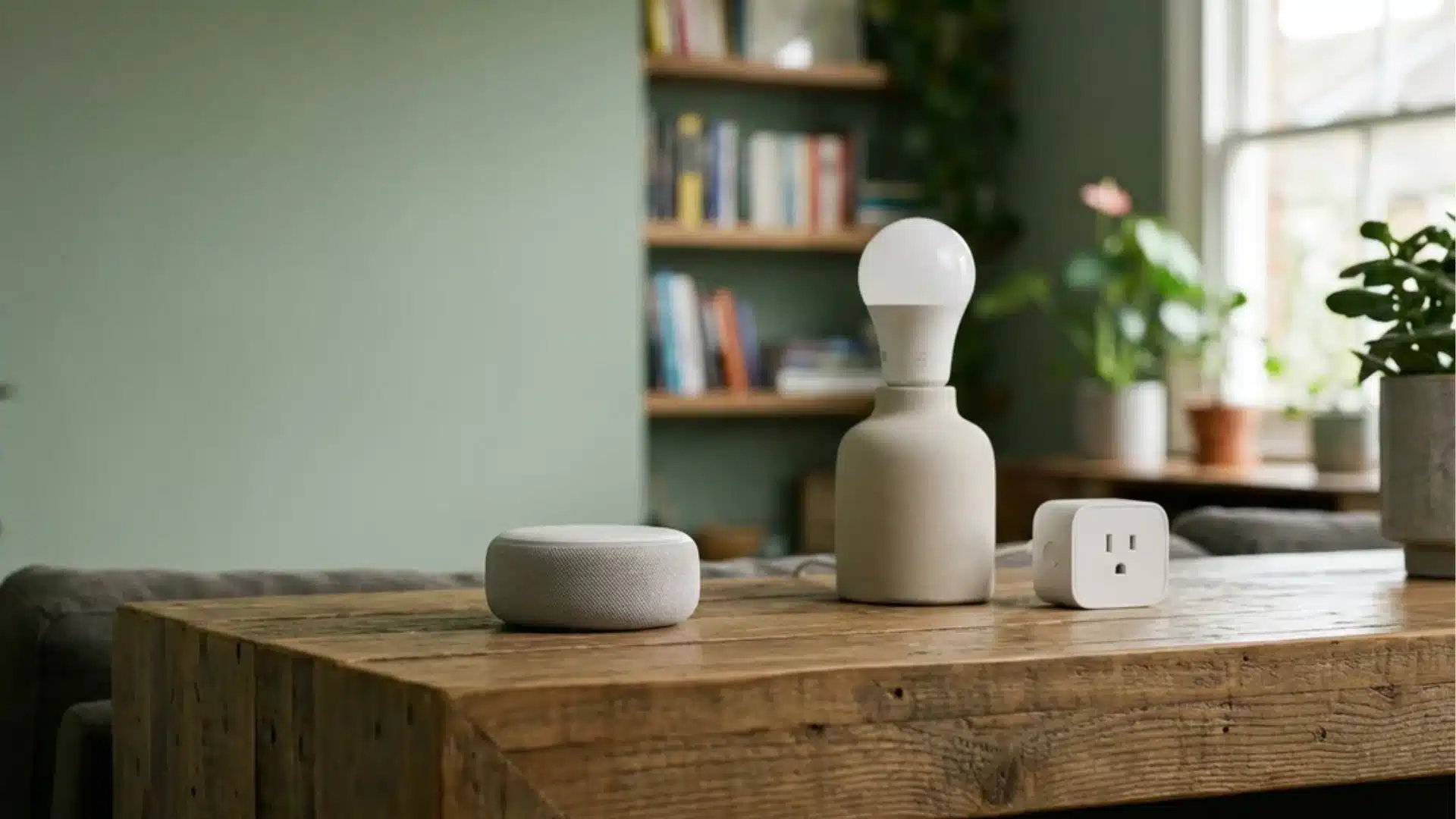
Ecosystem-locked hubs are designed around one company, app, or voice assistant. They usually provide simple setup and reliable control for supported products.
However, compatibility can become limited when you add devices from other brands. Choosing this type may require you to remain within the same ecosystem as your smart home expands.
Protocol-Bridge Hubs
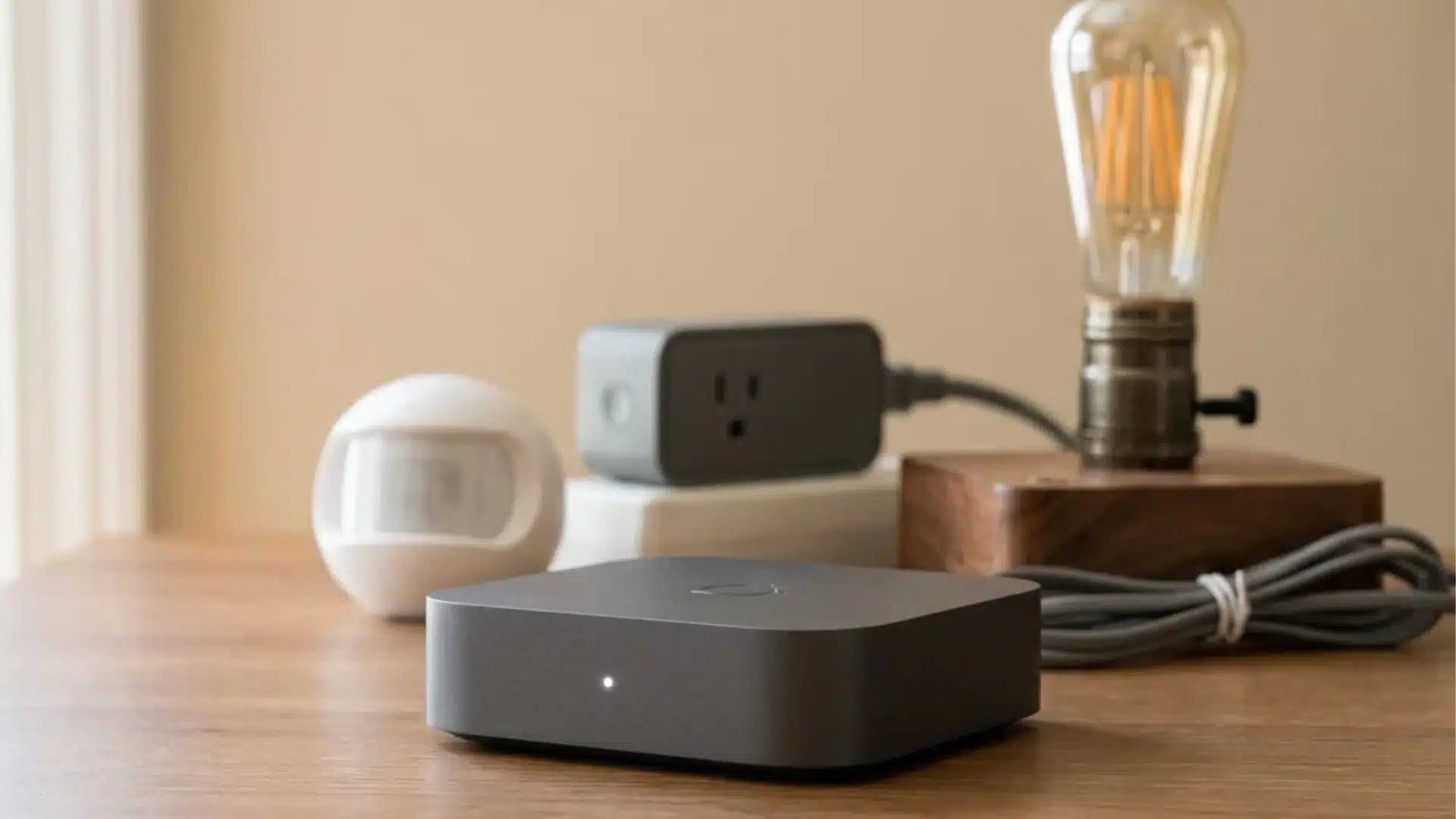
Protocol-bridge hubs connect devices from different brands by supporting standards such as Zigbee, Z-Wave, Thread, and Matter.
These hubs offer wider compatibility, stronger local control, and greater device freedom, though setup may take longer.
Review the devices you already own and the brands you may buy before deciding which hub type fits your home.
How Does a Home Automation Hub Actually Work?
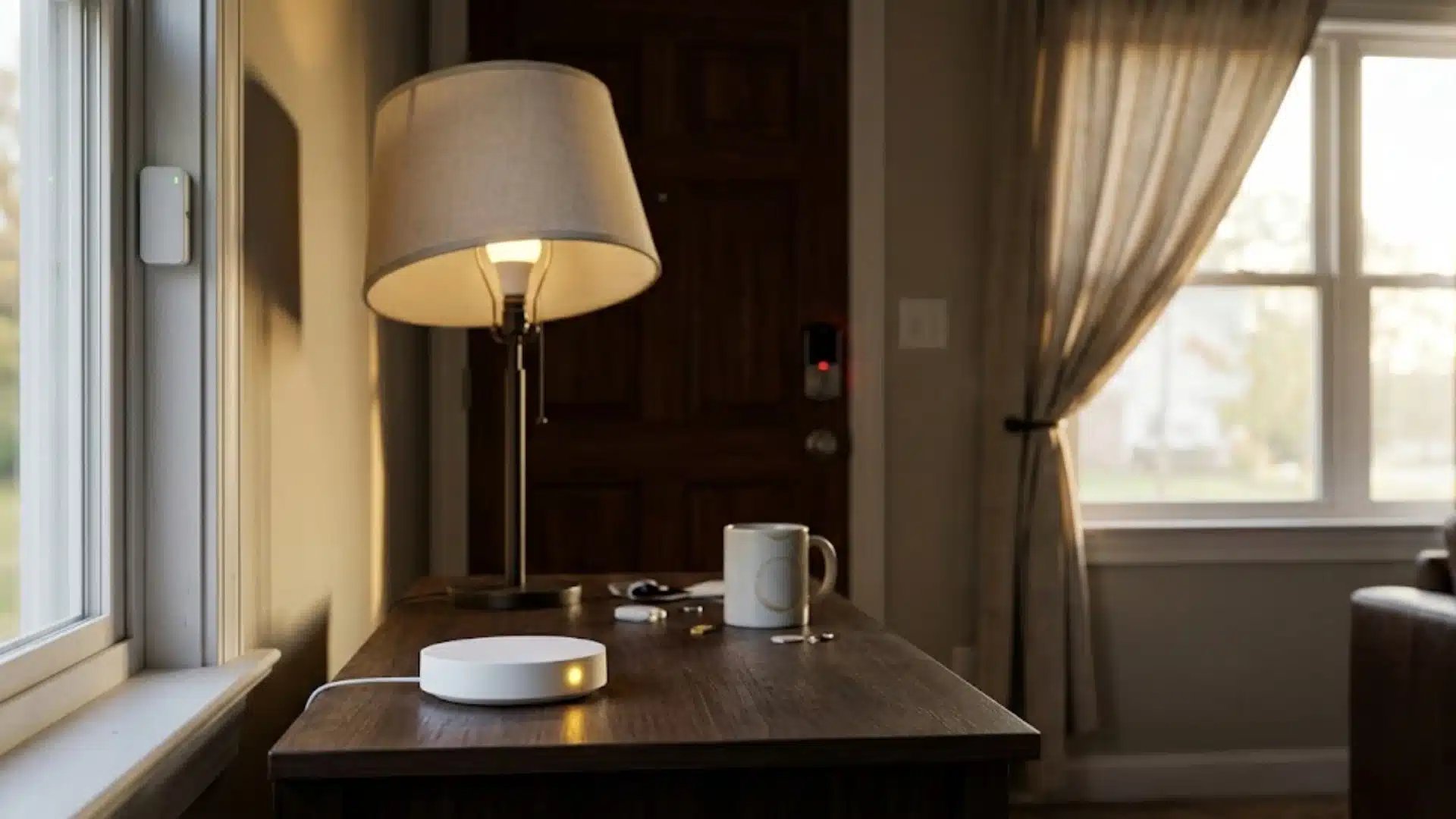
A home automation hub acts as a middle layer between your smart devices and your automation rules.
Instead of every device communicating separately, the hub receives information, decides what should happen, and sends commands to the right devices.
Step 1: A Smart Device Sends Information
A connected device first sends a signal to the hub. For example, a motion sensor detects movement, a door lock reports its status, or a temperature sensor notices a change.
The hub receives that information through supported protocols such as Zigbee, Z-Wave, Thread, or Matter.
Step 2: The Hub Processes the Automation Rule
After receiving the signal, the hub checks the rules you created.
For example, if a motion sensor detects movement after sunset, the hub can decide to turn on a hallway light.
Local-control hubs process these decisions directly on the device, while cloud-dependent systems may send the request to an external server first.
Step 3: The Hub Sends Commands to Other Devices
Once the rule is triggered, the hub sends instructions to connected devices.
A single command can control multiple products at once, such as unlocking a door, adjusting a thermostat, and turning on lights.
Step 4: Devices Complete the Action
The connected devices receive the command and perform the requested action.
Local processing usually creates faster responses because commands do not need to travel outside your home first.
Internet-based features like remote access, voice assistants, and updates may still require a connection.
What to Look for Before You Buy a Hub
A good home automation hub should fit your current setup while leaving room for future devices.
1. Protocol Support
Check which communication standards a hub supports before buying.
A hub that works with Zigbee, Z-Wave, Thread, or Matter gives you more flexibility as you add new devices.
Do not rely only on claims like “compatible with most devices.” A missing protocol today can limit your options later.
2. Device Capacity
Consider how many smart devices you plan to connect over time.
Some hubs support only a few dozen devices, while others can manage much larger setups with sensors, switches, cameras, and locks.
Checking the device limit early helps you avoid replacing the hub as your system grows.
3. App and Screen Setup
Think about how you want to control your smart home every day.
A hub with a built-in touchscreen, like the Echo Hub, gives you quick access without reaching for your phone.
A screen-free hub works well too, especially if you prefer managing routines through an app or voice assistant.
4. Update and Support History
A hub depends on regular software updates to stay useful as smart home technology changes.
Choose a platform with a reliable history of firmware updates and ongoing device support.
A hub that stops receiving updates may struggle to support newer devices and standards later.
Popular Home Automation Hub Options and What They Cost
Hub prices depend on supported protocols, local processing, control features, and whether the device includes a touchscreen.
1. Amazon Echo Hub
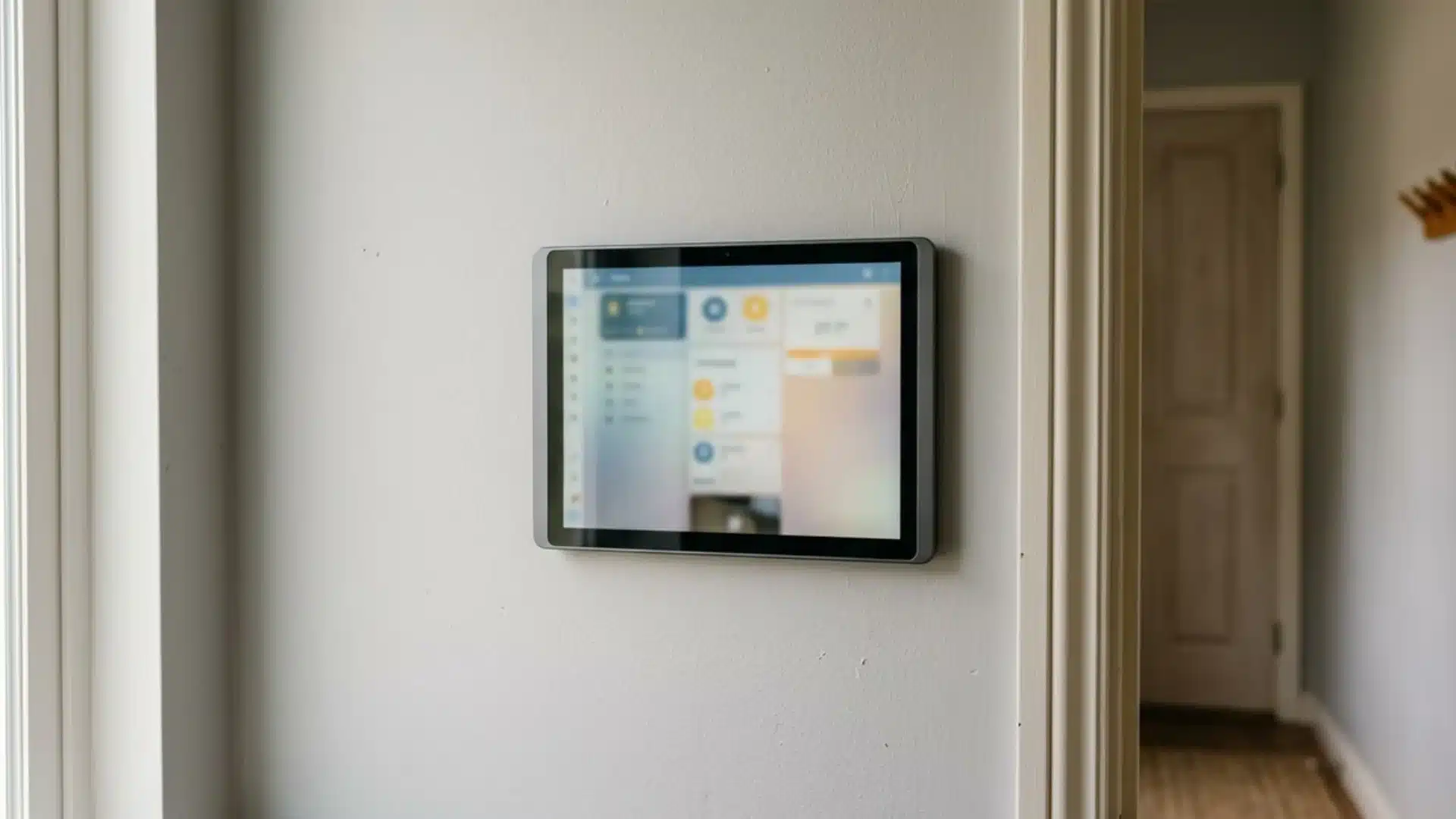
The Amazon Echo Hub is an 8-inch wall-mounted touchscreen with support for Alexa, Zigbee, Thread, and Matter.
Priced at about $179.99, it offers a central panel to control lights, cameras, locks, and routines. It works best for households already using Alexa devices and services.
2. Aeotec Smart Home Hub
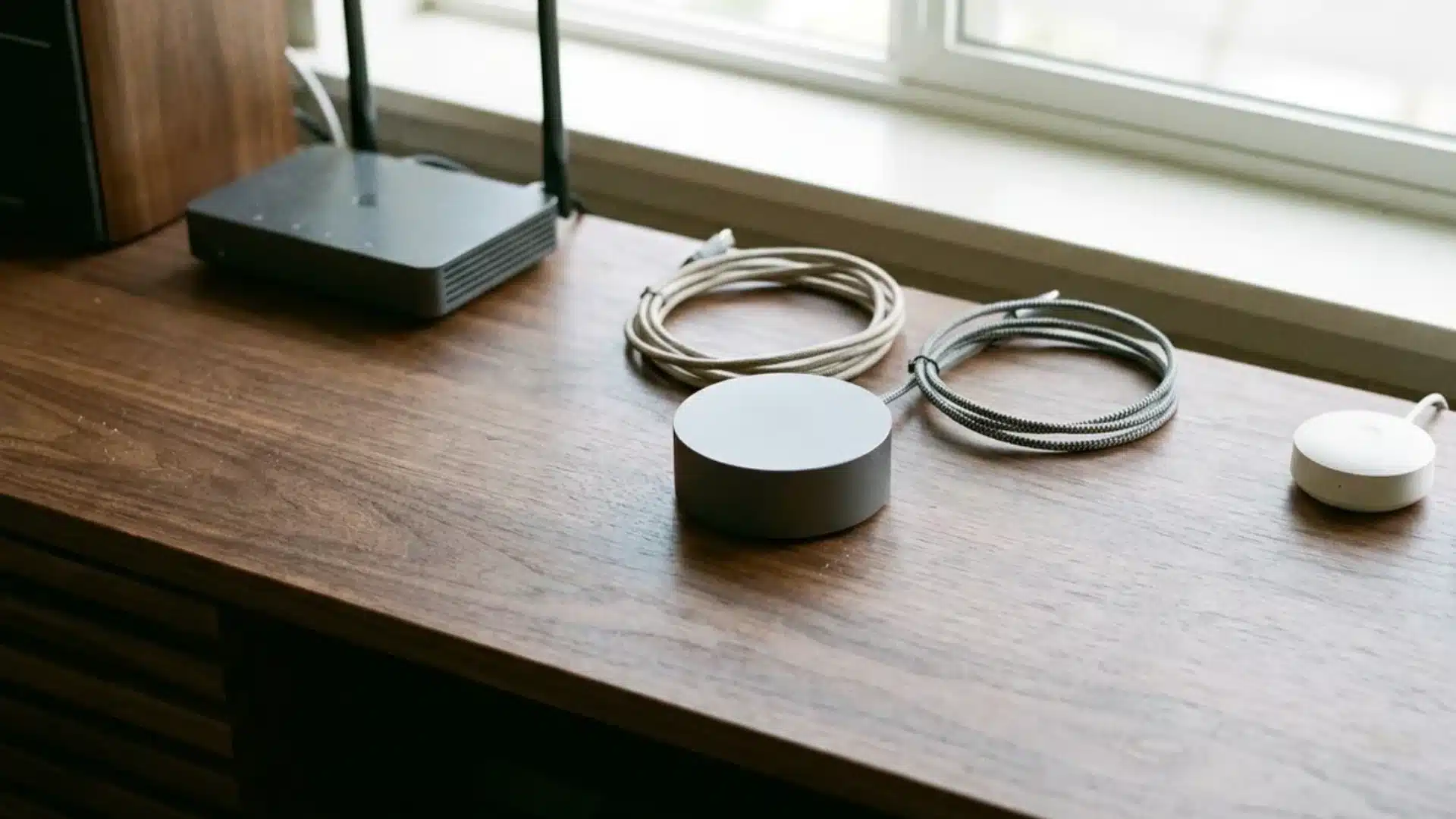
The Aeotec Smart Home Hub connects Zigbee, Z-Wave, Wi-Fi, and Matter products through the SmartThings platform. It costs around $149.99 and also works with Alexa and Google Assistant.
This option suits homes with devices from several brands that still prefer SmartThings for routines, controls, and device management.
3. SwitchBot Hub 2
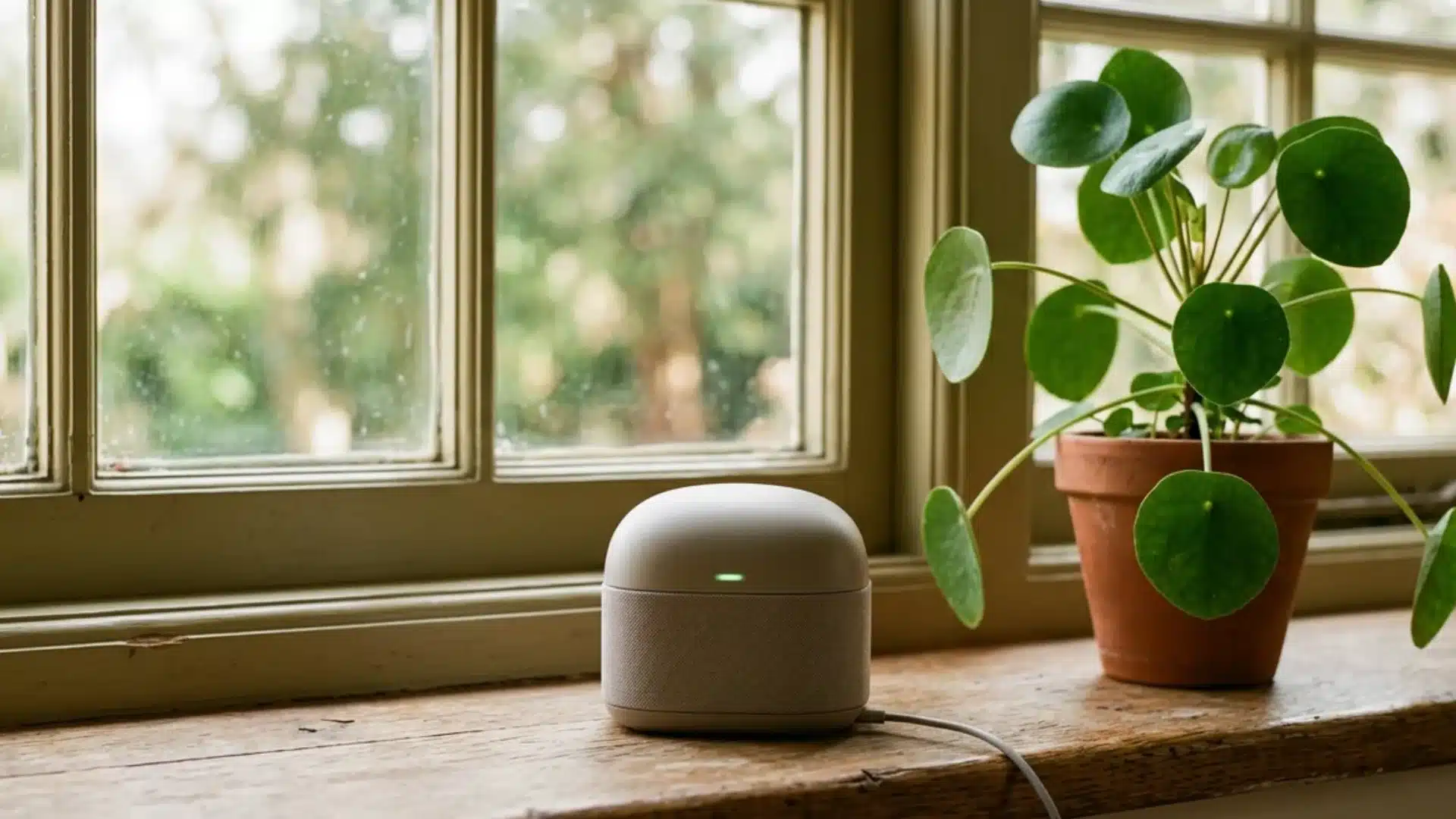
The SwitchBot Hub 2 combines a compact Wi-Fi bridge, infrared remote, temperature sensor, and humidity sensor.
It usually costs between $55.99 and $69.99 and supports Matter connections with Apple Home, Alexa, and Google Home. It is a practical budget option for simple automations and infrared-controlled appliances.
4. Home Assistant Green or Homey Pro
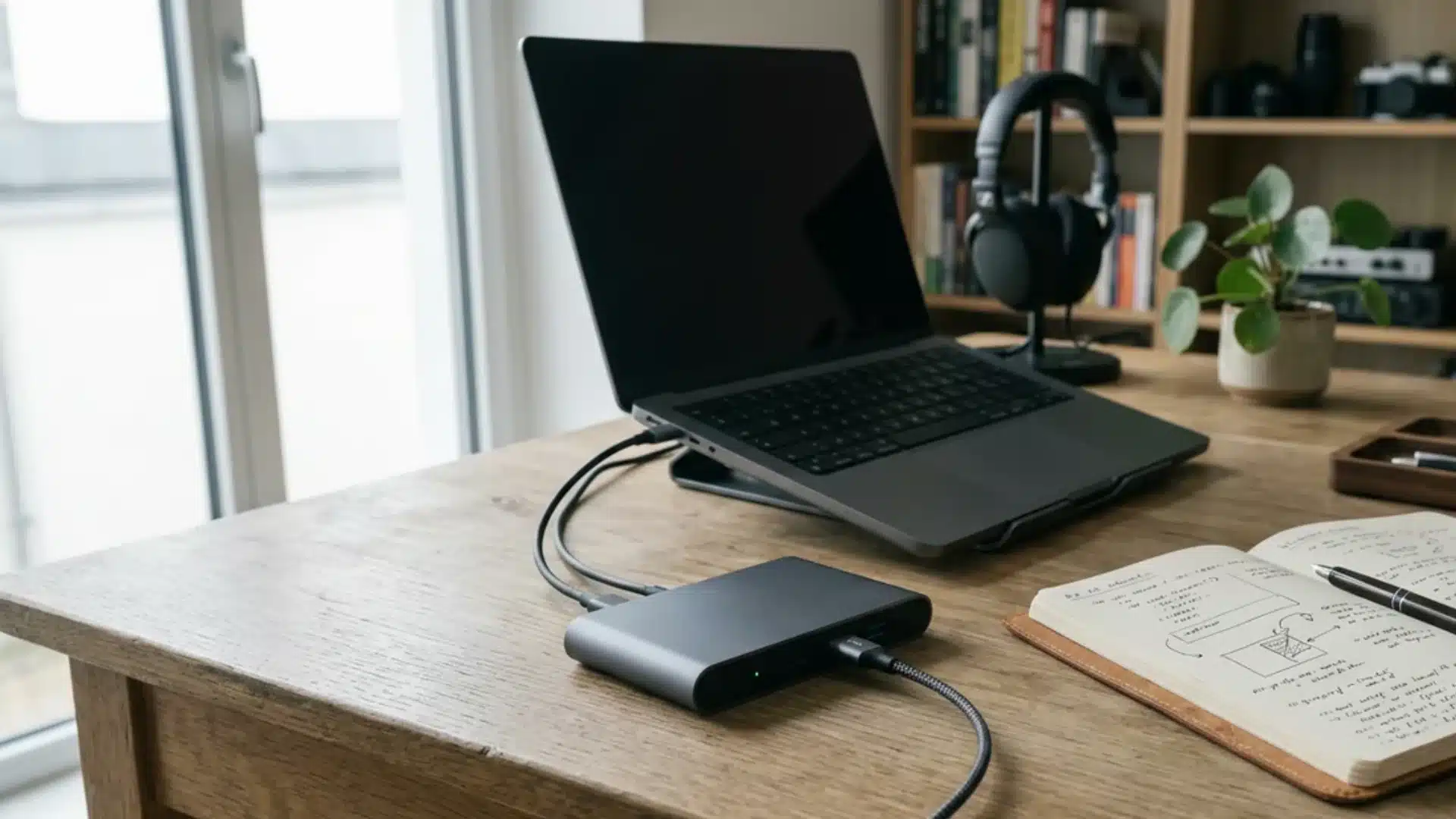
Home Assistant Green and Homey Pro target users who want detailed automations, broad device compatibility, and stronger local control.
Starting at around $198.90, these hubs suit tech-comfortable households that manage many devices and are willing to spend more time on setup.
Compare compatibility, local control, setup difficulty, and future device plans before choosing a hub based on price alone.
Which Home Automation Hub Is Right for You?
Choose an ecosystem hub for simplicity: Works well when most of your devices already belong to one platform. Setup is usually easier, with fewer compatibility decisions.
Choose a protocol-bridge hub for mixed devices: Better for homes using products from different brands. Support for Zigbee, Z-Wave, Thread, and Matter gives you more device freedom.
Consider future expansion: A hub should support devices you may add later, not just what you own today. Check compatibility, local control, and update support before buying.
A good hub should reduce the number of apps you manage, not become another system you have to maintain.
Conclusion
A home automation hub should make your smart home easier to manage, not add another layer of complexity.
The right choice depends on the devices you already own, the standards they use, and how much flexibility you want in the future.
I prefer starting with an inventory of existing devices before choosing a hub. It quickly shows whether you need broader compatibility or a simpler ecosystem-based setup.
A well-matched hub can reduce app switching, improve automation reliability, and make everyday routines feel more natural.
Frequently Asked Questions
What is a home automation hub?
A home automation hub is a device or piece of software that connects smart devices, such as lights, locks, and sensors, that use different wireless standards, allowing them to work together in one app or through one voice assistant. It acts as a translator among protocols such as Zigbee, Z-Wave, and Matter.
What is the best hub for home automation?
There is no single best hub. It depends on your setup. If your devices already share a single ecosystem, a simple bridge like the SwitchBot Hub 2 may suffice. For mixed-brand homes, protocol-bridge hubs like Home Assistant or Aeotec offer broader compatibility and stronger local control.
How much does a smart home hub cost?
Prices range widely based on features. Budget bridge-style hubs start around $30 to $70, mid-range options with app ecosystems run $100 to $180, and advanced local-control hubs with wider protocol support can cost $150 to $250 or more, especially with a touchscreen included.
Do I need a hub for home automation?
Not always. If all your devices are Wi-Fi-based and already work within one app, you can skip a hub. A hub becomes useful once you mix brands or protocols that do not natively talk to each other, or you want automations to keep running without internet.