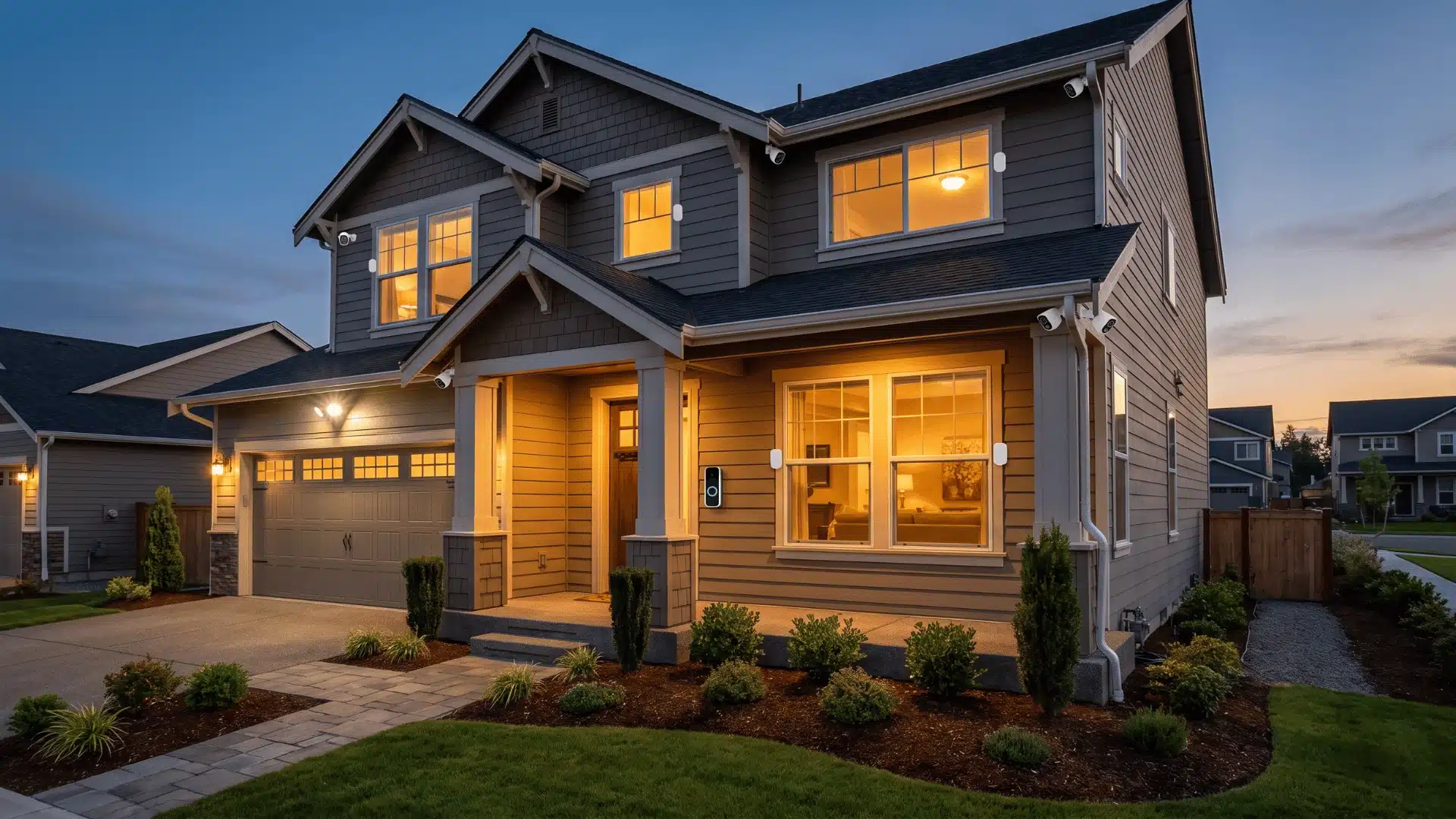
Shopping for DIY home security systems sounds simple until every brand claims to be the easiest, smartest, or most reliable. On paper, they can look almost identical, even though they solve very different problems.
I’ve found that the biggest differences don’t show up in the feature list. They show up in how the system works once it’s installed and something actually goes wrong.
Once you know which features genuinely matter and which are just marketing, comparing your options becomes much easier, and picking the right system starts to feel a lot less like guesswork.
What Makes a DIY Home Security System Worth Installing?
A DIY home security system protects your home without the need for professional installation. But the system’s real value depends on how well its sensors, communication backup, and monitoring options work together.
Every system worth considering has three layers working in sync:
- Detection: the sensors and cameras that catch something happening.
- Communication: how the system reaches you or a monitoring center when something does.
- Response: what actually happens next is an alert on your phone or a dispatcher calling the police.
A gap in any one of those layers weakens the whole thing.
If you rent, adhesive installation is what will keep you from losing your deposit. That changes which systems are even on the table.
And “easy setup” is usually a mixed bag. A small starter kit really can be up in 15 minutes. But once you start covering every door, window, and blind spot, you’re easily looking at 45 to 90 minutes, sometimes more if the app setup drags. Most people only realize that after they’ve already started.
How Do the Top DIY Systems Actually Differ?
The systems people compare most are SimpliSafe, Ring, Abode, and Cove; they aren’t separated by quality. They’re separated by architecture. Understanding that architecture is what makes the choice obvious instead of arbitrary.
Proprietary vs. Open Ecosystems
Choosing between a closed and open security system comes down to future flexibility. Here’s how the most popular DIY systems compare.
| System | Ecosystem Type | Compatibility | Best For |
|---|---|---|---|
| SimpliSafe | Closed | Works only with SimpliSafe sensors and accessories | Homeowners who want a simple, dedicated security system |
| Cove | Closed | Works only with Cove hardware | Users who prefer an easy setup with minimal configuration |
| Ring Alarm | Open | Integrates with Amazon Alexa and compatible Ring devices | Homes already using Amazon smart home products |
| Abode | Open | Supports Apple HomeKit, Google Home, and Amazon Alexa | Users wanting broad smart home integration and expansion |
Your choice depends on whether you prefer a dedicated security system that stays simple or one that can expand as your smart home devices do.
Cellular Backup vs. Wi-Fi Dependency
Cellular backup is one of the most important features to compare. It determines whether your security system can still send alerts when your home internet fails.
| Connection Type | What Happens if Wi-Fi Goes Down? | What to Check |
|---|---|---|
| Wi-Fi only | The system loses its connection and can’t send alerts or communicate until internet service is restored. | Suitable only if you accept losing remote connectivity during an outage. |
| Wi-Fi + Cellular Backup | The system switches to the cellular network, allowing alerts and monitoring to continue even if your internet fails. | Many systems require a paid monitoring plan to activate cellular backup, so check what’s included before buying. |
A system with cellular backup provides extra protection during internet outages, but verify whether the feature works with your chosen monitoring plan rather than assuming it’s included.
Self-Monitoring vs. Professional Monitoring
Monitoring affects more than who receives the alert. It also changes how incidents are handled and what records are available afterward.
| Feature | Self-Monitoring | Professional Monitoring |
|---|---|---|
| Alerts | Sent directly to your phone | Sent to a monitoring center first |
| Response | You decide what to do | Operators verify the alert and contact emergency services if needed |
| Availability | You must be reachable to respond | Protection continues even if you’re unavailable |
| Insurance Documentation | App notifications only | Creates a verified record of alerts, responses, and timelines that may support insurance claims |
Self-monitoring reduces subscription costs, while professional monitoring provides continuous monitoring and documented incident records that can be valuable after a break-in.
Best DIY Home Security Systems
No single system is the best for every home. The right choice depends on whether you value easy installation, smart home compatibility, lower costs, or subscription-free monitoring. These five systems consistently stand out because each excels in a different area.
1. SimpliSafe – Best Overall
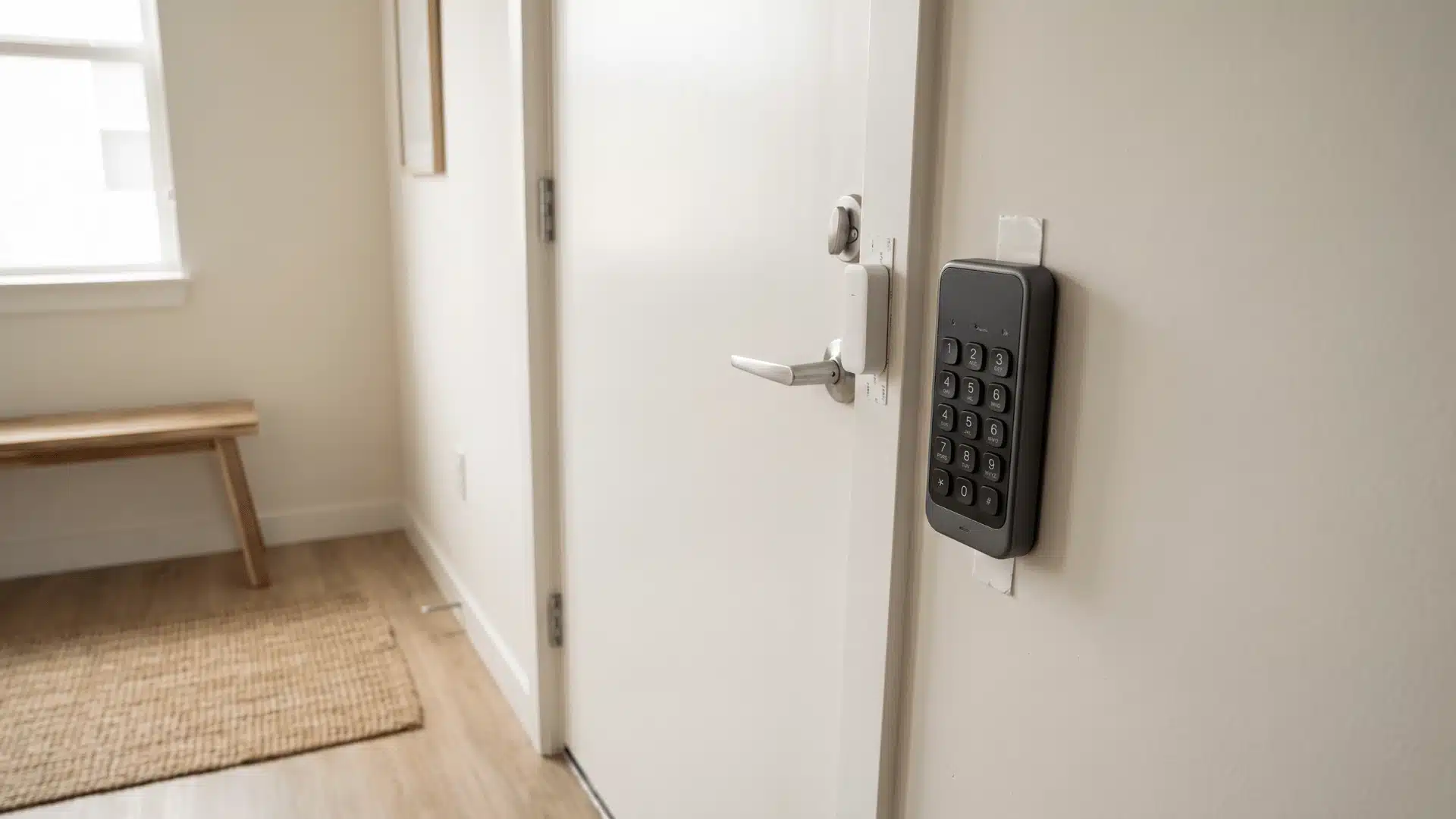
SimpliSafe is the strongest all-around choice for most homeowners. The sensors are reliable, installation is straightforward, and you can choose between self-monitoring and professional monitoring as your needs change.
Its adhesive-mounted components also make it an excellent option for renters or anyone planning to move.
The biggest limitation is its closed ecosystem, so expanding with third-party smart home devices isn’t as flexible as some competitors.
2. Ring Alarm – Best for Amazon Smart Homes
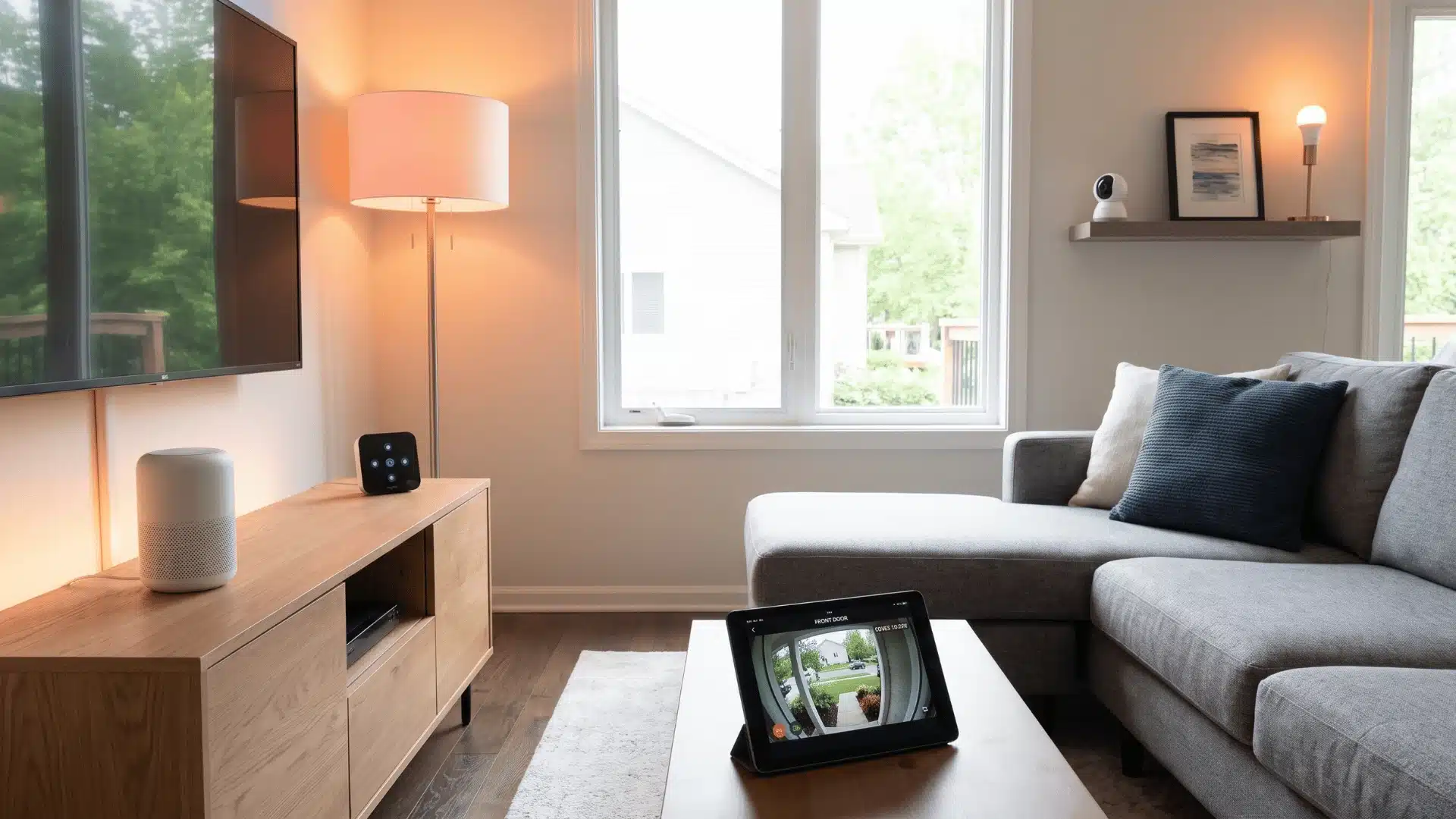
Ring Alarm makes the most sense if your home already runs on Amazon Alexa or other Ring devices. I’ve seen people set it up faster when everything is already in the same app, because cameras, doorbells, lights, and sensors just link together without extra steps.
The trade-off is simple. Some useful features, like saving video in the cloud, sit behind a subscription. So it’s not fully free once you go deeper.
But if you’re already using Amazon’s smart home setup, Ring usually feels smoother than most options. It’s less about setup pain and more about everything just working in one place.
3. Abode – Best Without a Monthly Subscription
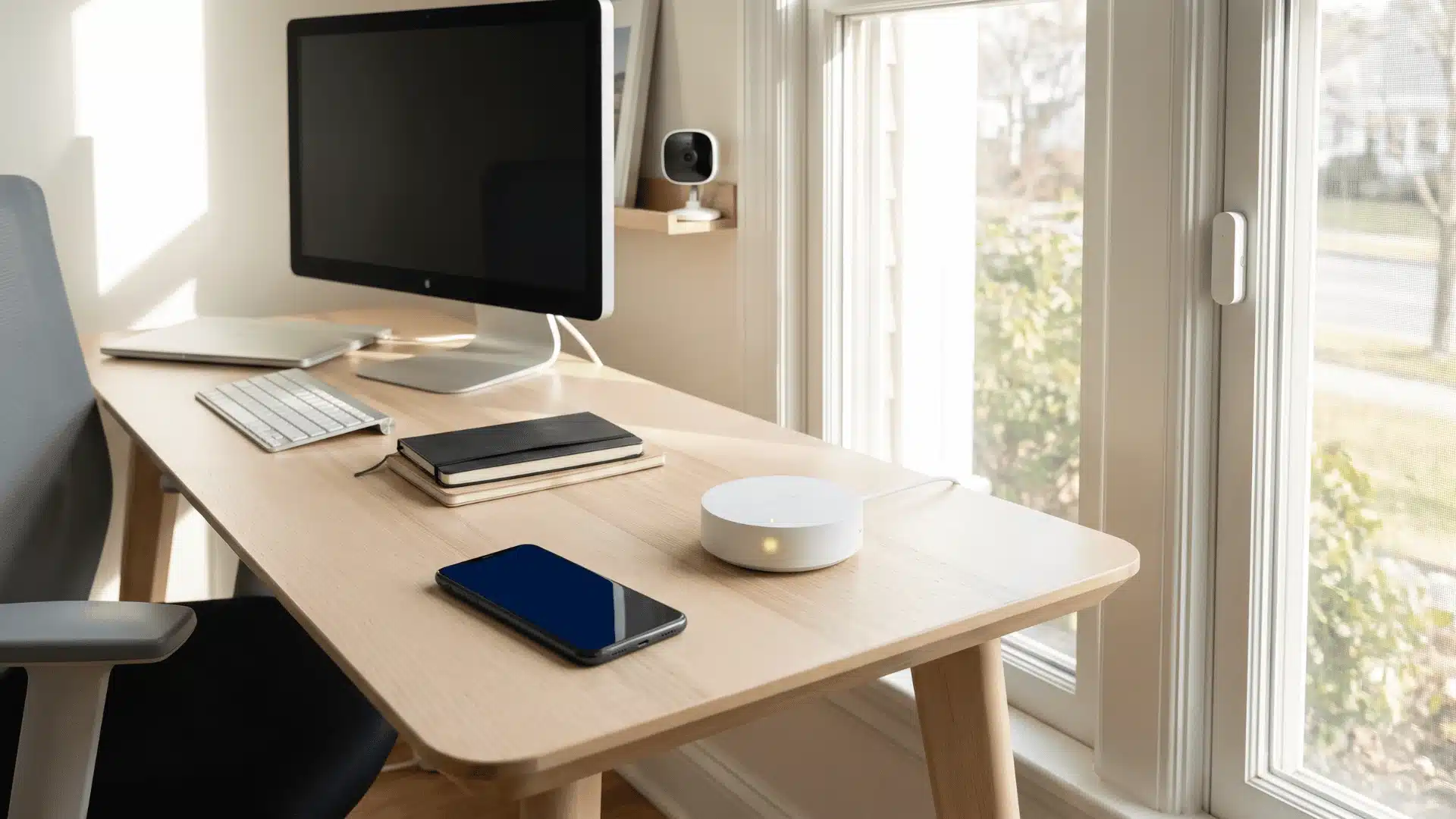
Abode stands out by offering one of the most capable free self-monitoring options. You get app alerts, local storage, and support for Apple HomeKit, Google Home, and Amazon Alexa without locking yourself into one ecosystem.
It’s an excellent choice if you want flexibility now while keeping future upgrade options open. The hardware selection isn’t as extensive as Ring’s, but the platform offers a great balance of features and value.
4. Cove – Best Budget Option
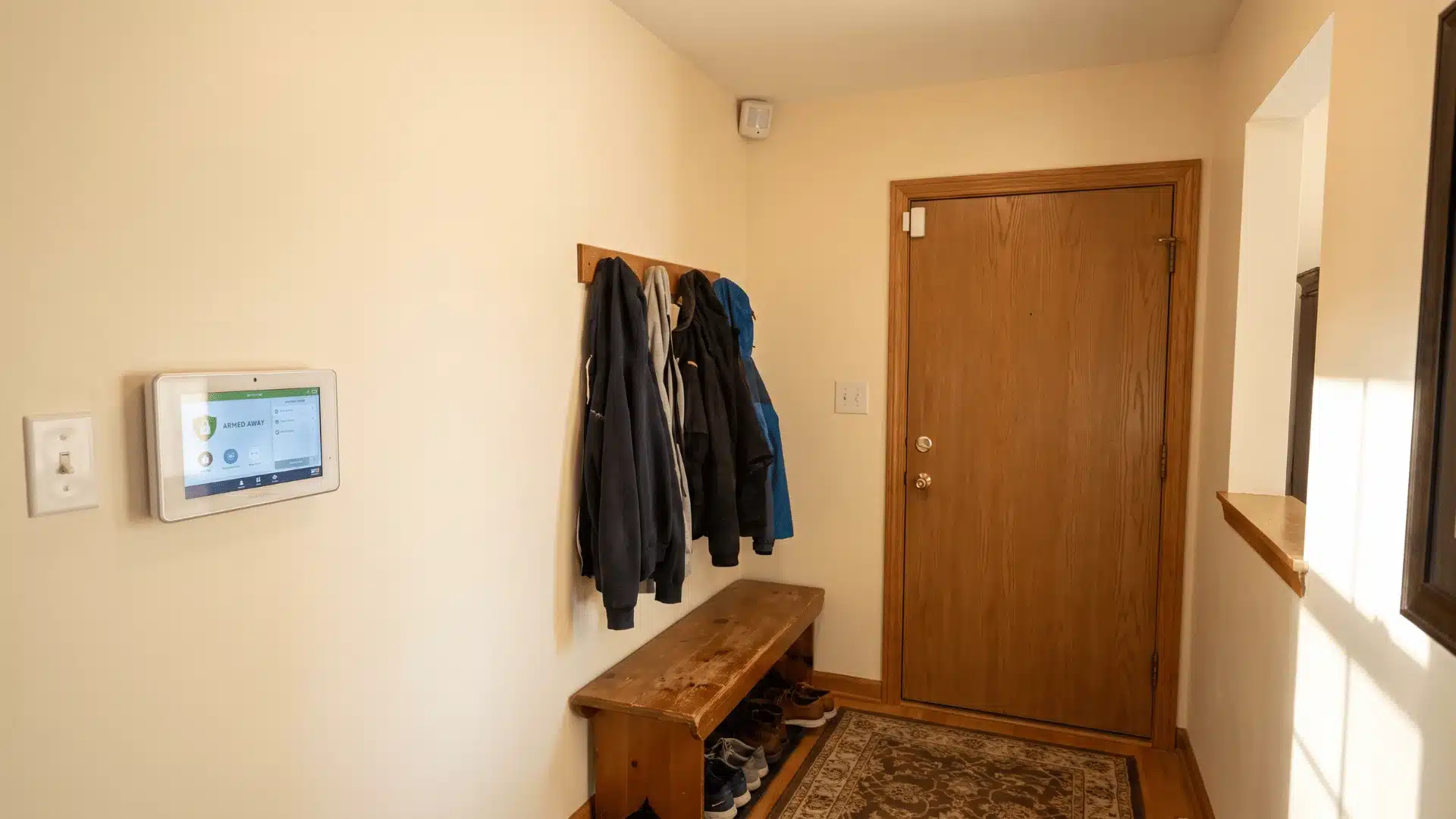
Cove is built for keeping home security simple and low-cost. The starter kits are priced in a way that feels reachable, and the touchscreen hub is easy enough that you don’t really need to “learn” it. Setup is usually quick, even if it’s your first time doing something like this.
Where it falls short is how much it connects with other stuff. You don’t get the same wide smart home options or camera choices you see with Ring or Abode.
So if what you want is a basic alarm that works without drama and doesn’t cost much to get going, Cove does that job well.
5. Eufy Security – Best for Local Storage
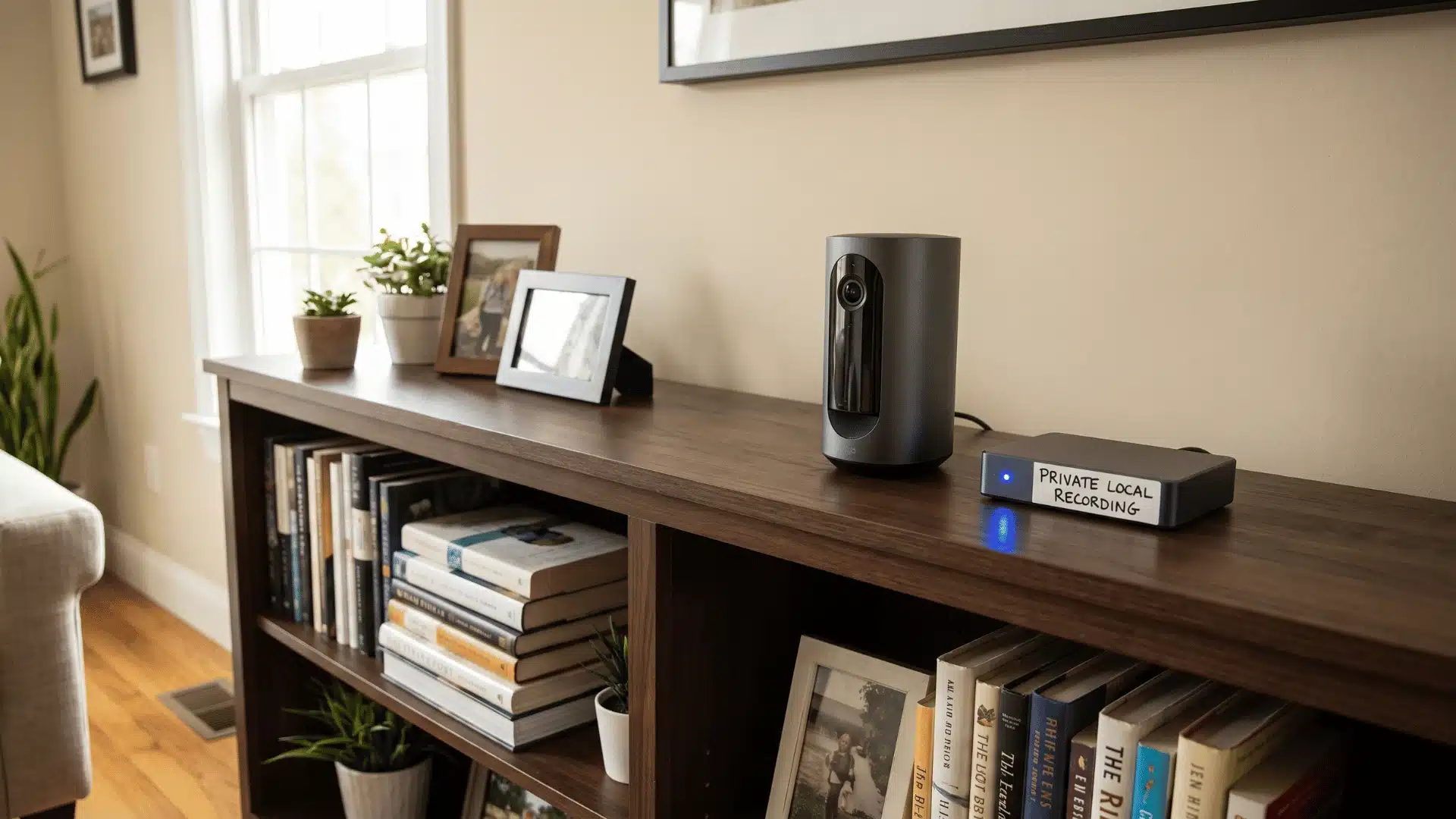
Eufy Security is a good pick if you don’t want to deal with monthly cloud fees. Many of its cameras save footage locally, so the recordings stay on your device rather than being pushed to a paid cloud plan. That’s a big reason people go for it.
Setup is pretty straightforward, too. Most cameras can be mounted and running with little hassle, and the video quality is genuinely sharp once it’s up and running.
Where it feels a bit limited is on the “extras.” You don’t get as many professional monitoring options, and it doesn’t connect with as many third-party smart home systems as brands like Ring or Abode.
What Does Installation Actually Involve?
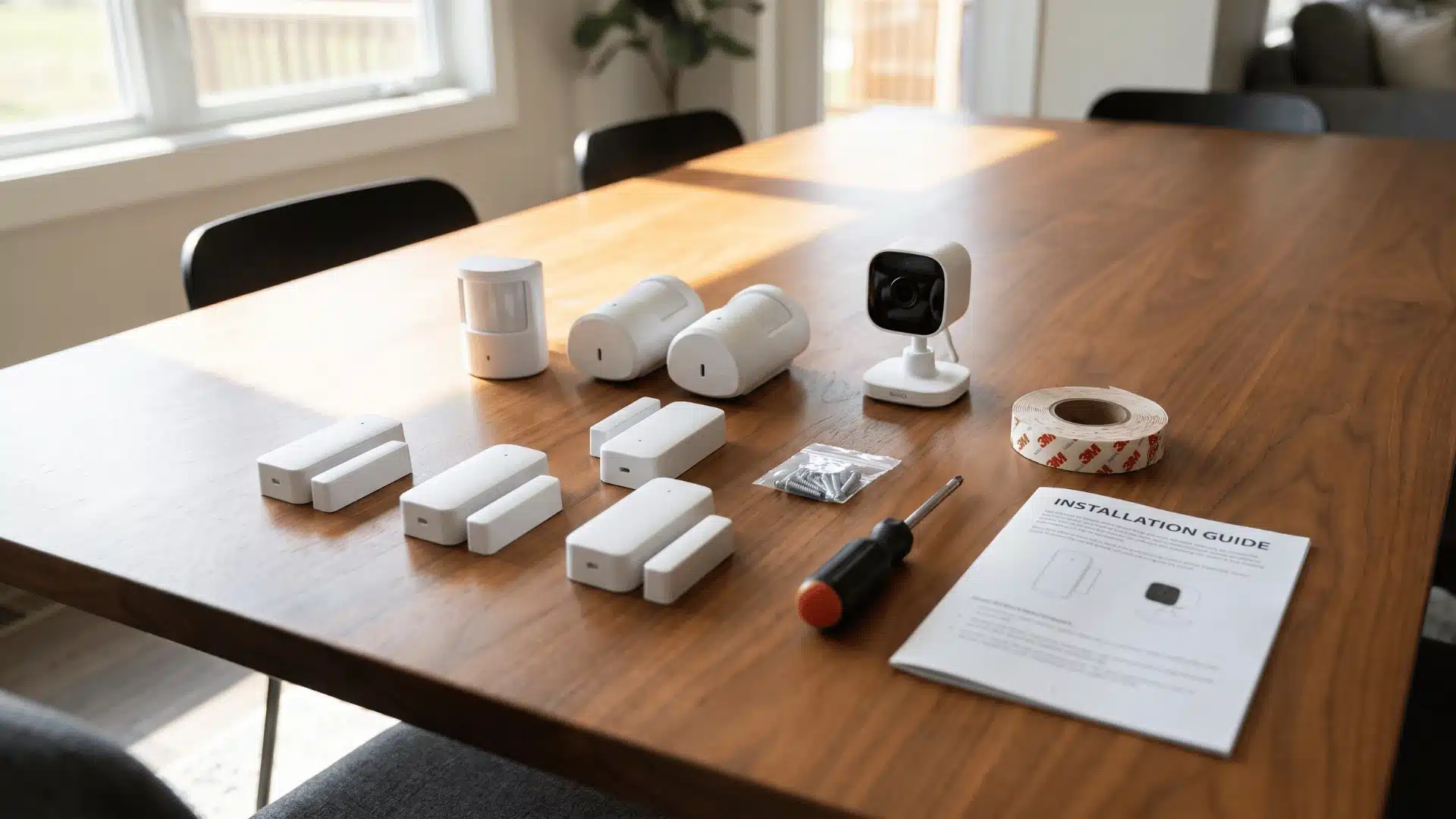
The 15-minute installation claim isn’t wrong, it just describes the smallest setup you can do.
Most homes take longer because placing sensors in the right spots matters more than actually sticking them on the wall.
Here’s what it usually looks like in real homes:
- Basic starter kit: 15–30 minutes. You’re setting up a hub, a couple of door sensors, and maybe one motion sensor. The app walks you through it, and adhesive mounts make it pretty quick.
- Whole-home setup: 60 to 90 minutes. Once you start covering every door, window, and a few rooms with motion sensors or cameras, it slows down. Not because it’s hard, but because you’re thinking through placement each time.
Taking a little extra time during placement can make the system more reliable and prevent gaps in coverage later.
Biggest Common Mistake People Make
One mistake I see a lot is people putting motion sensors too low. They actually work best around 6 to 7 feet up, angled into the room. If they sit lower than that, you start getting random alerts or you end up with blind spots that don’t get covered.
That kind of placement issue usually shows up right after people rely on adhesive mounts without thinking about the wall surface. Adhesive mounts are solid on smooth, clean walls, and they hold up fine in most normal rooms.
But on rough paint, dusty spots, or damp garage walls, they don’t stick as well over time. In those cases, screws or just choosing a better spot on the wall usually works better and saves you from sensors falling off later.
Conclusion
The best DIY home security systems aren’t necessarily the ones with the longest feature lists. They’re the ones that match how you live, how you monitor your home, and whether you expect your system to grow over time.
When those pieces line up, installation is easier, day-to-day use feels natural, and you’re far more likely to keep the system working the way it should.
If you’re comparing a few options before buying, use the points above as your checklist instead of relying on marketing claims. It’ll help you choose a system you’ll still be happy with years from now.
Frequently Asked Questions
Are DIY home security systems as effective as professionally installed ones?
For most homes, yes. The hardware is comparable; sensors, cellular backup, and camera resolution aren’t limited to professional installs. The gap is monitoring response speed and 24/7 dispatch availability. Both of those are also available on DIY systems through a professional monitoring plan.
What is the best DIY home security system with no monthly fee?
Abode offers the most complete free self-monitoring plan. App alerts and local storage are included without a subscription. Ring and SimpliSafe also offer free self-monitoring, but camera recording and cellular backup require a paid plan on both platforms. Check what’s actually included before assuming free means fully functional.
Can a DIY security system work if the Wi-Fi goes down?
Only if cellular backup is active. SimpliSafe, Ring, Cove, and Abode all offer cellular backup, but most require a paid monitoring plan to enable it. If you’re self-monitoring for free, confirm whether cellular backup is included in that tier before you rely on it.
What security system do burglars avoid most?
Visible deterrents matter more than brand. Outdoor cameras, yard signage, and audible sirens are consistently cited as effective at discouraging entry attempts. A professionally monitored system adds a second layer. Fast dispatch means a response arrives whether you’re reachable or not.