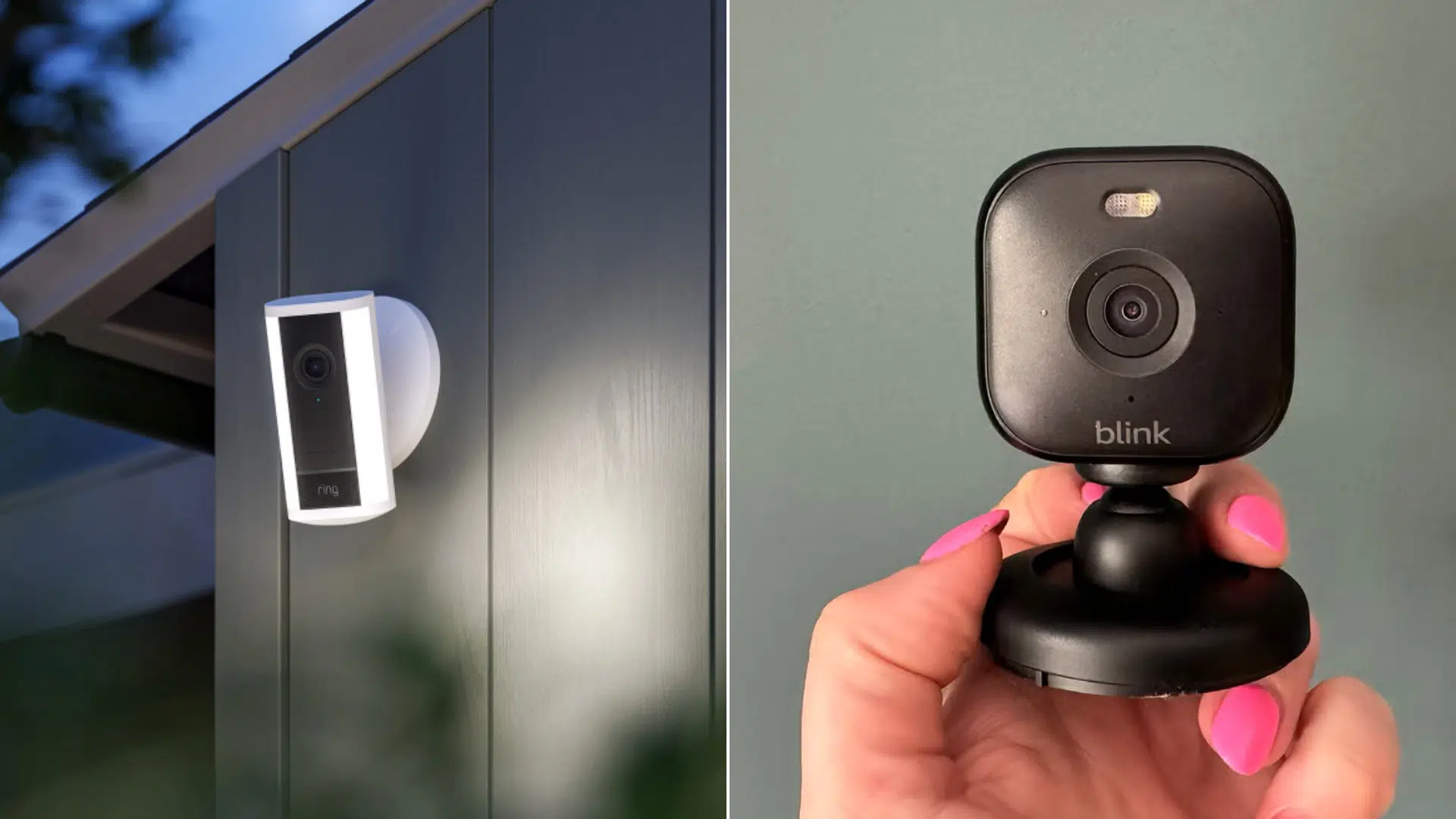
Choosing between Ring and Blink can feel confusing at first. Both brands promise better home security, but they work in different ways.
If you are shopping for a doorbell or security camera, it helps to know what really matters day to day.
Many buyers also want to know how easy the system is to use and whether it fits their home setup. I have spent time comparing how Ring and Blink perform in real homes, not just on spec sheets.
This guide breaks everything down in plain language so you can choose the option that feels right for you and your home.
What are Ring and Blink?
Ring and Blink are popular home security brands that help you keep an eye on your home. They offer video doorbells and security cameras you can check from your phone at any time.
Both brands are owned by Amazon and are made to work easily with Alexa devices.
Ring focuses more on advanced features, like detailed alerts and a wide range of cameras for different needs. Blink is known for its simple setup, long battery life, and lower cost.
While both help with basic home monitoring, they are built for different types of users and budgets, which is why comparing them matters before buying.
Ring vs. Blink: Key Differences to Know
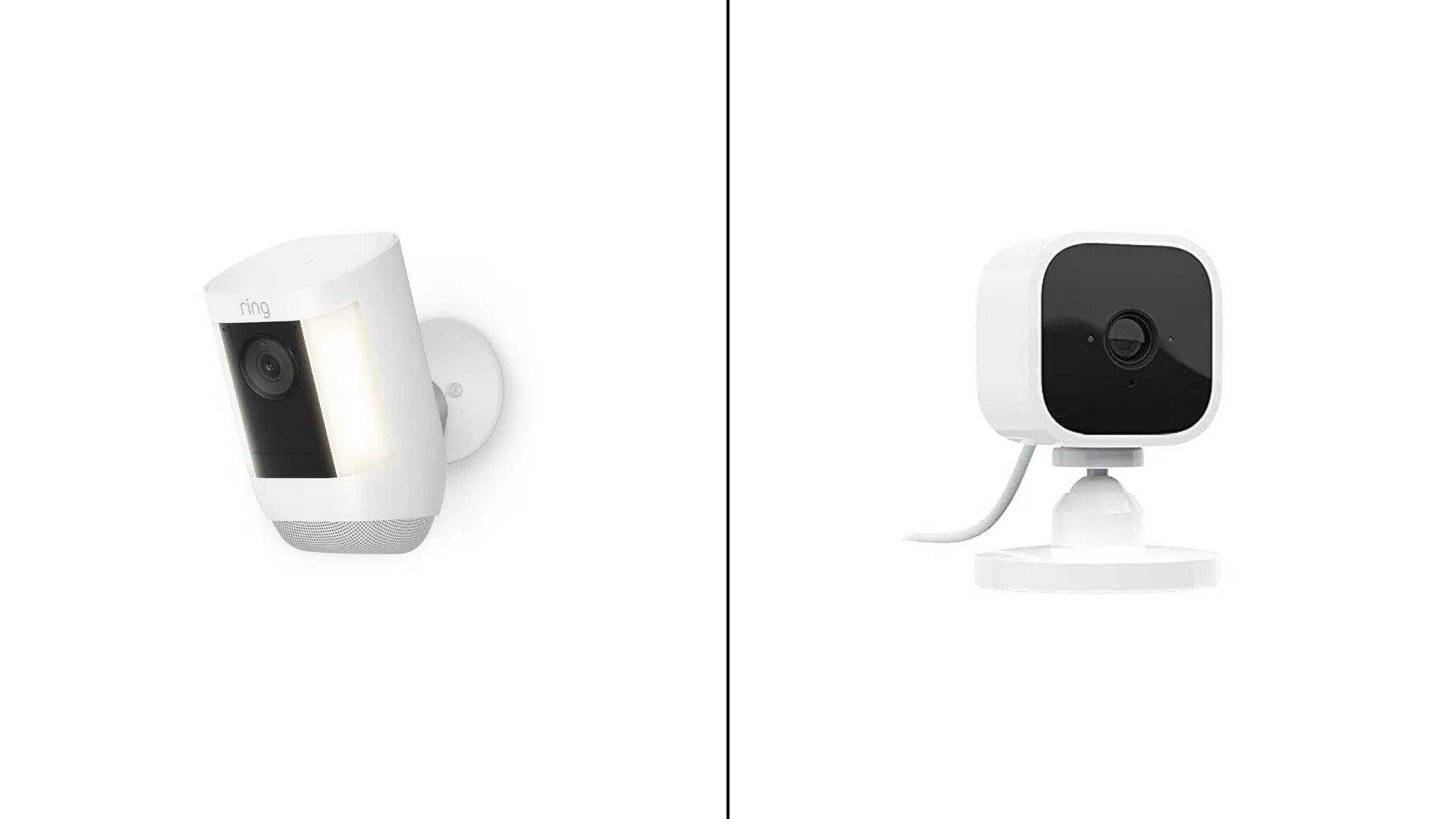
I have noticed that Ring and Blink only look similar on the surface. Once you dig into daily use, setup, and long-term costs, the differences become much clearer.
1. Pricing and Long-Term Cost
Ring devices usually cost more upfront, especially doorbells and outdoor cameras. Most users also end up paying for a monthly plan to unlock video history and smart alerts. Over time, this adds to the total cost, but many feel the extra features are worth it.
Blink cameras are generally cheaper to buy, making them easier to start with. They also give users more ways to avoid monthly fees, which helps keep long-term costs lower. This makes Blink a strong choice for budget-focused buyers.
2. Subscription Dependence
Ring relies heavily on its subscription plans for full use. Without a plan, features like saved videos, sharing clips, and advanced alerts are limited. For most people, the subscription feels almost required.
Blink works better without a subscription compared to Ring. With local storage, users can still save and view clips, which is appealing to those who dislike ongoing payments.
3. Camera and Doorbell Variety
Ring offers a wide range of doorbells, indoor cameras, outdoor cameras, and accessories. This makes it easier to build a full security setup over time. It also gives more flexibility for different home layouts.
Blink keeps its product lineup smaller and more focused. While this limits advanced options, it also makes choosing a device less confusing for first-time buyers.
4. Video Quality and Viewing Experience
Ring cameras usually provide clearer video and smoother playback. This can make it easier to identify people, packages, or activity around your home. It also helps when reviewing clips later.
Blink video quality is good enough for basic monitoring and quick checks. It may not capture as much detail, but it works well for everyday home security needs.
5. Battery Life and Maintenance
Ring battery-powered cameras often need recharging more often, especially if motion alerts are frequent. Wired models help reduce maintenance but require more setup.
Blink stands out for its long battery life. Many users go months, or even longer, without needing to change batteries, which keeps upkeep simple.
6. Storage and Recording Options
Ring mainly uses cloud storage through paid plans. This makes accessing clips easy from anywhere, but it also means ongoing costs for most users.
Blink supports local storage using a Sync Module. This gives users more control over their recordings and reduces the need for monthly fees.
7. App Experience and Controls
Ring app offers many settings and control options. Users can adjust motion zones, alert types, and camera behavior in detail, which suits those who like customization.
Blink app is simple and easy to use. It focuses on basic controls, making it less overwhelming for users who prefer a clean experience.
8. Smart Home Integration
Ring fits well into larger smart home setups. It works smoothly with Alexa and other Ring devices, creating a connected system feel.
Blink also works with Alexa but keeps smart features basic. It avoids complex automations, which some users actually prefer.
9. Installation and Flexibility
Ring offers both wired and battery-powered options, giving more install flexibility. However, some setups may take longer and require tools.
Blink is very easy to install and move around. This makes it a great option for renters or anyone who wants a quick, no-hassle setup.
Who Ring & Blink is Best For
Choosing between Ring and Blink often comes down to how much control you want and how much you want to spend. Both work well, but they fit different types of users and homes.
Ring is Best For
- Homeowners who want more features: Ring offers more camera types, stronger alerts, and a fuller security setup.
- People who like detailed control: The app lets you fine-tune motion zones, alerts, and camera behavior.
- Larger homes or multi-camera setups: Ring works well when you want to cover doors, yards, and indoor spaces.
Blink is Best For
- Budget-conscious buyers: Blink cameras usually cost less and help keep long-term costs down.
- People who want simple security: Setup is easy, and the app keeps things basic and clean.
- Renters or low-maintenance users: Long battery life means fewer charges and less upkeep.
I always tell people to think about how hands-on they want to be before buying. The best choice is the one that fits your daily habits, not just the features list.
Conclusion
Choosing between Ring and Blink comes down to what matters most in your daily life.
Ring works well if you want more features, stronger alerts, and a system that feels more complete. Blink is a better fit if you want simple security, long battery life, and lower ongoing costs.
Both options can help you feel safer at home when used the right way. I always suggest thinking about your budget, your home size, and how much control you want before buying.
If you are still unsure, start with one camera and see how it fits your routine. That small step can make choosing much easier.