
If you’ve ordered something online and seen 4PX shipping as the carrier, you’re not the only one out there.
Many shoppers come across 4PX when buying from international sellers and aren’t sure what it means or how to track their package.
Is 4PX legit? Why does tracking sometimes stop updating? And how long does delivery really take?
In this guide, you’ll learn what 4PX shipping is, how it works, and why it’s commonly used for cross-border orders. Most importantly, you’ll see the easiest ways to track your 4PX package and understand each tracking update.
What is 4PX Shipping?
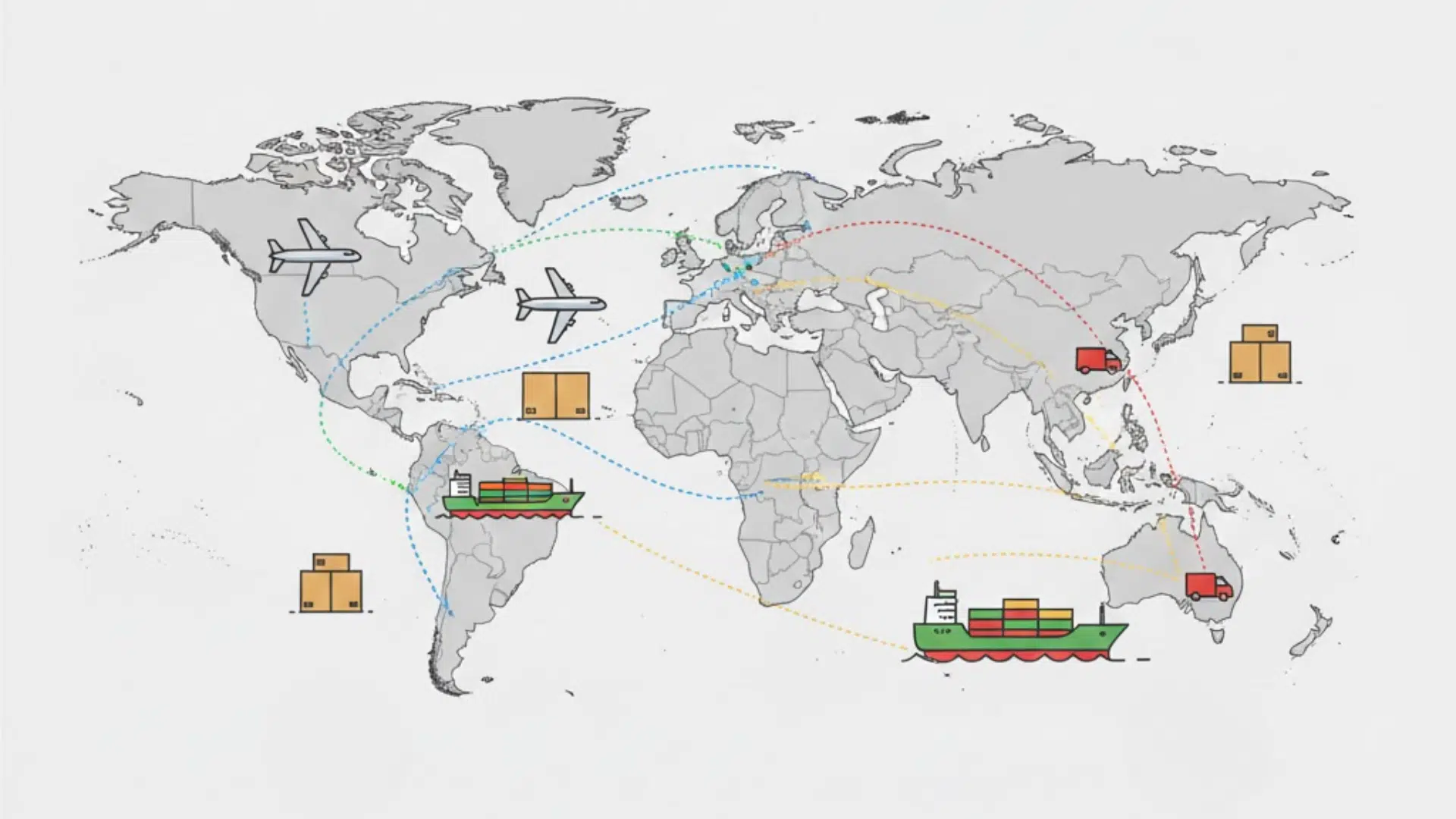
4PX shipping is an international delivery service often used for online orders shipped from overseas, especially from China.
If you shop on global marketplaces, there’s a good chance your package may be handled by 4PX. The company helps move parcels from the seller’s country to your destination country.
In most cases, 4PX does not deliver the package all the way to your door. Instead, it handles the main part of the journey, like export and transport.
Once the package reaches your country, it is usually passed to a local carrier for final delivery. This is why tracking updates can sometimes change or pause.
How 4PX Tracking Works
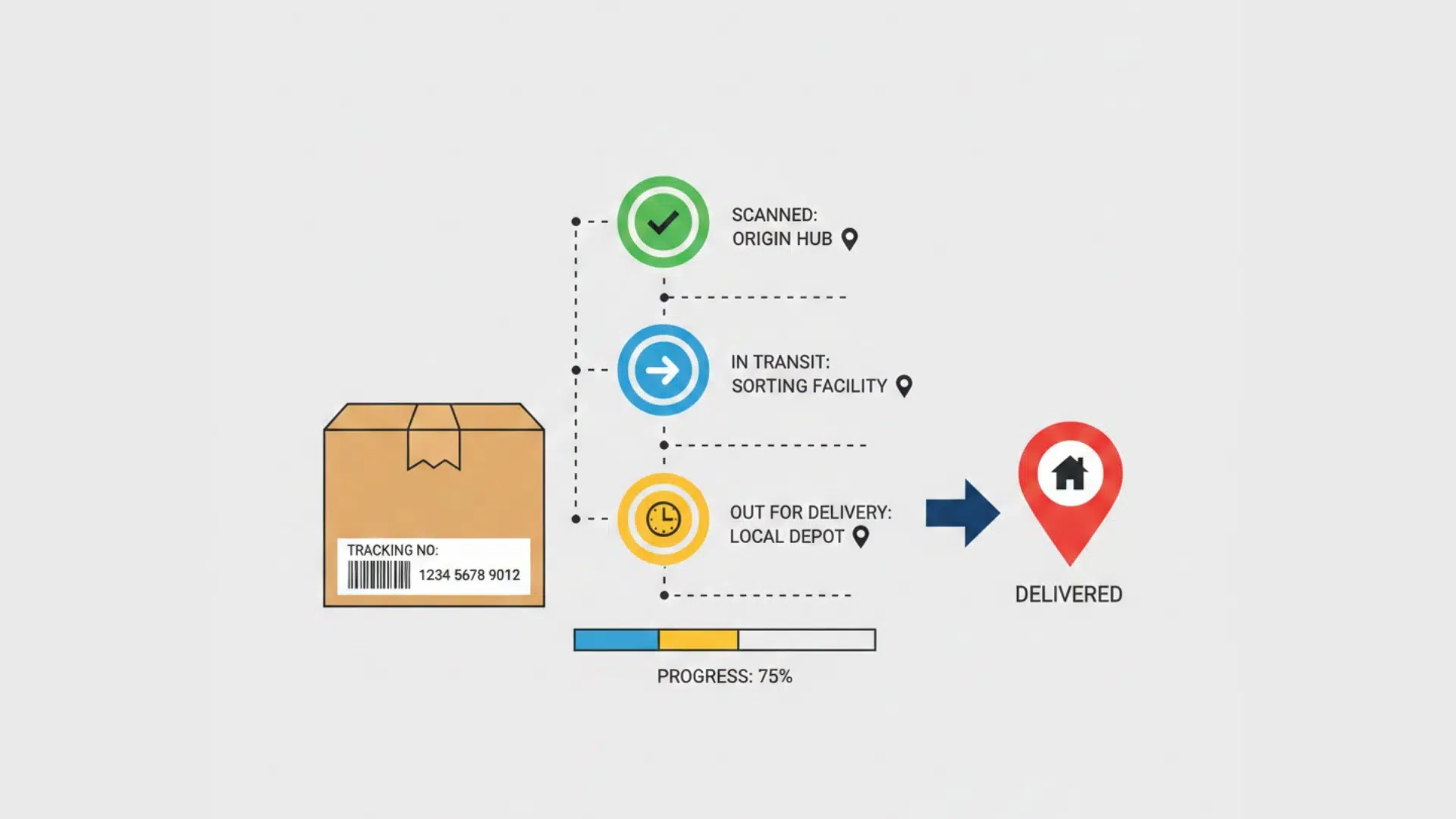
4PX tracking helps you follow your package as it moves from the seller to your country. Updates may not appear every day, but each scan shows an important step in the journey.
1. Tracking Number is Created
Once the seller ships your order, 4PX assigns a tracking number. This number lets you check where your package is at any time.
2. Package Moves Through Transit Hubs
Your parcel is scanned at sorting centers, airports, and export points. These scans show when it leaves one location and heads to the next.
3. Handover to a Local Carrier
After arriving in your country, 4PX usually passes the package to a local delivery company. Tracking updates may change at this stage.
Knowing how 4PX tracking works makes it easier to stay patient and understand each update while your package is on the way.
How to Track a 4PX Package
Tracking a 4PX package is simple once you know where to look. Using the right tracking tools can help you see updates from start to delivery.
- Use the Official 4PX Tracking Website: Copy your tracking number from the seller and paste it into the 4PX tracking page. This is the best place to see early shipping updates.
- Try a Universal Tracking Website: If updates stop, use tracking sites that support many carriers. These often show extra details after the package reaches your country.
- Check for a New Tracking number: When 4PX hands the package to a local carrier, a new tracking number may appear. This number helps you follow the final delivery.
By checking more than one tracking site, you can get clearer updates and avoid confusion while waiting for your order.
4PX Shipping Delivery Time to the USA
4PX shipping delivery time to the USA can vary based on the shipping method and how fast customs clears the package.
| Shipping Type | Estimated Delivery Time to the USA |
|---|---|
| Economy Shipping | 15–45 business days |
| Standard Shipping | 10–25 business days |
| Express Shipping | 5–15 business days |
These time frames are estimates, not guarantees. Holidays, customs checks, and local delivery partners can affect speed.
If your package takes longer than expected, don’t worry right away. Keep tracking it regularly, and check for updates from the local carrier once it reaches the United States.
Common 4PX Tracking Status Messages
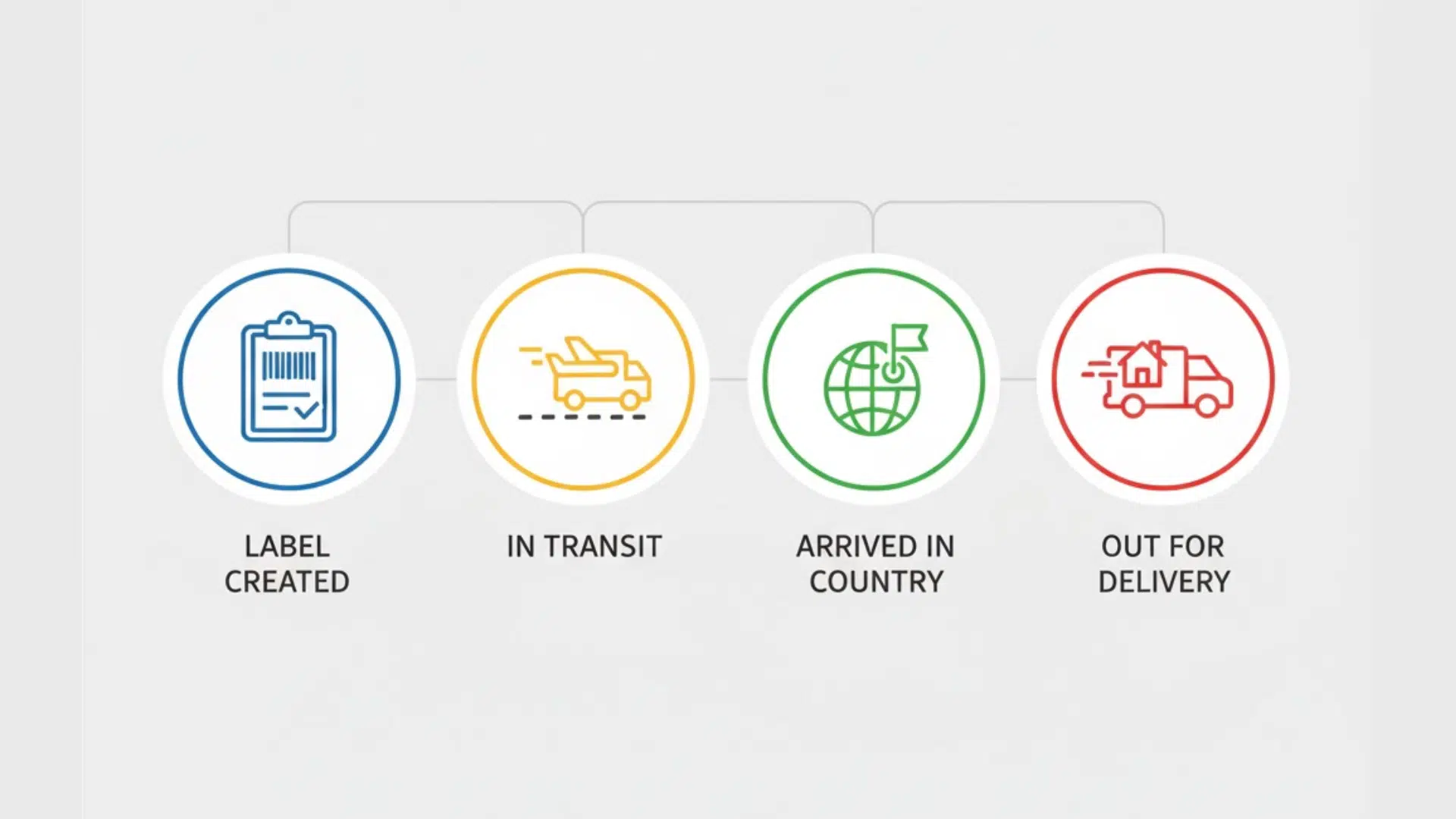
Tracking updates can feel confusing if you don’t know what they mean. Below are the most common 4PX tracking status messages and what each one usually tells you about your package.
1. Shipment Information Received or Label Created
This status means the seller has created a shipping label, but 4PX may not have the package yet. Your order is still with the seller or waiting for pickup.
It’s normal to see this update for a few days without movement. Tracking will start updating once the package is scanned into the system. There’s usually nothing to worry about at this stage.
2. Departed Facility or Exported
This update shows that your package has left a sorting center or export warehouse. It often means the parcel is moving to an airport or leaving the origin country.
Tracking updates may slow down after this scan. The next update might not appear until the package reaches another country. This is a normal part of international shipping.
3. Arrived in Destination Country
This status means your package has reached the United States. It may now be waiting for customs checks or sorting at a local hub.
Tracking can pause again during this stage. Once cleared, the package will move toward a local delivery carrier. Delivery is usually closer after this update.
4. Handed Over to Local Carrier
This message means 4PX has passed your package to a local delivery company. From this point, 4PX may stop showing frequent updates.
A new tracking number might appear for the local carrier. This is often the final step before out-for-delivery updates begin.
Who Delivers 4PX Packages in the United States?
In the United States, 4PX usually does not deliver your package to your door. Instead, it hands the parcel to a local carrier for the final part of delivery (often called “last mile”).
| Delivery Partner Type | Common Examples in the U.S. | Typical Cost Range (Paid by Shopper) | What It Usually Handles |
|---|---|---|---|
| Postal Service | USPS | $0–$5 (often included) | Final delivery to mailbox/door |
| Courier/Express Carrier | UPS, FedEx | $5–$25+ (varies by speed) | Faster last-mile delivery and scans |
| Regional/Last-Mile Carrier | LaserShip/OnTrac (varies by area) | $0–$15 (often included) | Home delivery in select regions |
| Fulfillment/Delivery Partner | Amazon Logistics (when used) | $0–$10 (often included) | Local delivery after handoff |
The easiest way to confirm who’s delivering is to check your tracking details for a handover update or a new tracking number.
Once you see the local carrier name, track it on that carrier’s website for the most accurate delivery scans.
How to Get Help with 4PX Shipping Issues
Shipping issues can be frustrating, especially when tracking stops updating or delivery feels slow. Knowing who to contact and what to check can save you time and stress.
1. Contact the Seller First
The seller is usually the best first point of contact. They can see shipping details that buyers cannot.
Sellers can also confirm if the package has shipped or if there is a delay. In many cases, they can open a case with 4PX on your behalf.
2. Use 4PX Tracking and Support
If tracking shows an error or hasn’t updated for a long time, check the official 4PX tracking page. Look for messages like delays or exceptions.
You can also reach out to 4PX support with your tracking number. Be clear and brief when explaining the issue.
3. Prepare Key Information Before Asking for Help
Having the right details makes support faster and easier. Keep these ready:
- Tracking number
- Order ID or invoice number
- Shipping address ZIP code
- Date of the last tracking update
Best Tips for Tracking 4PX Packages
Tracking a 4PX package can be easier if you know a few simple tricks.
- Use More Than One Tracking Website: Start with the 4PX tracking page, then try a universal tracking site if updates stop. Different sites may show extra scans.
- Check Tracking Every Few Days: International shipping updates can take time. Checking too often can make delays feel worse than they are.
- Watch for a New Tracking Number: After the package reaches the U.S., a local carrier may take over. A new tracking number usually means the final delivery is close.
- Save or Screenshot Important Updates: Keeping records helps if you need to contact the seller or support later.
Using these tips can make tracking less stressful and help you understand what’s really happening with your 4PX shipment.
Conclusion
4PX shipping can seem confusing at first, especially if you’re not used to international deliveries. Once you understand how 4PX works and how tracking updates move, it becomes much easier to follow your package.
Delays, pauses, and handovers are a normal part of the process, not a sign that something is wrong. Using the right tracking tools and checking for local carrier updates can save you a lot of stress.
If you’re waiting on a 4PX delivery, stay patient and keep an eye on your tracking status.
Still unsure about your shipment? Try tracking your package now to get the latest update and peace of mind.



















8 Responses
Um ein Paket was auf dem Weg zu mir ist zu Hause Amazon App zeigt an Zustellung heute zu Hause am Haus möchte bitte gucken ob Paket heute kommt oder morgen
I have been waiting on this package from the TikTok shop and since 12 January is continuing to say it’s in California with no updates I was wondering was this a scam or would I be receiving my package only have two more days until the deadline and I would really like to receive my package is there a number that you guys can be reached at my tracking number is SPXSAC03020807006 or 4PX3002416184647CN
When will my package be delivered they say today or may 5
My package we I’ll it be delivered today
Bonjour il dise colis livré le 5 mai échafaudage électrique le suivi marque livré za06226976401 j’ai payé 79.68 j’ai la preuve merci de me répondre
The tracking update does not give me a local carrier. The latest info I had was that the package was undeliverable; yet, we have clear signage that shows where the mail room and deliveries are. I have reached out to the seller with detailed information, including tracking number.
Am waiting for my package how can I track it
It says my order was delivered but I haven’t received anything