Fire alarm monitoring has become one of those things people don’t think about until they realize how much it changes the way a building stays protected.
The moment an alarm goes off, you want something in place that can react fast, send the right signals, and keep things moving long before anyone reaches the scene
This guide will give you a clear look at how monitored systems work, what separates them from basic detectors, and what details actually matter when you’re choosing a provider or upgrading an older setup.
By the time you reach the end, you’ll know exactly what to look for and why it counts.
What is Fire Alarm Monitoring?
A regular smoke detector only speaks to the people standing in the room. It makes noise, it flashes a little light, and that’s pretty much the whole story. If nobody’s there to hear it, nothing happens.
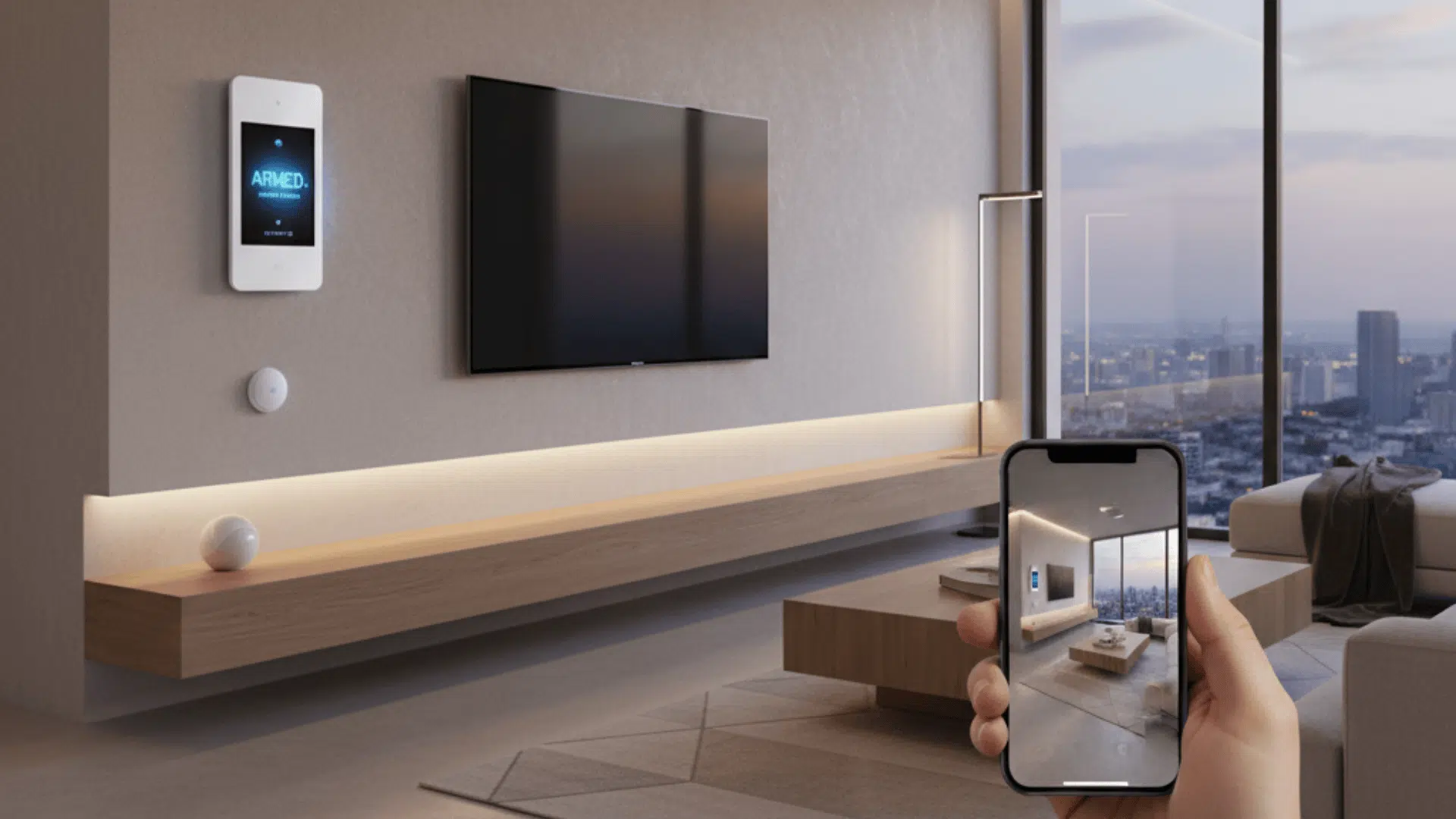
A monitored fire alarm works on a different level. When it senses smoke or heat, it sends that signal out instantly, almost like tapping someone on the shoulder in the middle of the night and saying, Hey, something’s going on here.
That’s where the difference between local alarms and monitored alarms really shows up. A local alarm stays inside the building. A monitored alarm reaches beyond it.
Thesignal goes to a 24/7 monitoring center, where someone actually sees the alert, checks the details, and starts the process of contacting emergency responders. You get notified too, usually within seconds.
The idea is that the system reacts even when you can’t. If the building’s empty, if everyone’s asleep, if you’re out of town, the monitoring center still gets the message and moves things forward.
It turns a simple alert into an actual response, which is what most people expect their fire alarm to do in the first place.
How Fire Alarm Monitoring Works: Step-by-Step

The easiest way to understand fire alarm monitoring is to walk through what actually happens in a real moment. Picture a building late at night with nobody inside. Everything is quiet.
A small fire starts somewhere, and the heat begins to rise. A sensor picks it up before anyone else would. That signal goes to the fire alarm panel, which sends it straight to the 24/7 monitoring center.
- A sensor detects smoke or heat. The system picks up the first sign of trouble before anyone is around to notice.
- The fire alarm panel sends the signal to the monitoring center. The alert goes out automatically, with no delay and no need for someone to be on-site.
- The monitoring center verifies the alarm. A trained operator checks what type of signal it is and confirms it’s a real fire event.
- Emergency responders are dispatched. Fire crews are contacted right away and start heading to the property.
- You receive an alert. A call, text, or app notification lets you know what triggered the alarm and what’s happening next.
And that’s the full chain.
The sensor detects the threat. Signal goes out. The monitoring center verifies it. Authorities get dispatched. You get alerted.
All of it happens within moments, even when you’re nowhere near the building.
Fire Alarm Response Time and Why It Matters
When a fire alarm goes off, response time becomes everything. The faster the monitoring center reacts, the faster firefighters get moving.
A strong monitoring setup verifies the signal quickly, contacts responders, and alerts the building owner almost immediately. Even shaving off a minute makes a difference, especially in commercial buildings where fires spread through large spaces fast.
Good response time isn’t just a convenience. It affects:
- how much damage the fire causes
- whether people inside get enough warning
- how insurers view your risk
- whether your system meets local expectations
A provider with slow reaction times weakens the whole point of monitoring. A fast one keeps the building safer and gives responders a head start.
Types of Fire Alarm Monitoring Systems
Below is a quick breakdown of the most common system setups and what each one is built to handle.
| System Type | What It Does | Where It Fits Best |
|---|---|---|
| Commercial Systems | More sensors, zoning, integration with sprinklers and suppression. Sends detailed info to monitoring centers. | Large buildings, offices, warehouses, retail spaces. |
| Residential Systems | Smaller panels, fewer devices, straightforward alerts to monitoring centers. | Homes, apartments, small rental properties. |
| Smart Home Integrations | Sends alerts to your phone, connects with lights, locks, and cameras for automatic reactions. | Homes using smart devices or remote monitoring. |
| Wireless Systems | No cables. Easy retrofits. Still sends monitored alerts normally. | Older buildings, remodels, quick installs. |
| Wired Systems | Uses physical cables for stable connections and consistent performance. | New construction or buildings where wiring is easy. |
| Alarm + Sprinkler Monitoring | Watches sprinkler flow, valves, and tamper switches along with fire alarms. | Buildings with sprinkler requirements or added safety rules. |
| Advanced Detection (Point ID, Early Warning) | Pinpoints exact device that triggered, detects air changes earlier than standard sensors. | High-value areas, larger facilities, places where early response is critical. |
Signal Transmission Types
Fire alarm monitoring depends on how the system sends alerts out. Different buildings use different communication paths, and each one has its own strengths.
The goal is to get the signal out fast and keep it moving, even if one method fails.
- Cellular: The most common option now. Works without phone lines, stays stable during outages, and sends signals quickly.
- IP (Internet): Uses your network connection. Fast and reliable if your internet stays solid, but needs backup in case the network drops.
- Phone Line: Older systems still use traditional phone lines. It works, but it’s slower and easier to interrupt. Most buildings are moving away from this.
- Dual-Path: Sends the alert through two channels at once, usually cellular and IP. If one path fails, the other delivers the signal. It’s the strongest option for high-reliability buildings.
Fire Alarm Monitoring Laws and Guidelines

Whether you actually need fire alarm monitoring comes down to a mix of building codes, insurance rules, and the type of space you’re responsible for. Some buildings are required to have it by law. Others aren’t, but insurance companies still expect it before they’ll cover certain losses.
1. Local Building Codes
Most cities follow versions of the International Fire Code (IFC) or their own local fire code. These codes decide when monitoring is mandatory.
Larger buildings, places with public access, and anything with a higher risk level usually need a monitored system.
Your local Authority Having Jurisdiction (AHJ) is the one that signs off, so their interpretation matters most.
2. NFPA References
The NFPA 72 National Fire Alarm and Signaling Code is the main standard used across the industry.
It outlines when systems must be monitored, how fast signals need to be sent, and what the communication paths should look like. It’s basically the blueprint for how monitoring is supposed to work.
3. Insurance Policies
Insurance carriers often require monitoring even when the code doesn’t. They want a fast response window to reduce loss, especially for commercial properties.
If a fire happens and the building wasn’t monitored when the policy required it, coverage can get messy.
4. Buildings That Must Have Monitoring
You’ll almost always see mandatory monitoring in spaces like:
- Schools
- Apartments and multifamily housing
- Commercial buildings
- Hospitals and medical facilities
- Large assembly spaces
- Any building with a fire sprinkler system
These places have stricter requirements because more people move through them, and the risk is higher.
5. Compliance Checklist
Here’s a quick way to see where you stand:
- Do local fire codes require monitoring for your building type?
- Does your AHJ mandate monitored fire alarms?
- Does your building have a sprinkler system or suppression equipment?
- Does your insurance policy require central station monitoring?
- Are you following NFPA 72 guidelines for communication paths and response?
- Is your system sending signals through an approved, reliable method?
- Are all required devices tied into the monitoring setup?
If you check yes on even a couple of these, monitoring usually isn’t optional. It’s expected, if not required, and it can affect everything from safety to insurance coverage.
Fire Alarm Monitoring Cost: What to Expect

Fire alarm monitoring isn’t free. You pay upfront to install or upgrade the system, and you pay ongoing fees to keep it watched 24/7. Here’s a breakdown of the costs you’ll typically see in the United States:
| Cost Category | Typical Range (USA) | What It Covers |
|---|---|---|
| Monthly Monitoring | $15-$100 per month | Ongoing 24/7 monitoring for fire alarms and system alerts. |
| Installation Fees | $300-$1,000+ | Labor, setup, panel programming, and system activation. |
| Equipment Costs | $500-$2,500+ | Panels, detectors, sensors, notification devices, and add-ons. |
| Permits & Inspections | $50-$300+ | Local permits, inspections, and compliance checks. |
| First-Year Total (Typical) | $865-$3,355+ | Combined cost of equipment, installation, and one year of monitoring. |
Factors That Affect Cost
- Building size: Larger buildings need more detectors and more zoning, which increases both installation costs and monthly monitoring fees.
- Communication type: Systems that use cellular or dual-path communication usually cost more than basic landline setups.
- Number and type of devices: Smoke detectors, heat sensors, and notification devices all add to the upfront equipment price.
- Contract terms: Longer contracts can lower the monthly rate, but lock you in for a set period.
Hidden Fees to Watch For
- Annual maintenance or inspection costs, which some providers bill separately.
- Permit fees that vary depending on your city or local fire regulations.
- Upgrades or expansions if the system grows or needs additional devices later on.
- False alarm charges in municipalities that fine for repeated or avoidable false alarms.
In most cases, you’ll deal with both upfront installation expenses and ongoing monthly monitoring costs. Knowing what affects each one helps you budget realistically and avoid surprise fees later.
What to Look for In a Fire Alarm Monitoring Provider

You want a provider that reacts fast, stays reliable, and actually supports your system long-term. Here’s what matters most when you’re trying to figure out who to trust with your monitoring:
- UL-listed monitoring centers, which meet strict safety and performance standards, giving you confidence that alarms are handled in a regulated, professionally tested environment rather than a basic call center setup.
- 24/7 live coverage, with trained operators available every hour of the day, so your system stays protected even late at night, during holidays, or when the building sits completely empty.
- Redundant communication paths, like cellular plus IP or dual-path setups, ensuring alerts still reach the monitoring center even if one connection drops, gets damaged, or becomes unreliable during an emergency.
- Local or national provider support, depending on what you need, local companies often know local codes and respond faster, while national providers offer larger networks and more standardized resources.
- Warranty and service agreements that clearly cover parts, labor, inspections, and routine maintenance, reducing surprise costs and keeping the system working without constant service calls.
- Strong average response times, meaning operators verify signals and contact responders quickly, which helps shrink the gap between detection and dispatch during real fire events.
- Smart home compatibility, especially if you want mobile alerts, automation with lights or locks, or camera access that activates automatically when the alarm goes off.
A good provider doesn’t just watch for alarms. They help keep the system healthy, respond fast when something goes wrong, and make the whole setup easier to live with over time.
Fire Alarm Monitoring for Businesses vs. Homes
Businesses and homes both use monitored fire alarms, but the setups aren’t built the same. Here’s a quick side-by-side look at how their needs and requirements differ:
| Category | Businesses | Homes |
|---|---|---|
| Code Compliance | Strict requirements; monitored systems often mandatory; regular inspections and AHJ approval. | Less strict; monitoring usually optional unless required by insurance. |
| Device Counts | Higher device totals with detailed zoning across larger areas. | Fewer devices; basic coverage without complex zoning. |
| Sprinkler & Suppression Monitoring | Common; flow switches, tamper switches, and suppression systems must be monitored. | Rare; most homes don’t have sprinkler or suppression systems. |
| Reporting Requirements | Formal reports, logs, and inspections needed for annual compliance. | Minimal reporting; mainly for personal or insurance records. |
| Security System Integration | Often tied to access control, CCTV, and intrusion alarms for unified response. | Usually connects to smart home apps or simple security systems for convenience. |
Can Your Existing Fire Alarm System Be Monitored?

A lot of buildings already have some type of fire alarm installed, and the good news is that many of those systems can be monitored without replacing everything. It mostly comes down to how old the panel is and what communication options it supports.
1. When Retrofitting is Possible
Retrofitting works when the existing panel can send signals through a modern communicator. Many panels that use phone lines, for example, can be upgraded with a cellular or IP module.
In those cases, you keep the detectors, keep the wiring, and simply add the device that connects the system to a monitoring center.
2. When Panels Are Too Outdated
Some panels are too old to support current communication methods. If the panel can’t handle cellular, IP, or dual-path reporting, or if replacement parts are no longer available, monitoring becomes unreliable. In those cases, upgrading the panel is the only realistic option.
3. How Upgrades Work
Upgrading usually means swapping the old panel for a new one that supports modern communication paths and meets current code requirements
The existing detectors may still be usable if they’re compatible, but older devices sometimes get replaced during the upgrade, so everything works as a single system.
Once the panel is installed and programmed, the communicator connects it to the monitoring center, and the system is ready to send alerts.
In most buildings, adding monitoring doesn’t require a full teardown. It’s usually a mix of keeping what still works and updating the pieces that can’t meet today’s standards.
Redundant Monitoring and UL-Listed Stations
Not all monitoring centers operate the same way. The strongest setups use redundancy and follow strict standards so alerts never get stuck waiting for a response.
Redundant monitoring means the provider has backup centers ready to take over if one location goes offline. If a storm, outage, or technical failure hits, alerts still reach a live operator without delay.
UL-listed stations add another layer. UL (Underwriters Laboratories) tests centers for staffing, reliability, signal handling, and equipment standards.
A UL-listed station has been checked against industry benchmarks, so you know the place where you set your alarm meets strict safety requirements.
Together, redundancy and UL listing keep the system steady, even when something unexpected happens
Fire Alarm Monitoring Providers Worth Considering
If you want options people in the U.S. actually choose and trust, these four consistently rank at the top. They’re well-known, widely used, and offer strong monitoring for both homes and businesses.
- ADT: One of the most recognized names in the country. They offer professional monitoring for homes and commercial buildings, backed by large, reliable monitoring centers and long industry experience.
- SimpliSafe: Popular for its simple setup, flexible plans, and lower monthly costs. A solid choice for homes or small spaces where you want monitored protection without long-term contracts.
- Brinks Home: Known for dependable 24/7 monitoring and strong smart home compatibility. Good middle-ground option if you want professional support with a more modern system feel.
- Vivint: Big on smart home integration and professionally installed systems. Ideal if you want monitoring tied to cameras, automation, and a fully connected setup.
Wrapping Up
Fire alarm monitoring works best when the system, the communication paths, and the provider all line up the right way.
A solid setup doesn’t just send alerts. It helps your building stay ready for moments you can’t predict, and it gives responders the information they need before they even arrive.
As buildings get smarter and codes keep shifting, having a monitored system in place is one of the simplest ways to stay protected without adding more work to your day.
If you’re ready to take the next step, check out your options now and choose a provider that fits your space and your needs.