Gaming systems, televisions, computers and audio equipment have become central to home entertainment, but their combined electricity use can be easy to overlook. A console may operate for only a few hours each evening, yet its rest mode, connected television, soundbar, monitor and accessories can continue drawing power throughout the day.
Improving efficiency does not mean abandoning gaming or buying an entirely new setup. Small changes to device settings, session habits and purchasing decisions can reduce electricity consumption without noticeably affecting performance or convenience.
Measure Energy Use Before Making Changes
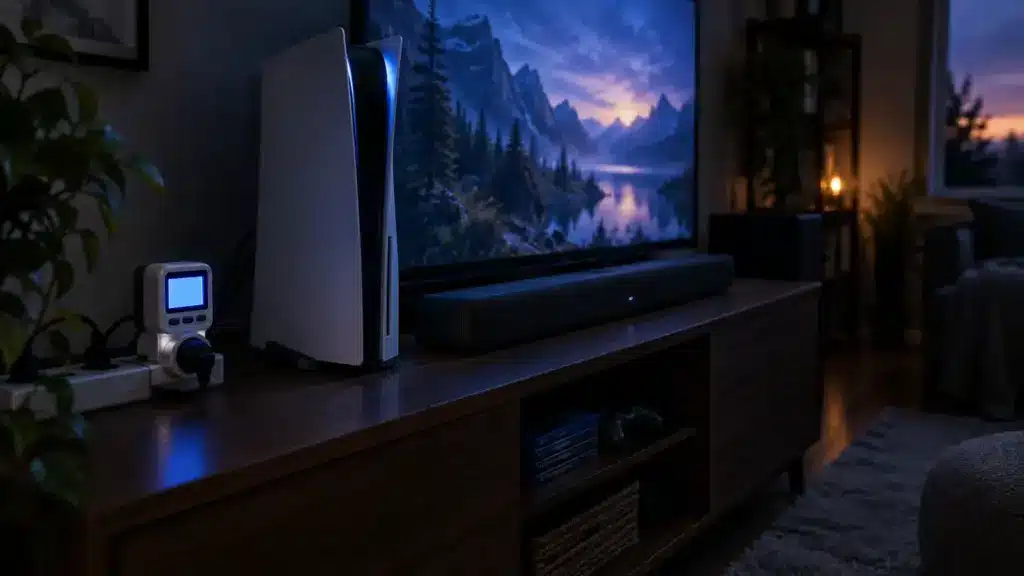
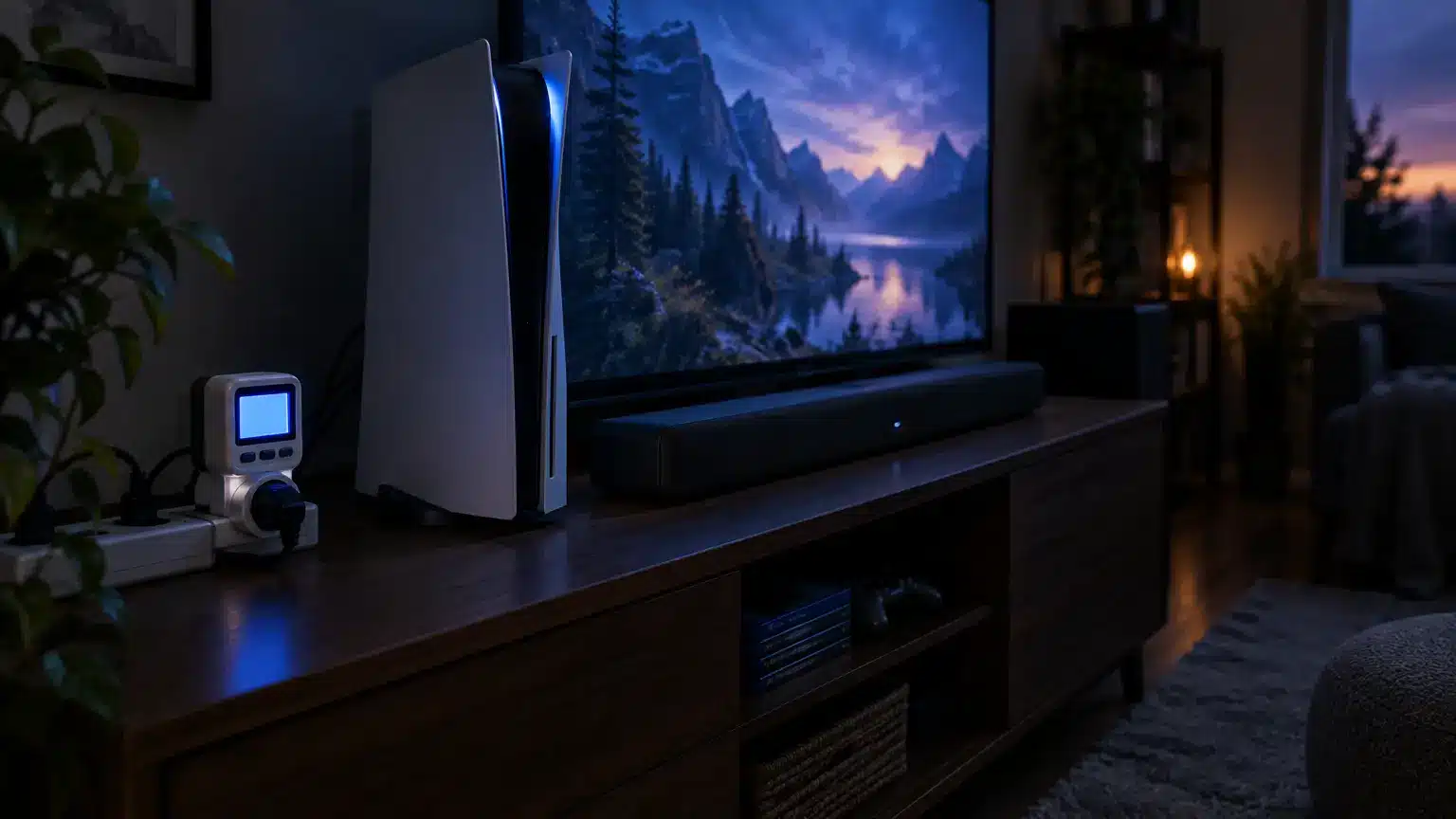
Begin by identifying which devices consume the most electricity. A plug-in energy monitor can display the real-time wattage of a console, television or complete entertainment system. It can also reveal how much power equipment draws while supposedly switched off.
To estimate annual consumption, multiply the wattage by the number of hours used each day and then by 365. Divide that result by 1,000 to convert it into kilowatt-hours. Multiplying the final number by the household electricity rate provides an approximate annual cost.
The method helps distinguish meaningful savings from minor ones. A smartphone charger left plugged in may use very little power, while a games console, set-top box or desktop computer in an unsuitable standby mode can consume considerably more.
Review Console Power Settings
Modern consoles offer several power modes. Instant-on settings provide convenience by permitting background downloads, remote installation and rapid launching, but they can consume more electricity than energy-saving shutdown modes.
Check the system menu for automatic power-off, low-power standby and inactivity settings. Configure the console to turn itself off after a reasonable period rather than remaining active because somebody forgot to close a game.
Rest mode can still be useful when downloading a large update or charging a controller. The more efficient approach is to enable it only when its connected features are genuinely required. Once updates have finished, use full shutdown.
Current consoles can draw substantially more power during active gaming than when properly switched off. Their annual cost depends heavily on playing time and standby configuration, so changing the power profile can provide savings without reducing actual gaming hours.
Match Performance to the Game
Not every title needs maximum graphical performance. Competitive action games may benefit from high frame rates, but slower strategy titles, puzzle games and digital card games such as online blackjack don’t need a high-performance mode, maximum screen brightness or an uncapped frame rate.
On a gaming computer, users can select balanced power plans, limit frame rates and reduce unnecessary graphical effects. Lowering a graphics card’s power target or using dynamic resolution can also reduce consumption while maintaining smooth performance.
Choose settings individually rather than automatically selecting the highest available preset. The visual difference between ultra and high settings can be small, even though the additional workload placed on the graphics processor may be significant.
Use the Right Device for Streaming
A powerful console or gaming computer is rarely the most efficient option for watching ordinary streaming content. If a smart television already supports the required service, use its built-in application. A small streaming device may also consume less electricity than a console running purely as a media player.
Likewise, there is little reason to start a desktop gaming computer for basic browsing or short videos if a tablet, laptop or television can complete the same task more efficiently.
Small decisions of this kind become meaningful because streaming sessions can last several hours. Matching the device to the activity avoids running high-performance hardware for low-demand entertainment.
Control the Entire Entertainment Centre
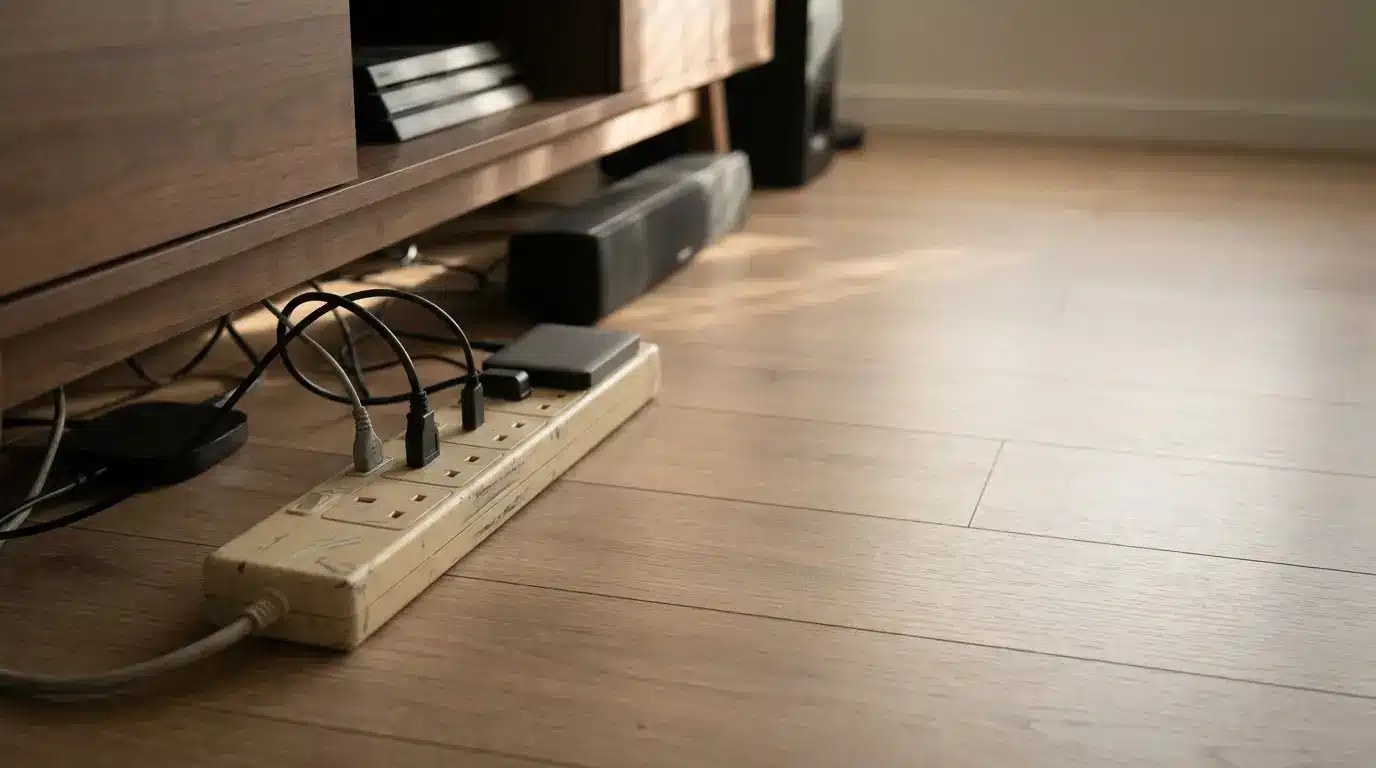
A console is only one part of a typical setup. Televisions, monitors, speakers, subwoofers, streaming sticks, external drives and decorative lighting can remain partially powered after a session ends.
A switched extension lead can disconnect several non-essential devices with one action. Smart plugs and controllable power strips can automate the process by cutting power overnight or after the main device shuts down. Some estimates suggest standby consumption can represent around 5% to 10% of household electricity use when numerous devices are continuously connected.
Do not automatically disconnect equipment that must remain active, including refrigerators, security systems or essential networking hardware. Set-top boxes may also need power to record scheduled programmes.
Optimise Televisions and Monitors
Displays can consume a significant share of an entertainment system’s electricity. Reducing brightness to a comfortable level is one of the simplest improvements. Many televisions leave shops in an extremely bright demonstration mode that is unnecessary in a normal living room.
Enable automatic brightness adjustment if it works reliably in the space. Set a sleep timer and configure the television to switch off when it stops receiving an input signal.
Computer users should allow monitors to turn off after a short period of inactivity. A dark screensaver is not equivalent to switching off the display. Gamers using multiple monitors should also consider whether every screen needs to remain active during gameplay.
When replacing a display, compare its stated annual consumption rather than looking only at size and resolution. A larger or brighter screen generally requires more energy, although efficiency varies considerably between models.
Improve Gaming-PC Efficiency
Desktop computers offer more opportunities for adjustment than consoles. Start with the operating system’s balanced power plan and configure the display, storage and computer to enter appropriate low-power states when inactive.
Remove unnecessary applications from the start-up list because background software can keep the processor active. Close unused launchers, browser tabs and recording tools before starting a game.
A suitably rated power-supply unit can also reduce electricity lost as heat. However, replacing functioning hardware solely for modest efficiency gains may create unnecessary cost and electronic waste. Prioritise efficient components during the next planned upgrade rather than purchasing replacements prematurely.
Dust management matters too. Clean fans and unobstructed vents help equipment cool itself effectively. Consoles and computers should be placed in open, ventilated locations rather than enclosed cabinets. Better airflow can reduce fan activity while potentially extending hardware life.
Charge Accessories Intelligently
Controllers, headsets and portable speakers should be disconnected once fully charged where practical. Use automatic charging docks or timed smart plugs if devices are frequently left connected overnight.
Rechargeable batteries are generally more economical and less wasteful than repeatedly purchasing disposable cells. One compatible charger and several sets of rechargeable batteries can support controllers, remote controls and other household accessories.
Buy for Long-Term Efficiency
Energy efficiency should form part of the decision when purchasing a new console, television, computer or sound system. Compare active, idle and standby consumption, as well as repairability and software-support periods.
The most sustainable device is often the one you already own. Maintaining hardware, replacing individual components and avoiding unnecessary annual upgrades can save more energy and resources than purchasing a marginally more efficient replacement.
An efficient entertainment setup depends on sensible settings and consistent habits. Full shutdowns, automatic timers, appropriate performance modes and controlled standby power can lower consumption without reducing enjoyment. The goal is simple: use electricity when entertainment equipment is delivering value and stop paying for it when the room is empty.