A door access control system looks simple from the outside. Someone taps a badge, scans a finger, or uses a phone, and the door opens. Behind that moment, several parts work together.
The system does not unlock the door because it recognizes a person. It checks credentials, permissions, schedules, and rules before allowing access.
Understanding that process helps explain why some doors open instantly while others reject valid-looking credentials. It also shows where failures happen when power, networks, or settings go wrong.
From the first credential scan to the final lock release, every step plays a role in keeping access controlled.
What Triggers a Door Access Control System to Respond?
The process starts the second someone presents a credential to the reader. Not when the lock disengages.
Any accepted credential can trigger it. Here’s what usually counts:
- An RFID card or key fob
- A phone using Bluetooth or NFC
- A fingerprint or face scan, on readers built for it
Any of these works. The reader only cares that it’s accepted, not how it arrived.
What happens next depends on the type of system you’re running.
A standalone system checks the credential right there, against a list stored at the door. A networked system sends it further, to a central controller or a cloud platform.
Either way, a credential that isn’t registered goes nowhere. Same with one whose permissions expired last week.
The lock never even enters the picture at that point.
I’ve watched someone wave an old badge at a reader for a full minute, confused why nothing happens. The system already made its call. It just never explains why.
What Happens at Each Stage of the Door Access Control Process?
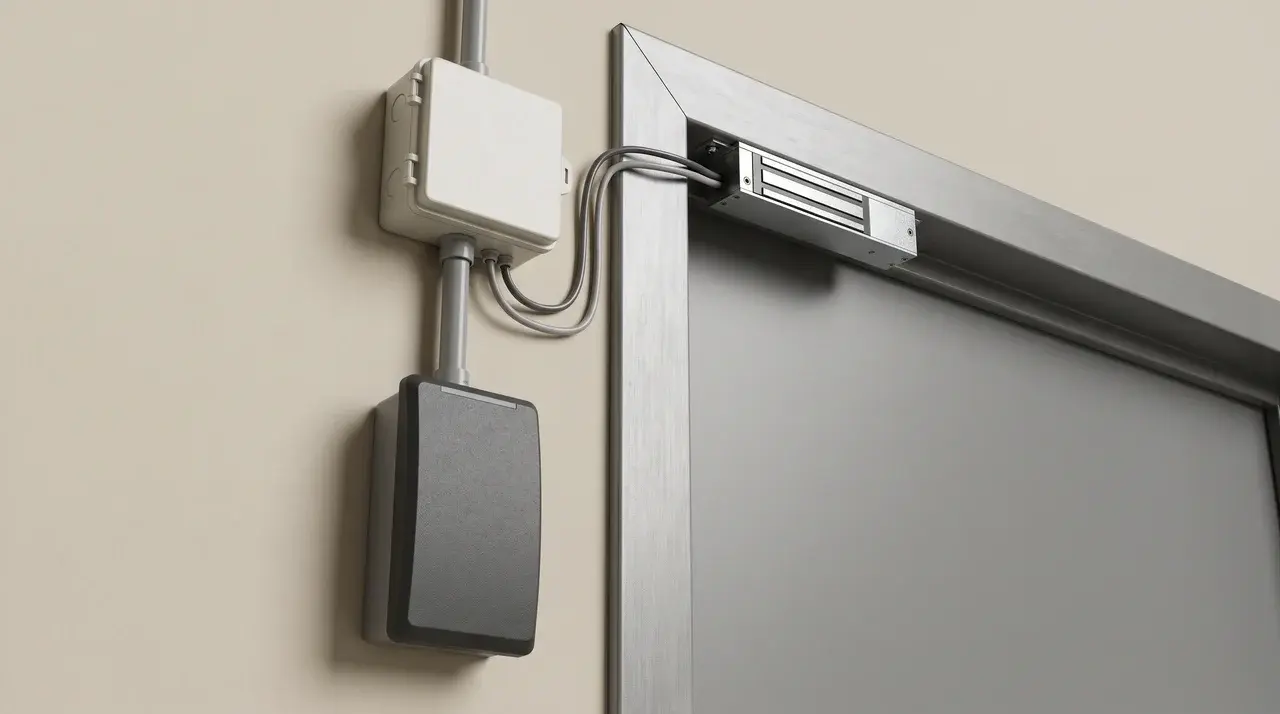
A door access system works as a five-part chain. Each part checks or acts on the data before handing it to the next.
Which formats and hardware you end up with depends on your door, your budget, and how tight your security needs to be. Get one part wrong, wrong permission level, wrong lock voltage, and the whole chain fails right there.
Credentials
This is what the user actually presents. RFID cards and fobs are still common, but mobile credentials using Bluetooth or NFC are catching up fast.
Biometric scans, fingerprint or face, show up more in higher-security setups.
Reader
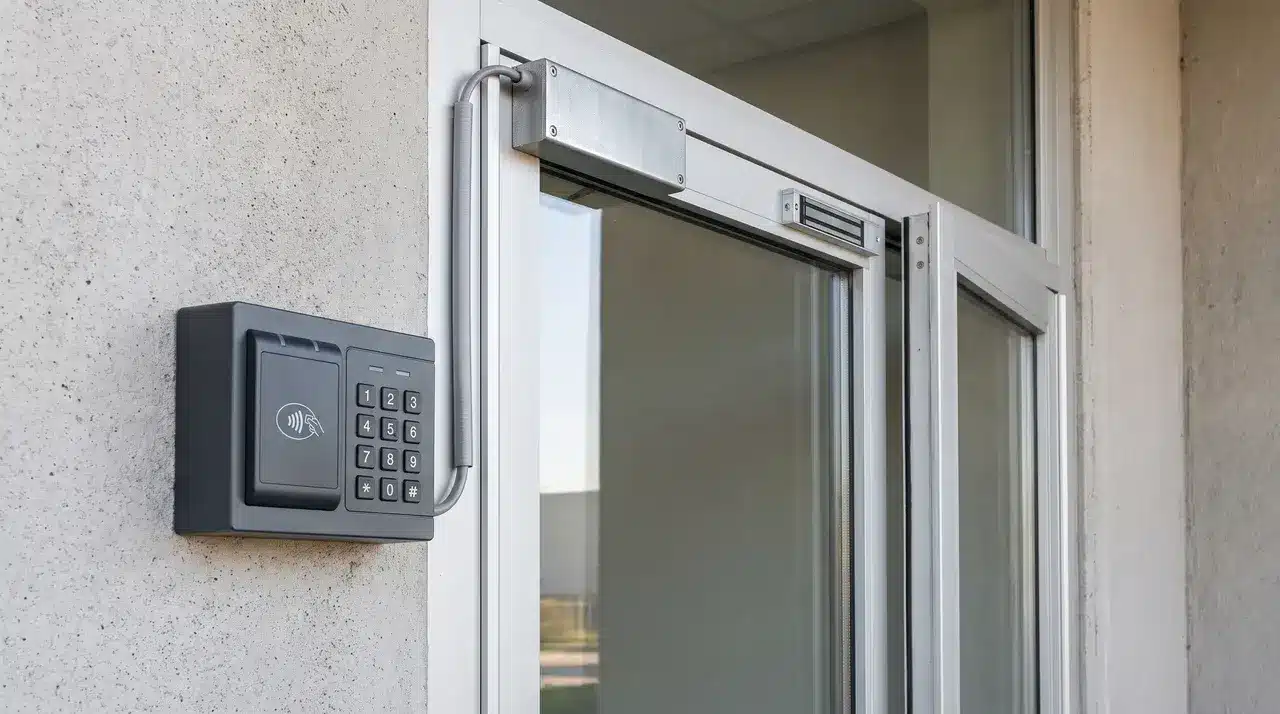
The reader is the hardware mounted at the door. Its only job is to scan or register whatever credential gets presented to it.
Controller
This is the brain of the system. It takes what the reader sends and checks it against stored rules.
That means checking time schedules, so a badge that works at 9am might not work at midnight. It also checks user permissions, since not everyone gets the same doors.
Locking Mechanism
This is what physically holds the door shut until the controller says otherwise. Maglocks hold with electromagnetic force and need constant power to stay locked.
Electric strikes work differently. They release a small mechanical piece, so they hold even without power.
Software/Management Platform
This is where someone manages the whole system. Permissions get issued here, credentials get added, and access logs get pulled when something needs checking.
How Do the Components Actually Communicate to Unlock the Door?
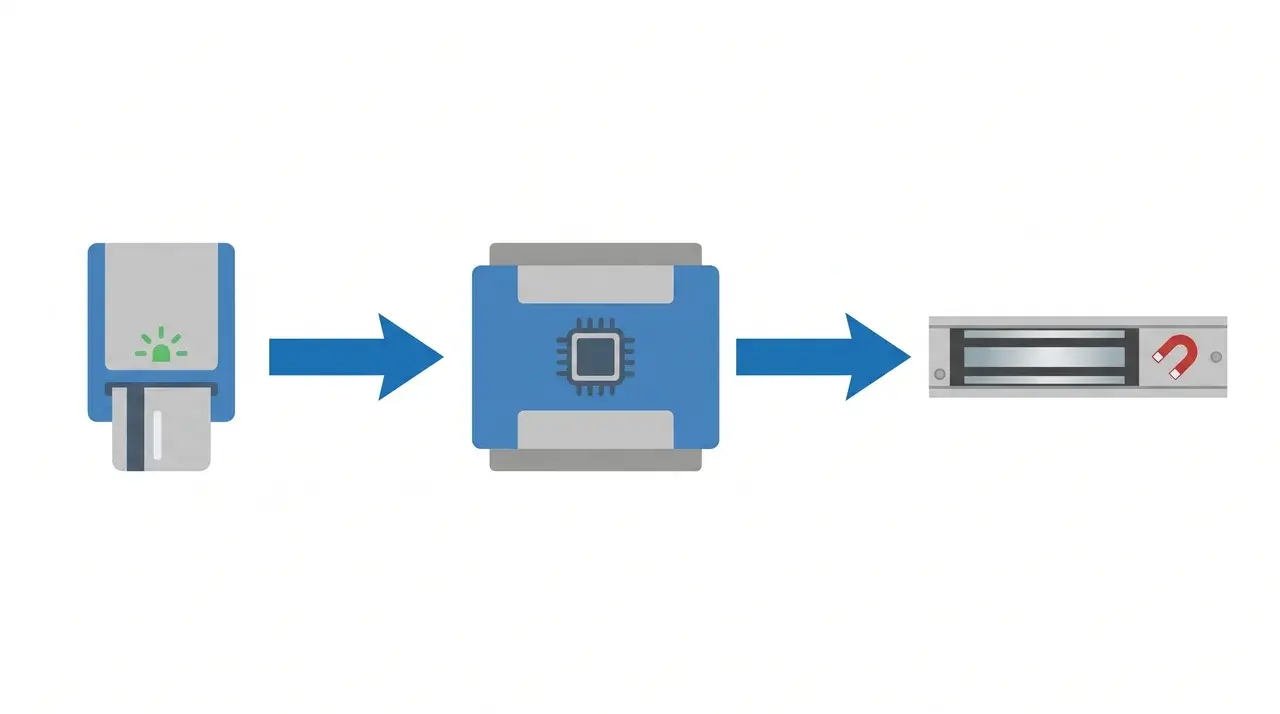
Unlocking isn’t instant hardware behavior. It’s a data decision, made in real time, by the controller.
Here’s what actually happens in that half-second pause:
The reader scans the credential and sends its ID to the controller, nothing more than that.
The controller then looks it up. It checks the ID against a database of permissions and schedules, deciding whether this specific credential is allowed through this specific door right now.
Only after that check passes does the controller send an electric signal to the lock. The lock doesn’t decide anything. It just follows orders.
Where that database lives depends on your setup.
- Networked systems route the check through a central server or a cloud platform. That’s useful when you’re managing permissions across many doors at once.
- Standalone systems skip all that. They keep a list stored locally, right at the door, and check against it directly.
I’ve had clients assume their lock “recognizes” a badge, like it’s reading a signature. It’s not. Every single entry is a fresh lookup, checked against rules that can change from one minute to the next.
Revoke someone’s access at 2pm, and their badge stops working at 2pm. Not because the badge changed. Because the answer to the lookup changed.
Where Does Door Access Control Break Down or Fail?
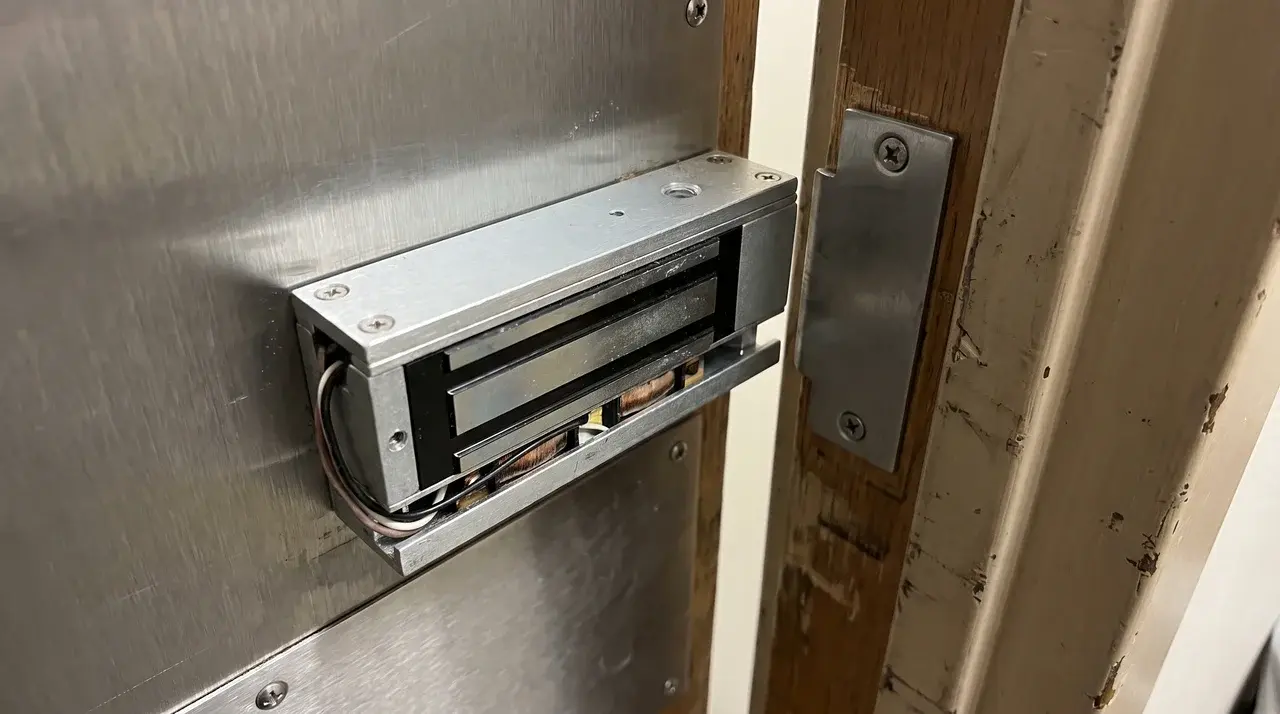
A system can fail even when every part is working exactly as designed. Most often, it happens at the power or network layer.
Start with power loss. What your lock does next isn’t a security choice. It’s a legal one.
A fail-safe lock releases when power drops. That’s not a flaw, it’s required on doors that serve as fire exits, so people can get out during an emergency.
A fail-secure lock does the opposite. It stays locked through a power cut, which suits doors like server rooms or vaults, where keeping people out matters more than quick exit.
Pick the wrong one for the door type, and you’ve either created a fire code violation or a security hole. I’ve seen buildings fail inspection over exactly this, installed backwards on an emergency exit.
Network dependency causes a quieter kind of failure. Lose your internet or cloud connection, and a networked system’s local door usually keeps working fine, since basic checks often run at the door itself.
What breaks is everything else. You can’t push new permissions, pull logs, or revoke access remotely until the connection comes back.
That gap matters most right when you need it least, like the moment someone gets fired and their badge should stop working immediately.
Wrapping Up
A door access control system is more than a lock that opens with a badge or phone. It is a chain of checks between the credential, reader, controller, software, and locking hardware.
The key takeaway is that every part needs to work together. A wrong permission setting, failed power setup, or mismatched lock can weaken the entire system.
Before installing or upgrading access control, check your door type, security needs, and daily usage patterns. A properly planned system gives you better control, clearer records, and fewer access problems when security matters most.
Frequently Asked Questions
What’s the difference between door access control and a smart lock?
They solve different problems. A smart lock replaces a single residential door’s key with an app or a code, usually as a standalone device. Door access control is a full system. Credentials, reader, controller, and software work together to manage permissions and logs across multiple doors or users.
Do door access control systems need Wi-Fi or internet to function?
Most modern systems need some kind of network connection. Local Wi-Fi, ethernet, or cloud, to sync permissions and store logs remotely. Standalone systems are the exception. They store codes right at the door and keep working offline, though you lose remote management.
How much does installing door access control typically cost?
Cost depends on door count, credential type, and whether you go standalone or networked. Biometric readers and cloud platforms cost more than a basic keypad. A single-door standalone kit is the cheapest way in. Multi-door networked setups with software licensing scale up fast from there.
Can door access control be retrofitted onto an existing door?
Yes. Most doors take an electric strike or a surface-mounted maglock without replacing the frame. Wireless or standalone readers skip most of the rewiring too. Older metal doors and frames retrofit easiest. Solid wood or fire-rated doors may need extra hardware assessment first.