Home lighting automation can look simple at first. Pick a bulb, download an app, and start setting schedules.
The problem is that the hardware choice and the automation setup are two separate decisions. Mix them, and the system can become unreliable fast.
You need hardware that works across the whole household, a platform that connects everything, and automations that respond the way you expect. A reliable home automation lighting control setup depends on getting all the parts right.
By the end, you will know what to buy, what to skip, and what to test before relying on your setup.
What Home Lighting Automation Actually Means
Home lighting automation means a signal from an app, a sensor, or a schedule replaces the physical act of flipping a switch.
That’s a bigger shift than it sounds. In a conventional setup, the switch and the bulb form a single system. You control the light by controlling the circuit. Automation separates those two things.
The control layer, schedules, motion triggers, and platform rules operate independently. The bulb receives the instruction. What’s in the socket matters less than what’s sending the signal. This also means automation doesn’t have to be all-or-nothing.
One lamp on a timer is a legitimate setup. So is a whole home wired into a single hub. Neither is more correct than the other. What changes between those two is the hardware path. Getting that choice right starts with understanding what you actually want the system to do.
Smart Switches vs. Smart Bulbs: Which Hardware Path Is Right for You
Smart switches and smart bulbs both automate lighting, but they control different parts of the system. The key difference is where the intelligence lives and how that affects everyday use.
| Feature | Smart Switch | Smart Bulb |
|---|---|---|
| Where the smart technology lives | Inside the wall switch | Inside the bulb itself |
| How does it control the lights | Controls the entire circuit | Controls only the individual bulb |
| Works with regular LED bulbs | Yes, standard bulbs work normally | No, the bulb itself must be smart |
| Power requirement | Switch stays connected to power | The bulb needs constant power to stay connected |
| What happens if someone flips the wall switch off | Automation keeps working when the switch is used normally | The bulb goes offline, and automations stop |
| Common household issue | Requires basic wiring work during installation | People accidentally turn off the power source |
| Best use case | Whole-home lighting automation and rooms used by everyone | Accent lights, lamps, and areas needing color effects |
| Main advantage | Reliable control without changing daily habits | Easy installation with advanced bulb features |
| Main drawback | Usually needs wiring changes | Can fail if the physical switch is turned off |
The main issue with smart bulbs is not the software. It is the conflict between the bulb and the wall switch. When both try to control the same light, the physical switch can cut power before the automation ever gets a chance to work.
For whole-home setups, smart switches usually provide a more reliable experience because the automation runs in the background, while everyone can keep using the lights the normal way.
When Smart Switches Are the Better Choice
If you’re automating a room with ceiling lights or recessed fixtures, a smart switch is usually the better choice. I’ve seen smart bulbs create problems in shared spaces because they depend on the wall switch staying on.
A smart switch avoids that issue by working with your existing bulbs, letting everyone control the lights normally, and fitting into a household where not everyone cares about the smart home setup.
If you’re already opening walls for a renovation or electrical work, adding a smart switch at that point is often a small extra step. It’s much easier than trying to redo the wiring later.
When Smart Bulbs Are the Better Choice
Smart bulbs make sense in two specific situations: lamps without wall switches and rooms where color or adjustable white light is the main reason for upgrading.
A bedside lamp, accent light, or reading corner are good examples. In these spots, the ability to change colors, brightness, or mood can be worth the trade-off.
They are also a practical option for renters who cannot change their wiring or install smart switches. Since setup only requires replacing the bulb, you can add smart lighting without making permanent changes.
Choosing a Platform: Apple Home, Google Home, Amazon Alexa, or SmartThings
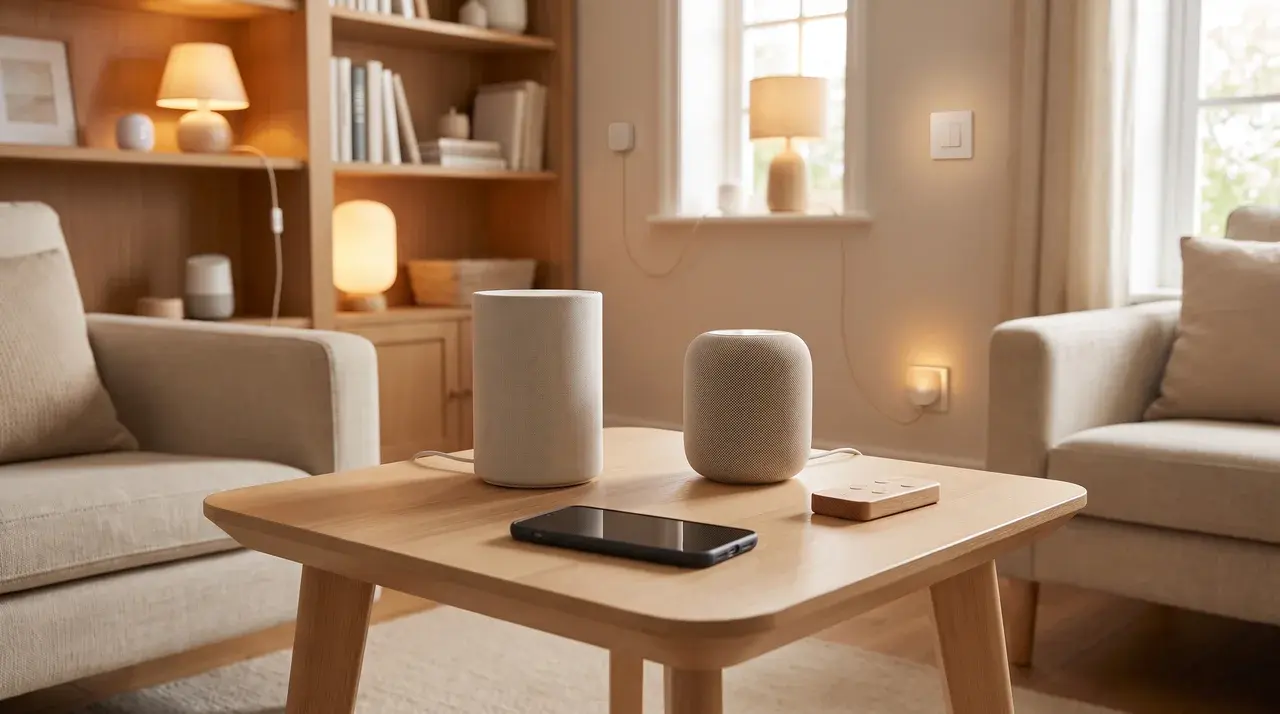
Choosing a smart home platform is about finding one that fits your devices and desired level of control. It connects your hardware, manages automations, and determines how your home responds.
| Platform | Best For | Strengths | Limitations |
|---|---|---|---|
| Apple Home | iPhone and Siri users | Simple setup, strong privacy focus, works well with Apple devices | Works best when your household already uses Apple products |
| Google Home | Android and Google users | Easy voice control, broad device support, smooth Google ecosystem integration | Many automations rely on cloud services |
| Amazon Alexa | Homes with Echo speakers | Large device compatibility, strong voice control, easy routines | Less focused on privacy compared with some alternatives |
| Samsung SmartThings | Homes with Samsung devices | Good support for appliances, sensors, and mixed smart home setups | Setup can feel more complex for beginners |
| Hubitat / Home Assistant | Advanced users wanting local control | Automations run locally, are less dependent on an internet connection, and offer deeper customization | Requires more setup and technical knowledge |
Switching later can be frustrating because devices need to be reconnected and every automation may need to be rebuilt.
For users who want maximum reliability during internet outages, local platforms like Hubitat and Home Assistant offer greater control but require more effort to set up.
How to Set up The Four Automations that Change how You Use Lighting
Every lighting automation runs on a trigger, and the trigger type determines how you build it. Get the trigger wrong and the automation either misfires or stops working entirely without telling you why.
1. Sunrise/Sunset Scheduling for Exterior Lights
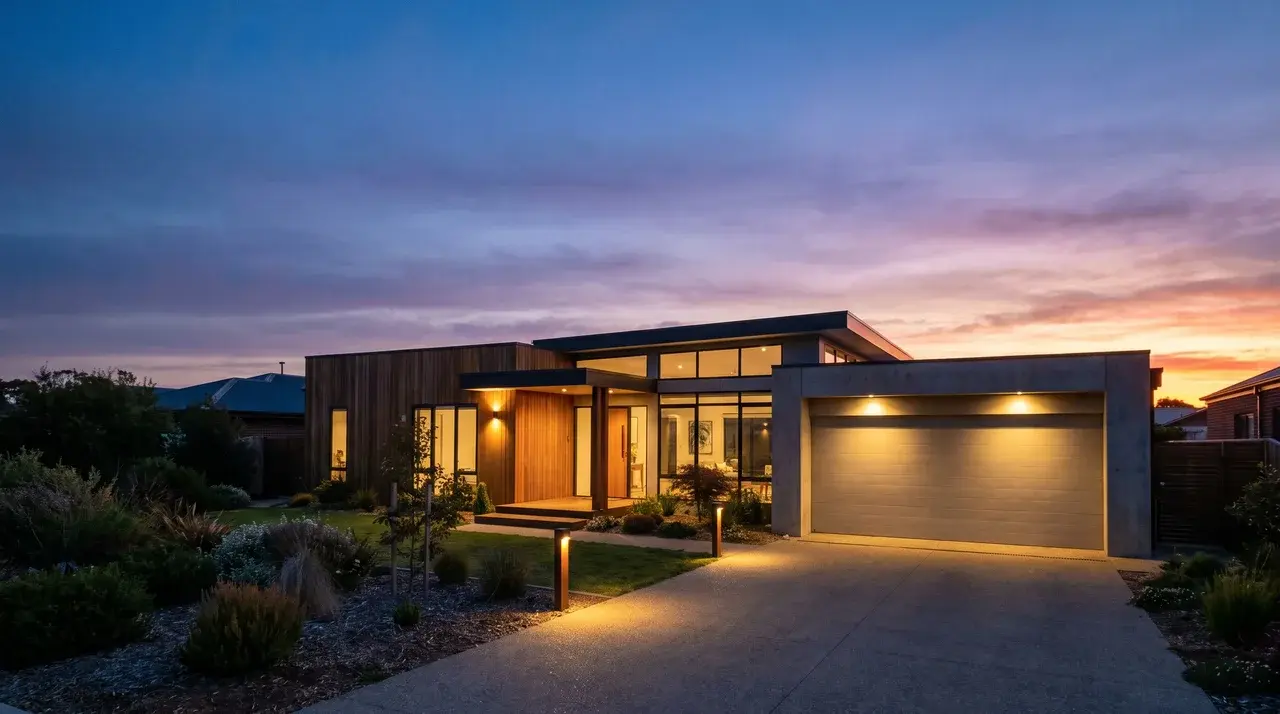
A fixed clock schedule seems like the easiest option, but it quickly becomes unreliable. Sunrise and sunset shift throughout the year, so a 6 p.m. schedule that works in December may leave your porch lights turning on too late during summer.
A better option is using your location settings in the smart home app. Most platforms can calculate sunrise and sunset times for your area and adjust the schedule automatically.
Let the system follow the sun instead of relying on a time that only works for part of the year.
2. Motion and Occupancy-Based Lighting
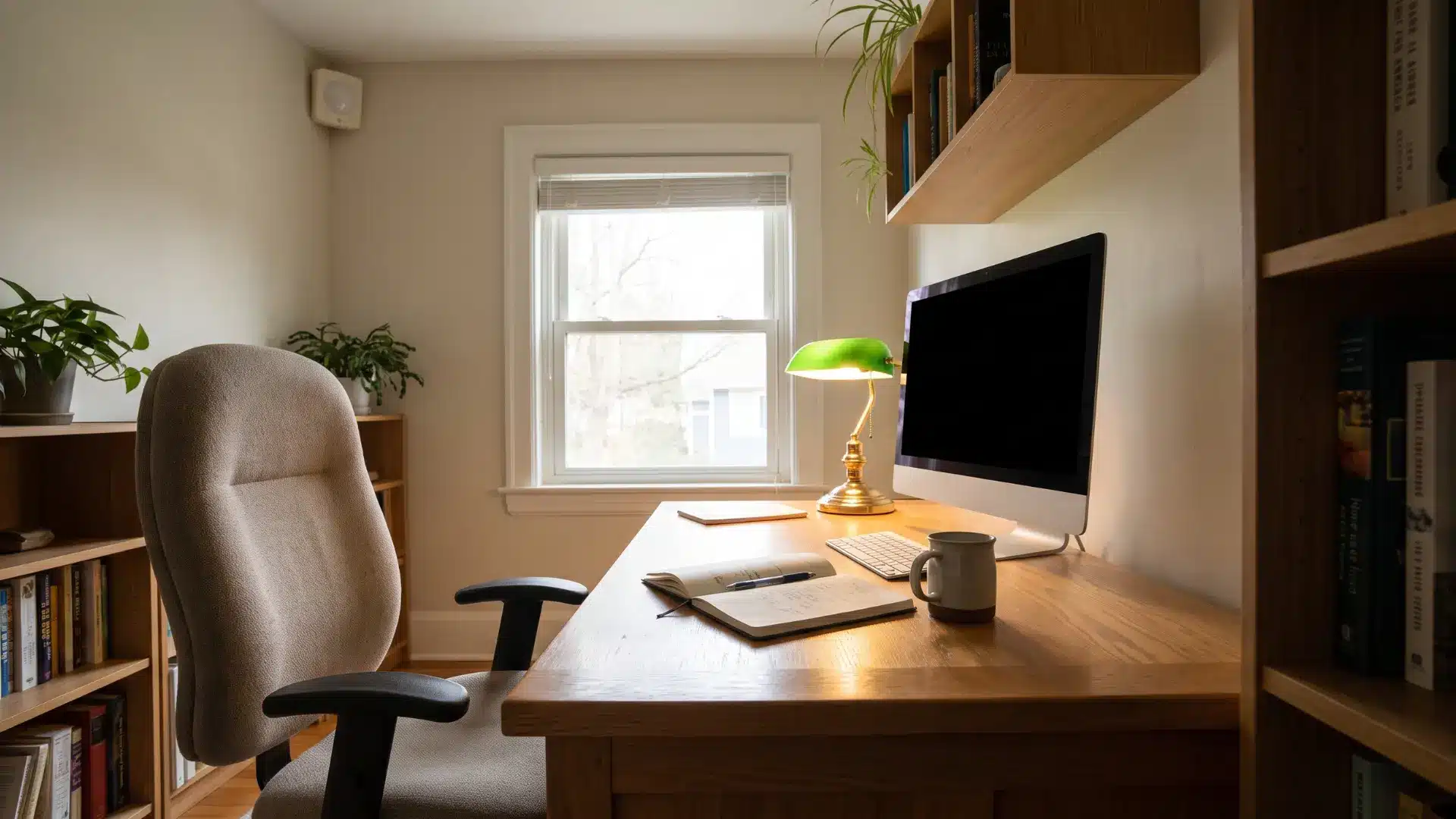
Motion sensors detect movement. Presence sensors detect whether someone is still in the room. That small difference changes how the automation feels day to day.
A motion sensor without the right timeout becomes annoying fast. If you sit still at a desk or while reading, lights may turn off and require extra movement to reactivate. A two to five minute timeout keeps lights on after movement stops and turns them off naturally.
For spaces like bathrooms and offices, presence sensors are often the better choice. They keep the lights on while someone is still there, even during moments when there is little or no movement.
3. The “Goodnight” Scene
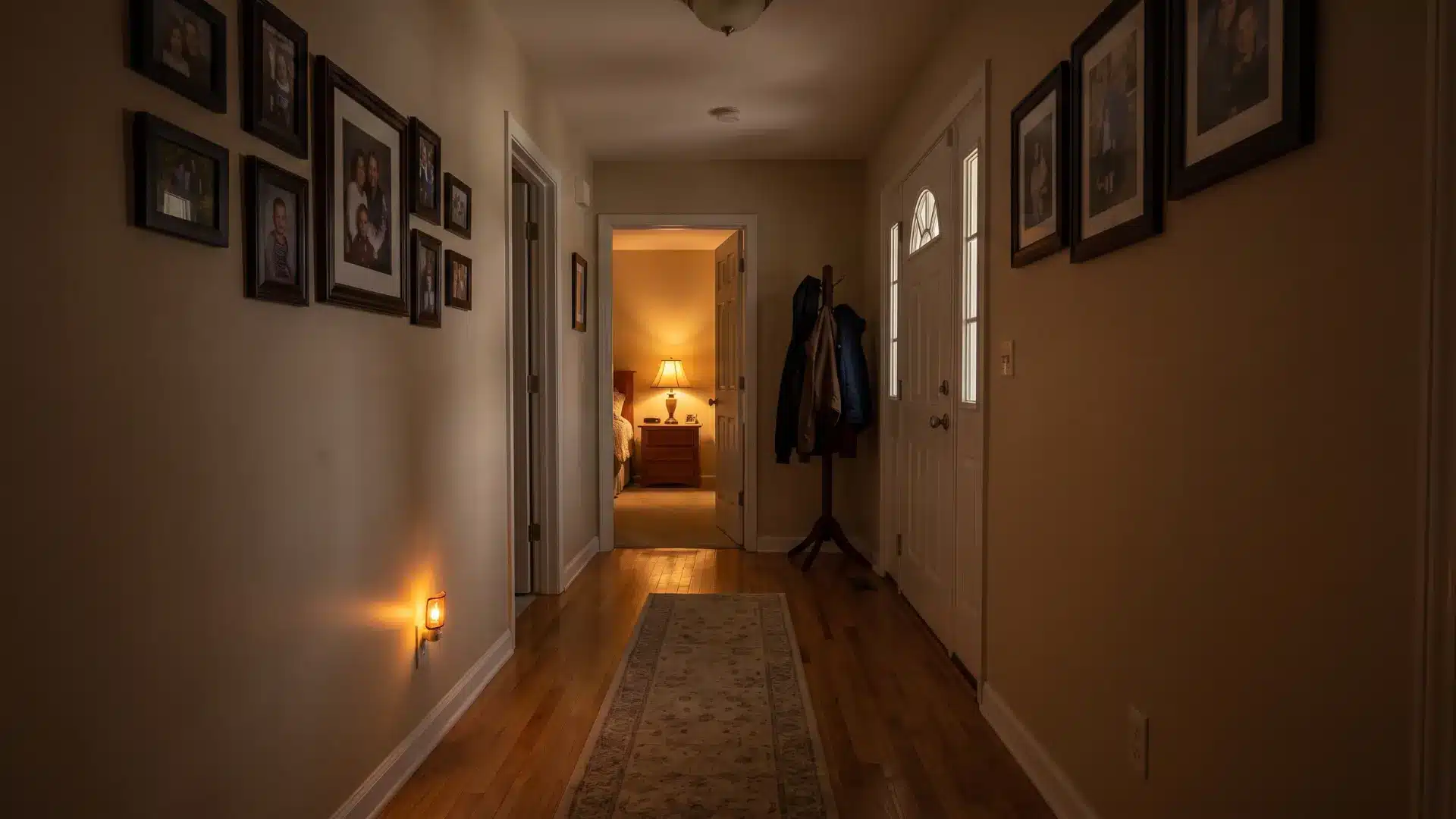
A scene is a saved lighting setup, not something that starts on its own. It remembers details like which lights should be on and the brightness level you want, then applies those settings with a single command.
You set up the scene in your smart home app, then link it to a button, shortcut, or voice command. One tap can adjust several lights at once, dim them for a movie, brighten them for work, or turn everything off before bed.
4. Arrival-Based Routines
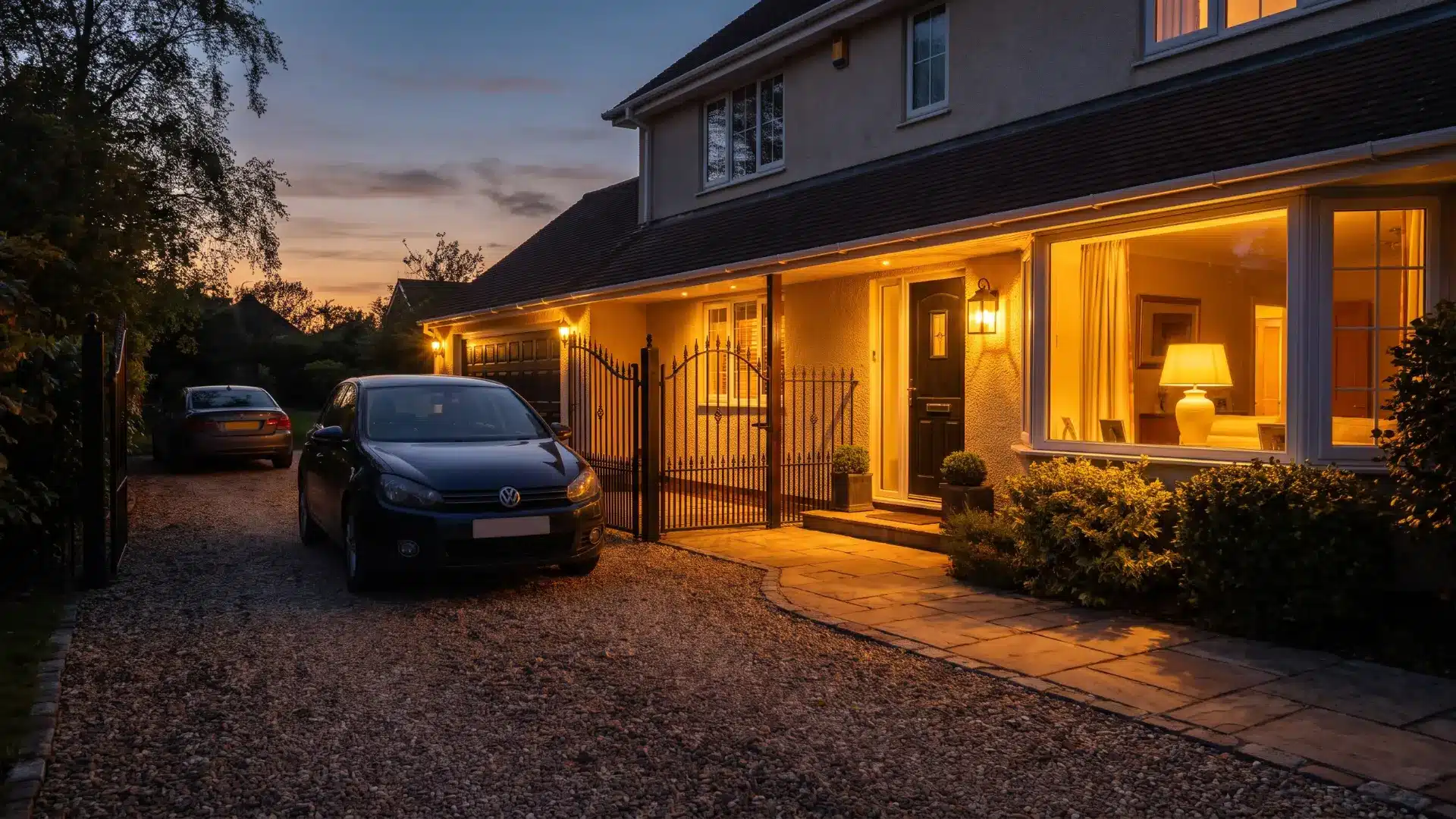
This routine uses your phone’s location as the trigger. When you enter a set radius around your home, the lights turn on automatically.
The part that usually causes trouble is background location access. I’ve had this happen myself where the automation looked set up correctly, but nothing happened because my phone stopped the app from checking my location while it was idle.
Make sure your smart home app has always-on location permission, not just access while you’re actively using it. Otherwise, the trigger may never run.
What to Expect During Setup and Where Most Installs Go Wrong
A smooth setup depends on checking your wiring, choosing compatible devices, and testing every automation before daily use.
- Check wiring first: Smart switches are simple for many homes, but missing neutral wires can limit your options. Check behind the wall plate before buying a switch.
- Choose the right device: Smart bulbs are easier to set up but need constant power, stable 2.4 GHz Wi-Fi, and good router coverage to work properly.
- Test every automation: Run schedules, motion sensors, and other triggers before relying on them. Testing helps catch problems early.
- Avoid common setup issues: Weak Wi-Fi, incompatible wiring, and incorrect settings are common reasons smart lighting systems fail.
A little planning before setup can prevent most problems and help your lighting automation work reliably every day.
Conclusion
Home lighting automation is simpler than the product landscape makes it look, but only once you understand the decisions behind it.
The hardware path you choose shapes everything that follows. Switches and bulbs aren’t interchangeable. Your platform should match the ecosystem you already live in. And every automation you build is only as reliable as the trigger running it.
The setups that hold up long-term aren’t the most complex ones. They’re the ones built on the right foundation from the start.
If you’re ready to get started, pick one room and one automation, and test it thoroughly before expanding. That first working routine will tell you more than any guide can.
Frequently Asked Questions
How can I automate my lights at home without replacing my switches?
Smart bulbs are the no-rewiring path. Screw them into existing sockets, connect them to a platform like Amazon Alexa or Google Home, and set schedules or routines through the app. The trade-off is that the physical wall switch must stay in the on position permanently. Turn it off, and the bulb loses power and drops offline.
What is the cheapest way to automate lights?
A single smart plug paired with a lamp costs under $15 and connects to any major platform. For wall-switch automation, budget Wi-Fi smart switches run $20–$30 and don’t require a hub. Smart bulbs in frequently switched rooms tend to cost more over time; they need replacing more often than standard bulbs on a smart switch.
Do smart lights work without the internet?
Most consumer smart bulbs and switches require a cloud connection for remote access and automation. Locally processed systems such as Hubitat or Lutron Caseta with its proprietary radio keep running schedules and automations during internet outages. Zigbee and Z-Wave devices paired to a local hub also function offline.
Can smart switches work with any light bulb?
Smart switches work with most standard LED bulbs. The exception is dimmable switches, which require dimmable-rated LEDs; otherwise, you get flickering or buzzing. Check the bbulb’ssheet before pairing. Non-dimmable smart switches work with any LED without restriction.