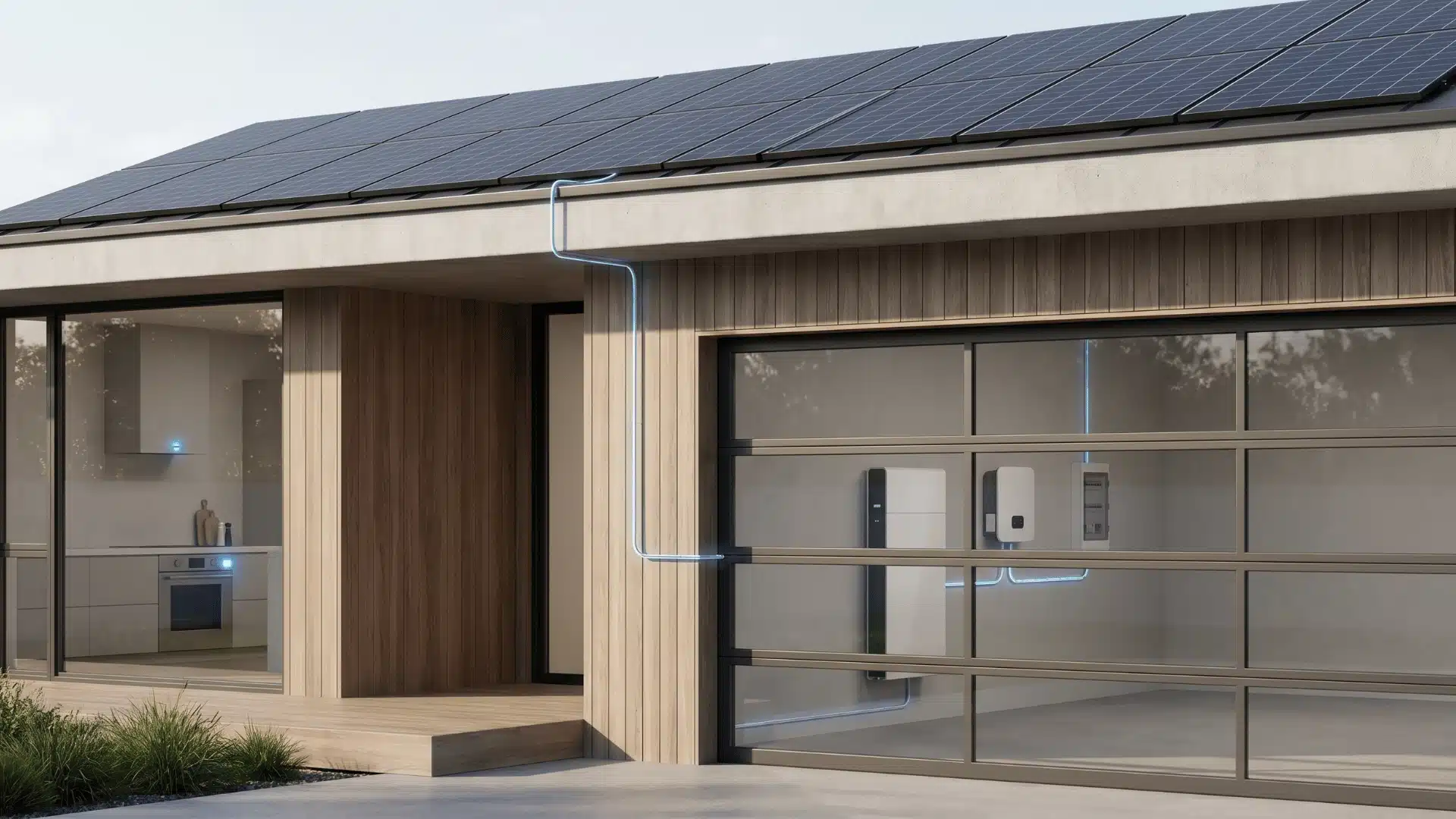
A solar battery backup system isn’t a one-size decision. Its value depends on how your home uses electricity, how your utility bills you, and how often you actually face power cuts.
Some homes prioritize backup power during outages, while others focus on reducing electricity costs through smart usage. Both needs lead to very different system choices.
What matters is how capacity, pricing structure, and real-world usage come together. Once you understand that, the decision becomes much clearer.
Is a Solar Battery Backup System Worth It for Your Home?
Your utility rate structure and how often your grid goes down- those two things determine whether a home battery system is worth it. Everything else is secondary.
For most homes, the answer falls clearly into one of three categories.
- If your area sees frequent outages, a battery pays for itself in reliability alone. You’re not just avoiding inconvenience; you’re protecting food, heating, and anything that runs continuously.
- If your utility charges time-of-use rates, a battery lets you charge during cheap overnight hours and draw from storage when rates peak. That gap can be significant depending on your market.
- If you have medical equipment, a well pump, or a sump pump, the calculus isn’t really financial at all. It’s whether those systems run when the grid doesn’t.
The one situation where the financial case gets murkier: if your utility offers full-retail net metering. That means your solar exports earn you full credit against future usage. A battery adds less financial value there because the grid is already doing the storage work for you.
In that scenario, resilience is the reason to buy, not savings.
So “is it worth it” isn’t a question with one answer. It’s a question about your specific rates, your outage history, and what you can’t afford to lose power to.
How Much Battery Storage Does Your Home Actually Need?
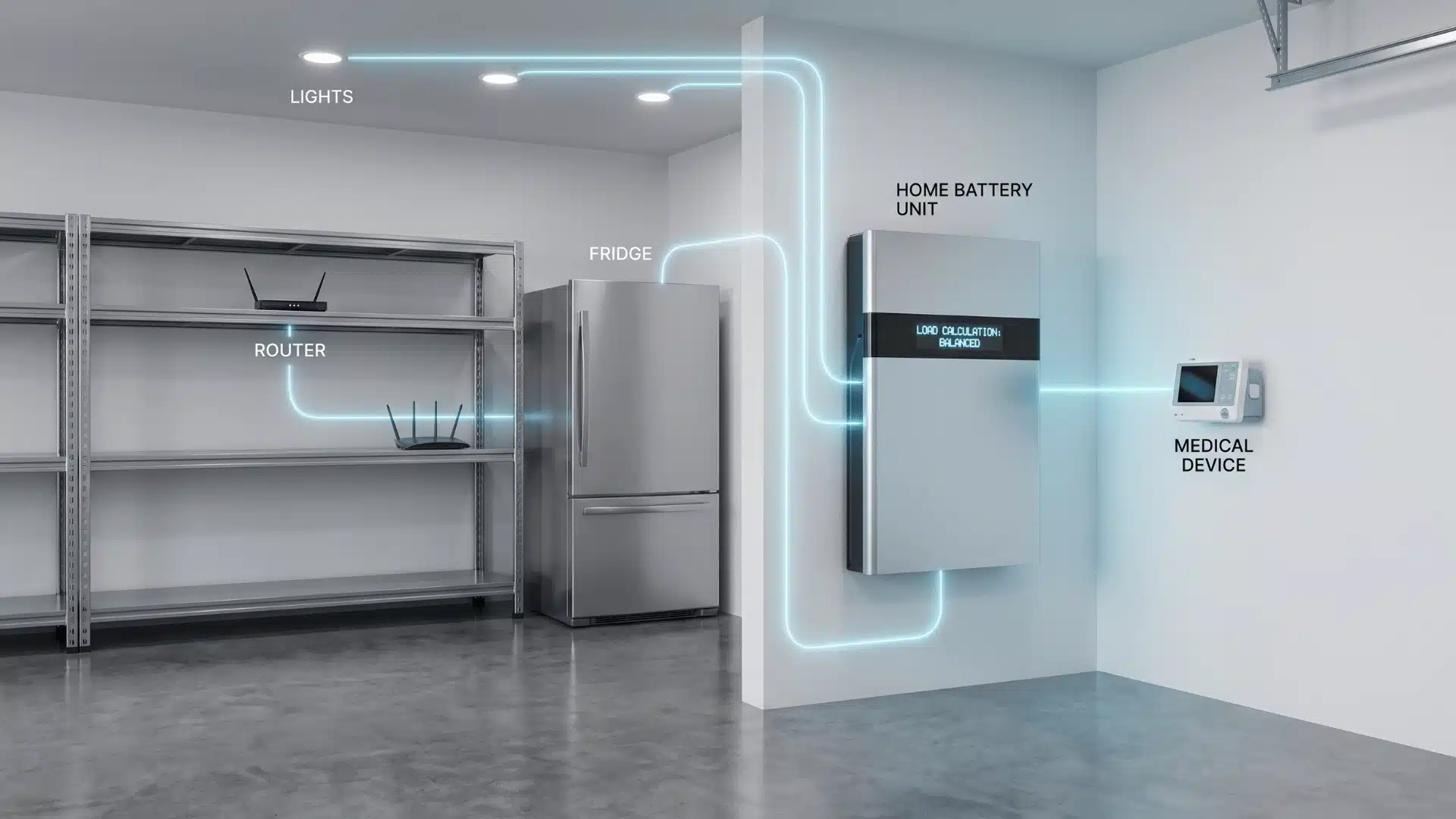
Getting the size right matters more than getting the brand right. A well-chosen 10 kWh system that matches your actual energy needs will outperform a poorly matched 20 kWh battery that wastes capacity on appliances you do not need during an outage.
The starting point is a load audit, which is simply a breakdown of what you want to power, how much electricity each device uses, and how long you need backup.
This step prevents the two most common mistakes: buying too little storage and paying for battery capacity you will rarely use.
A simple load audit looks like this:
List Your Essential Appliances
Start with the devices you cannot go without during a power outage. For most homes, this includes:
- Refrigerator and freezer
- Lights
- Wi-Fi router
- Security cameras and alarms
- Medical equipment
- Sump pumps
- Heating or cooling systems, if needed
You do not always need to back up your entire home. Large appliances like electric water heaters, dryers, EV chargers, and central AC units can drain a battery quickly, so include them only if they are part of your backup plan.
Find the Running Wattage of Each Device
Check the appliance label, user manual, or manufacturer specifications to find its running wattage. This tells you how much power the device uses while operating.
For example, a refrigerator may use around 150 to 400 watts while running, while a Wi-Fi router may only need 10 to 20 watts.
Add the running wattage of all the appliances you plan to run at the same time to find your total load.
One important detail is startup power. Some appliances with motors, such as refrigerators, pumps, and air conditioners, need extra power for a few seconds when they turn on. Your inverter needs to handle this surge even if your battery has enough stored energy.
Adjust for Battery Depth of Discharge
A battery does not always deliver its full rated capacity. Most modern home batteries allow around 90% to 100% depth of discharge, meaning a 10 kWh battery may provide about 9 to 10 kWh of usable energy.
To calculate the minimum battery size:
(Total watts × backup hours) ÷ 1,000 ÷ depth of discharge = required battery capacity
Example:
(800 watts × 10 hours) ÷ 1,000 ÷ 0.9 = 8.9 kWh
In this case, a 10 kWh battery would be a suitable match.
The final number gives you the minimum usable capacity, but many homeowners add extra storage if they want longer outages covered, plan to add more appliances later, or want more flexibility during cloudy weather, when solar production is lower.
The best battery size is the one that matches your daily habits, backup goals, and energy priorities. More capacity is not always better if the system is oversized for your actual needs.
The Best Solar Battery Backup System for Home in 2026
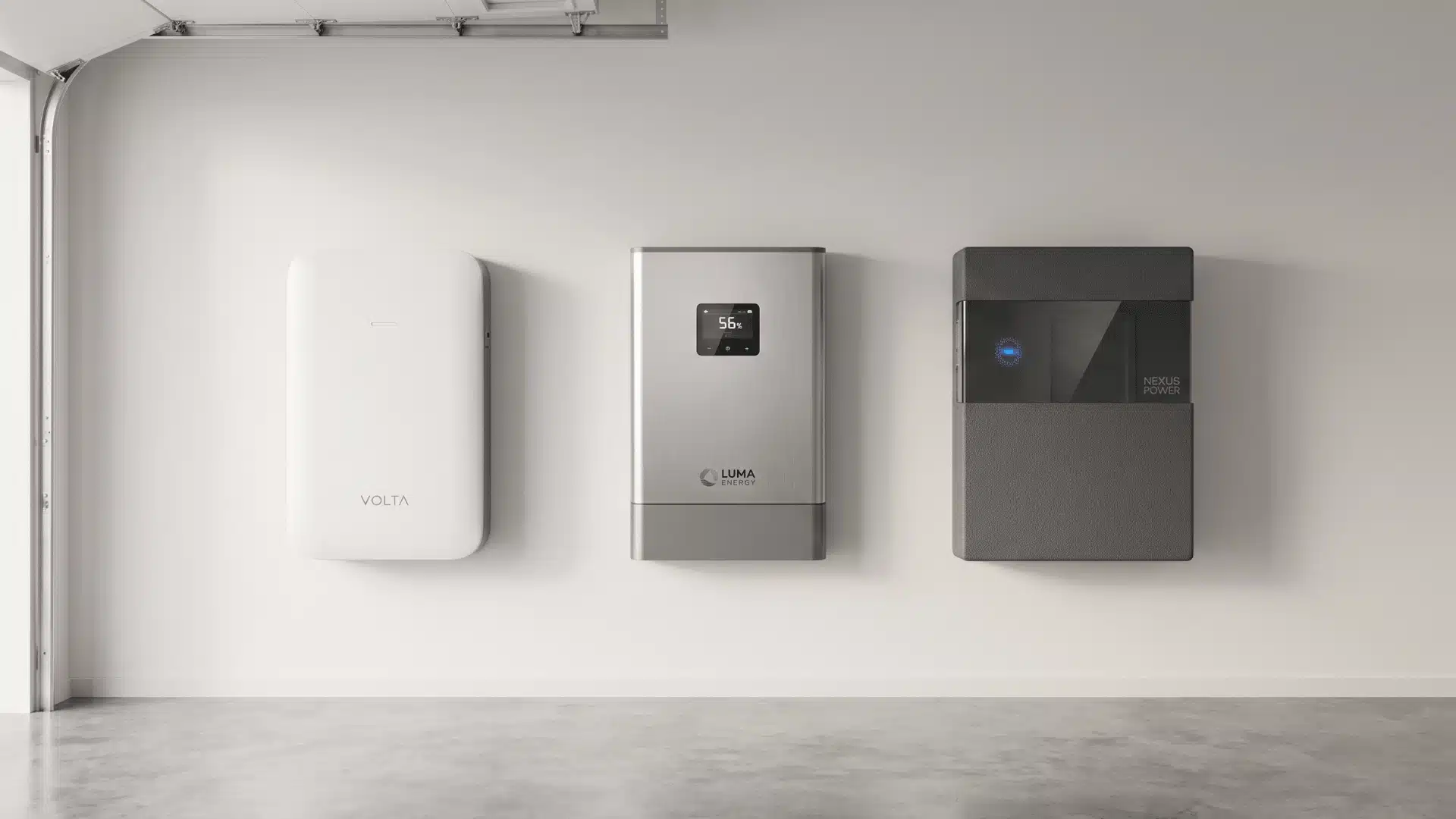
The right system isn’t the one with the best reviews; it’s the one that fits how your home is wired and what you need it to do.
Start with two questions: are you building a new solar installation, or adding a battery to existing panels? And do you need whole-home backup, or just critical loads? Your answers narrow the field before price enters the conversation.
1. Tesla Powerwall 3
Best for New Solar Installations
The Powerwall 3 stands out for its built-in hybrid inverter. It connects directly to solar panels on the DC side, improving efficiency and reducing wiring complexity for new solar setups.
It offers 13.5 kWh of usable capacity and 11.5 kW of continuous output. That’s enough for most home backup needs, and millisecond-level switching keeps power steady during outages.
2. FranklinWH aPower 2
Best for Retrofits and Whole-Home Backup
FranklinWH aPower 2 is designed to work with almost any existing solar inverter. That makes it a strong retrofit option when you don’t want to replace your current solar setup.
It delivers 15 kWh of usable capacity and 15 kW surge power. That extra surge helps heavy loads like air conditioners and pumps start smoothly during outages.
3. EcoFlow DELTA Pro Ultra
Best for Scalability and Off-Grid Use
EcoFlow DELTA Pro Ultra is a modular system that lets you expand capacity over time. You can start small and build up without replacing the main unit.
It charges quickly from solar or grid power and supports off-grid setups. The tradeoff is size, since it feels more like a portable power station than a fixed home installation.
4. Anker SOLIX X1 / E1
Best for Simpler Setups and Retrofit Entry Points
Anker SOLIX systems focus on simpler installation with fewer setup challenges. The E1 includes a built-in PV isolator and a stacked design, keeping things straightforward for homeowners.
The X1 scales up to whole-home backup with stronger output. It may not match top-tier specs, but it offers reliable performance and an easy retrofit path.
The Four Specs that Separate Good Systems from Great Ones
There are four specs worth understanding before you compare anything.
Usable Capacity and Continuous Power: The two you can’t ignore. Usable capacity indicates how much energy is stored, while continuous power indicates how quickly it’s delivered. Both must match your home’s real load needs, not just specs.
Round-Trip Efficiency: The number most buyers skip. Round-trip efficiency indicates how much of the stored energy you actually get back. Small percentage differences add up over years and directly affect long-term savings and solar utilization.
Battery Chemistry, LFP vs. NMC at Home: LFP batteries offer better safety, longer cycle life, and stability, while NMC packs more energy in less space. Most modern home systems now prefer LFP for reliability.
Warranty Terms Worth Reading: Warranties vary beyond years. Check capacity retention and whether limits are cycle-based or time-based, since heavy daily use can significantly shorten real coverage.
Spec sheets can look similar across very different products. Knowing which numbers actually matter and what they’re doing is what separates a good purchase from an expensive lesson.
What a Home Battery System Costs, and What Brings the Price Down?
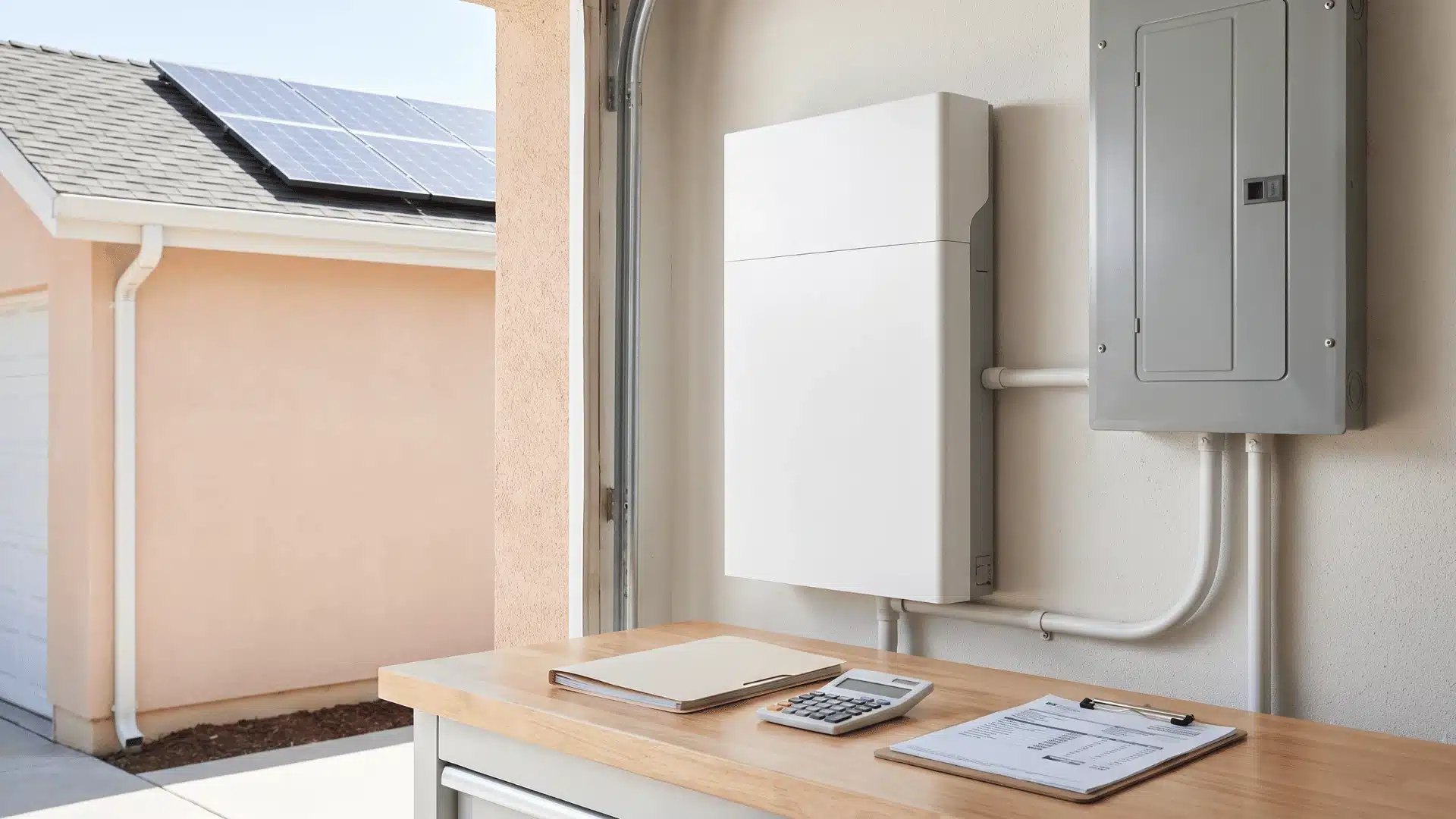
The sticker price on a home battery system is rarely what you end up paying. Between federal incentives, state programs, and utility rebates, the gap between list price and actual out-of-pocket cost can be substantial.
Numbers Before Incentive
A single-battery installation, hardware, labor, electrical work, and permitting generally run between $12,000 and $20,000 for most homes. Several factors push that number up or down.
The main ones:
- Main panel upgrade: Older homes often require a panel upgrade before a battery system can be installed. That adds $2,000–$4,000 to the project.
- Critical load vs. whole-home setup: A critical load panel installation costs less than a whole-home backup configuration because it uses fewer circuits and less wiring complexity.
- Permitting: Costs and timelines vary significantly by state and municipality. Some markets add weeks and hundreds of dollars. Others are straightforward.
- Labor market: Installation labor varies by region. Markets with high solar adoption tend to have more competitive installer pricing.
These variables mean two identical battery systems can cost meaningfully different amounts depending on where you live and what your home needs.
The most important number to understand is your net cost after incentives, not the quote you receive.
The Federal Tax Credit
When you install a home battery, incentives can cut a large part of your upfront cost. The key is knowing what actually qualifies and how different credits stack together across federal, state, and utility programs.
- Federal 30% Residential Clean Energy Credit: This credit covers 30% of total installed cost with no cap, directly reducing your tax bill, not just taxable income.
- Eligibility Requirements for the Credit: The battery must usually be charged mainly by solar panels. Grid-only systems may not qualify; confirm the rules with a tax advisor.
- State-Level Incentives Add More Savings: States like California, New York, and Massachusetts often add rebates or tax benefits. These can be combined with federal credits for greater savings.
- Utility Virtual Power Plant Programs: Some utilities pay ongoing credits for sharing stored energy during peak demand. Availability depends on your local grid programs.
- Impact on Payback Period: Combined incentives can significantly reduce upfront costs, making battery systems financially attractive sooner in supported regions.
Always verify current incentives before buying since policies and eligibility rules can change quickly.
How to Vet an Installer and Get a Reliable Quote
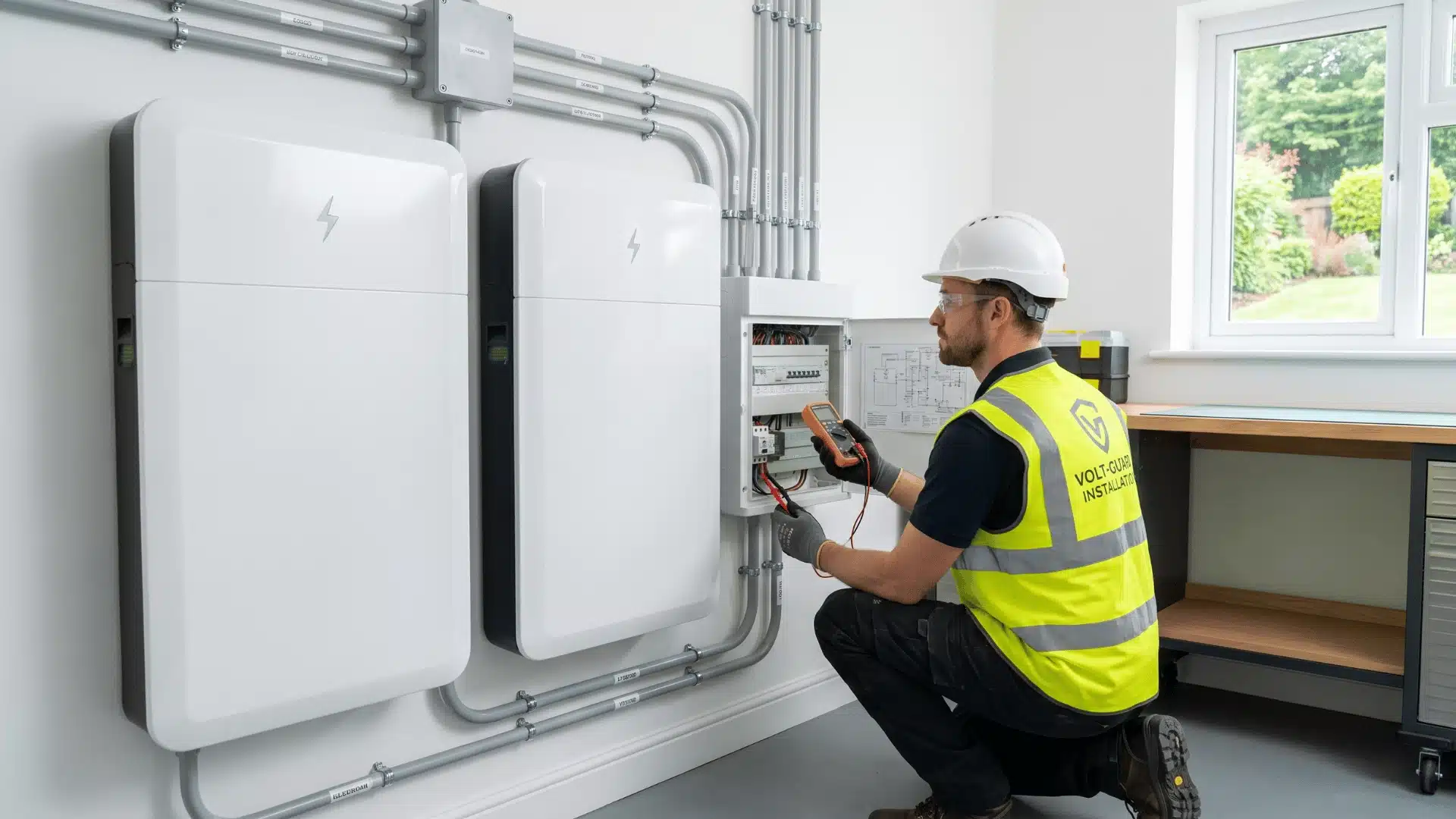
The battery you choose matters, but the installer matters just as much. A poor install can reduce performance, affect your warranty, or create safety issues later.
Before you sign anything, check three things:
- NABCEP certification: This shows the installer has formal solar and battery training.
- Manufacturer certification: Some brands, like Tesla, require certified installers to unlock full system features.
- State electrical license: This confirms they are legally allowed to handle the wiring and grid connection.
Once credentials check out, compare quotes carefully. Get at least three so you can spot high pricing, missing details, or weak system design.
A good quote should clearly include:
- Hardware cost: Battery, inverter, gateway, panels, or related equipment.
- Labor cost: Installation, electrical work, and setup.
- Permits: Local inspection and approval costs.
- Electrical upgrades: Panel work, wiring, or backup load panel changes.
- System details: Exact battery model, capacity, and inverter setup.
- Warranty process: Who handles claims if something fails later?
Be careful with one-number quotes. If everything is bundled together, you can’t properly compare systems. Clear pricing usually means the installer understands the job.
How Solar Battery Incentives Reduce Your Upfront Cost
Incentives also affect the final cost. The federal Residential Clean Energy Credit can cover 30% of the installed cost, with no dollar cap. On a $15,000 system, that could mean a $4,500 tax credit.
That credit usually applies when the battery is charged primarily by solar power. A standalone grid-only battery may not qualify, so check with a tax professional before counting on it.
State rebates, property tax exemptions, and utility programs can lower the cost even more. Some utilities also pay battery owners through virtual power plant programs.
The simple takeaway: choose the installer as carefully as the battery. A clear quote, proper certifications, and confirmed incentives can save you money and prevent headaches later.
Conclusion
The best solar battery backup system for a home is the one that best matches your usage patterns and long-term goals, rather than simply having the highest capacity. Understanding your actual needs helps you avoid paying for features or storage you may never use.
Before investing, consider your future energy needs, maintenance requirements, and how the system fits into your daily routine. A well-planned setup can provide better value and fewer surprises over time.
Get a professional assessment today to find the right battery solution for your home and energy needs.
Frequently Asked Questions
What is the best whole-house battery backup system right now?
For new solar installations, the Tesla Powerwall 3 leads on integrated design and continuous power output. For retrofits with an existing inverter, the FranklinWH aPower 2 is the stronger practical choice. The right answer depends on your current setup not a universal ranking.
How many kWh do I need to run my house on battery backup?
Most homes running essential loads, refrigerator, lights, medical devices, basic charging, need 10–15 kWh for 24 hours. Add air conditioning or a well pump and that requirement rises significantly. Run the load audit in the sizing section before you look at any product.
Can I install a battery backup system without solar panels?
Yes. A battery can charge from the grid during off-peak hours and discharge during peak-rate periods or outages. Whether that configuration qualifies for the 30% federal tax credit depends on current IRS guidance confirm with a tax professional before assuming eligibility.
How long does a home battery backup system last?
Most lithium iron phosphate systems carry 10-year warranties guaranteeing at least 70% capacity retention. Real-world lifespan typically runs longer 15 to 20 years is common when the battery isn’t regularly cycled to zero. Warranty terms vary, so read throughput guarantees carefully alongside the calendar-year coverage.