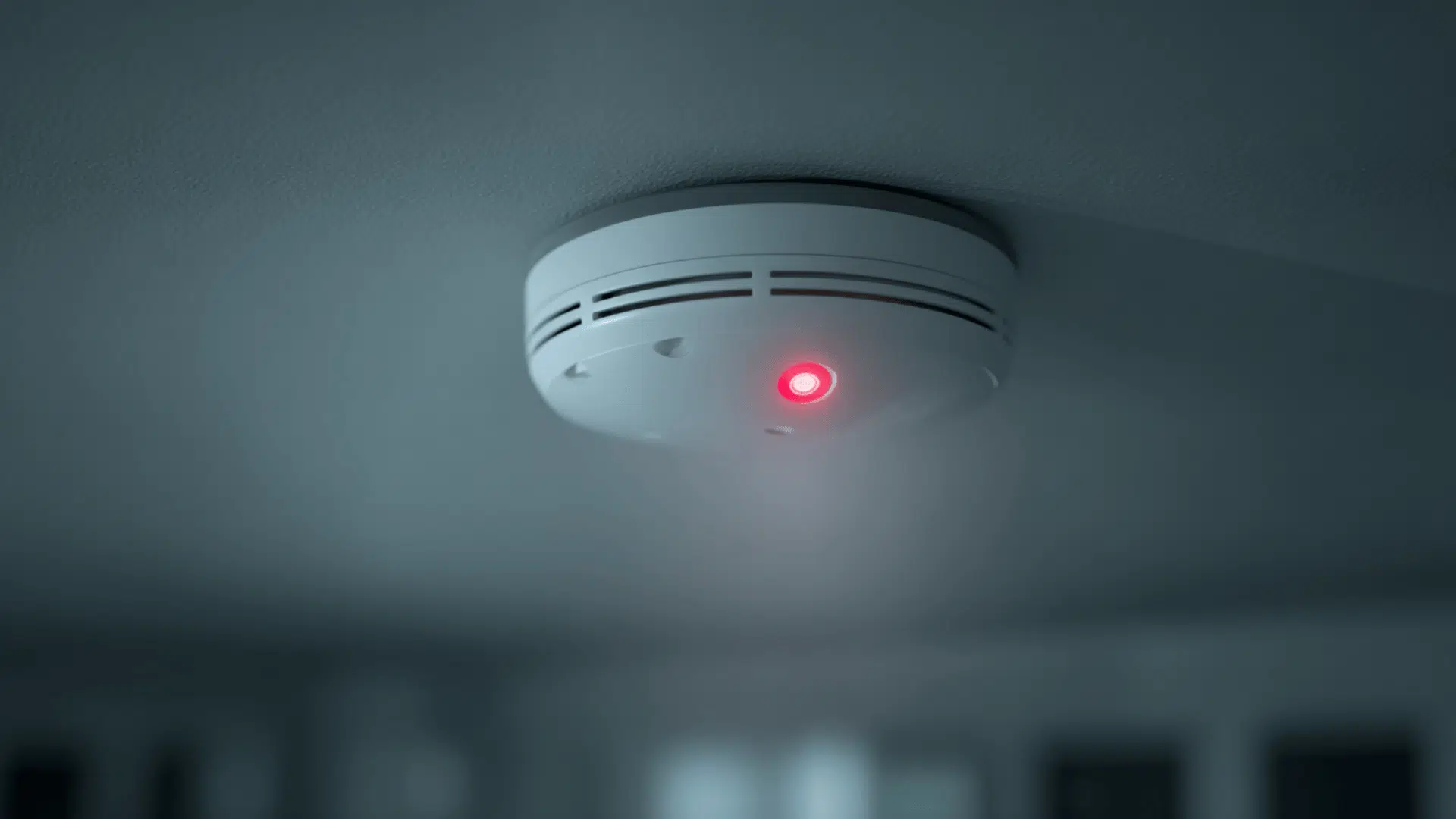
Noticing a red light blinking on your smoke detector can be unsettling, especially when there’s no visible danger.
The smoke detector red light serves as a built-in communication signal, helping you understand the unit’s status: whether it’s working normally, needs a new battery, or has reached the end of its life.
Knowing what each light pattern means can save time, prevent false alarms, and keep your home safe.
In this guide, I’ll break down what each red light signal indicates, how to fix it, and when to replace or reset your detector so you can act quickly and confidently.
What the Red Light on Your Smoke Detector Means
The red light on a smoke detector can mean different things based on the brand and situation. In many cases, it’s normal, but sometimes, it signals a problem like a low battery or an aging unit.
Here’s a simple breakdown of what each red light pattern usually means:
| Indicator Type | What It Means | Typical Light Pattern | Common Brands / Notes |
|---|---|---|---|
| Normal Operation | The alarm is powered and working properly. | Slow red blink (every 30–60 seconds). | Kidde: Blinks every 30–40 seconds. First Alert: Once per minute. Nest Protect: Gentle red or green glow shows standby mode. |
| Low Battery | The battery needs to be replaced soon. | Red blink with a chirping sound every 30–60 seconds. | Replace batteries immediately to avoid loss of protection. |
| After an Alarm (Latching Indicator) | The red light shows which alarm detected smoke first. | Rapid blinking or solid red for a few minutes after the alarm stops. | Common in interconnected systems; reset after checking all alarms. |
| Dust or Sensor Blockage | Dust or debris may be blocking the sensor chamber. | Irregular or continuous blinking without a chirp. | Clean the unit with compressed air and reinstall. |
| End-of-Life or Fault Signal | The detector has reached its service limit (around 10 years) or has a malfunction. | Continuous red or alternating blink pattern. | Check the manufacturing date and replace the unit if it’s older than 10 years. |
A red light doesn’t always mean danger; it’s often the detector’s way of communicating its status. Checking the blink pattern and consulting your device’s manual can help you know exactly what it’s trying to tell you.
How to Fix a Blinking Red Light: Troubleshooting Guide
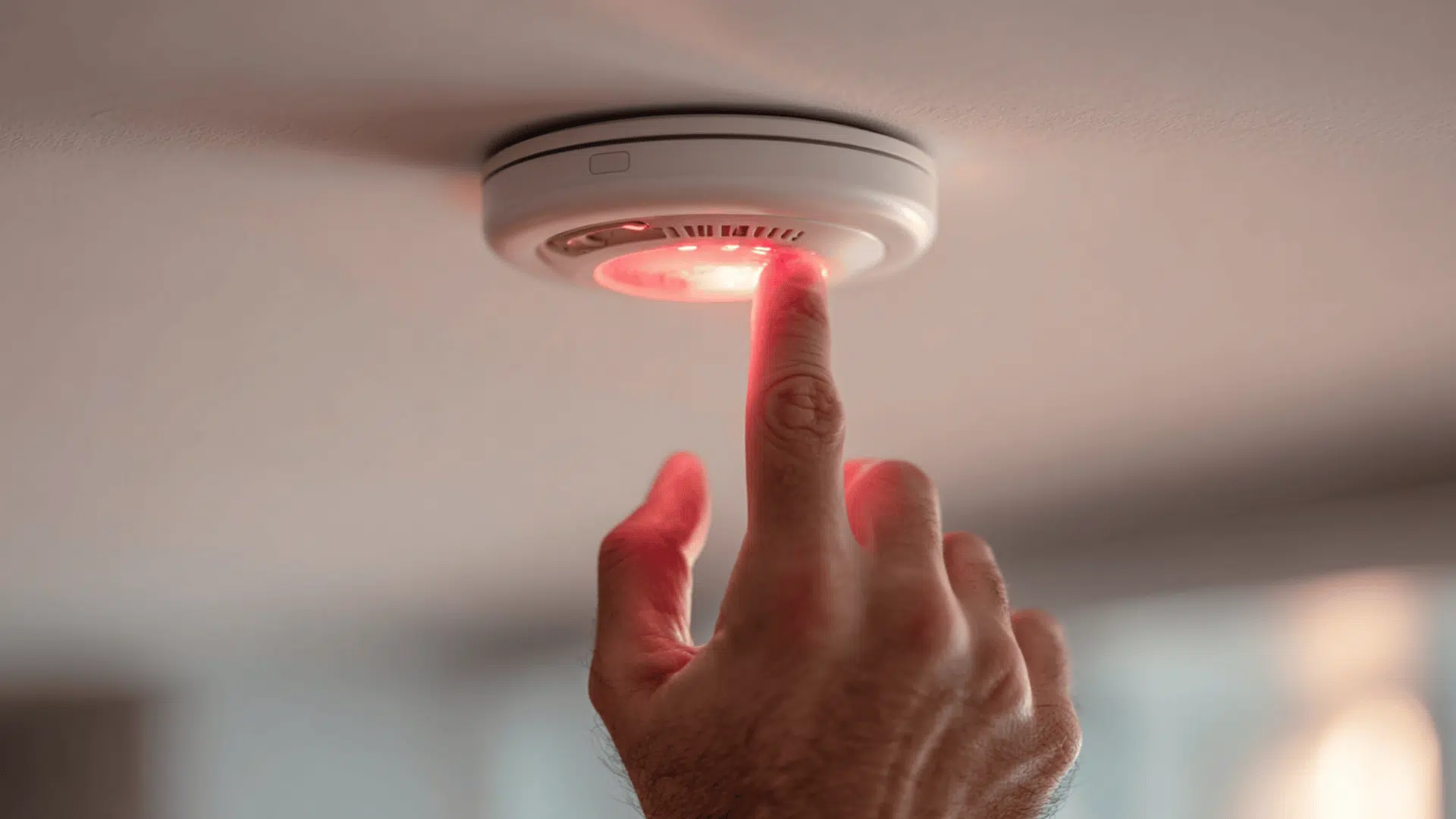
Before starting, make sure there’s no smoke, fire, or carbon monoxide in your home. Once you’ve confirmed it’s safe, use this simple process to identify and fix the problem:
1. Identify the Blinking Pattern
Watch the light for at least 30 seconds. A slow blink means normal operation. Rapid blinking means a recent alarm. A steady red light means a fault or expired unit. Check your model’s manual to confirm the meaning.
2. Listen for Chirps
A chirp every 30 to 60 seconds means the battery is low. Replace it immediately. After replacement, the chirp and blink should stop.
3. Test the Alarm
Press and hold the test button until the alarm sounds. If it doesn’t, replace the battery or check power to the unit. For hardwired models, check the breaker.
4. Replace the Battery
If blinking continues, change the battery. Remove the detector, open the compartment, install a new battery, and test again. If it still blinks, reset the unit. Detectors with sealed 10-year batteries must be replaced entirely.
5. Reset or Silence the Detector
After an alarm or battery change, hold the test or silence button for 15 to 20 seconds. The blinking should slow or stop. For interconnected alarms, make sure all units return to normal.
6. Clean the Sensor
Dust can trigger false signals. Remove the alarm, take out the battery, discharge it by holding the test button, and clean the vents with compressed air. Reinstall and test.
7. Replace the Unit if It’s Old
Check the manufacture date on the back. Detectors older than 10 years should be replaced. Old sensors can misread smoke and cause constant blinking.
If none of these steps work, check your device manual or contact the manufacturer’s support line. For hardwired alarms, consider having an electrician inspect the wiring.
How to Reset Different Smoke Detector Brands
Each smoke detector brand uses slightly different light patterns and reset methods. Always confirm with your model’s manual, but here’s a quick guide for the most common brands.
Kidde
A Kidde detector flashes red about every 30 to 40 seconds during normal operation. Rapid blinking means it has recently detected smoke.
To reset it, hold the Test/Silence button for 15 to 20 seconds until the light stops flashing. For hardwired systems, turn off the breaker, wait 10 seconds, then power it back on.
Replace the unit if it’s over 10 years old or if the red light stays solid after resetting.
First Alert
A First Alert detector blinks red every 60 seconds when functioning normally. A faster blink or steady red means it recently went off or has a fault.
To reset, press and hold the Test/Silence button for about 20 seconds until you hear a short chirp. The blinking should return to a slow, steady flash.
Replace the alarm if it continues flashing rapidly or if the manufacture date on the back is more than 10 years old.
Vivint
Vivint combination smoke and CO detectors show a steady red light when detecting danger and a slow blink when in standby mode.
To reset after an alarm or low-battery warning, press and hold the Test button until the light turns off, then release. Wait 30 seconds for it to return to standby mode.
Replace the device if the red light stays on continuously or if it’s older than 10 years, as internal sensors lose accuracy over time.
When to Replace or Call for Help
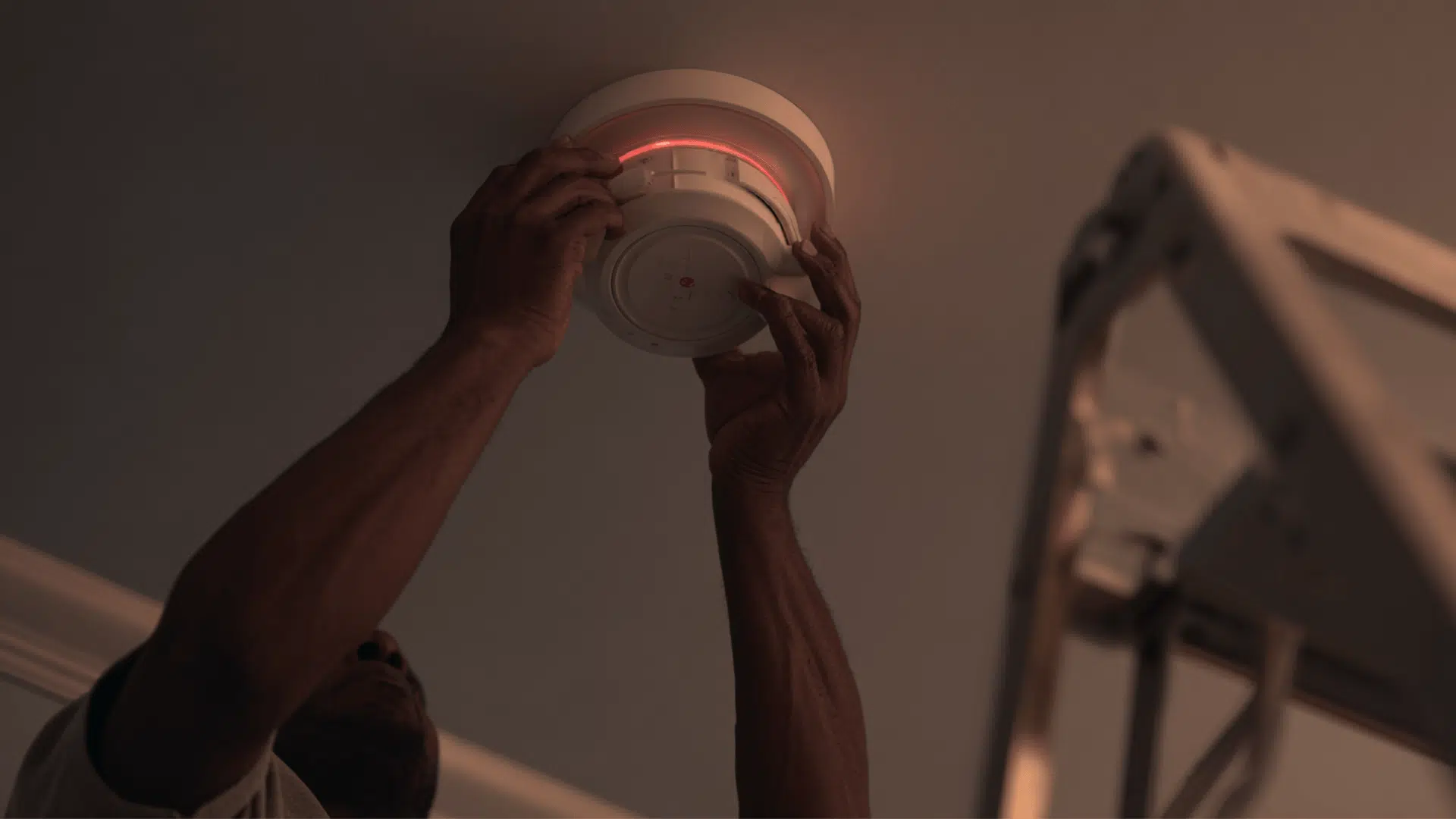
A smoke detector that keeps blinking or acting irregularly may be past repair. Knowing when to replace it or call for help ensures your home stays protected.
| Situation | What It Means | What to Do |
|---|---|---|
| Red light stays solid after reset | Internal fault or expired sensor | Replace the detector. |
| Detector older than 10 years | End of life; sensors no longer reliable | Replace the unit immediately. |
| Repeated chirping after new battery | Battery terminal issue or internal damage | Replace the unit. |
| No sound during test | Power failure or defective alarm | Replace battery or unit; check wiring for hardwired models. |
| Multiple alarms sounding at once | Possible smoke, CO, or wiring issue | Call the fire department if unsure. |
| Hardwired alarms won’t stop beeping | Electrical fault or wiring problem | Contact a licensed electrician. |
| Problem persists after all fixes | Internal malfunction | Contact the manufacturer’s support team. |
If your detector continues acting up after a reset or battery change, it’s safer to replace it than risk it failing during an emergency.
Maintenance Tips to Prevent False Signals
Regular upkeep keeps your smoke detectors accurate and reduces false alerts. Follow these simple habits to maintain them properly.
- Test monthly: Press the Test button once a month to confirm the alarm sounds and the light blinks normally.
- Clean annually: Use a can of compressed air or a soft brush to remove dust from the vents once a year.
- Replace batteries every 6–12 months: For replaceable models, change the batteries twice a year or when you hear a chirp.
- Check the manufacturer’s date: Look at the back of the detector and replace it every 10 years.
- Avoid paint or spray near the sensor: These can block vents and cause false alarms.
- Inspect after power outages: For hardwired units, make sure they power back on and blink normally after an outage.
Staying consistent with maintenance helps ensure your smoke detectors stay reliable and alert you only when it matters.
Wrapping Up
A blinking or steady red light on your smoke detector doesn’t always mean danger; it’s a signal that deserves attention.
Understanding what the smoke detector red light represents helps you spot low batteries, dust buildup, or end-of-life alerts before they turn into bigger issues.
Regular cleaning, testing, and timely replacement keep your system reliable and your home protected. If your detector keeps flashing or beeping after all checks, replace it or call a professional for help.
Stay proactive, test your detectors today to make sure they’re always ready when you need them most.