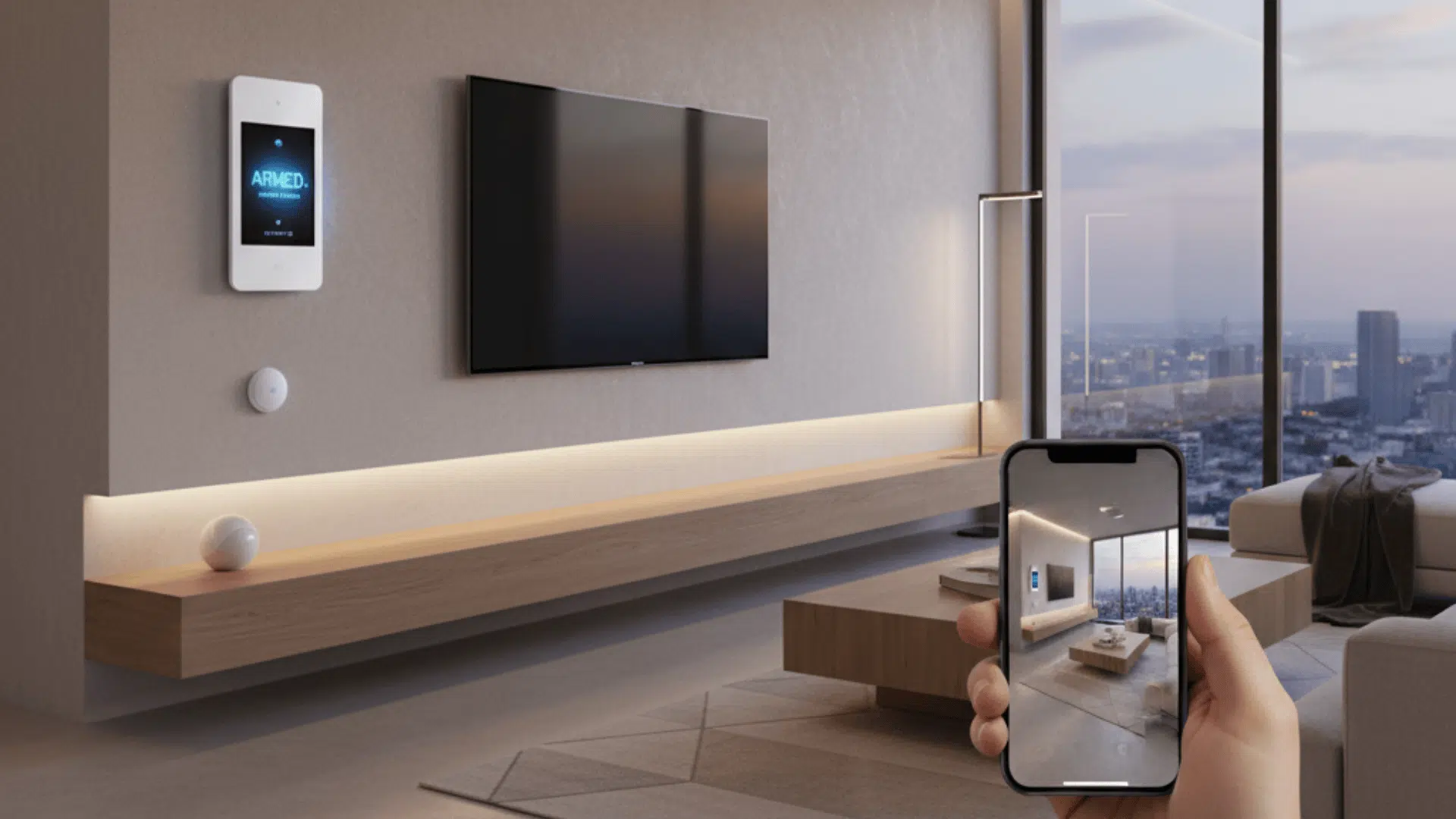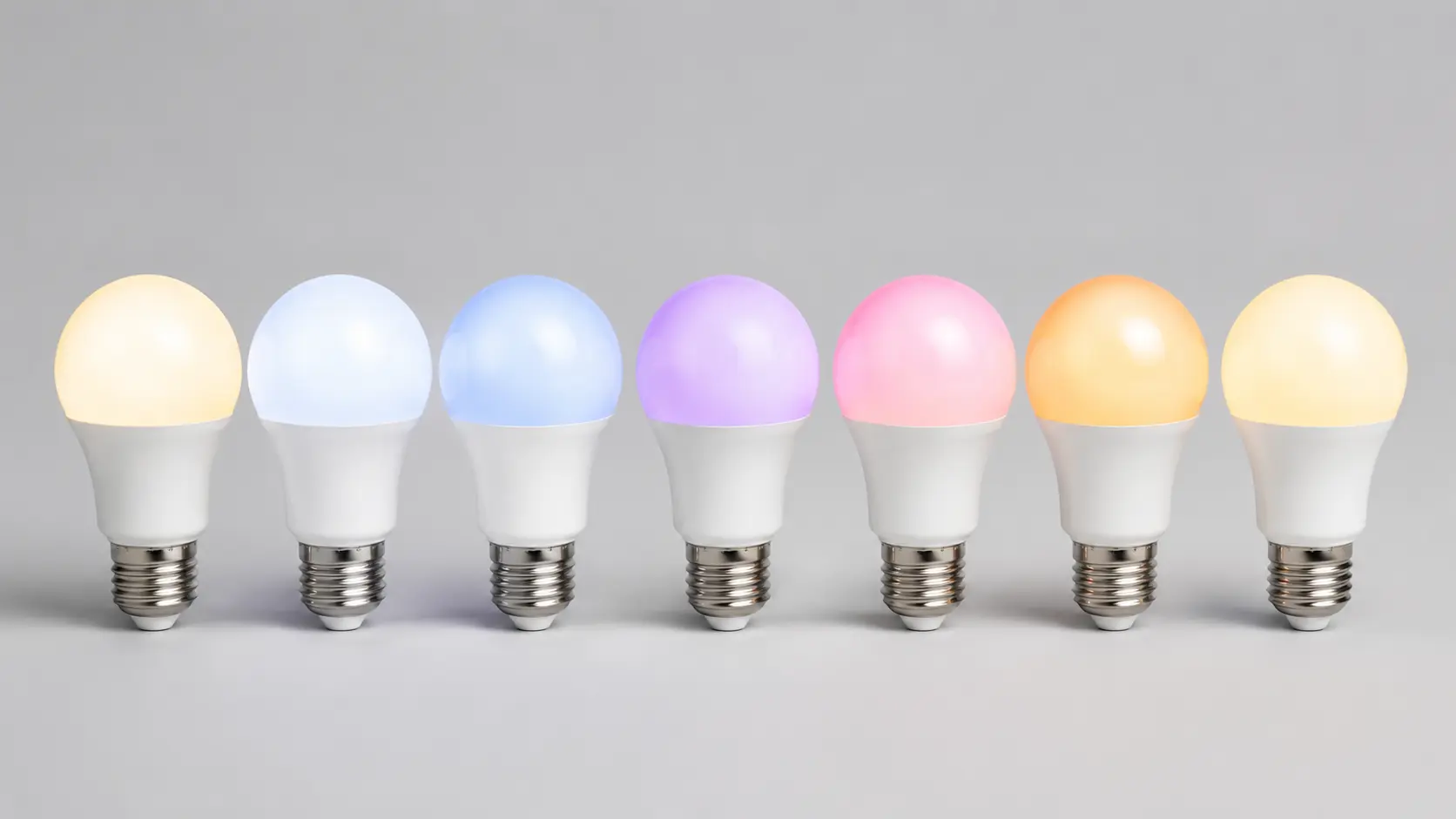
Smart bulbs promise easier lighting, but choosing the right one can get confusing fast.
Prices, apps, hubs, brightness, and compatibility all matter, and one wrong choice can leave you dealing with weak connections or limited controls unless you plan your smart-device setup from the start.
I focused on the best smart light bulbs that make sense for real home use, so you can compare options without sorting through piles of specs. You can see which bulbs stand out for reliability, value, brightness, effects, and simple control.
I also explain how Wi-Fi, Zigbee, and Matter differ, plus what to check before buying. With those details, you can choose a bulb that fits your setup, room, and budget with fewer surprises.
What Makes a Good Smart Light Bulb?
A good smart bulb should respond quickly, maintain a stable connection, and provide smooth brightness control without noticeable delays. Color models should also produce useful warm and cool whites instead of focusing only on RGB effects.
Connection type matters just as much as lighting quality. Wi-Fi bulbs are simple to install, while Zigbee systems can handle larger groups of lights more efficiently. Matter can make smart-home compatibility easier across supported platforms.
App quality also deserves attention. Scheduling, routines, dimming, grouping, and remote control should be simple enough for everyday use. A reliable bulb should feel like normal lighting with added control, not another device that constantly needs troubleshooting.
Best Smart Light Bulbs
Each smart bulb below fits a different type of setup. Keeping each product under one heading also makes the comparison clearer without repeating the same features later.
1. Philips Hue White and Color Ambiance

Philips Hue remains one of the strongest choices for people who value connection stability and a large lighting system. The White and Color Ambiance range supports dimming, adjustable white tones, and millions of color choices for different rooms.
The bulb can work through Bluetooth for smaller setups, but the Hue Bridge provides the fuller experience. Adding the bridge supports a full home automation setup by improving remote control, accessory support, and management of larger groups of lights.
Hue also works with major smart-home platforms, making it useful for homes where lighting connects with speakers, sensors, switches, and other devices.
The main drawback is cost. Both the bulbs and optional bridge can make a larger installation expensive. Still, the strong reliability and wide product range make it a sensible choice for a long-term smart-lighting setup.
Best for: People who want dependable lighting and plan to add more smart lights over time.
2. WiZ A19 Color
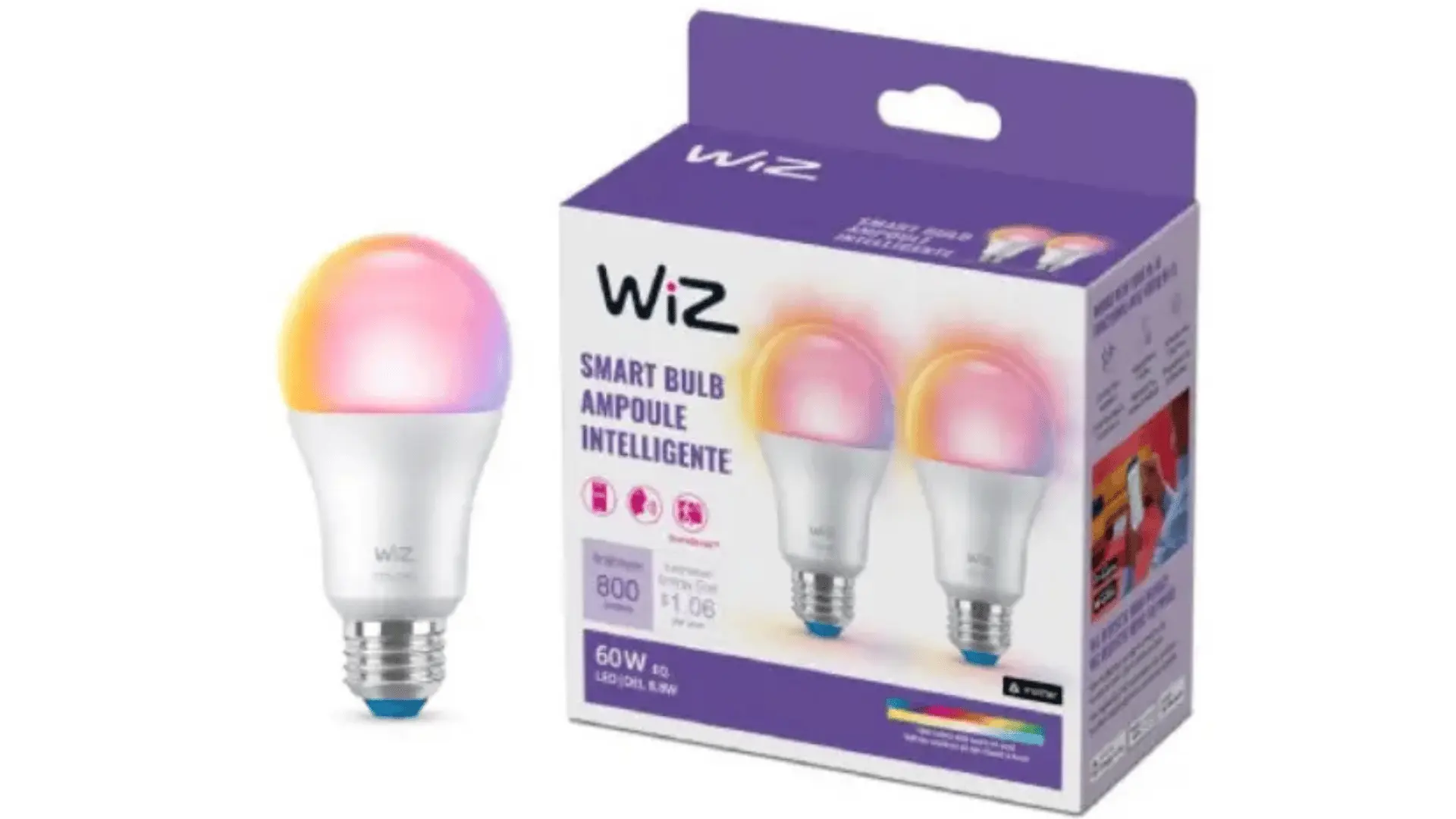
The WiZ A19 Color offers many everyday smart-lighting features without requiring a dedicated hub. It connects through Wi-Fi, which keeps installation simple for bedrooms, living rooms, offices, and other common spaces.
Its adjustable white-light range is especially useful during the day. Cooler tones can suit work hours, while warmer light can feel more comfortable during evenings. Color settings are also available for entertainment or mood lighting.
WiZ includes scheduling, scenes, routines, and app-based control at a price that is generally lower than premium smart-lighting systems. Circadian settings can also adjust lighting throughout the day.
The biggest limitation is that the wider lighting system is not as extensive as some premium alternatives.
Best for: Buyers who want strong everyday features without paying for a dedicated lighting hub.
3. Govee RGBWW Smart Bulb
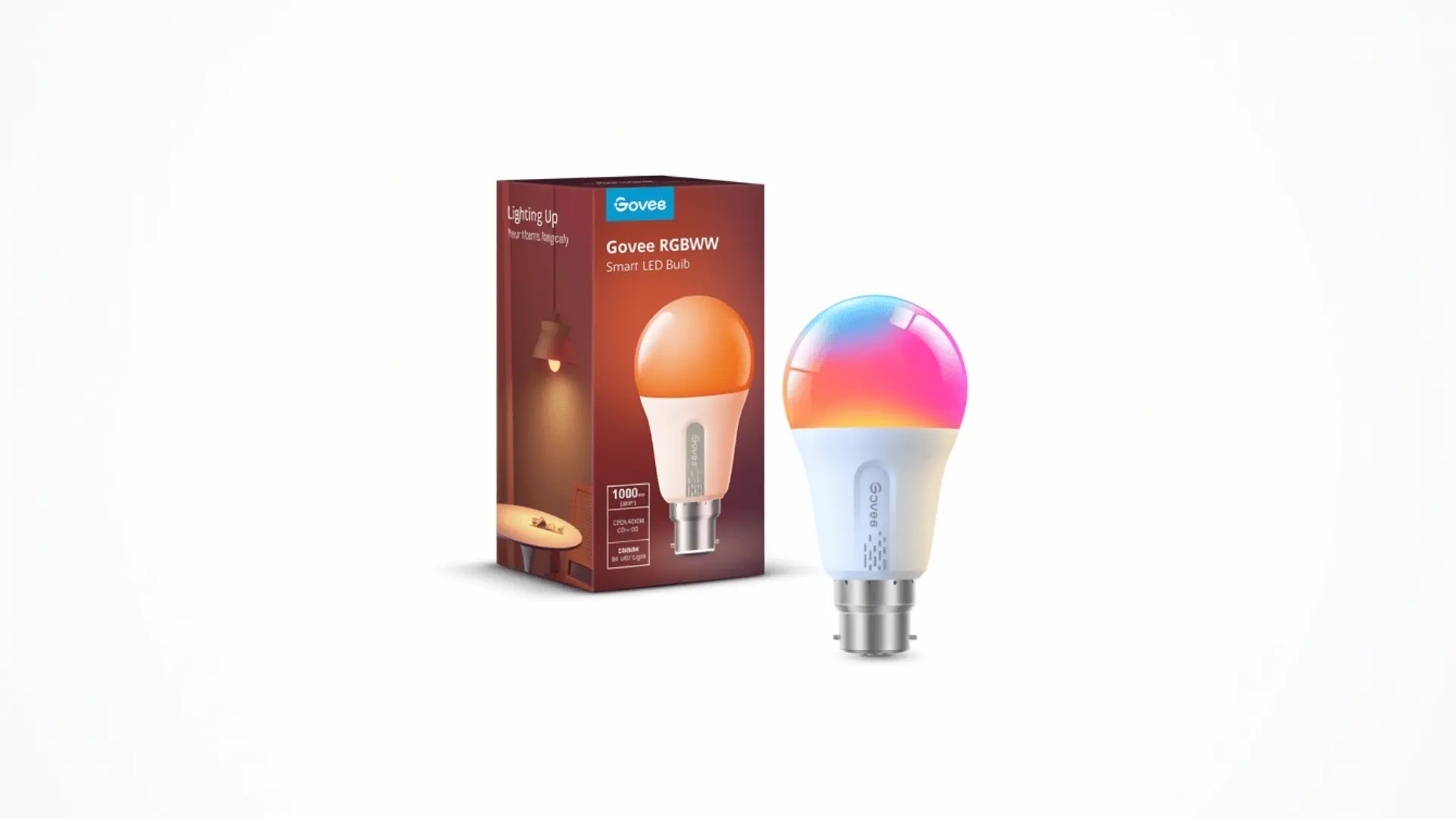
Govee’s RGBWW smart bulbs put more emphasis on brightness, colors, and lighting effects. Some models can reach around 1,200 lumens, making them useful in spaces that need more light than a basic 800-lumen bulb provides.
RGBWW lighting combines colored LEDs with dedicated white-light LEDs. That setup can produce more useful white tones while still supporting bright colors.
The Govee app includes preset scenes, custom color controls, timers, and music-responsive lighting. These features make the bulbs especially useful in bedrooms, gaming rooms, entertainment areas, and creative spaces.
The system emphasizes effects over whole-home lighting infrastructure, so it may not suit someone building a large hub-based setup.
Best for: People who want strong brightness, colorful scenes, and entertainment-focused lighting.
4. LIFX Color A19
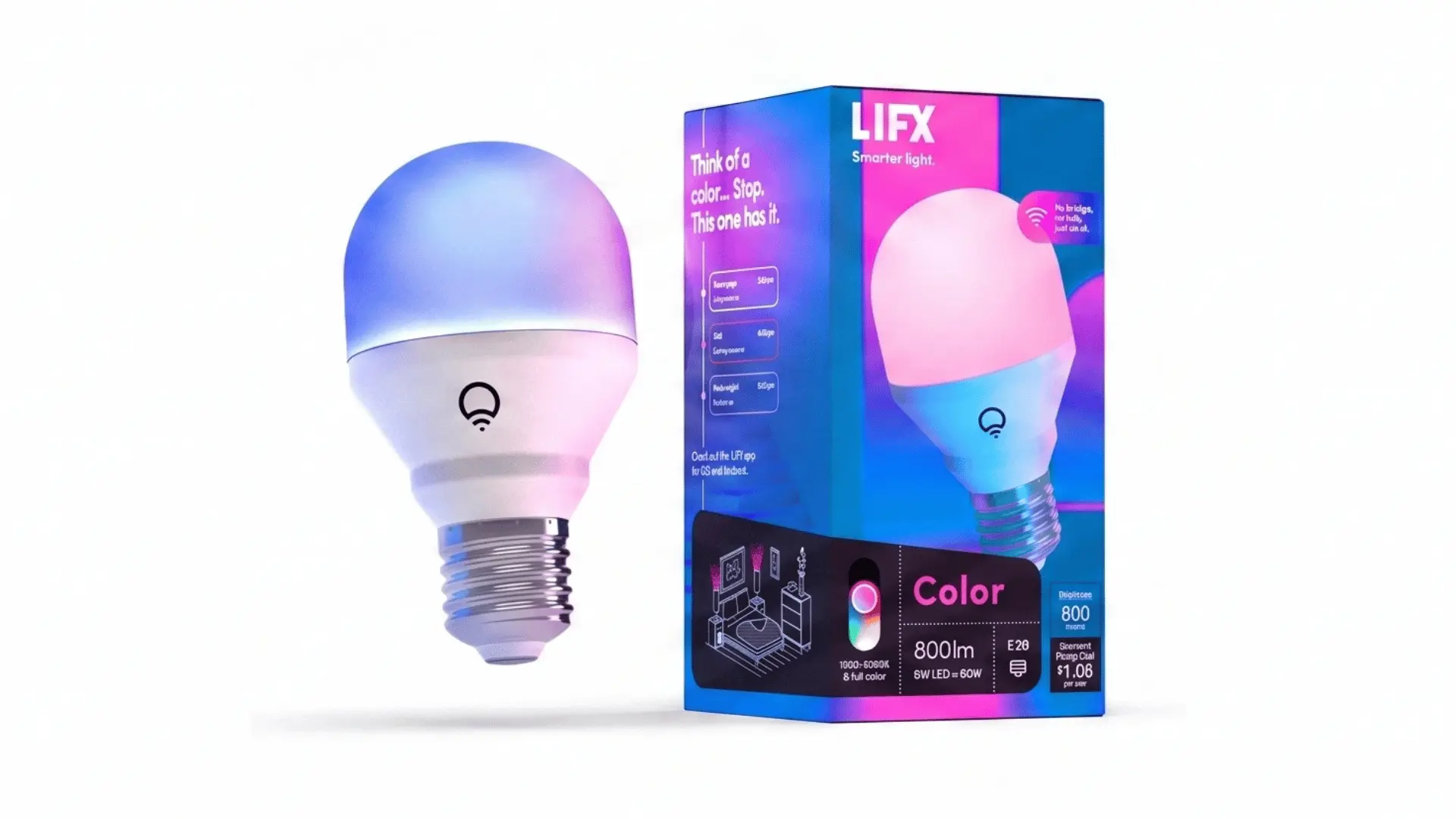
LIFX Color A19 suits buyers who want strong color performance without adding a separate bridge. The bulb produces up to 1,100 lumens, giving it enough output for many everyday household tasks.
It connects directly through Wi-Fi and supports app controls for colors, brightness, schedules, and adjustable white tones. Alexa, Google Home, and Apple Home compatibility also provide flexible voice and smart-home control.
Its rich colors make it especially useful in bedrooms, offices, and media rooms where lighting changes throughout the day.
A Matter-compatible bulb costs about $29.99. Because each bulb connects through Wi-Fi, installing many of them may place more demand on an older router.
Best for: Smaller smart-lighting setups that prioritize bright colors without a hub.
5. Kasa KL125
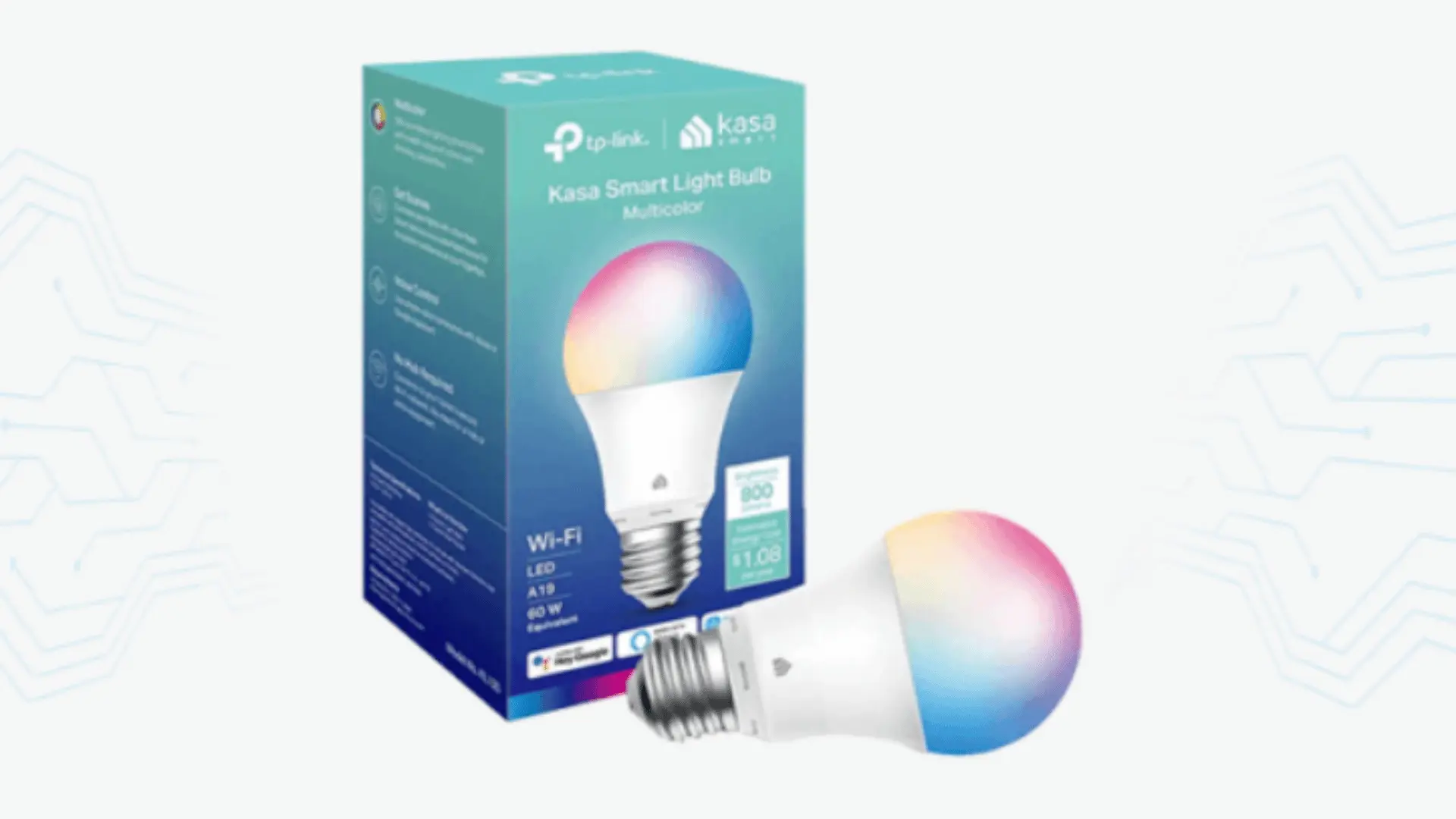
Kasa KL125 suits buyers who need several affordable smart bulbs across bedrooms, hallways, and table lamps. It produces 800 lumens and supports adjustable white tones, millions of colors, dimming, schedules, and remote app controls.
The bulb connects directly to 2.4 GHz Wi-Fi, so no dedicated hub is required. Alexa and Google Home support also allow simple voice control throughout the house.
Kasa can be especially practical for households already using compatible Kasa plugs or switches because the devices can share one app.
A single bulb costs about $18.99, though multipacks may offer better value. This model has more limited Matter and Apple Home support than newer alternatives.
Best for: Multiroom setups needing affordable color bulbs and simple app controls.
6. Amazon Basics A19
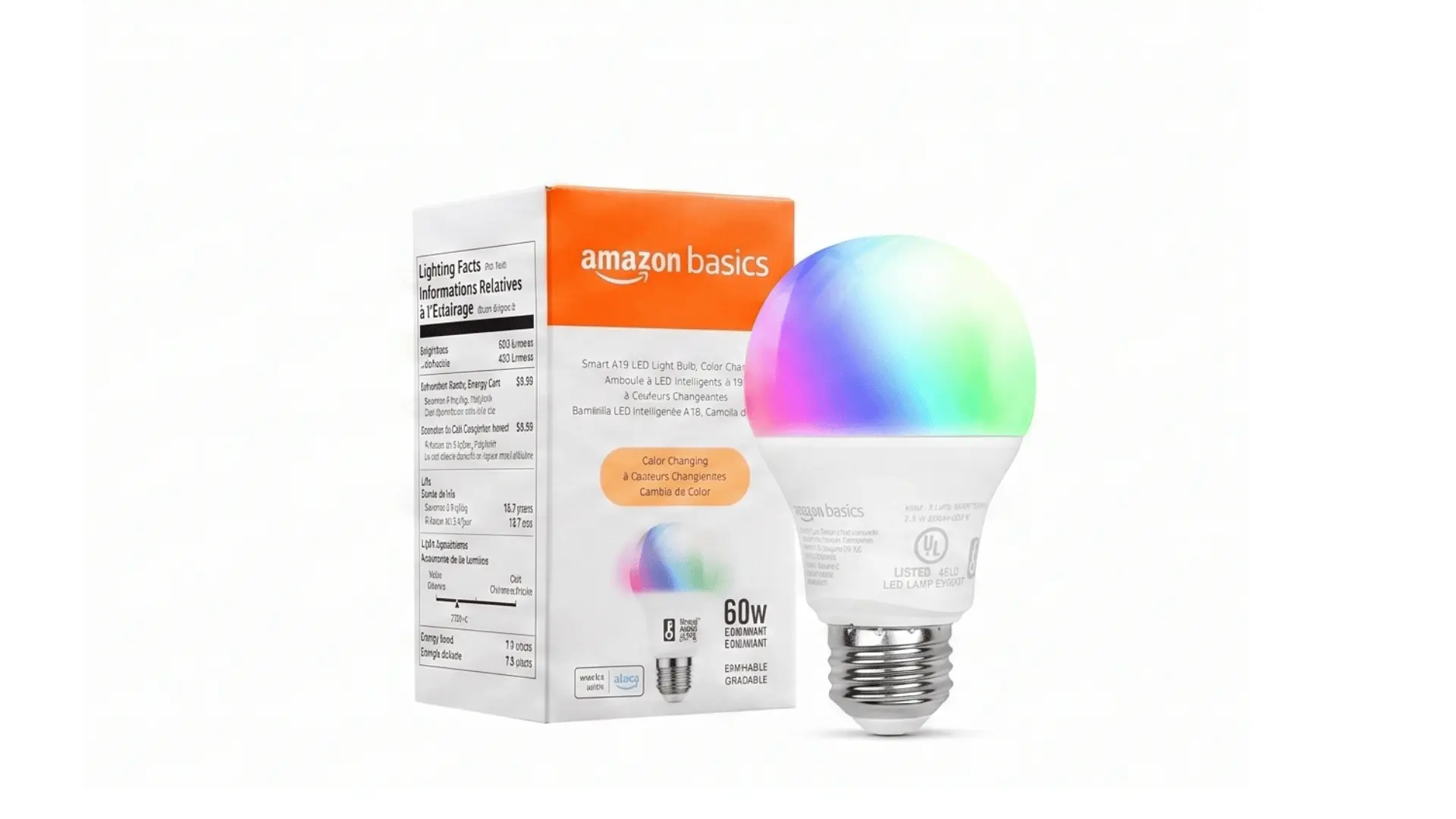
Amazon Basics A19 suits households already using Alexa and wanting simple smart lighting without extra hardware. The bulb provides 800 lumens, plus adjustable colors, dimming, schedules, and remote controls.
Its 9-watt LED output is designed to replace a traditional 60-watt bulb. It connects via 2.4 GHz Wi-Fi, while Alexa handles voice commands, routines, and everyday smart controls.
Setup works well for bedrooms, bedside lamps, and other smaller installations where advanced smart-home compatibility is unnecessary.
A four-pack costs about $41.99, or roughly $10.50 per bulb, although pricing can change. The main limitation is the lack of Google Home and Apple Home support.
Best for: Small Alexa-based setups needing affordable voice-controlled lighting.
7. Linkind Matter A19
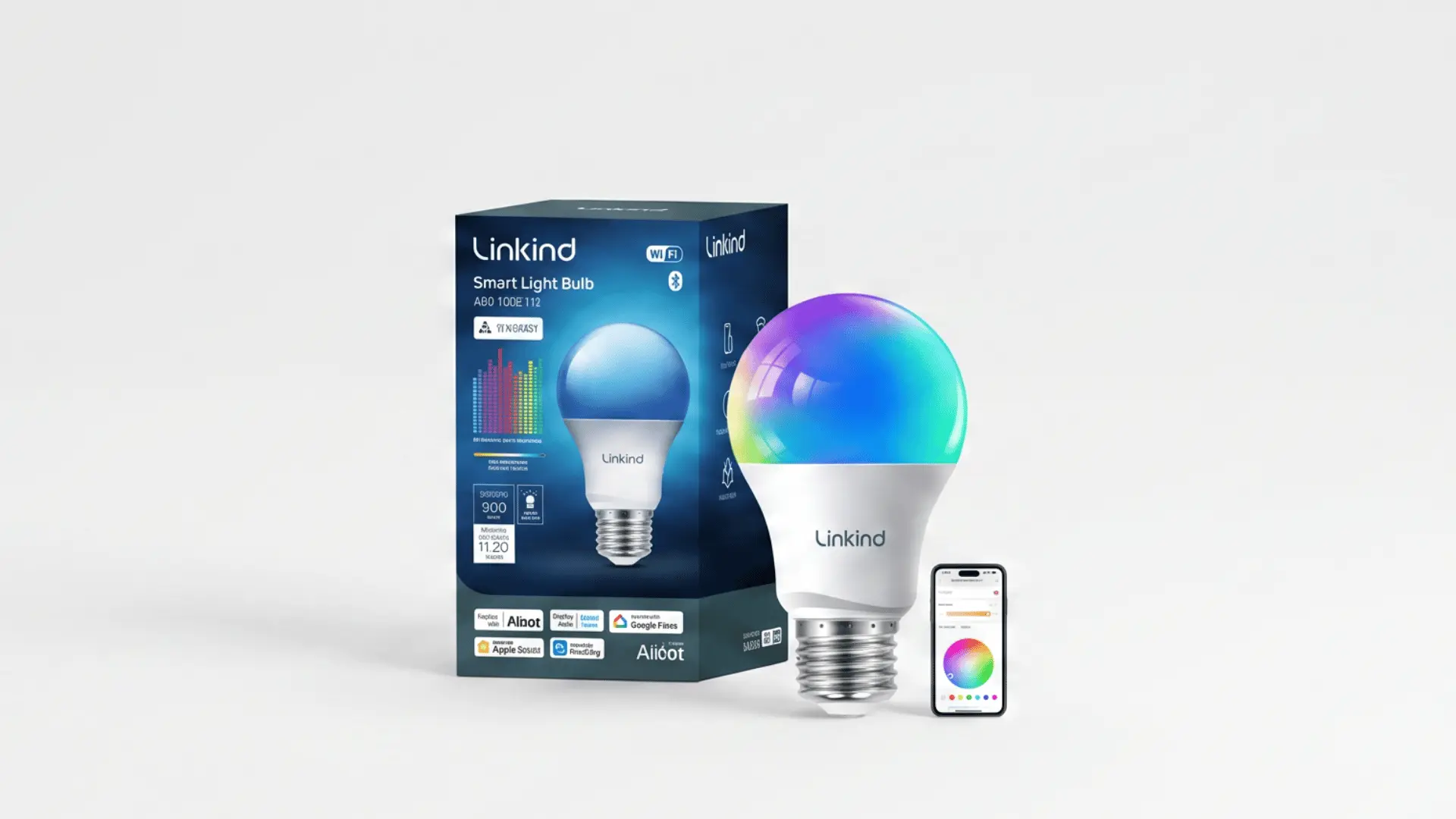
Linkind Matter A19 suits buyers who want affordable tunable-white lighting with broad smart-home compatibility. It produces 800 lumens and allows brightness adjustment from 1% to 100%.
White temperature ranges from 2,700K to 6,500K, making the bulb useful for warm evening light and cooler daytime settings. Its CRI of at least 90 also helps household colors appear natural.
Matter support enables control through Alexa, Google Home, Apple Home, and SmartThings. Wi-Fi and Bluetooth assist with connection and everyday control.
A four-pack costs about $27.99, or roughly $7 per bulb. The main trade-off is that this tunable-white version does not provide colored lighting.
Best for: Affordable white smart lighting across several Matter-compatible rooms.
Wi-Fi vs. Zigbee and Matter Smart Bulbs
The connection type affects setup, device compatibility, and performance as you add more lights. Comparing Wi-Fi, Zigbee, and Matter makes the main differences easier to understand.
| Connection Type | How It Works | Hub Needed? | Main Benefit | Main Limitation | Best For |
|---|---|---|---|---|---|
| Wi-Fi | Connects each bulb directly to the home router | Usually no | Simple setup and direct app control | Many devices can add load to the Wi-Fi network | Small smart-light setups |
| Zigbee | Connects bulbs through a compatible hub or coordinator | Usually yes | Handles larger groups of smart devices efficiently | Requires extra hardware and setup | Homes with many smart lights |
| Matter | Allows compatible devices to work across supported smart-home platforms | Depends on the device | Broader platform compatibility | Can use Wi-Fi or Thread, so setup requirements vary | Multi-platform smart homes |
Wi-Fi suits simple installations, while Zigbee can work better with many connected lights. Matter mainly improves compatibility, so always check the bulb’s underlying connection method.
How to Choose the Right Smart Bulb
Small specification differences can have a noticeable effect once a bulb is installed. Check these details before comparing extra app features.
- Bulb Base: Confirm the socket size, such as E26, E27, or another fitting used by the fixture.
- Brightness Level: Compare lumens, which provide a clearer measure of actual light output than watt-equivalent claims.
- Color Temperature: Check the Kelvin range when both warm evening light and cooler daytime light are important.
- Color Quality: Look beyond basic RGB support if rich colors or accurate white tones matter in the room.
- Connection Type: Choose Wi-Fi, Zigbee, Thread, or another protocol that suits the existing smart-home setup.
- Platform Support: Confirm compatibility with the smart speaker, app, or home-control system you already use.
- Local Control: Check how much control remains available when the internet connection is unavailable.
- Bulb Quantity: A few Wi-Fi bulbs may be simple, while larger installations can benefit from a dedicated lighting network.
Choosing the connection method first can make later purchases easier, especially when you’re converting several rooms to smart lighting.
Where Smart Bulbs Work Best
Smart bulbs make the most sense in rooms where lighting needs change during the day. Bedrooms can benefit from warm evening light, low brightness, and scheduled routines that reduce the need to reach for a switch.
Living rooms often need brighter light for reading and softer settings for movies or relaxing. In a home office, adjustable white tones can support focused work while reducing harsh lighting later in the day.
Entertainment rooms are useful places for color scenes, music syncing, and grouped controls. Hallways and entryways can benefit from timers or motion-based routines, especially early in the morning or late at night.
Before adding smart bulbs, think about how often you change the lighting in each room and which controls would make daily use easier
Smart Bulbs vs. Smart Switches
Both options add smart control, but they solve different lighting problems. The right choice often depends on how many bulbs share one fixture or circuit.
| Feature | Smart Bulbs | Smart Switches |
|---|---|---|
| Color Changing | Common on supported bulbs | Depends on installed bulbs |
| Individual Bulb Control | Yes | Usually controls the circuit |
| Multiple-Bulb Fixtures | Can become expensive | Often more practical |
| Installation | Usually simple | May require electrical wiring |
| Rental Friendly | Generally suitable | Less convenient |
| Wall Control | Power must often remain on | Works like a normal switch |
Smart bulbs suit lamps and rooms needing color or individual control. Smart switches can make more sense when one wall switch controls several standard bulbs.
Are Smart Light Bulbs Worth It?
Smart bulbs can be worth the extra cost when their controls solve a real everyday need. Scheduling can reduce forgotten lights, while remote access is useful when lighting needs to be changed away from home.
Adjustable brightness and white temperature also make one fixture useful for several situations. A lamp can provide bright task lighting during the day and softer light later at night.
Smart bulbs are less useful when you only need basic on-and-off control. Rooms with several bulbs on one circuit may also work better with a smart switch.
The value comes from using the controls regularly, not just having another connected device.
Final Thoughts
Smart lighting works best when the bulb fits your room, connection setup, and daily needs. I’d focus on reliability, brightness, control options, and compatibility before paying extra for features you may rarely use.
The best smart light bulbs can simplify routines, give you more control over brightness and color, and reduce the need for manual adjustments. Wi-Fi works well for smaller setups, while Zigbee can suit larger groups of lights.
Matter can also make cross-platform control simpler when the device supports it properly. Use the comparison points above before buying, then choose the option that matches your space and smart-home system.
Share your pick or check out related smart-home posts for more ideas.
Frequently Asked Questions
Do Smart Bulbs Work Without Wi-Fi?
Most smart bulbs still work as regular lights when Wi-Fi fails. App, voice, schedule, and remote controls usually stop until the bulb reconnects to your home network again by itself.
Do I Need a Hub for Smart Light Bulbs?
No. Many Wi-Fi and Matter bulbs connect without one, but Zigbee bulbs often need a bridge. A hub can improve reliability when your home has many connected lights installed together.
How Many Lumens Should a Smart Bulb Have?
Choose at least 800 lumens for lamps and bedrooms. Larger rooms may need 1,100 to 1,600 lumens, especially when one bulb must provide most of the room’s light on its own.
Do Smart Light Bulbs Save Electricity?
Smart LEDs use much less power than old incandescent bulbs. Savings depend on wattage, use, local rates, schedules, and how often lights were previously left on for hours each day.