Shipping gets messy fast, especially when you’re trying to balance cost, timing, and a smooth experience for your customers.
That’s where DHL SmartMail Parcel Plus Expedited steps in. It sits in a lane a lot of sellers overlook, and it can save money without slowing orders down.
Most people only see the name and assume it’s another basic option, but there’s more going on here.
In this blog, I’ll break down how the service actually moves, what makes it different from similar carriers, where it performs well, and when it’s the wrong fit. By the end, you’ll know exactly where it belongs in your setup.
What DHL SmartMail Parcel Plus Expedited Is
This is DHL’s mid-level domestic shipping option for packages between one and twenty-five pounds. It’s faster than their ground service and usually arrives in about two to five postal days.
DHL handles the first part of the trip, then USPS takes over for the final delivery. You still get tracking, no extra fees for residential addresses, and basic insurance included. It’s a simple blend of speed and cost that works well for everyday business shipping.
Who this Service is Designed For (E-Commerce Use Cases)
This service is shaped for online sellers who ship regularly. Brands that move steady volumes, ship heavier small items, and want predictable delivery without paying for premium speed.
It fits subscription boxes, Shopify and WooCommerce stores, and sellers who ship nationwide. It’s not built for personal one-off packages. It’s built for businesses that ship the same way every week.
How It Differs from DHL Express
DHL Express is the fast international side of DHL. It uses DHL couriers, moves quickly, and focuses on urgent delivery.
SmartMail Parcel Plus Expedited is in the opposite lane. It’s domestic, budget-focused, hands off to USPS for final delivery, and runs on postal-day timing instead of express windows. Two different services with two completely different goals.
Key Features of DHL SmartMail Parcel Plus Expedited
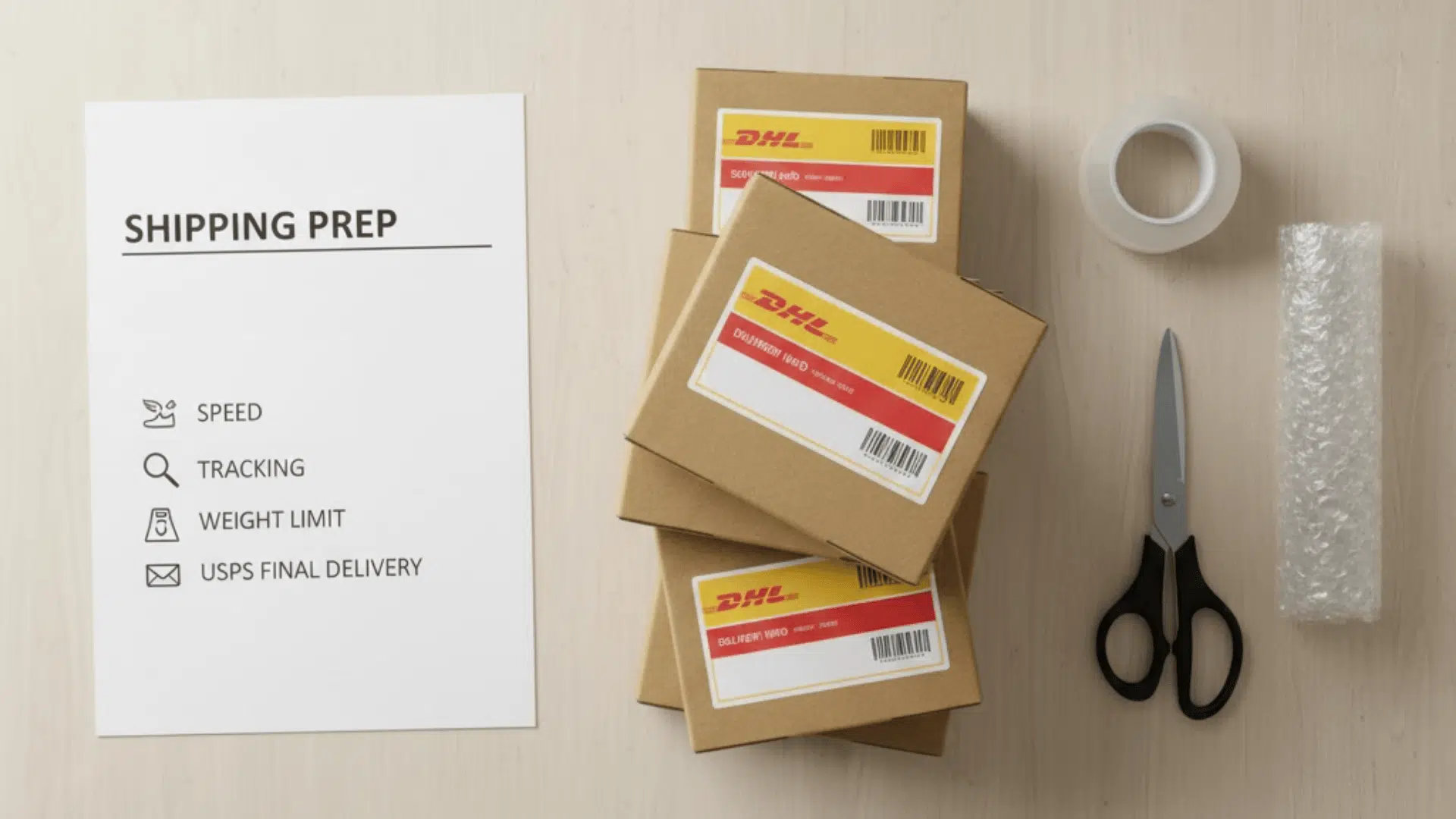
When you break this service down, it’s built around a few simple things that make life easier for e-commerce sellers. Here’s what you’re actually getting when you use it:
| Feature | What It Means |
|---|---|
| Weight Limits | Handles packages from 1 to 25 pounds, built for heavier small parcels that don’t fit lighter SmartMail tiers. |
| Delivery Speed | Average delivery is 2 to 5 postal days, giving a steady mid-range speed without express pricing. |
| USPS Final-Mile Delivery | DHL moves the package first, then USPS finishes the delivery at the customer’s address. |
| Tracking Capabilities | Full tracking through both DHL and USPS so customers can follow every step of the trip. |
| Shipment Value Protection | Includes up to $100 of built-in coverage for loss or damage during shipment. |
| No Residential or Rural Surcharges | No extra fees for delivering to homes or remote areas, keeping shipping costs predictable. |
How Fast DHL SmartMail Parcel Plus Expedited Ships
When you look at how this service moves, the speed comes from a mix of DHL’s network and USPS’s final delivery.
It’s not built for overnight runs, but it’s quicker than basic ground and stays steady across most of the country.
Expected Delivery Times by Zone
Most shipments land in about two to five postal days. Shorter distance zones usually fall on the faster end. Longer distance zones push toward the upper range.
West-to-East or East-to-West tends to take the most time. Regional shipments stay tight and predictable.
Why Transit Times Vary
A few things can slow or speed up a delivery. Distance is the biggest one. Weather and busy seasons play a part, too.
The handoff from DHL to USPS can add a little delay depending on how quickly the receiving USPS facility scans the package. Each step is simple, but every step can shift the timing by a day.
USPS Handoff Timeline
The handoff usually happens after DHL finishes the main transport and brings the package to a USPS facility.
Once USPS has it, tracking updates switch over and follow standard postal movement. Sometimes the scan appears right away. Sometimes it takes until the next processing run.
After the handoff, the delivery follows normal USPS timing to the customer’s address.
Tracking Your DHL SmartMail Expedited Shipment
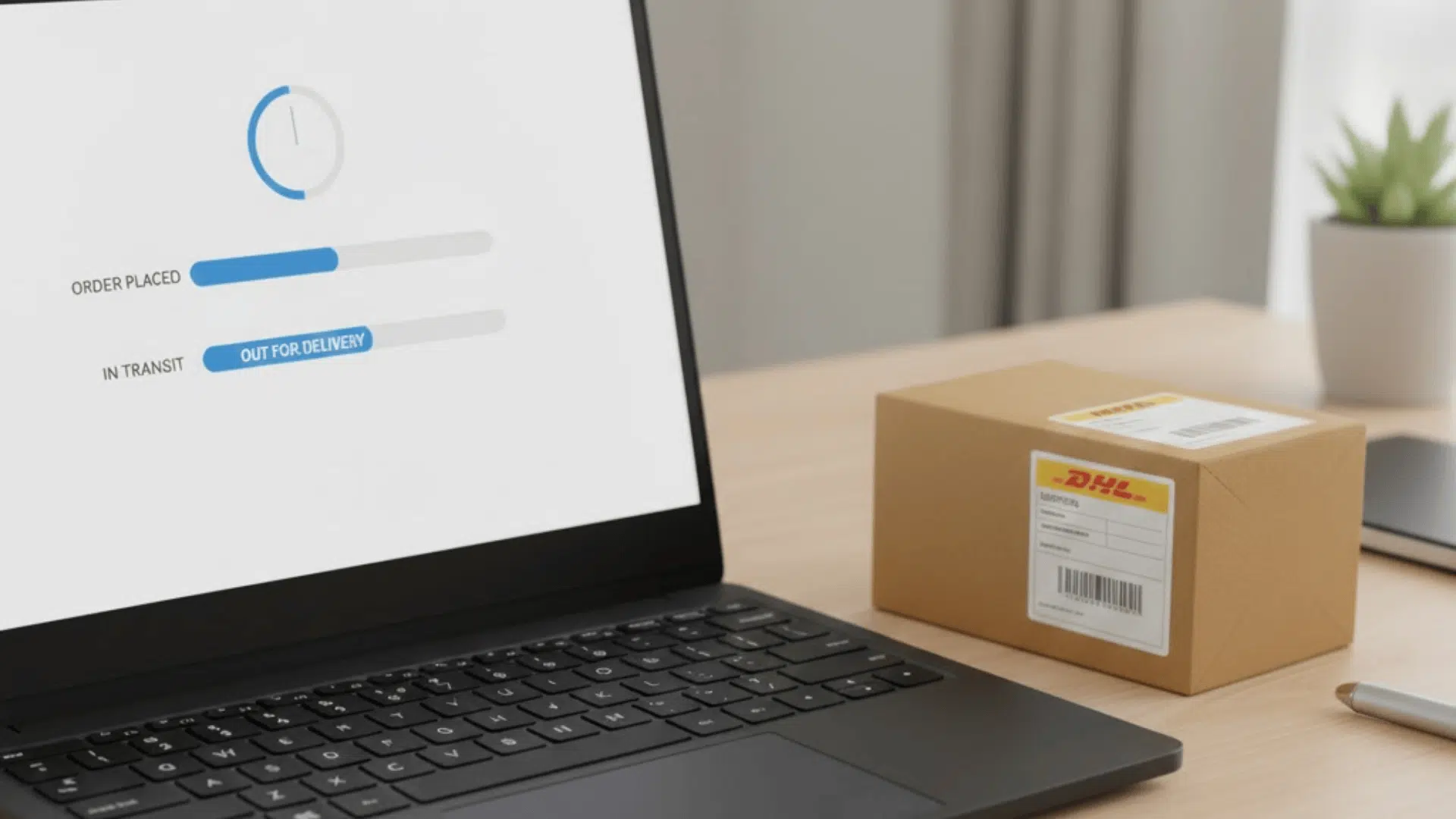
Tracking this service is pretty simple once you understand how the handoff works.
The package moves through DHL first, then passes to USPS. Because two systems are involved, the updates can look a little uneven.
1. How to Track a DHL SM Parcel Plus Expedited Package
You can track it through either DHL or USPS. The DHL tracking number works on both sites. DHL shows the early movement. Once USPS takes the package, their updates take over and show the final steps toward delivery. Using both gives you the full picture.
2. What Each Tracking Status Means
DHL statuses cover things like the package being picked up, processed, and transported across their network.
When USPS receives it, the language changes. You’ll see acceptance scans, regional facility scans, and out-for-delivery updates. Each system uses its own style, but together they cover the full trip.
3. Why Tracking Gets Stuck (Handoff Delays Explained)
The biggest pause usually happens during the handoff between DHL and USPS.
Sometimes USPS receives the package but doesn’t scan it right away. That creates a period where nothing updates, even though the package is still moving.
Busy seasons and processing schedules can stretch this gap. It’s normal and clears once USPS runs the next scan.
4. When to Contact Support
If the tracking hasn’t changed for several days past the expected window, or if USPS shows the package delivered but the customer didn’t receive it, that’s the time to reach out.
DHL can confirm the movement on their side, and USPS can check delivery details. Most delays resolve on their own, but support is helpful when the tracking goes cold for too long.
Comparison With Other DHL SmartMail Services
This service sits inside a small lineup, and each option has its own lane. The differences mostly come down to speed, weight limits, and how much you want to spend to move a package.
Expedited vs. Ground
Ground is the slower and cheaper option. It’s built for lighter packages and has a wider delivery window, usually around three to eight postal days.
Parcel Plus Expedited delivers faster, stays in the two to five day range, and handles heavier items up to twenty-five pounds.
Expedited vs. Expedited Max
Expedited Max is the faster premium tier. It usually lands in two to three postal days and gives you the most consistent timing out of the three. It also includes built-in shipment protection similar to Expedited but sits at a higher price point.
Parcel Plus Expedited sits in the middle. Not the cheapest. Not the fastest. Just a steady middle option for everyday e-commerce orders.
Which One Should You Choose?
- If your package is under one pound and timing isn’t a priority, Ground usually makes sense.
- If the package is heavier and you still want to keep costs low, Parcel Plus Expedited is the balanced choice.
- If your customer expects the fastest possible delivery inside the SmartMail lineup, Expedited Max is the one to use.
Think of it as a three-step ladder. Ground at the bottom for basic speed and lowest price. Parcel Plus Expedited in the center for heavier packages and better timing. Expedited Max at the top for speed and consistency when you need it.
How DHL SmartMail Stacks Up Against Other Carriers
These carriers all sit in the same low-cost shipping lane, but each one handles speed, pricing, and reliability a little differently. Here’s a quick look at how they stack up:
| Carrier | Speed | Reliability | Pricing | Best For |
|---|---|---|---|---|
| DHL SmartMail Parcel Plus Expedited | 2–5 postal days | Predictable movement, smooth DHL-to-USPS handoff | Strong value for heavier small parcels and volume shippers | E-commerce brands shipping 1–25 lb packages nationwide |
| USPS Ground Advantage | 3–5 days | Consistent across most regions | Best rates for lighter packages | Small items, simple one-carrier shipping |
| UPS Mail Innovations | 3–7 days | Longer tracking gaps during transfers | Lower rates when shipping in bulk | Large batch shipments where cost beats speed |
| FedEx Ground Economy | 3–7 days | Solid but slower USPS updates | Competitive for negotiated accounts | Sellers already using FedEx in their existing workflow |
Once you see them side by side, it’s easier to match each service to the kind of orders you ship. The right pick usually comes down to weight, speed expectations, and how much consistency you need day to day.
Pricing: What It Typically Costs
The cost for this service depends mostly on weight, distance, and how much you ship. The structure is simple, and most businesses fall into the same general ranges once they’re shipping consistently.
What influences DHL SmartMail Rates:
Weight and delivery zone drive almost all of the pricing. Volume matters too, since higher usage can unlock better contract rates. Fuel adjustments and packaging size play smaller roles.
Typical price ranges by weight:
Packages under five pounds usually fall into the lower end of SmartMail pricing. Five to fifteen pounds sit in the mid-range. Heavier parcels up to twenty-five pounds land higher but still stay below express-level costs.
Negotiation tips for lower rates:
Steady volume helps the most. Showing consistent shipping activity gives you leverage for better rates. Comparing your current carrier costs and asking DHL to match or beat them can also work. Clean data and predictable workflows make negotiations easier.
How to Ship With DHL SmartMail Parcel Plus Expedited
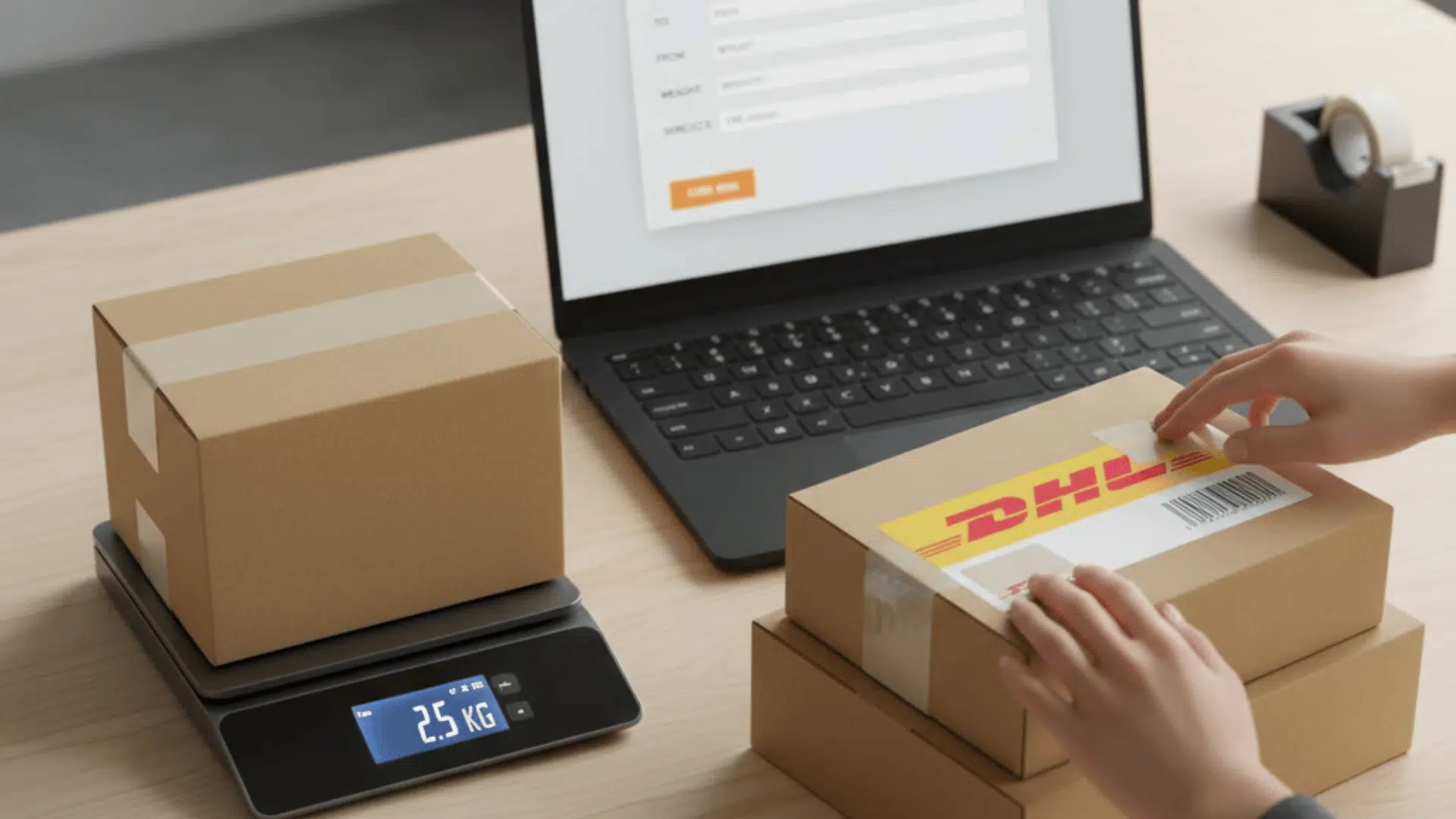
Getting started with this service is pretty simple once your account is set up and your workflow is connected. The process follows the same pattern every day: set up your access, create labels, hand off packages, and follow a few basic packaging rules.
1. Getting an Account Set Up
You need a DHL eCommerce account through a sales rep or a shipping platform that partners with DHL.
Most businesses qualify once they ship a steady weekly volume. After onboarding, you get API access or platform access for generating labels.
2. Creating Labels
Labels come from your e-commerce platform, shipping software, or DHL’s integration tools.
Once the account is active, your system pulls the correct SmartMail service level and prints the label with the DHL barcode and USPS routing info.
3. Daily Pickup Process
DHL collects shipments on a scheduled pickup, usually tied to your weekly volume. Smaller sellers often drop off at a DHL facility or a partner location.
Once DHL receives the packages, they run the first transport leg before handing everything to USPS.
4. Packaging and Label Requirements
Packages need to follow standard parcel rules: secure box or padded mailer, clear label placement, and accurate weight. Labels must stay flat and readable so both DHL and USPS scanners pick them up.
Oversized or irregular packaging can slow processing, so keeping parcels compact helps everything move without delays.
Handling Claims, Insurance, and Delivery Issues
Things rarely go wrong with this service, but when they do, the process is straightforward. DHL covers basic protection, USPS handles the final delivery, and both systems have clear steps for fixing problems.
When You Can File a Claim
You can file a claim if a package is lost or damaged and it falls within the built-in coverage. Claims open only after the standard waiting period, which gives DHL and USPS time to finish processing or complete late deliveries.
Required Proof
You’ll need a few basics: tracking details, shipment information, and proof of value. Photos of damaged items are required for damage claims. Clean documentation speeds up reviews and avoids back-and-forth requests.
When USPS Shows “Delivered” but the Package Is Missing
Start with a quick check around the delivery location and with neighbors. USPS sometimes marks an item delivered a day early during busy periods.
If it doesn’t show up soon, open a USPS case first, then send the case number to DHL so they can follow up through their side.
Late Delivery Steps
If the package passes the expected window, confirm its last scan. If it’s stuck in the DHL phase, contact DHL support. If it’s stuck in the USPS phase, open a USPS inquiry.
Most late items resolve once the next facility scan hits, but support teams can escalate if the delay goes on too long.
When This Service is the Best Choice
This service works well for e-commerce shipments that fall into a specific range. It’s steady, predictable, and affordable for packages with a little weight on them. You don’t get premium speed, but you get a reliable middle ground.
Best fits include:
- Packages between one and twenty-five pounds
- Nationwide customer bases
- Subscription boxes or weekly recurring shipments
- Stores that want full tracking without express pricing
These situations take advantage of the balance between cost and speed, and the DHL-to-USPS setup handles them smoothly.
There are also clear moments when you should avoid it:
- Urgent or time-sensitive orders
- High-value items that need stronger coverage
- Workflows that require one carrier from start to finish
- Situations where USPS delays would cause problems
If the shipment needs tight timing or higher protection, another service will be a better match.
Wrapping Up
The DHL SmartMail Parcel Plus Expedited service gives online sellers a practical middle-ground option that keeps shipping predictable without driving up costs.
It works best when you’re moving steady volumes, shipping nationwide, and need reliable tracking without stepping into premium territory.
The key is knowing when this service fits your workflow and when a faster or more protective option makes more sense. As your business grows, having a shipping setup that stays flexible helps you keep customers happy and control expenses.
If you want to sharpen your shipping setup even more, read other blogs on the website and get tips that make choosing the right service a whole lot easier.