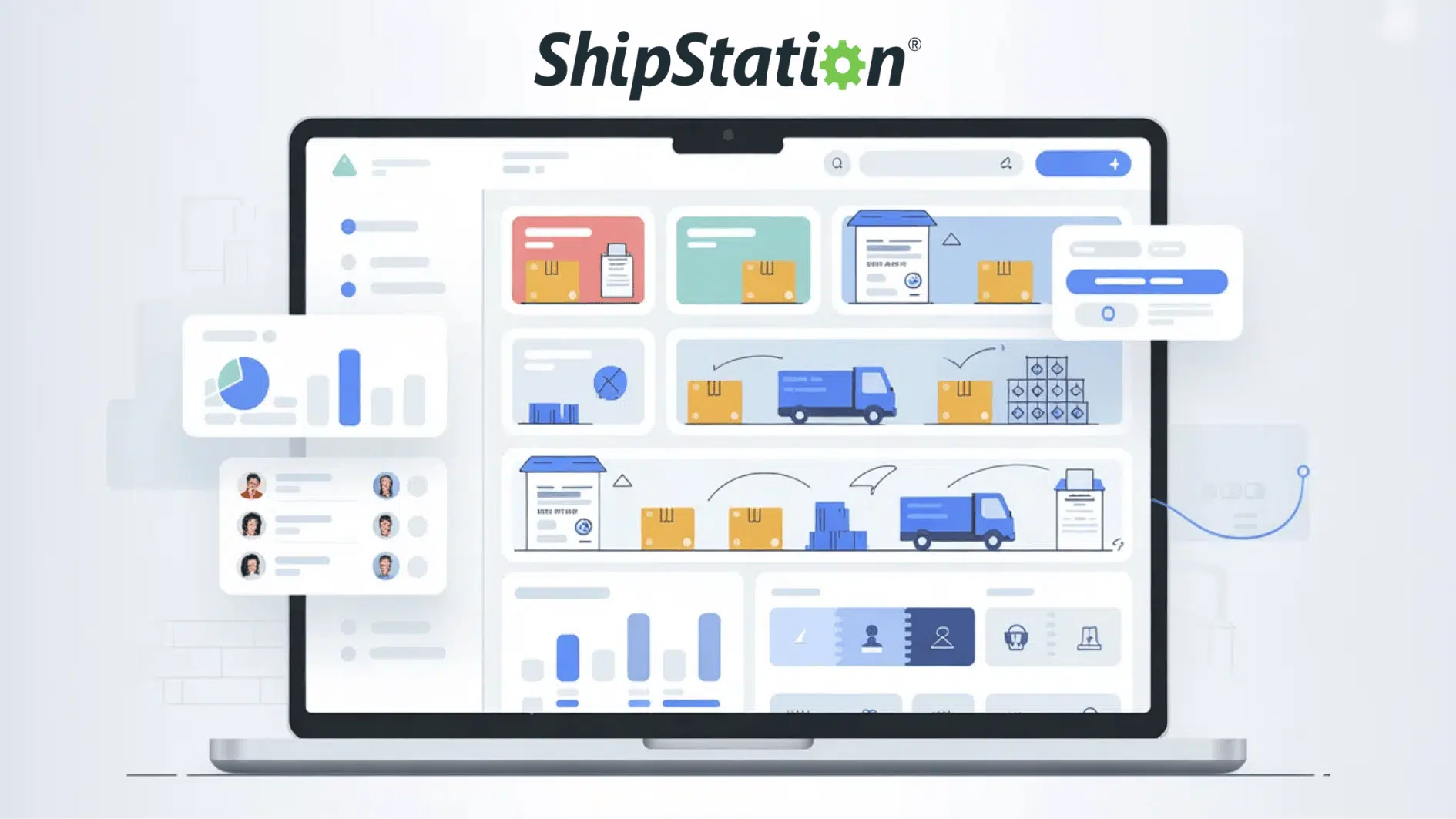
Shipping orders manually can quickly become messy. Tracking orders, printing labels, and updating customers takes time.
This is where ShipStation helps. If you run an online store or plan to start one, understanding ShipStation can make daily shipping tasks easier.
This guide explains what ShipStation is, how it works, and how you can start using it step by step.
What is ShipStation?
Running an online store often means handling many shipping tasks every day. Orders must be organized, labels printed, and tracking information shared with customers.
ShipStation simplifies this process by consolidating all shipping tools into one platform. It is a web-based shipping and order management software designed mainly for e-commerce businesses.
How ShipStation Works
It connects your online stores, marketplaces, and shipping carriers so you can manage orders and shipments from one dashboard.
- Order Import: ShipStation automatically imports orders after you connect your online stores to the platform. All order details, including customer information, shipping address, and purchased items, are displayed in a single dashboard.
- Shipping Label Creation: You can generate shipping labels directly inside ShipStation after orders are imported. The platform lets you compare carrier rates and print labels quickly, including bulk label printing for multiple orders.
- Shipment Tracking: ShipStation automatically generates tracking numbers when an order ships. Customers receive tracking updates by email and can follow the delivery progress easily.
Instead of logging into several platforms to handle shipping, ShipStation gathers your order data in one place.
This allows you to import orders, create shipping labels, compare carrier rates, and track shipments without switching between systems.
Why Many Online Sellers Use ShipStation
Image Source: Returngo
Shipping becomes complicated when orders come from several platforms. ShipStation helps organize the process so you can manage orders quickly.
Key reasons businesses use ShipStation include:
- Order management from multiple stores
- Discounted shipping rates
- Automated workflows
- Batch label printing
- Shipment tracking and notifications
The platform is commonly used by sellers on:
- Shopify
- WooCommerce
- Amazon
- eBay
- Etsy
- BigCommerce
This makes it useful if your business sells on several marketplaces.
Key Features of ShipStation
ShipStation offers several tools that simplify order management and shipping. These features help online sellers manage orders across multiple stores, automate repetitive tasks, and expedite shipment processing.
| Feature | What It Does | Why It Helps |
|---|---|---|
| Multi-Channel Order Management | Imports orders from multiple marketplaces, shopping carts, and inventory systems into one dashboard. | Keeps all orders organized in one place and removes the need to switch between platforms. |
| Automation Rules | Automatically applies shipping settings such as carrier selection, packaging type, or shipping service. | Reduces manual work and speeds up the order fulfillment process. |
| Batch Processing | Allows multiple orders to be processed together, including bulk shipping label printing and tracking updates. | Saves time when handling large numbers of orders, especially during busy sales periods. |
| Branded Tracking Pages | Creates customized shipment-tracking pages with your logo, brand colors, and store messaging. | Keeps customers connected to your brand while they track their deliveries. |
Step-by-Step Tutorial: How to Get Started with ShipStation
Setting up ShipStation takes only a few steps. Once your stores and carriers are connected, the system automatically begins importing orders.
Step 1: Create a ShipStation Account
Start by signing up on the ShipStation website. Enter basic details like your email address, business name, and password to create your account.
After registration, you can choose a pricing plan that matches your shipping volume. ShipStation also offers a trial period so you can test the platform before committing.
You will choose a pricing plan based on:
- Monthly shipment volume
- Features required
A trial period is usually available.
Step 2: Connect Your Online Stores
After creating an account, link your marketplaces or shopping carts. ShipStation supports many platforms.
Once connected, your store orders automatically sync with the ShipStation dashboard. This allows you to manage and prepare shipments from a single central location.
ShipStation provides integrations for many platforms, such as:
- Shopify
- WooCommerce
- Amazon
- Etsy
Orders will begin syncing automatically.
Step 3: Add Shipping Carriers
Next, connect the shipping carriers you plan to use.
You can link existing carrier accounts, such as USPS, UPS, FedEx, or DHL, directly to ShipStation.
Once connected, the platform lets you compare shipping rates and print labels from the same dashboard. This makes it easier to choose the best shipping option for each order.
You can connect:
- Existing carrier accounts
- ShipStation carrier services
This allows rate comparisons and label creation.
Step 4: Start Printing Shipping Labels
Once everything is set up, you can begin shipping orders.
Select the order in your dashboard, choose the carrier and shipping service, then generate the shipping label.
After printing the label, attach it to the package and mark the order as shipped. ShipStation will automatically update the tracking number and notify the customer
The process includes:
- Import orders
- Choose a carrier
- Print labels
- Ship the package
Tracking numbers update automatically.
Step 5: Configure Shipping Settings
Before shipping orders, configure basic shipping preferences. This includes setting default carriers, package types, and shipping services you use most often.
You can also create automation rules for common order types. These settings help speed up the shipping process and reduce manual adjustments later.
Important settings include:
- Default shipping services
- Package types
- Automation rules
These settings help reduce the need for manual adjustments later.
For a visual representation, watch the video below:
Pros and Cons of ShipStation
Every shipping platform has strengths and limitations. Understanding the advantages and drawbacks helps you decide if ShipStation is the right choice for your business needs.
| Aspect | Pros | Cons |
|---|---|---|
| Order Management | Centralized dashboard for managing orders from multiple stores and marketplaces. | Initial setup may take time for beginners unfamiliar with integrations. |
| Automation | Automation tools help automatically assign carriers, shipping services, and packaging. | Advanced automation rules may require practice to configure properly. |
| Carrier Integrations | Supports many major carriers such as USPS, UPS, FedEx, and DHL. | Some carrier services may require separate accounts or setup steps. |
| Batch Processing | Allows bulk label printing and order processing, useful for high shipping volume. | May feel unnecessary for businesses shipping only a few orders daily. |
| Shipping Rates | Provides access to discounted shipping rates with certain carriers. | Requires a monthly subscription plan to use the platform. |
Conclusion
ShipStation is a powerful platform the simplifies shipping for online businesses.
By bringing orders, carriers, and shipping tools into one dashboard, it helps reduce manual work and keep shipments organized.
Once your stores and carriers are connected, you can start importing orders, printing labels, and automatically sending tracking updates.
If your business ships regularly or sells across multiple platforms, learning how ShipStation works can help manage shipping tasks more efficiently and keep customers informed throughout the delivery process.