Shipping updates can feel a little cryptic, especially when you’re staring at a status that doesn’t clearly tell you where your package is or what’s happening behind the scenes.
One of the most common examples is “batch delivery to carrier,” a phrase that sounds technical but has a simple meaning once you break it down.
What throws people off is the quiet period that often follows, where tracking doesn’t move even though the package is already in the system.
Today, I’ll walk through what this status actually means, why the early silence is normal, how different carriers handle it, and the signs that tell you when to take action.
What “Batch Delivery to Carrier” Means
When this status shows up, it usually catches people off guard because it sounds more technical than it really is.
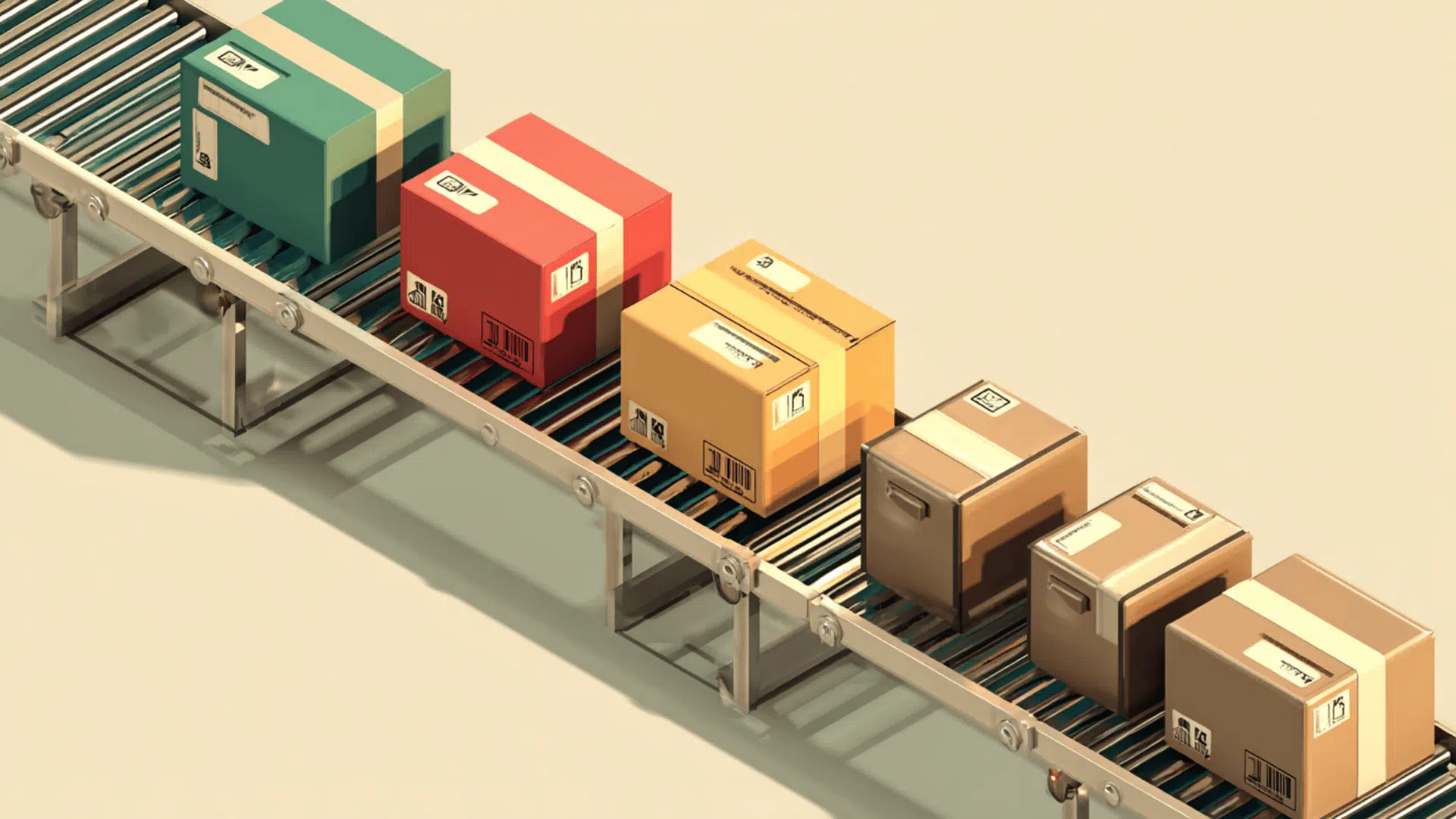
All it means is that your package didn’t get handed over on its own. The seller grouped it with a bunch of other outgoing orders and passed everything to the carrier at the same time.
It’s a pretty common way for warehouses and fulfillment teams to work, especially when they’re moving a lot of volume.
Your package isn’t stuck, lost, or sitting in some mystery zone. It’s already with the carrier, just waiting for its first individual scan.
Once they break down the batch and sort everything, your tracking will start to move the way you expect. The status is basically a heads-up that the handoff happened in one big move instead of a single-item drop.
Why Sellers Use Batch Shipping
Sellers use this method because it keeps their operations running smoothly, especially when they’re handling a lot of orders at once. Grouping everything together makes the whole process easier to manage, and it helps them avoid bottlenecks in the shipping area.
- Time savings: prepping, labeling, and handing off packages in groups cuts down on repetitive work.
- Cost savings: doing everything in bulk lowers labor time and keeps shipping expenses more controlled.
- Faster processing: batches move through the warehouse more cleanly, which helps orders get out the door sooner.
- Normal for busy seasons: holidays, sales, and restocks push volume up, and batching keeps things from getting overwhelming.
It’s a simple system, but it makes a big difference behind the scenes.
What Happens During the Batch Delivery Process
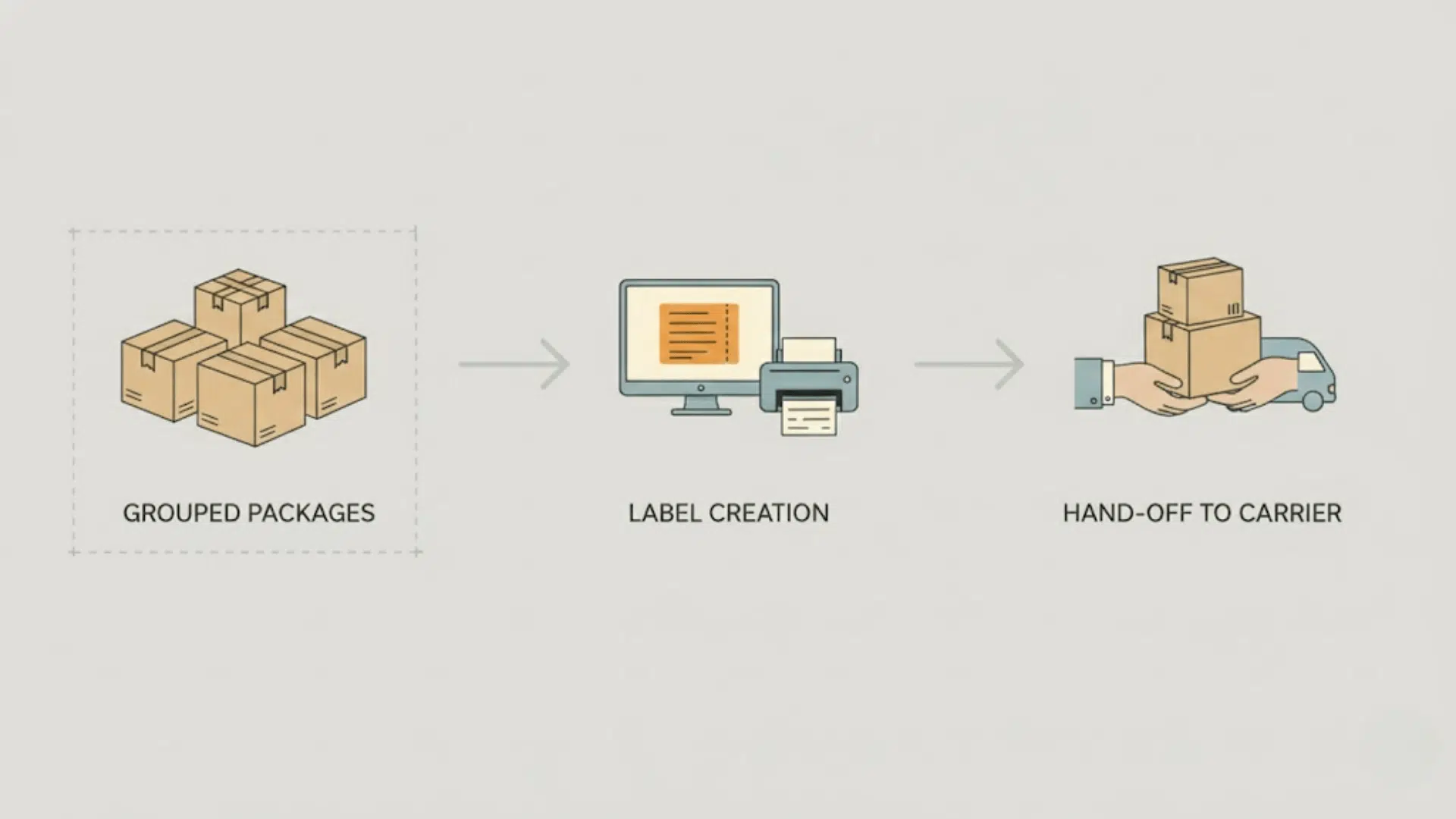
This whole flow moves in a steady order, and each step pushes the package closer to full tracking updates. When you break it down, it’s a simple system that sellers and carriers follow every day.
1. Orders Grouped
The seller takes all the outgoing orders and organizes them into one larger set.
Handling everything together keeps the workflow steady and avoids the slow, one-by-one approach that doesn’t scale well, especially when they’re moving a lot of volume.
2. Labels Created
Once the batch is sorted, they print all the shipping labels in bulk. This is why the process on their end looks quick, even if your tracking hasn’t shown new activity yet.
Bulk labeling is one of the main reasons sellers use batching in the first place.
3. Carrier Pickup or Drop-Off
After everything is labeled and packed, the full batch gets handed to the carrier at once.
Sometimes the carrier comes to them, other times the seller drops it off, but the idea is the same. One large handoff instead of several smaller ones.
4. Batch Enters Sorting
When the carrier receives the batch, they break it down and push each package into their sorting system.
This is where your package gets routed based on destination, speed, and whatever carrier methods are in play behind the scenes.
5. First Scan Happens Later
This is the part that usually confuses people. The handoff already happened, but the individual scans don’t always show up right away.
The first real scan often happens during sorting, which means the status can sit unchanged for a bit. It’s normal, and it doesn’t mean the package is stuck.
What This Tracking Status Means for You
When this status shows up, it’s letting you know the package has already left the seller. It’s not sitting in their warehouse anymore. It’s part of a larger group that was handed to the carrier together, which is a common move when they’re working through a lot of orders.
One thing to keep in mind is that the carrier may not scan it right away. Even though they already have the batch, they usually wait until everything gets sorted before doing the first individual scan. That’s why the tracking page can look a little quiet at first.
Because of that, “no movement” for a day or two is completely normal.
The package is already in the carrier’s system, but the next update won’t show until it gets its first scan during sorting. It feels slow on the tracking page, but it’s still moving behind the scenes.
How Long Does “Batch Delivery to Carrier” Take to Update?
Once the batch is handed to the carrier, the timing for the next update depends on where the package is going and how busy things are. The handoff is done, but the first individual scan can take a little time to show up, and that’s normal for this stage.
Here’s what the usual timing looks like:
- Typical domestic update times: most packages get their first scan within 24 to 72 hours. Some carriers move quicker, others take a bit longer depending on how fast they break down batches.
- International forwarding times: these often take a little more patience. A delay of 3 to 7 days before the first new update is common, especially when the package passes through export facilities or third-party logistics partners.
- Busy season delays: holidays and big sales can stretch everything out. An extra one to two days isn’t unusual, and sometimes tracking doesn’t refresh until the package hits a major sorting hub.
In most cases, the gap you see on the tracking page doesn’t mean the package is stuck. It’s just moving through the system quietly until it reaches the next scan point.
What Happens Next in the Tracking Flow
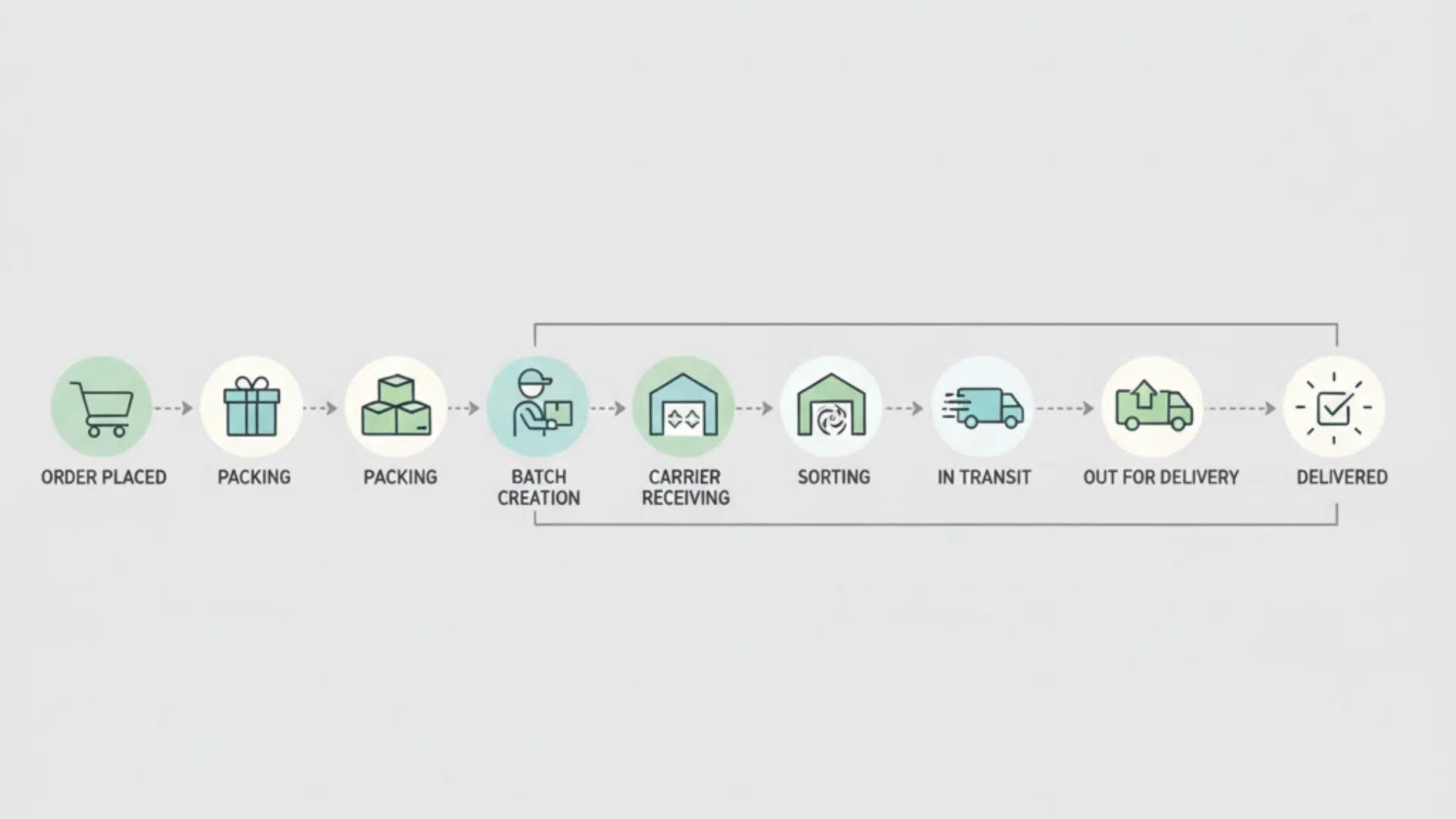
Once you see this status, the package is already past the seller’s side of the process. Everything from this point on follows a pretty predictable path, and it helps to see it laid out in order.
Here’s the usual chain from start to finish:
Order placed → Seller packs → Batch created → Carrier receives → Sorting → In transit → Out for delivery → Delivered
It doesn’t always move at the same speed, but the steps themselves stay consistent. Each stage hands the package off to the next one, and the tracking updates follow that same flow.
Once it clears sorting, the movement becomes a lot more visible on your tracking page.
Why the Status Might Stay the Same
It’s pretty normal for this update to sit still for a bit, and it usually comes down to what’s happening on the carrier’s side. The package is still moving through the system, but the tracking page won’t reflect every small step right away.
A few things can keep the status quo from changing:
- Slow scanning: carriers don’t always scan each package the moment it arrives. Some locations batch-scan later in the day, and some wait until sorting starts.
- Bulk shipments waiting in line: when a big batch comes in, it has to wait its turn behind other batches. Your package is in the queue, just not at the front yet.
- International transfer centers: these spots can add more time. Packages often sit until they’re processed for export or handed to a partner carrier, which creates a gap in updates.
- Weekends and holidays: fewer staff, limited processing, and slower movement overall. Tracking naturally pauses a bit during these windows.
All of these are routine parts of the system. The status staying the same doesn’t mean something went wrong; it usually just means the next scan hasn’t hit yet.
Is Your Package Stuck: When to Worry
Most of the time, this status looks more concerning than it really is. Batch handoffs always create a small quiet period in tracking, so the page can feel frozen even though the package is still moving.
When It’s Normal
If the status hasn’t changed for a short stretch, that’s usually part of the process. A few things fall into the “don’t worry yet” category:
- It’s been 1 to 3 days with no new scan, especially for domestic shipments.
- The package is moving internationally, where longer gaps are common.
- It’s a weekend or holiday, when carriers slow down their scanning.
- The batch is still waiting to be sorted, which can delay the first individual update.
In these cases, the package is almost always still moving quietly through the system.
When You Should Check With the Seller or Carrier
There are moments when it makes sense to reach out, just to be sure everything is on track:
- The status hasn’t changed for more than 5 days with no new scan.
- The tracking page shows no movement at all, and it’s a domestic shipment that should’ve updated by now.
- The package is past its estimated delivery window with no sign of progress.
- The tracking number isn’t recognized or keeps resetting to the same update.
These situations don’t always signal a problem, but they’re worth checking on so you’re not left guessing.
What To Do If the Status Doesn’t Change
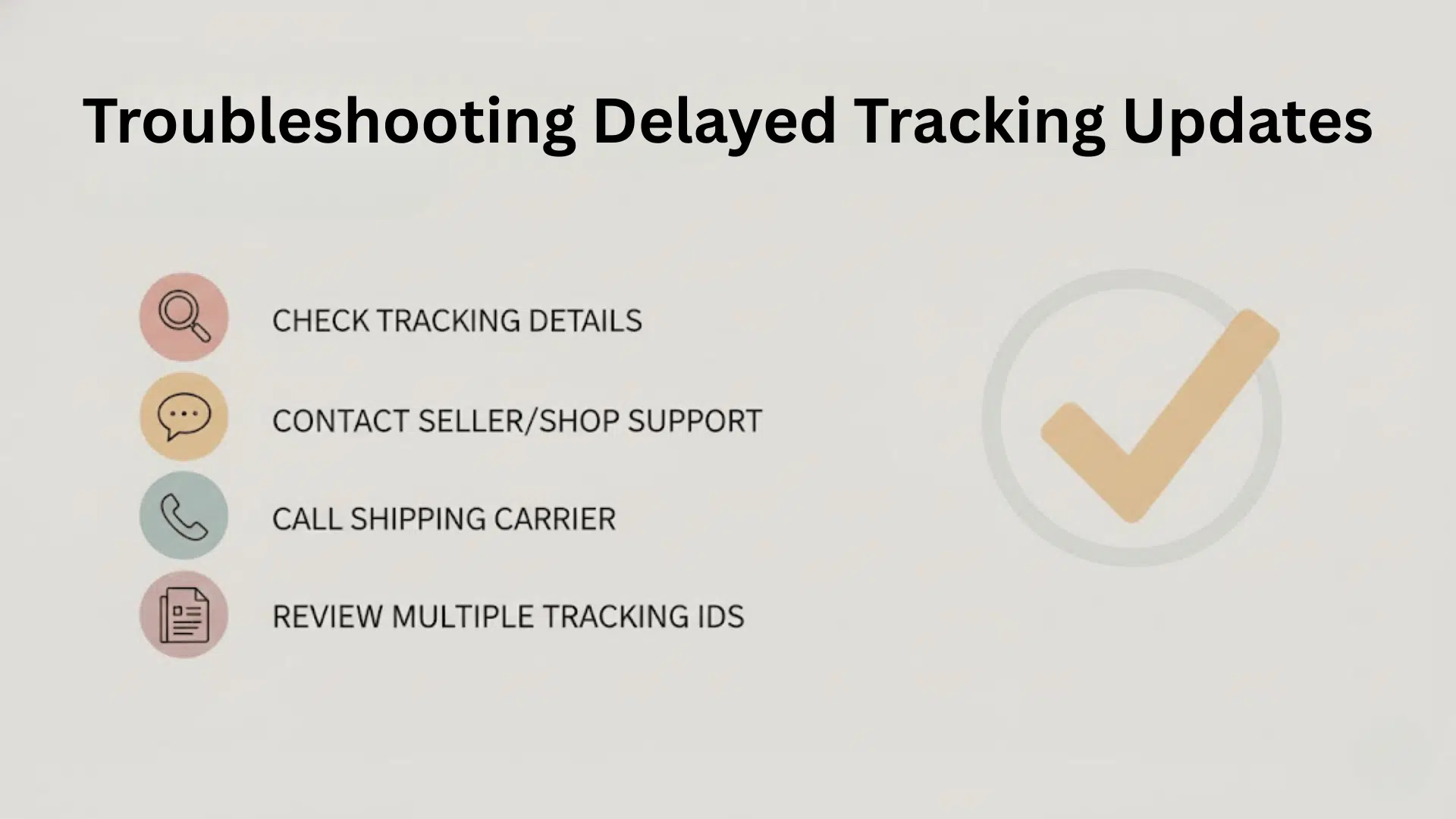
Sometimes the tracking page sits still a little longer than you expect. It doesn’t always mean something is wrong, but there are a few steps you can take to make sure everything is moving the way it should.
1. Wait 48-72 Hours
Most late scans fall into this window. Carriers often process updates in batches, so the next scan may simply be delayed.
2. Contact the Seller
They can confirm the package was included in the batch and check the exact time it was handed to the carrier. Sellers also have internal tools that can verify movement you can’t see yet.
3. Call the Carrier With the Tracking Number
Carrier support can usually tell you if the package is already in their system, even when the public tracking page hasn’t refreshed.
4. Check for Multiple Tracking Numbers
Some international or third-party shipments switch tracking numbers mid-route. If the new one isn’t linked yet, updates won’t show.
5. Look for Customs Updates (International)
If the package is crossing borders, it might be waiting in customs or going through an export transfer. These steps often don’t appear until after they’re complete.
How USPS, UPS, FedEx, DHL, Amazon, Yanwen, and UniUni Process Batch Deliveries
| Carrier | How They Handle Batch Deliveries |
|---|---|
| USPS | Often waits until the batch reaches a large processing center before doing the first scan. Early tracking can stay quiet for a day or two. |
| UPS | Sometimes skips the intake scan and updates tracking once the package reaches a regional hub. Movement usually speeds up after that. |
| FedEx | Breaks batches down during evening or overnight sorting. First scan may not appear until late in the day even if FedEx received the package earlier. |
| DHL | International steps create longer gaps. Packages may pass through export checks, customs, or partner carriers before the next update shows. |
| Amazon | Early movement happens inside Amazon’s internal network. Tracking can look vague until the package syncs with the main carrier or sorting facility. |
| Yanwen | Commonly works as an international forwarder. Gaps of several days are normal until the package reaches the outbound airport or a partner carrier. |
| UniUni | Often takes over domestic delivery after receiving large batches from overseas carriers. First scan usually appears once UniUni begins the local leg. |
Most of these patterns stay consistent no matter the carrier, so early gaps in tracking aren’t unusual. Once the package clears sorting, the updates start coming through a lot more reliably.
Wrapping Up
A lot of shipping updates feel confusing at first, but once you understand how carriers move grouped orders, the whole process makes more sense.
A status like batch delivery to carrier isn’t a slowdown. It’s just the system moving in the background while your package waits for its first scan.
What really matters is how each carrier picks up, sorts, and pushes the shipment forward. That’s where the timing shifts. Paying attention to those small differences helps you read tracking updates with a lot more confidence.
Check out the rest of the guides on the website if you want clear breakdowns of other shipping updates and how they work.