
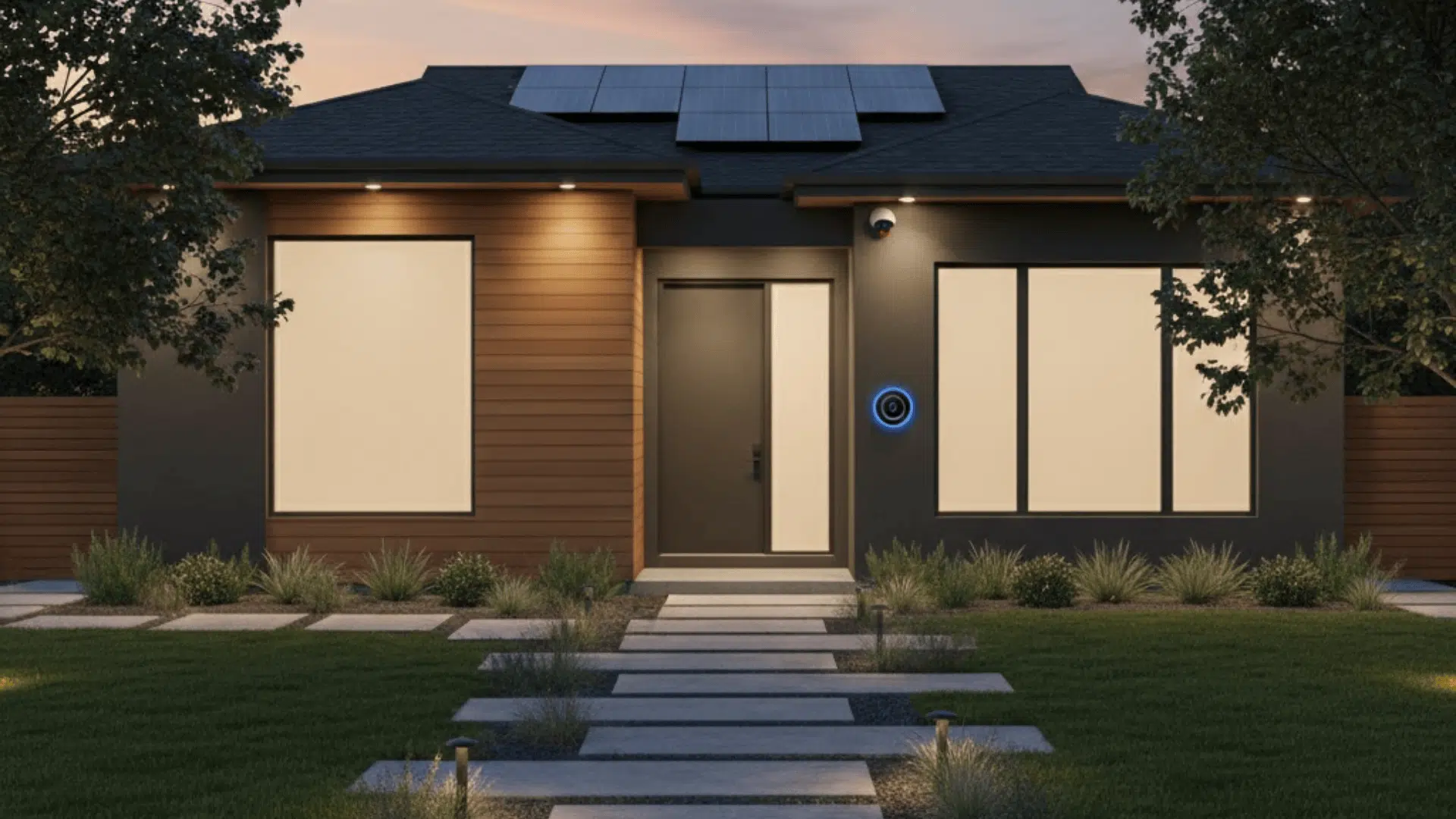
Most people hear so many mixed opinions about home security that it’s hard to know what actually matters.
You’ve got ads promising the world, old advice that doesn’t hold up anymore, and new tech that can feel confusing if you’re seeing it for the first time.
The truth about home security systems is that they’re useful, but only when you understand how they work and where they fit into real day-to-day life.
In this guide, I’ll walk you through the parts that actually make a difference, the downsides people rarely bring up, and the choices that help you match a system to your home instead of guessing.
Let’s start with whether these systems really work in the first place.
Do Home Security Systems Actually Work: The Real Data
So here’s the thing. People always argue about this. Some swear that these systems don’t do anything. Others treat them like a force field. The truth sits somewhere in the middle, and the numbers make that pretty clear.
If you’ve got a system installed, your chance of getting hit drops fast. I’m talking around 300 to 400 percent lower, that’s not a tiny shift.
Burglars notice the signs, the stickers, the cameras, and the general setup around a home, and once they do, the place usually feels like more effort than they want to deal with. Most of the time, they’ll just move on to an easier target.
Where things fall apart is… a system that isn’t armed doesn’t help you. Happens more often than people think. Dead batteries. Sensors knocked off the wall. Wi-Fi dropped. Someone forgot to turn it on before bed.
It doesn’t take much for the whole setup to be useless for a night. And that night might be the one time someone checks the door.
Even then, most systems still push burglars away. Visible gear does a lot of the heavy lifting before anything even triggers.
What Burglars Look For When Choosing a Target
They move fast and scan for the easy spots. If they see cameras facing the walkway or a sticker on the window, that’s usually enough to make them think twice. Good lighting matters too. Dark corners make homes look quiet. Well-lit doors don’t.
Placement plays a role here. A camera tucked behind a gutter won’t stop anyone. A camera pointed right at eye level, covering the entry path, sends a different message. Same house. Different outcome.
When a System Will NOT Stop a Break-In
Some people won’t care. That’s the part folks don’t like hearing.
A determined intruder can still force their way in if they really want something. A locked door might slow them down, a siren might make them rush, but if they’re already committed, they’re coming in anyway.
That’s why expectations matter. A home security system is a strong deterrent. It makes most people walk away, reduces risk, buys you time, but it’s not a shield.
More like a warning sign that tells the wrong people, “This isn’t worth the trouble.”
Myths About Home Security Systems that Need Clearing Up

A lot of these ideas stick around because people remember how things used to be. The tech has moved on, but the old assumptions haven’t, so you still hear the same claims even when they don’t really line up with what modern systems can do.
| Myth | Reality |
|---|---|
| They’re too expensive | DIY gear is cheaper than ever, and you don’t always need a contract or professional install. |
| They’re complicated to use | Most systems run through an app with simple controls, voice commands, and automated routines. |
| They don’t really work | Homes with systems are far less likely to be targeted, and burglars usually avoid visible equipment. |
| They’re easy to hack | Modern systems use encryption and authentication, and simple updates and settings keep them secure. |
Most of these concerns come from outdated experiences, not what people actually get today. Once you see how the newer systems work, the old myths fall apart pretty fast.
Downsides of Home Security Systems Nobody Tells You
Every system has tradeoffs, and it helps to see them clearly instead of getting surprised later. None of these are deal-breakers on their own, but they’re real enough to matter.
- False alarmshappen more often than most people expect, and enough of them can lead to warnings or fees, especially in places where the police require verification before sending anyone out.
- Police responsecan be slow if the alarm isn’t verified, and unverified calls usually sit at the bottom of the priority list, which means the siren might be doing most of the work alone.
- Some companies still use long contractsthat lock you in for years, and getting out early isn’t cheap, so the monthly price doesn’t always tell the whole story.
- Upfront equipment costscan stack up quickly when you add cameras, sensors, and accessories, and it’s easy to underestimate how many pieces you actually need to cover your whole place.
- Ongoing subscription fees can feel small at first, but add up over time, especially if you pay for cloud video storage, extra cameras, or upgraded monitoring plans.
- Over-reliance is more common than people think, and forgetting to arm the system for even one night means the whole setup can’t help you when it matters most.
- Wi-Fi dropsornotification delayscan throw things off, and if your network isn’t stable, the system might miss alerts or take longer to send them to your phone.
These don’t mean the systems aren’t worth it; they just give you a clearer sense of what to expect so you can set things up in a way that makes them work better for you.
How Home Security Systems Work (Simple Breakdown)

If you’ve never set one up before, the whole thing can look more complicated than it really is. Most systems follow the same basic structure, and once you understand the pieces, the rest feels pretty straightforward.
- Sensors sit on doors, windows, and high-traffic areas. They’re the first line, and they’re the part that picks up motion or an opening that shouldn’t be happening.
- Cameras give you eyes around the property, inside or outside, and most of them record to the cloud or your phone so you can check in anytime.
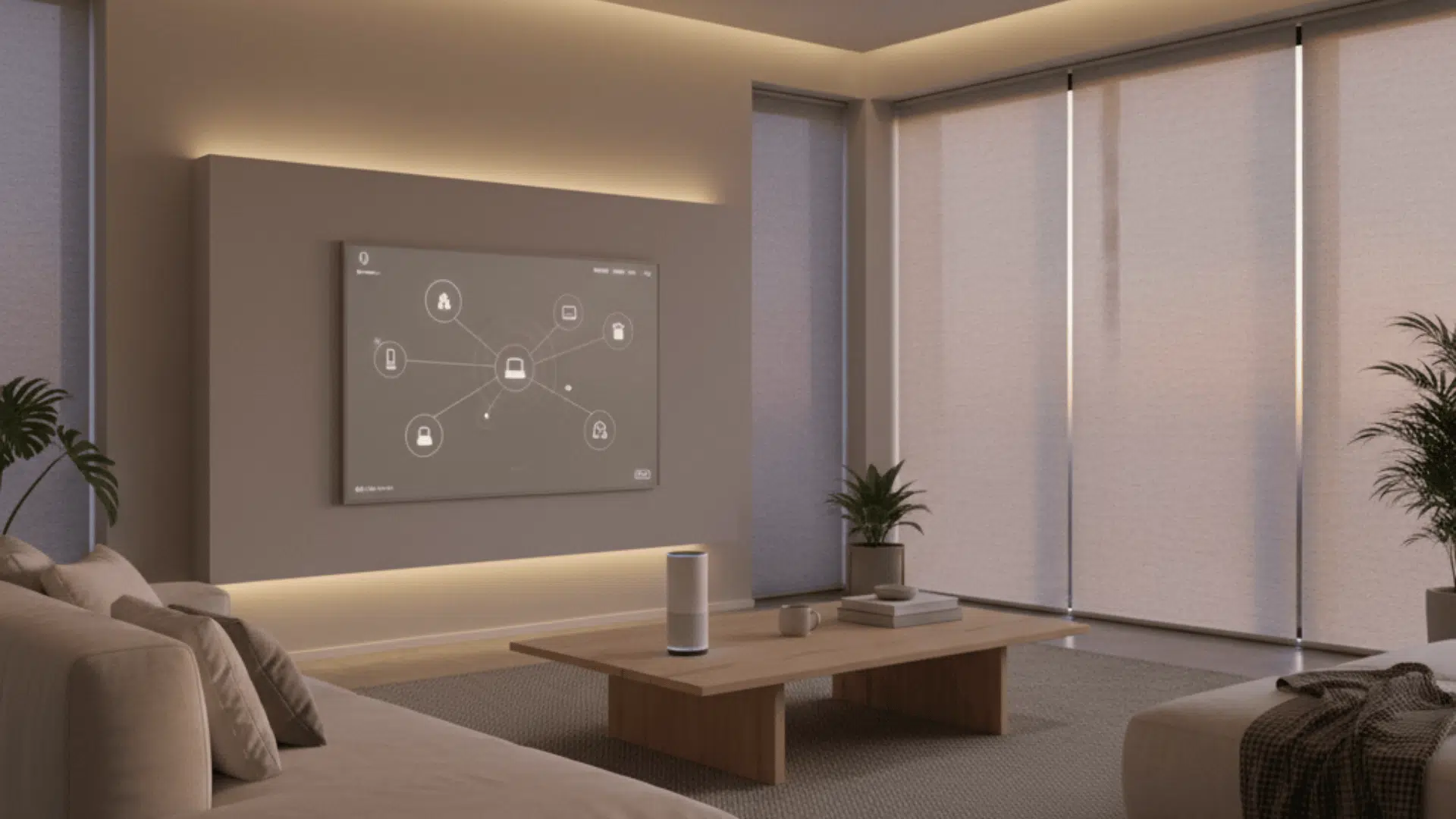
- The hub or base station is the brain. Everything runs through it. It links the sensors, the cameras, and your phone so the system can stay in sync.
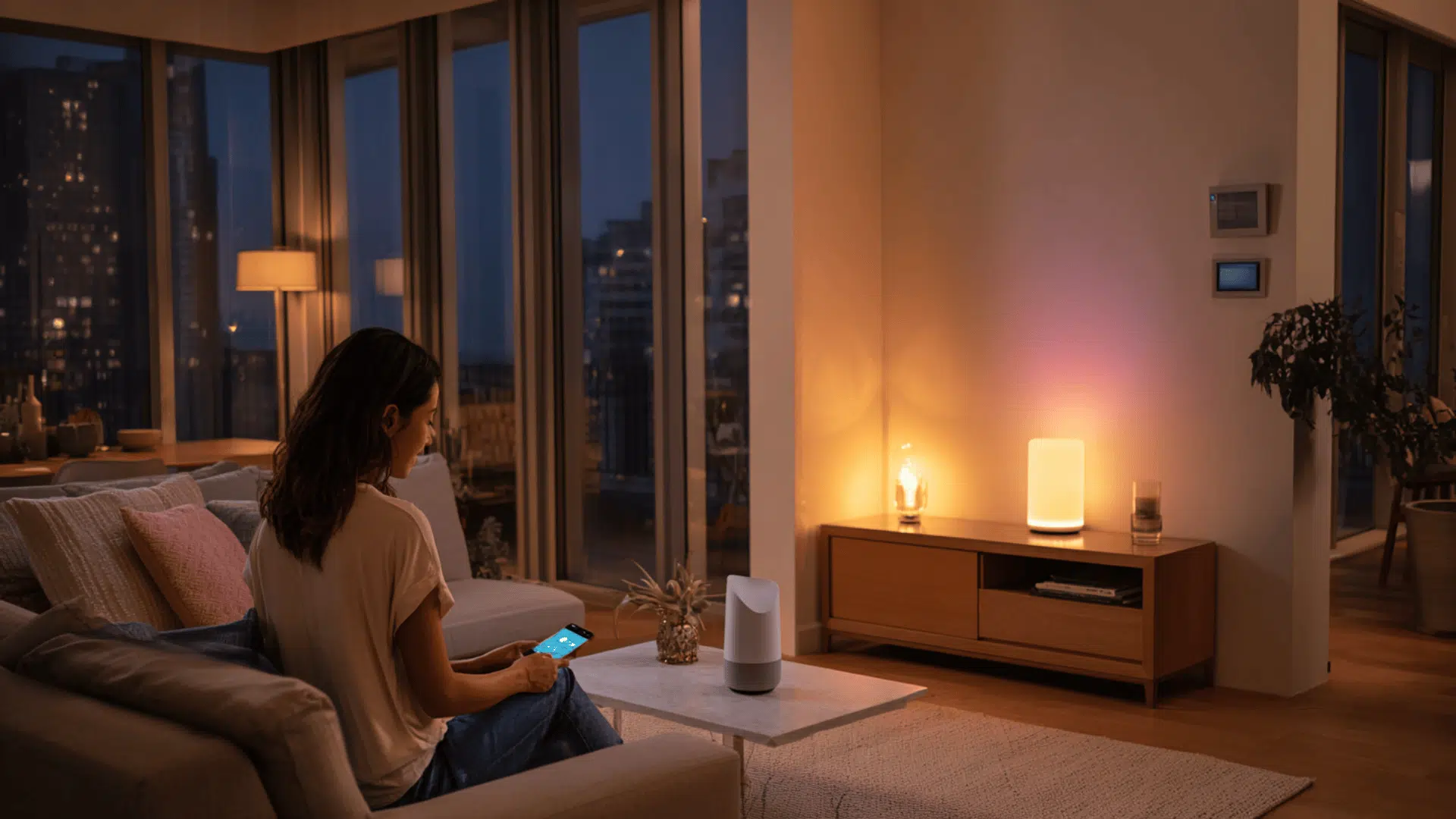
- The app is where you actually control things. You arm or disarm the system, check alerts, watch footage, and set up routines from there.
- Monitoring can be DIY or professional. DIY means your phone gets the alerts, and you decide what to do. Professional monitoring means a team watches for alarms and handles verification and emergency calls for you.
You can add extras like smart locks, smart lights, or environmental sensors for smoke, water leaks, or air quality. These pieces don’t replace the system; they just make it more useful and more responsive to day-to-day life
What Happens During an Actual Break-In
Here’s the quick version of what actually happens when a break-in triggers the system. It’s a simple chain, but every step matters:
Sensor trips → Alert hits the hub → Notification goes to your phone → Siren fires → Monitoring team gets the alert → They verify the alarm → Police are contacted
It all happens fast, usually in seconds, and the whole point is to buy you time and push the intruder into leaving before anything gets worse.
DIY vs. Professional Home Security
Both options work well, but they’re built for different kinds of homes and different kinds of people. Once you see how they stack up, it gets a lot easier to figure out which one fits your setup without overthinking it.
| Category | DIY Systems | Professional Systems |
|---|---|---|
| Cost comparison | Cheaper upfront; no-contract options; lower ongoing costs. | Higher upfront cost; monthly monitoring fees common. |
| Installation difficulty | Simple setup; no wiring; quick to move or remove. | Fully installed for you; ideal if you want zero setup work. |
| Customization | Easy to swap gear, add pieces, or change layouts. | More structured packages with less flexibility. |
| Monitoring reliability | Alerts go to your phone; depends on your response and connection. | Monitoring team verifies alarms and handles emergencies. |
| Best home types | Renters, small homes, basic setups, flexible smart-home users. | Larger homes, complex layouts, deep smart-home integration needs. |
A Quick Checklist to Know Which One You Need
If you’re not sure where you land, here’s a simple checklist that usually points people in the right direction:
- You want something affordable and easy to remove or move between homes.
- You like setting things up yourself and don’t mind choosing your own gear.
- You prefer monthly costs to stay low and flexible without long commitments.
- Your home is smaller, or you only need to cover a few key entry points.
- You’re comfortable getting alerts on your phone and deciding how to respond.
- You want to build out your system slowly instead of buying everything up front.
- You prefer equipment that plays nicely with a wider range of smart-home brands.
- You want a service that handles emergencies and verification automatically.
- Your home is bigger, with multiple entry points that need full coverage.
- You’d rather pay more for the install so everything is placed and calibrated for you.
If you walk through that list, you’ll usually see one side show up more than the other, and that’s the one that tends to fit best.
Layered Home Security: Strategy that Actually Works

A system can help a lot, but it can’t carry everything on its own. The people who stay the most protected usually stack a few simple layers together, and each one covers the gaps the others leave open.
- Habits: Locking doors, checking windows, and keeping a consistent routine so you’re not leaving easy chances open.
- Physical reinforcement: Stronger deadbolts, better strike plates, and window sensors that keep the weak spots from being the first place someone slips through.
- Lighting: Bright entry points and motion lights that make your home look active, even when you’re not standing there.
- Cameras: Visible coverage that pushes most intruders away before anything starts, with recordings if something does.
- Alarm system: Sensors and sirens that react fast and buy you time when a door or window opens unexpectedly.
- Monitoring: Extra support that handles verification and calls for help, especially when you’re asleep, traveling, or just not near your phone.
Stacked together, these layers work far better than any single piece could on its own, and it doesn’t take much to put the whole setup in a place where most intruders won’t bother trying.
Will a Home Security System Actually Pay Off for You?
Many people want to know if the system will give them more value than it takes, and whether their home is the kind of place where the payoff shows up fast. You can figure that out by looking at a few simple signals:
Your home’s layout: If you have multiple entry points, a big yard, or places where you can’t see who’s walking up, a system usually earns its keep faster. Smaller apartments or units inside secure buildings get less value out of the same gear.
Your neighborhood: Higher-crime areas or places with frequent break-ins make the math easier. If incidents happen close to home, the deterrent alone can justify the cost.
Your schedule: People who travel or work long hours get more benefit because the system fills in the gaps when nobody’s home. If someone is almost always at the house, the payoff slows down.
What you keep inside: Expensive electronics, jewelry, tools, collectibles, or anything that’s hard to replace makes the system feel more worthwhile. If your home doesn’t store much that’s valuable, the risk is naturally lower.
Your comfort level: Some people like having footage, alerts, and backup even when nothing’s happening. Others don’t care unless something goes wrong. How you think about peace of mind plays a bigger role than most people admit.
If a few of these points match your situation, the system usually pays off in both safety and stress reduction. If they don’t, you might only need a couple of cameras or lighting changes instead of a full setup.
Choosing the Right Home Security System for Your Home
- Look at your home layout and note how many entry points you actually need to cover.
- Find your blind spots where someone could walk up without being seen.
- Decide if you want DIY monitoring or professional monitoring handling alerts for you.
- Pick your must-have features like 4K cameras, smart locks, or AI alerts instead of chasing long spec sheets.
- Set a realistic budget based on whether you want to build slowly or get everything installed at once.
- Check smart home compatibility so the system works smoothly with the devices you already use.
Features That Actually Matter
The features that make a difference are the simple ones.
Clear video at night, fast and reliable notifications, a solid app that doesn’t glitch, and equipment you don’t have to babysit.
Good battery backup, steady Wi-Fi performance, and secure cloud storage matter more than half the buzzwords you see in ads.
If a feature makes your day-to-day experience easier or keeps the system consistent, it deserves attention. If it sounds cool but doesn’t solve a real problem in your home, it’s probably just there for marketing.
Top Home Security System Providers to Consider
If you’re ready to get a system, you don’t have to guess at random. These names show up again and again because they deliver reliable performance, solid support, and options that fit different homes and budgets.
- Ring: Great for renters and DIY setups. Easy to install, camera-focused, and flexible with monitoring plans.
- SimpliSafe: A balanced system with simple equipment and clear pricing. Works well if you want DIY or a mix of DIY and pro monitoring.
- Google Nest: Strong smart-home integration, reliable cameras, and an intuitive app. Best if you already use Google devices.
- Arlo: Excellent wireless cameras and solid outdoor coverage. A good pick when you need strong video performance outside.
- ADT: One of the most established providers with full professional monitoring and in-home installation. Ideal if you want a hands-off setup.
- Vivint: A premium, professionally installed system with deep smart-home automation. Works well for larger homes and full integration.
These aren’t the only options, but they’re dependable starting points if you want to compare systems without feeling overwhelmed.
Wrapping Up
A good home security setup doesn’t have to be complicated, but it does need to fit the way you live.
Once you understand your home’s layout, the habits you already follow, and the level of monitoring you’re comfortable with, choosing the right system becomes a lot easier.
The truth about home security systems is that they work best when everything feels natural to use and doesn’t get in your way. Small decisions like camera placement, lighting, and how you handle alerts do most of the heavy lifting over time.
If you’re ready to find a setup that actually fits your home, take the next step and compare a few options today.










One Response
Idaho I have a garage that has been converted until mother-in-law suite I have neighbors when I’m not home try to break into my house and steal food what type of system would I need one interesting way and two windows