Homes are changing as technology becomes part of daily routines. Lights can be turned on via a phone app, thermostats adjust automatically, and security cameras send alerts instantly.
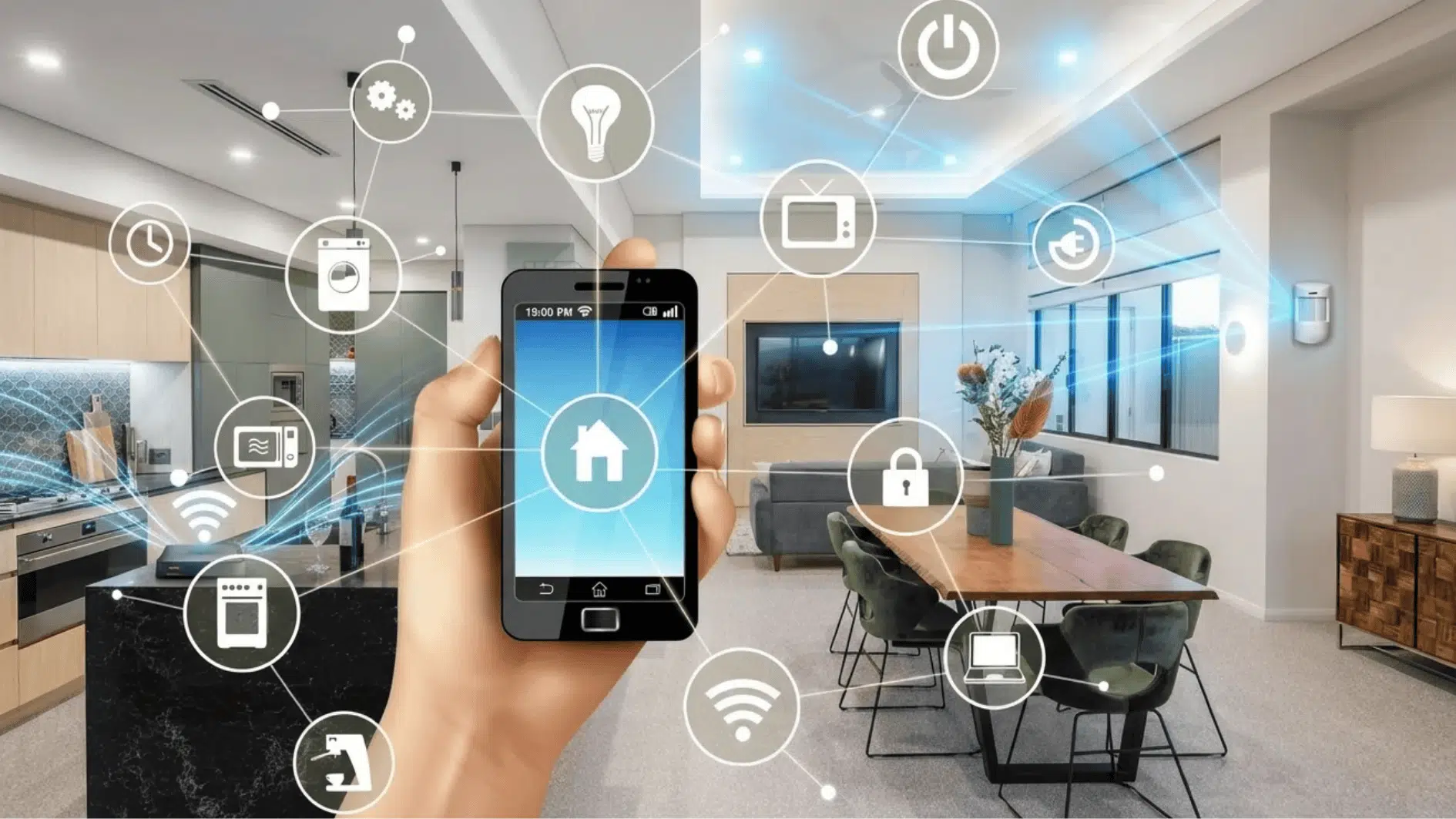
This setup is called a smart home. It connects devices through the internet so they can be controlled remotely or operate automatically.
The sections below explain what a smart home is, how it works, common devices, benefits, and installation options.
What is a Smart Home?
A smart home refers to a house that uses internet-connected devices to manage everyday systems and appliances.
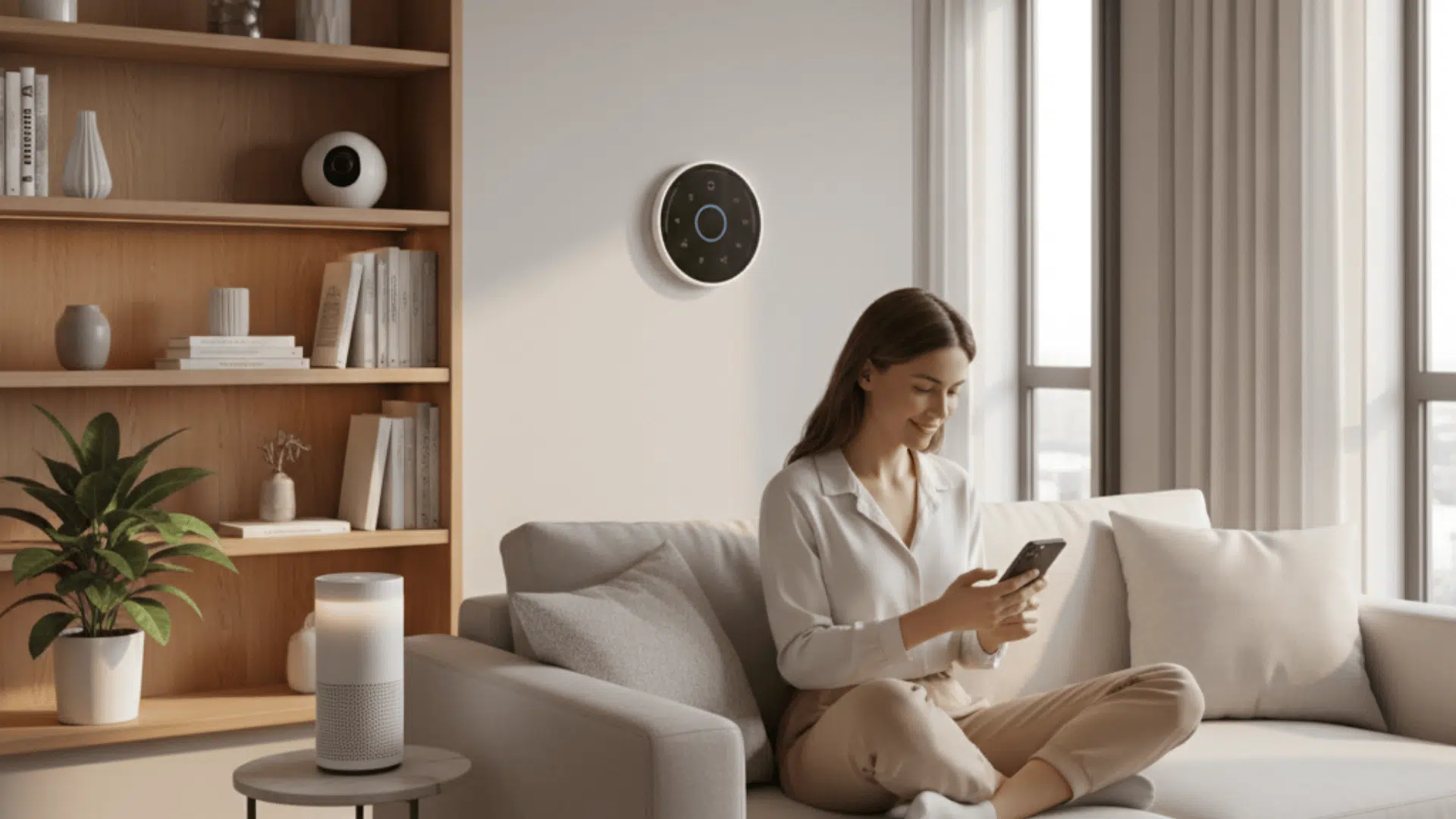
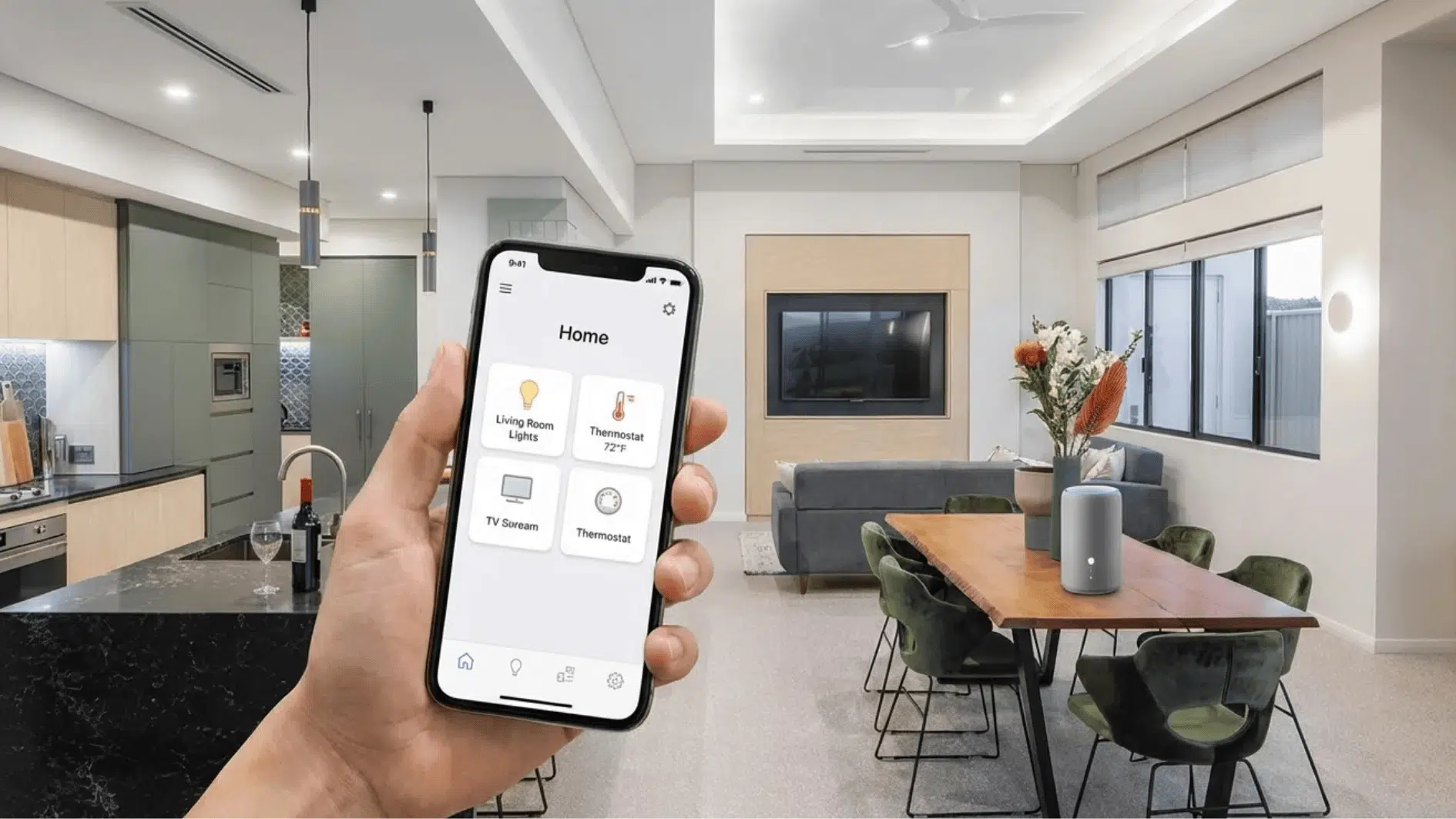
These devices communicate through a network and can be controlled using smartphones, tablets, or voice assistants.
From lighting and heating to security systems, smart technology enables homeowners to monitor and control many aspects of their homes without direct physical interaction.
A simple way to understand a smart home is this: it is a home where devices connect to the internet and can be controlled remotely.
How Smart Homes Work
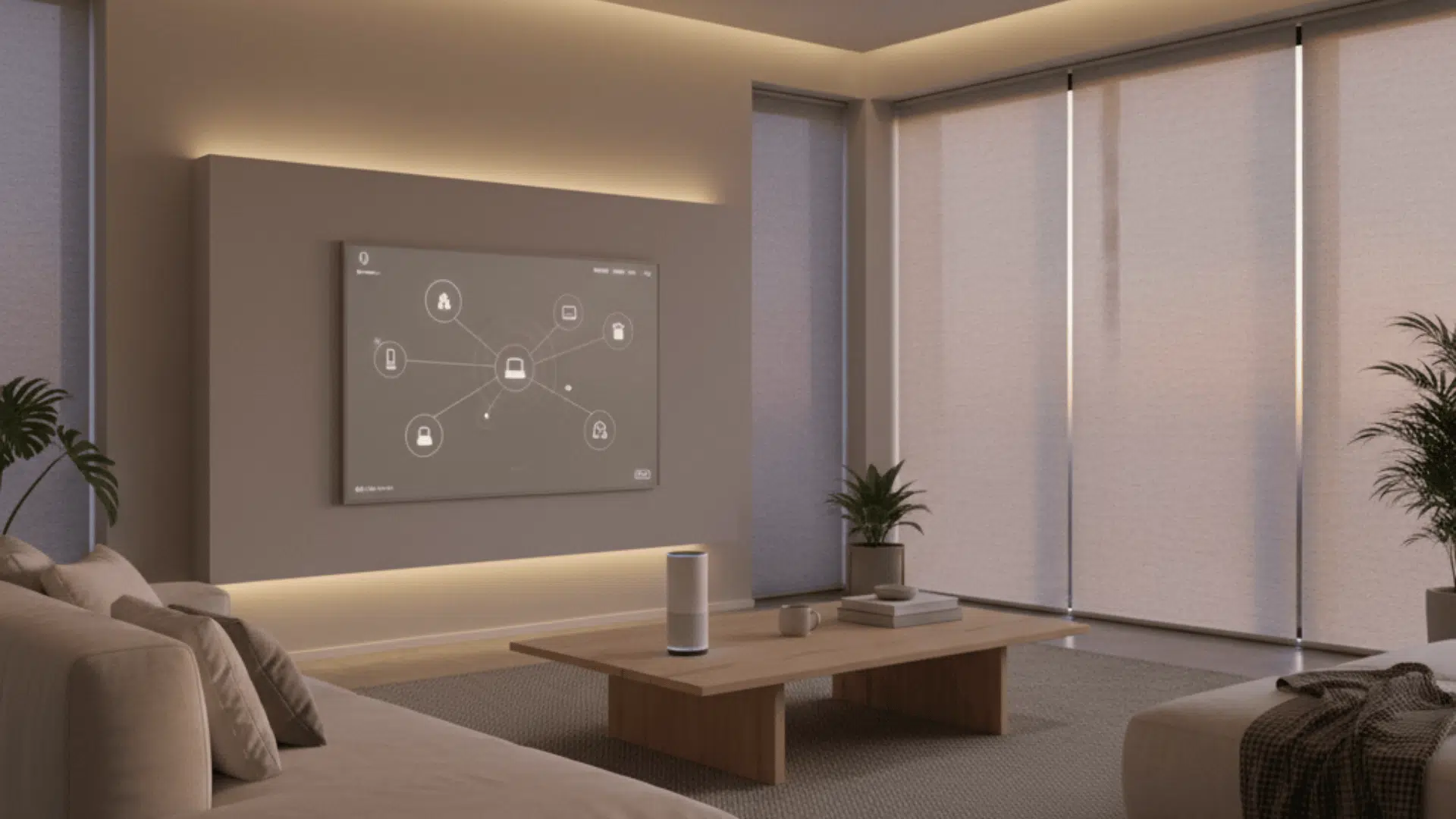
Smart homes operate through a network of connected devices that communicate with each other. These devices usually include sensors, apps, and automation settings.
For example, a motion sensor might turn on lights when someone enters a room. A thermostat may adjust temperature based on the time of day.
Key characteristics include:
- Devices connect through Wi-Fi, Bluetooth, or smart hubs
- Mobile apps act as the main control panel, allowing remote access and monitoring
- Automation settings trigger devices automatically by collecting information like motion or temperature
- Voice assistants can control multiple devices at once
Many smart home systems also allow users to create routines. For example, lights can turn off, and doors can lock automatically at night.
Voice assistants such as Amazon Alexa, Google Assistant, or Apple Siri can also manage many smart home functions.
Common Devices Found in a Smart Home
A smart home can include a wide range of devices. Some focus on comfort, while others focus on security or energy management.
Below are some of the most common smart home devices.
1. Smart Lighting Systems
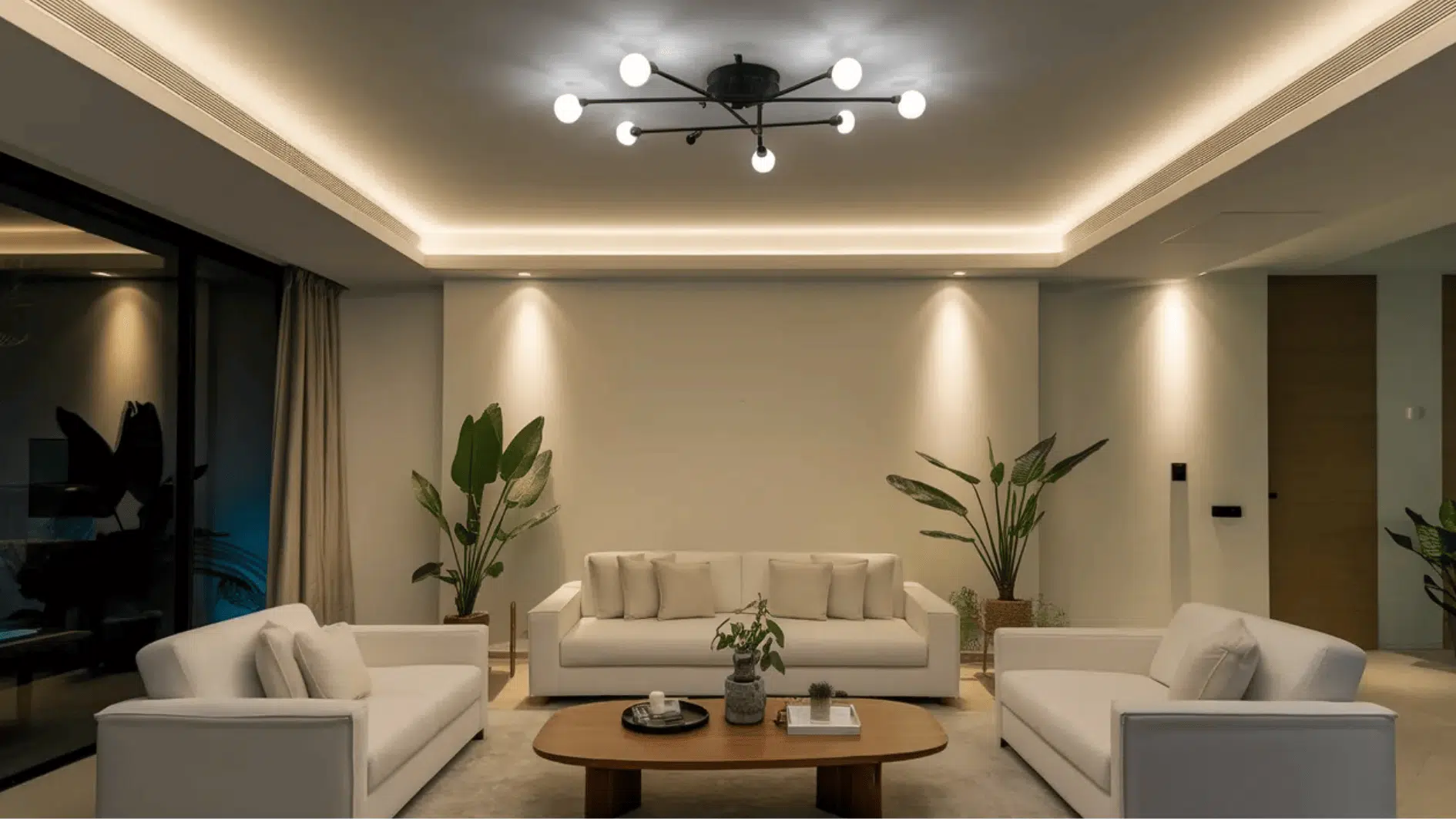
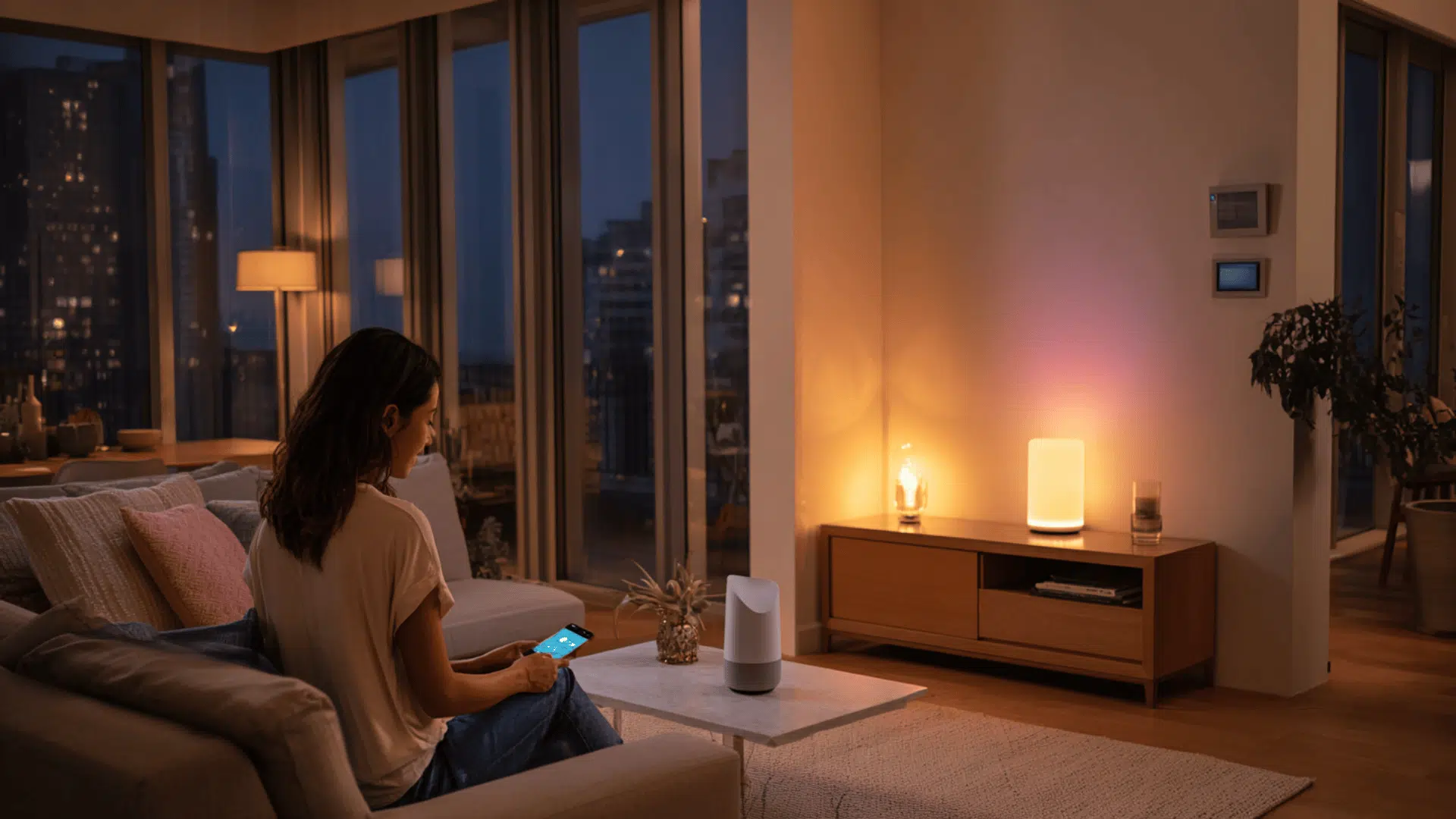
Smart lighting systems allow homeowners to control their lights via mobile apps, voice assistants, or automated schedules.
These systems connect to Wi-Fi and provide more control than traditional switches.
Lights can be managed remotely and set to follow schedules. Because installation is simple, smart lighting is often one of the first upgrades people add when starting a smart home.
Common features include:
- Remote control using smartphone apps: Lights can be turned on or off from a phone, even when away from home.
- Automatic lighting schedules: Lights can follow schedules, such as turning on at sunset or switching off late at night.
- Motion-activated lights: Some lights turn on automatically when motion is detected and switch off after a short time.
- Dimming or brightness control: Many smart bulbs allow brightness adjustments directly from an app.
2. Smart Thermostats
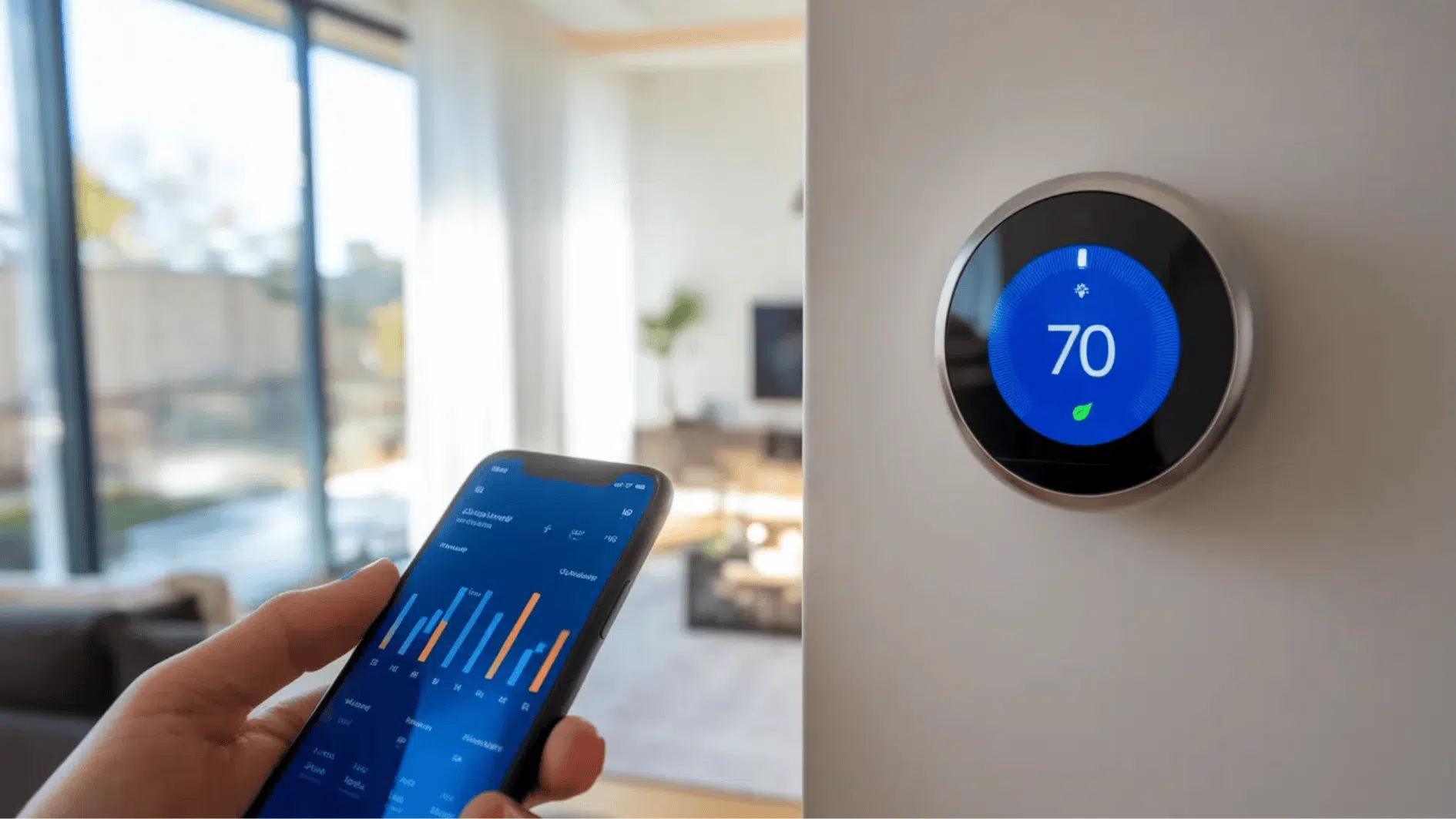
Smart thermostats control heating and cooling systems through internet connectivity. They replace traditional thermostats and allow temperature adjustments through a mobile app.
Many models learn household temperature preferences and automatically adjust settings throughout the day.
Benefits of smart thermostats include:
- Remote temperature control: Temperatures can be adjusted from a smartphone before arriving home.
- Energy usage tracking: Many devices provide reports that show heating and cooling usage.
- Automatic adjustments throughout the day: Thermostats can lower heating or cooling during sleeping hours or when the house is empty.
- Integration with other smart devices: Smart thermostats can connect with voice assistants and other home automation systems.
3. Smart Security Systems
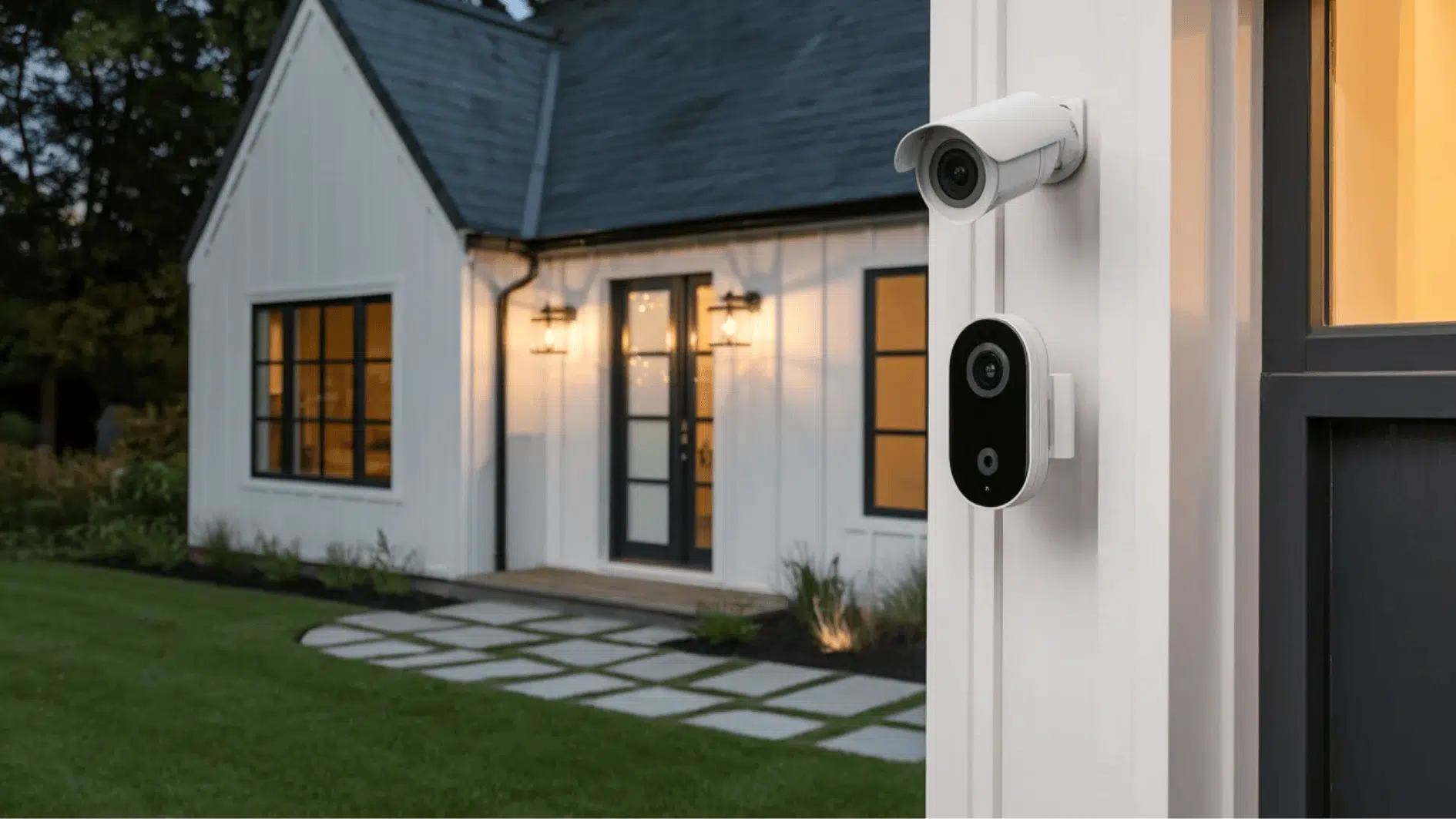
Security is one of the main reasons homeowners install smart home devices. Smart security systems enable users to monitor their homes via mobile apps and receive instant alerts.
These systems often include cameras, sensors, and alarms that work together to improve home safety.
Common components include:
- Security cameras: Cameras allow homeowners to view live video footage through their phones.
- Video doorbells: These devices show who is at the door and send notifications when someone rings the bell.
- Motion detectors: Motion sensors detect movement and send alerts to the homeowner.
- Alarm systems: Smart alarms trigger alerts or sirens when suspicious activity is detected.
4. Smart Locks
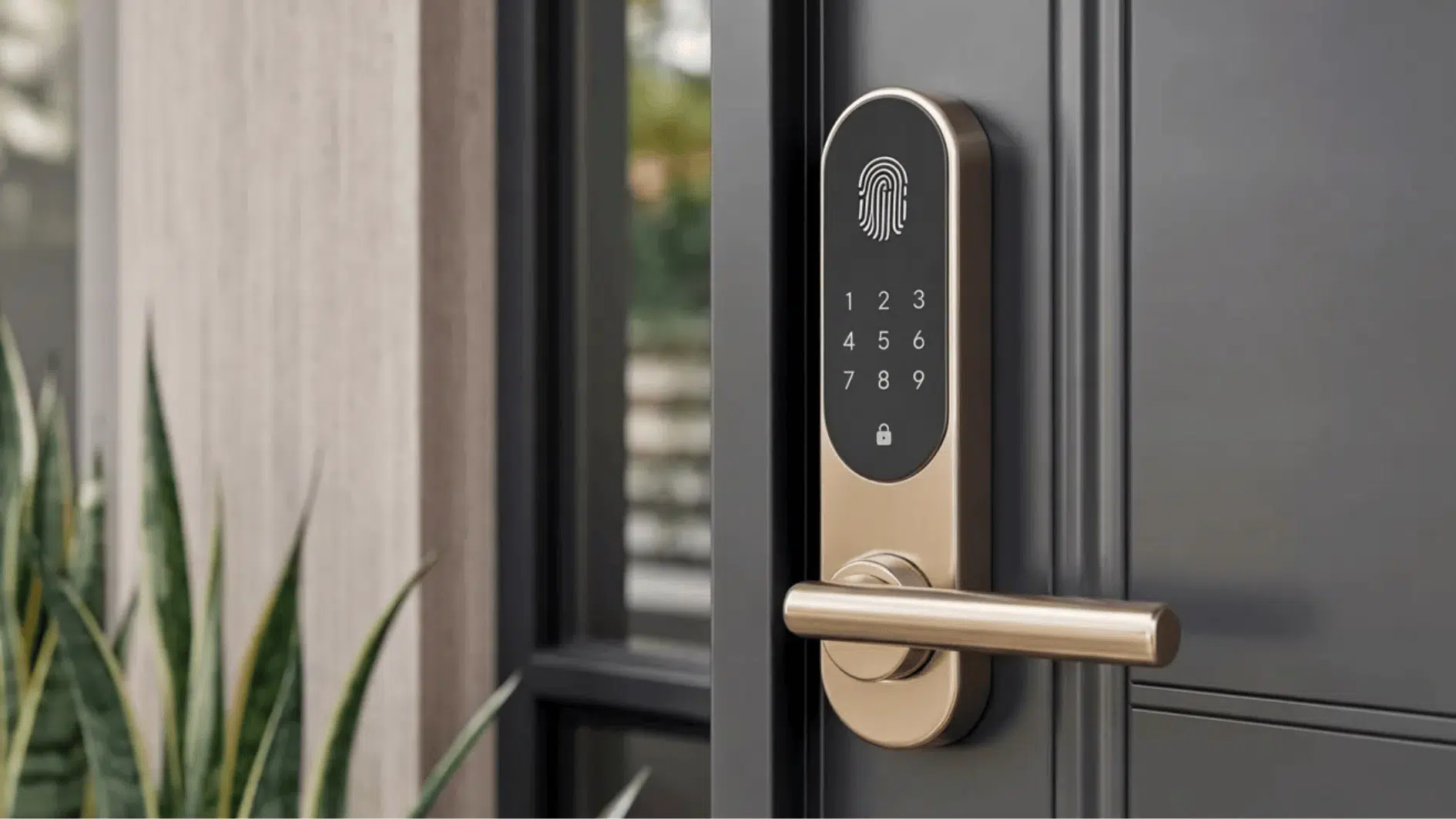
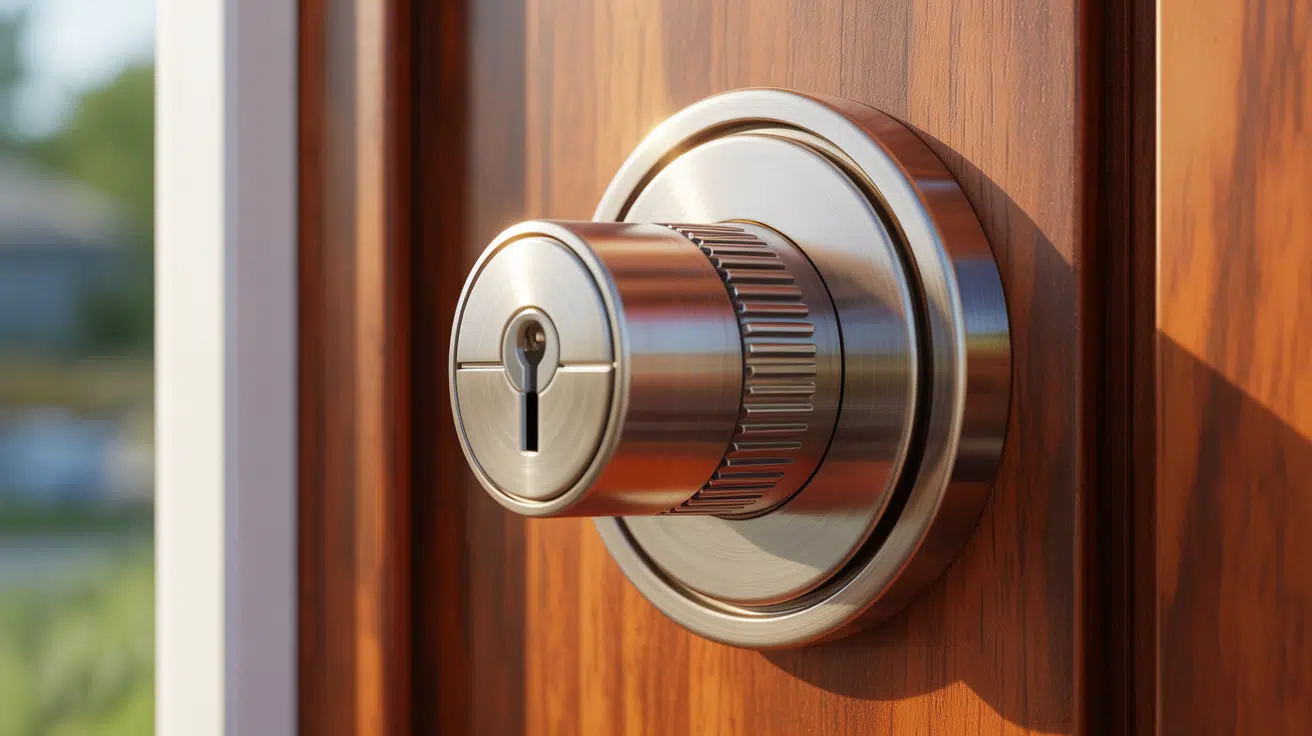
Smart locks replace traditional keys with digital entry systems. Doors can be locked or unlocked using smartphones, passcodes, or other access methods.
These locks connect to mobile apps, allowing homeowners to remotely control door access.
Key features include:
- Keyless entry systems: Doors can be unlocked using passcodes or mobile apps instead of physical keys.
- Temporary access codes for guests: Temporary codes can be created for visitors, family members, or service providers.
- Remote locking and unlocking: Doors can be locked or unlocked from a smartphone when away from home.
- Activity logs showing entry times: Many smart locks record when doors are opened or closed, providing an added layer of security monitoring.
Benefits & Drawbacks of a Smart Home
Smart home technology offers several advantages that make everyday life easier and more secure, but it’s not perfect.
| Pros | Cons |
|---|---|
| Convenience: Devices like lights, thermostats, and appliances can be controlled remotely using a smartphone or voice assistant. | Higher upfront cost: Smart devices, hubs, and installation can be expensive compared to traditional systems. |
| Energy efficiency: Smart thermostats, lighting, and plugs help reduce energy use by automatically adjusting based on schedules or occupancy. | Security risks: Internet-connected devices can be vulnerable to hacking if not properly secured. |
| Automation: Daily routines such as lighting, temperature, and appliances can run automatically based on schedules. | Compatibility issues: Some devices may not work well together if they use different platforms or ecosystems. |
| Accessibility: Voice commands and automated controls make daily tasks easier for seniors or people with mobility limitations. | Maintenance: Devices require regular software updates and troubleshooting to function smoothly. |
| Remote monitoring: Homeowners can check cameras, adjust temperature, or control devices while away from home. | Privacy concerns: Smart devices collect data, which may raise concerns about how personal information is stored. |
Smart Home Installation Options
Smart home systems can be installed in different ways depending on the homeowner’s needs, budget, and technical comfort level.
DIY Smart Home Setup
Many smart home devices are designed for quick and simple installation. These products usually connect directly to Wi-Fi and include step-by-step instructions through mobile apps.
This setup option works well for homeowners who want to start small and gradually add devices to their home. It allows users to test smart technology without making a large investment or requiring technical installation.
Common DIY devices include:
- Smart plugs
- Smart light bulbs
- Video doorbells
- Smart speakers
Most products include app-guided instructions that help users connect devices, set up automation, and control them through a smartphone.
Professional Smart Home Installation
Professional installation is often recommended for more advanced smart home systems. Larger homes or setups with multiple connected devices may require careful configuration to ensure everything works smoothly.
Professional installers have experience with device integration, network setup, and automation systems. Their expertise helps prevent connectivity issues and ensures that devices communicate properly.
Professional services often include:
- Device configuration
- Network setup
- Integration between multiple systems
- Troubleshooting and testing
A professionally installed system often runs more reliably and provides better long-term performance.
Conclusion
A smart home uses internet-connected devices to control lighting, temperature, appliances, and security systems.
These devices communicate through networks and can be managed using smartphones, automation routines, or voice assistants.
Starting with a few devices, such as smart lighting, thermostats, cameras, and smart locks, can introduce homeowners to smart technology without major changes.
Professional installation services are also available for more advanced setups, especially for security systems and smart locks that require precise installation.