Traditional locks still protect many homes, but they can feel outdated in a connected world. Keys get lost, duplicates circulate, and access control becomes difficult.
Smart locks solve many of these problems by allowing you to unlock doors using a phone, keypad, or code.
Still, installing a smart lock is not always as simple as replacing a standard lock.
Many homeowners prefer professional help to make sure the lock works correctly and connects to their home system.
This guide explains what smart lock installation involves, how it works, and when hiring a professional installer makes sense.
What is Smart Lock Installation?
Before scheduling an installer, it helps to understand what smart lock installation actually includes.
Smart lock installation is the process of replacing a traditional door lock with a digital or app-controlled locking system. These locks connect to mobile devices, Wi-Fi networks, or home automation systems.
Instead of using physical keys, you can unlock your door using Mobile apps, PIN codes, Bluetooth connection, Fingerprint access, and Voice assistants.
Professional installation ensures the lock fits properly, connects to your network, and operates reliably.
Why Many Homeowners Choose Smart Locks

Smart locks are becoming more common because they simplify everyday access and provide better entry management.
1. Keyless Entry Convenience
Keyless entry removes the need to carry physical keys. Instead, you can unlock the door using a phone, passcode, or biometric access.
This is especially helpful when family members forget keys or when multiple people need access to the same door.
2. Remote Access Control
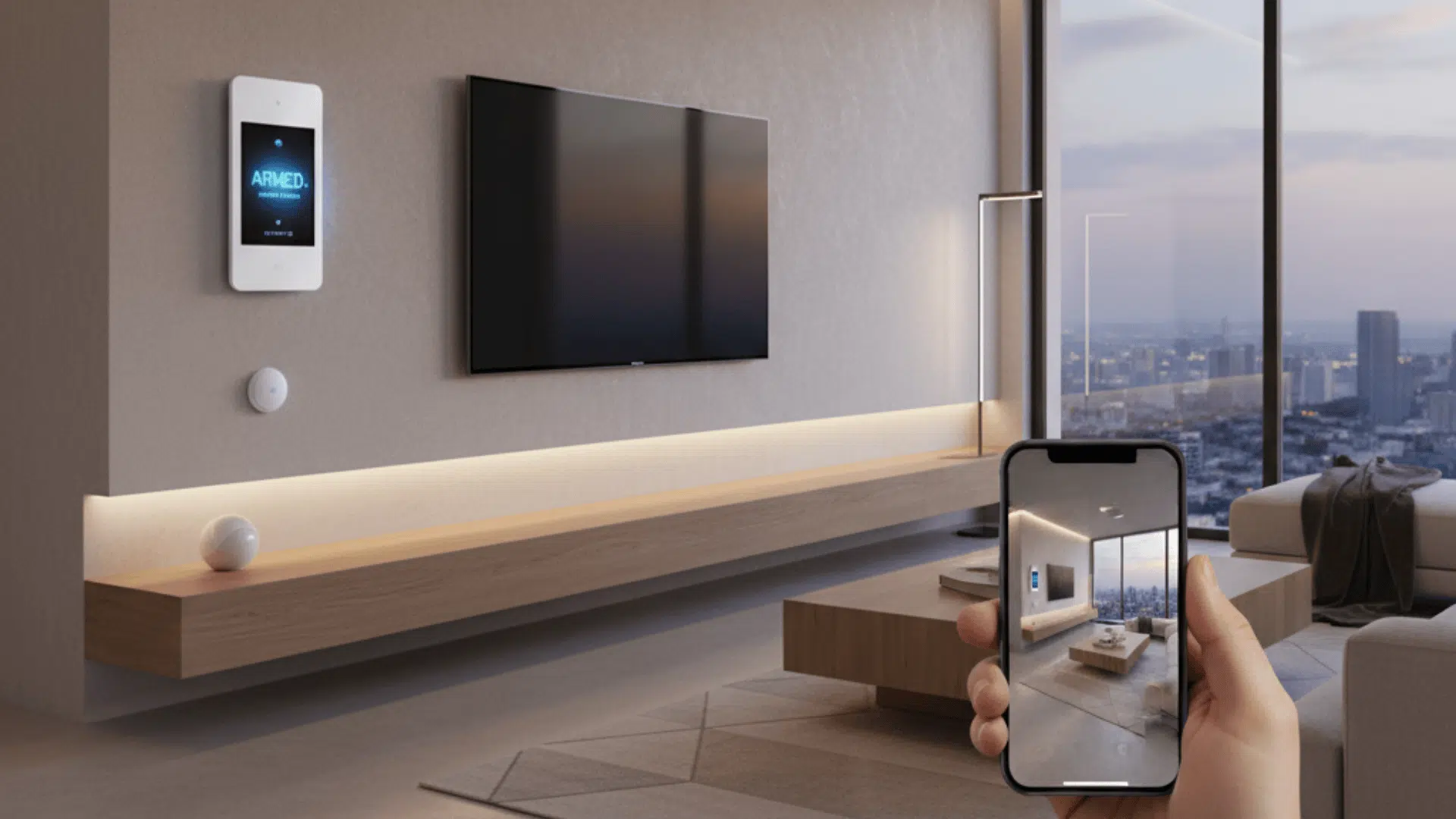
Many smart locks allow remote control through a mobile application. This means you can lock or unlock your door even when you are away from home.
Temporary codes can also be shared with guests, cleaners, or service providers.
3. Activity Tracking
Several smart locks include access history features. These logs show when the door was locked or unlocked and which user accessed the home.
This information helps you stay aware of entry activity.
Types of Smart Locks Available
Different smart lock models provide different access methods and installation requirements. The table below highlights the most common types and how they work.
| Smart Lock Type | How It Works | Common Use |
|---|---|---|
| Keypad Smart Locks | Unlocks the door using a numeric code entered on the keypad. | Popular for homes, rental properties, and short-term stays, where codes can be changed easily. |
| Bluetooth Smart Locks | Connects to your smartphone and unlocks when your phone is nearby. | Convenient for daily home use with automatic unlocking features. |
| Wi-Fi Smart Locks | Connects to your home Wi-Fi network for remote control through a mobile app. | Useful for remote locking, notifications, and smart home system integration. |
| Biometric Smart Locks | Uses fingerprint scanning for secure door access. | Suitable for quick and secure entry without codes or keys. |
How Smart Lock Installation Works
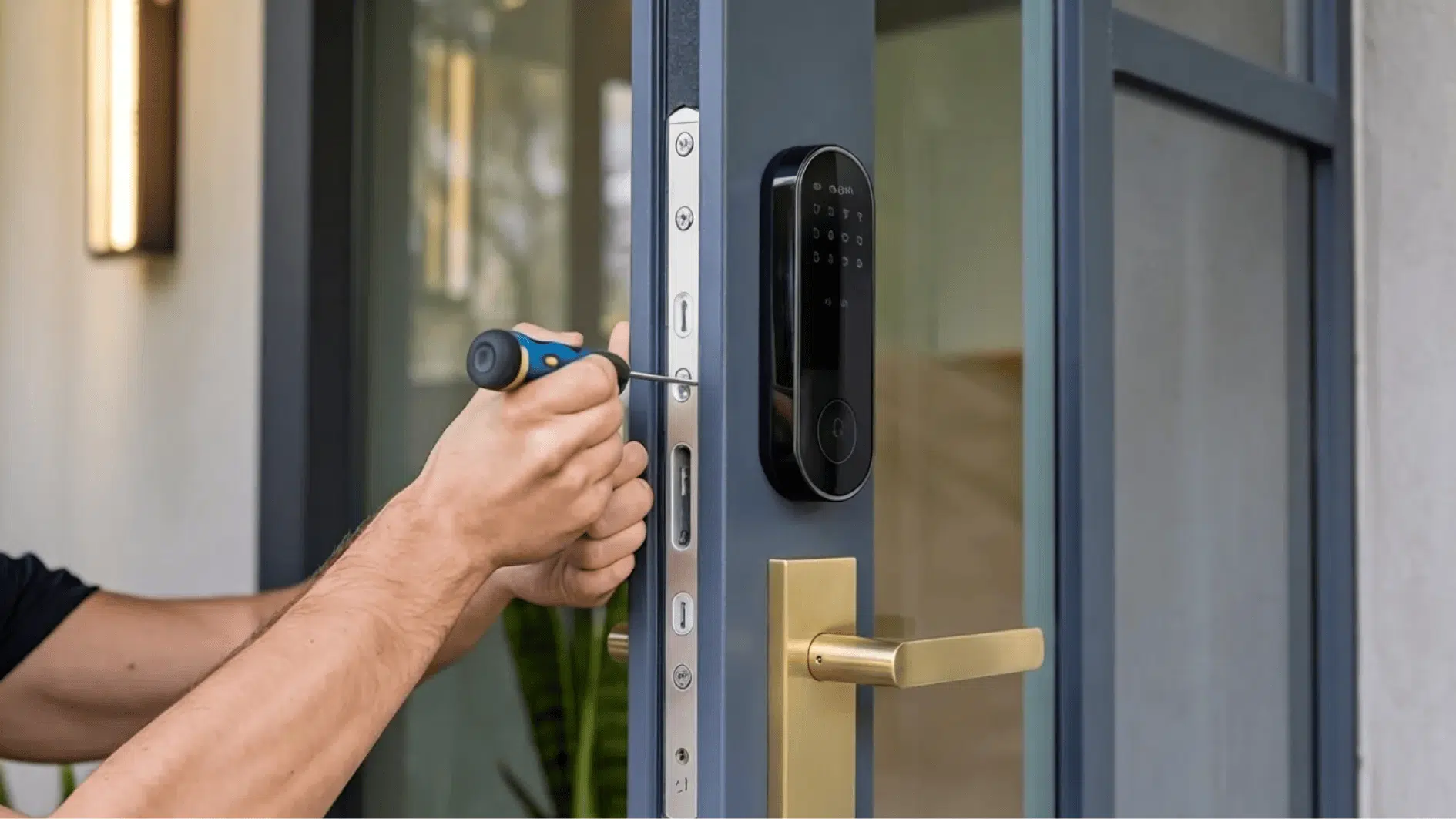
Installing a smart lock usually involves several steps to ensure the lock fits correctly and functions properly.
- Door Compatibility Check: The installation process begins by confirming that your door is compatible with the smart lock model. The installer checks door thickness, existing deadbolt measurements, and the alignment of the latch and strike plate.
- Removing the Existing Lock: The next step is to remove the current lock hardware from the door. This includes removing the deadbolt, handle hardware, and mounting screws.
- Installing the Smart Lock Hardware: After removing the old lock, the smart lock components are mounted onto the door. The internal mounting plate, keypad unit, and interior control module are assembled in accordance with the lock design.
- Connecting the Lock to the App: Once the hardware is installed, the lock must connect to its mobile application. This step links the lock to your smartphone or home automation system.
- Testing the System: After installation is complete, the installer tests all the lock’s functions. This includes keypad access, app control, and manual locking to ensure everything operates correctly.
How to Find Smart Lock Installation Services

If you prefer professional help, several service providers offer smart lock installation. These services can install the lock, connect it to the mobile app, and ensure the system works correctly.
One reliable option is Best Buy’s Geek Squad, which offers smart door lock and deadbolt installation. Technicians install the hardware and check that the lock functions properly.
Another service provider is HelloTech, which specializes in smart home device setup. Their technicians install the lock, connect it to Wi-Fi, sync the mobile app, and test key features.
You can also find installation services through platforms such as Angi and Thumbtack. These platforms connect you with locksmiths and smart home technicians in your area.
Before booking a service, it is helpful to review customer ratings and confirm that the installer has experience with smart lock systems.
Why Hiring a Professional Installer Helps
Although some smart locks support do-it-yourself installation, professional installers often deliver more reliable results. Proper fitting, system setup, and testing help ensure the lock works smoothly and securely.
1. Correct Lock Alignment
Door alignment plays a major role in how well a smart lock operates. If the lock is slightly misaligned, the deadbolt may not slide smoothly into the strike plate.
Professional installers adjust the lock position and hardware so the deadbolt fits correctly and operates without resistance.
2. Smart Home Integration
Many homes already use connected devices such as voice assistants or smart hubs.
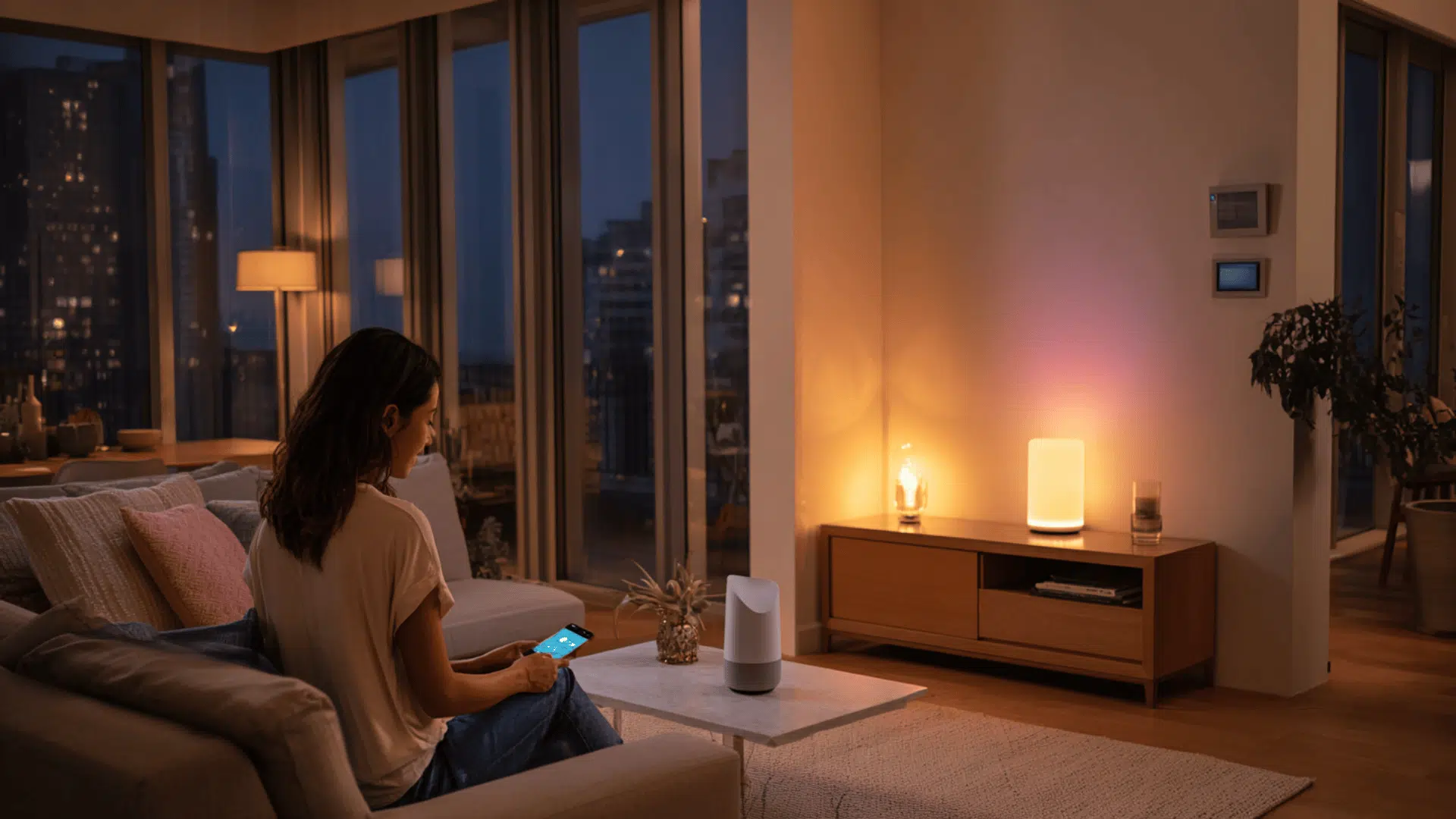
A professional installer can link the smart lock with platforms like Google Home or Amazon Alexa. This setup allows easier control through voice commands or centralized smart home apps.
3. Secure Configuration
Proper configuration is important for both safety and convenience. Installers help set up user permissions, administrator access, and mobile app controls.
They also test the system to confirm the lock connects properly and functions as expected.
4. Cost
The cost of installation depends on the lock model and the service provider. Basic installation usually ranges from $75 to $150. More advanced setups that include smart home integration often cost between $150 and $300.
Biometric locks or complex door setups may increase the total price. Before scheduling a service, confirm what the installation package includes, such as lock setup, app configuration, and system testing.
Tips Before Installing a Smart Lock
A few preparation steps can help make installation easier.
- Confirm that your door is compatible with the smart lock hardware. Door thickness and deadbolt size must match the lock design.
- Check the strength of the Wi-Fi signal near the door if the lock uses internet connectivity.
- Review the lock’s compatibility with your existing smart home devices.
Preparing these details in advance helps ensure the installation process runs smoothly.
Conclusion
Smart lock installation offers a practical way to manage home entry using digital access methods.
With features such as keyless entry, remote control, and activity tracking, smart locks offer convenience and enhanced access management.
Although some locks allow self-installation, professional installation often ensures the system works smoothly and connects properly to its mobile application.
By selecting the right lock and working with a qualified installer, you can upgrade your home entry system and manage access with greater control and convenience.